God-Menu(English) -Th3d4rkn3ss
Bedrock add-on listed for Minecraft 1.20–26.x (behavior pack only). File opened and checked on 19 Sep 2026; installs from the MC Bedrock Mods app on Android.
Minecraft Bedrock mod menu with 500+ features! Weapons, god mode, teleport, fun, building, and more. Open it with the command `/tag @s add tanri`!
⬇ Download on CurseForge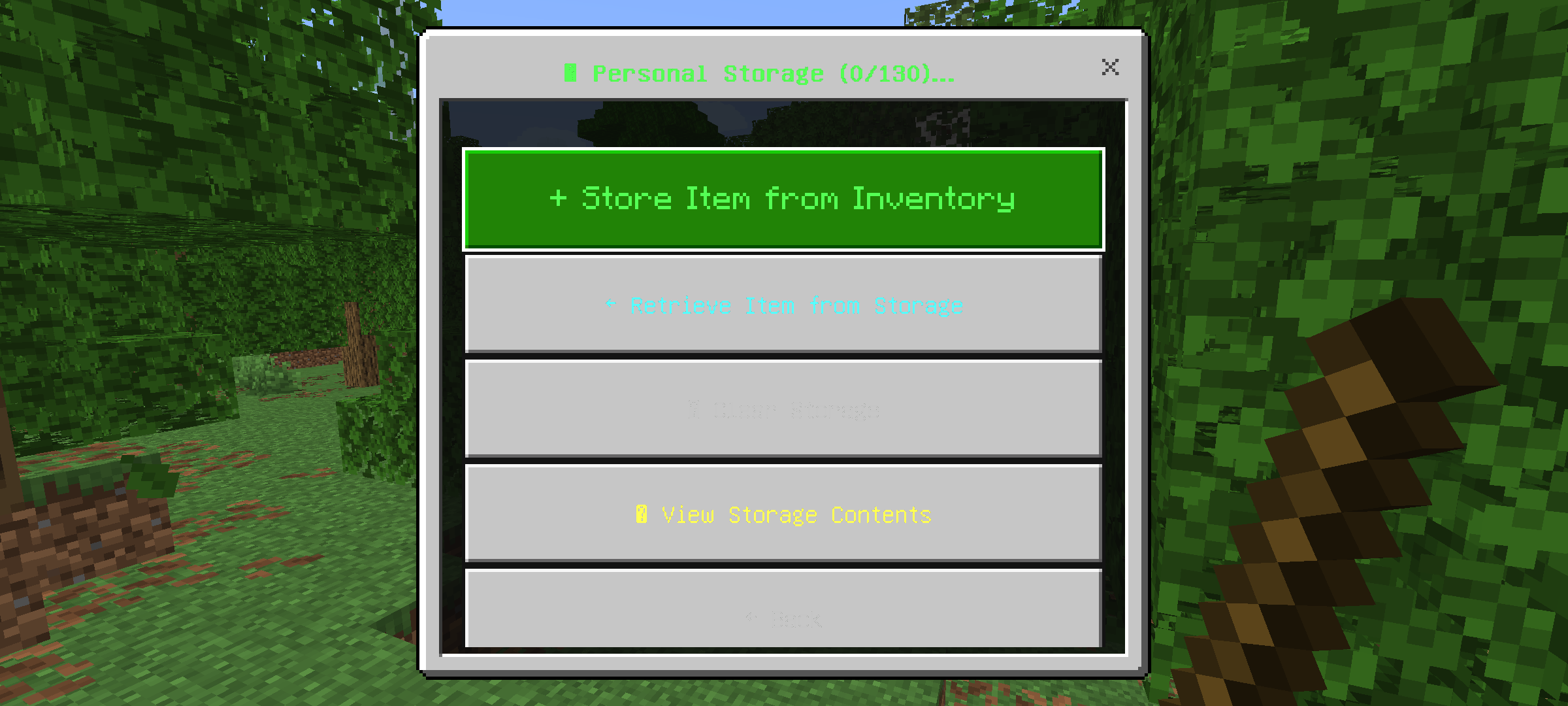
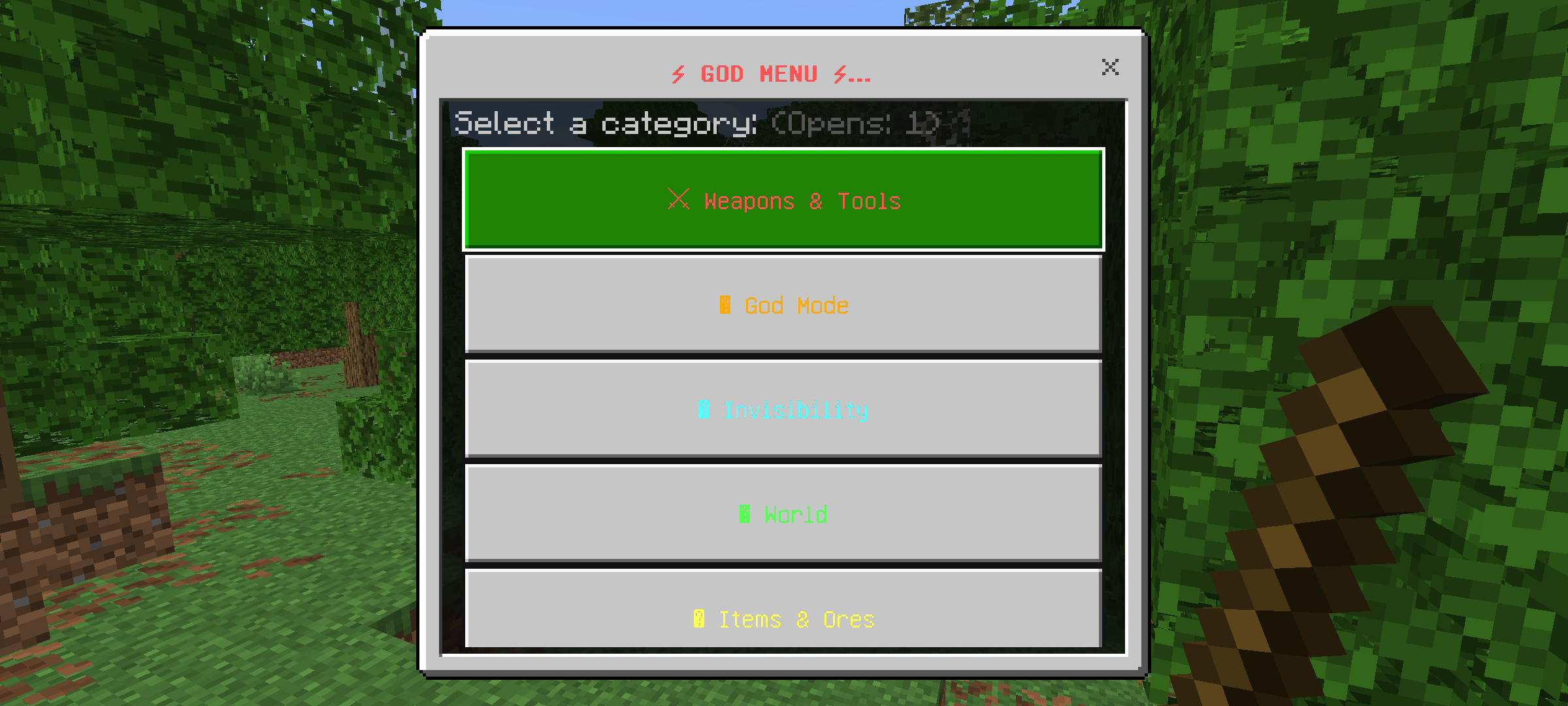
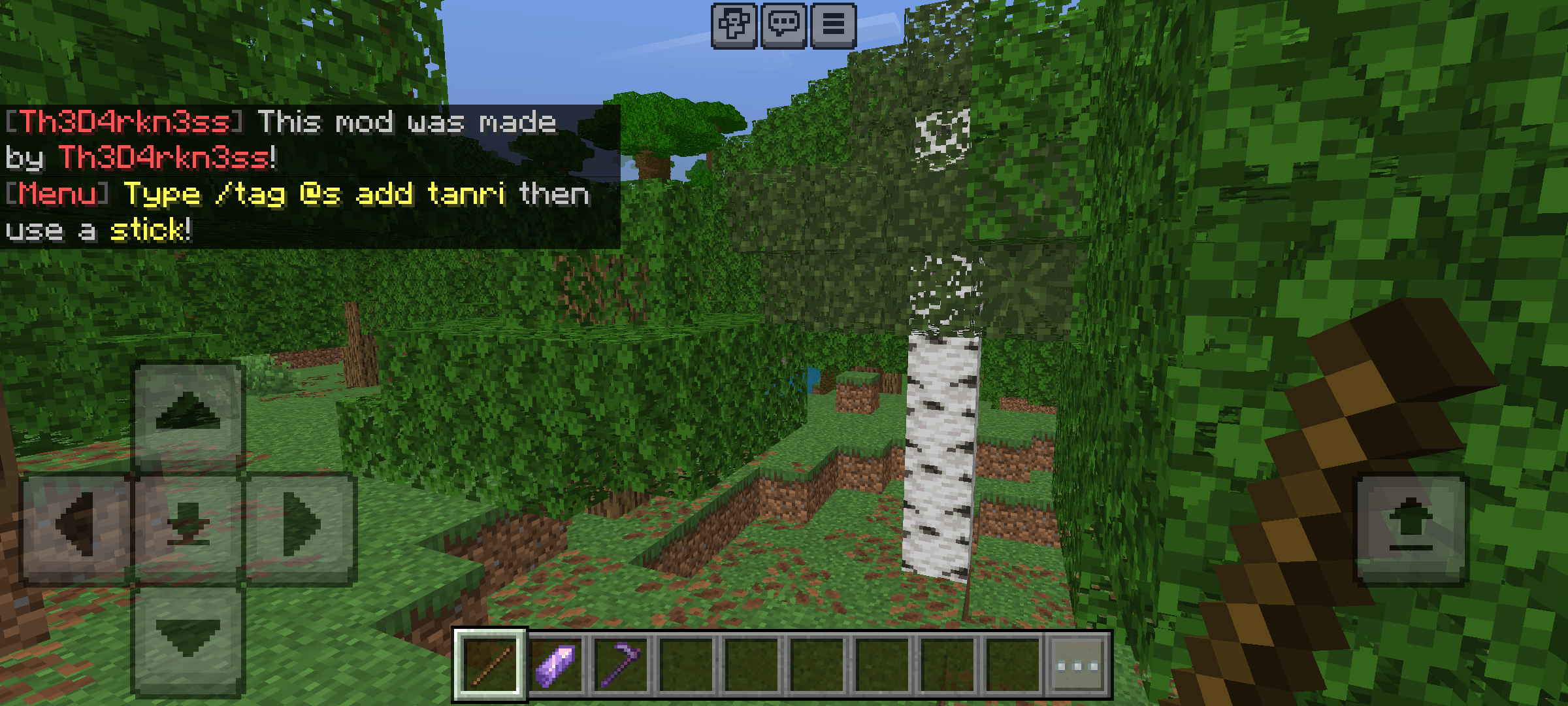
⚡ GOD MENU - Created by Th3D4rkn3ss!
✅ Over 65 categories, over 500 features
✅ Minecraft Bedrock 1.20 and above
✅ English interface
🔥 Features:
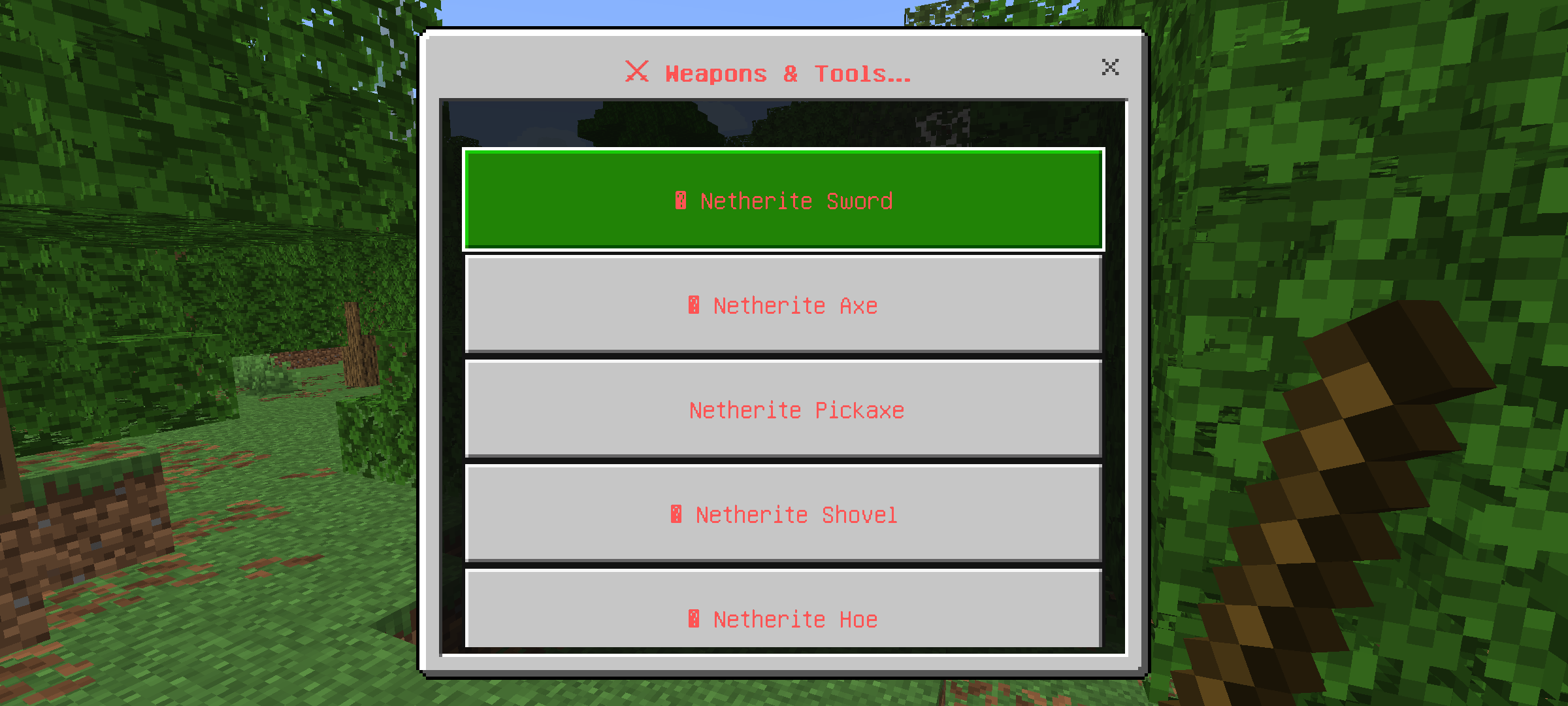
- ⚔ Netherite weapons and armor
- 👑 God mode and immortality
- 🌍 World control
- 🌀 Interdimensional teleportation
- 🏗 Auto-build
- 🎒 Personal storage (130 slots)
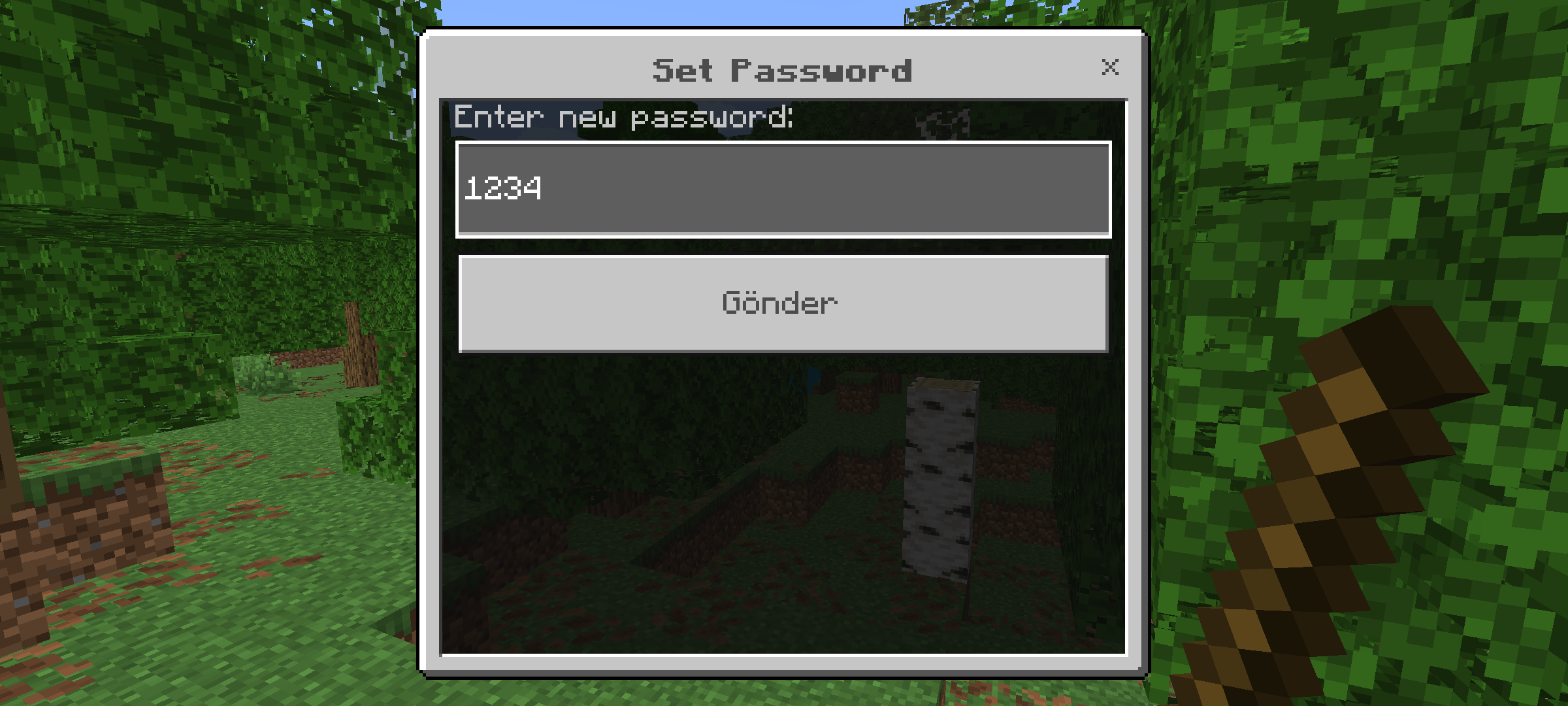
- 🔒 Combination lock system
- And much more!
📌 Usage Instructions:
1. Download the pack and import it into Minecraft.
2. Enable Beta APIs in the world settings.
3. Type `/tag @s add tanri`.
4. Hold a stick in your hand and use it!
Updated to v1.1
Thank you for your support! This update focuses on improving the Personal Storage system, fixing bugs, and providing a smoother gameplay experience.
Changes
✅ Fixed Personal Storage issues.
✅ Reduced Personal Storage capacity from 200 slots to 130 slots.
✅ Fixed enchanted item save/load issues.
✅ Improved Personal Storage stability and reliability.
✅ Improved overall performance.
✅ Fixed various bugs and minor issues.
✅ General optimizations for a smoother experience.
Thank you for using God Menu! More features and improvements are coming in future updates.
⚠️ IMPORTANT NOTICES AND DISCLAIMERS
📦 General:
This addon includes over 65 categories and over 500 features. While most features work as expected, some minor features may behave differently depending on your Minecraft Bedrock version, world settings, or device. Minor visual effects, particles, and sounds may not appear on all devices. This is normal for large-scale add-ons of this size and does not affect core functionality.
🟡 Multiplayer Note:
Certain features, such as time and weather controls, affect the entire world and all players within it. Please use these features responsibly in multiplayer environments.
The developer is not responsible for any loss of items or world changes resulting from a failure to heed these warnings.
- Edition: Minecraft Bedrock
- File type: .mcpack or .mcaddon
- Minecraft versions listed: 1.20.40, 1.21.30, 1.21.50
- How to install: Download the .mcpack or .mcaddon file. → Open it — Minecraft imports it. → In your world: Behavior Packs → Available → Activate, then the same under Resource Packs.
- Where to get it: Opens on CurseForge — not every file is mirrored on our own servers.
Install steps are the general flow for this file type — How to install Minecraft Bedrock addons & mods walks through it step by step.
- Save it as TanriMenusu.mcaddon before opening — it downloads as .mcpack, but it is a .mcaddon pack
- Manifest requires Minecraft 1.21.0 or newer
- Complete pack — everything it depends on is inside the file
- Download size: 40 KB
- Download link checked 9 Oct 2026 — working
These come from our own check of the pack file, not from the source page.