ResourcepacksJava
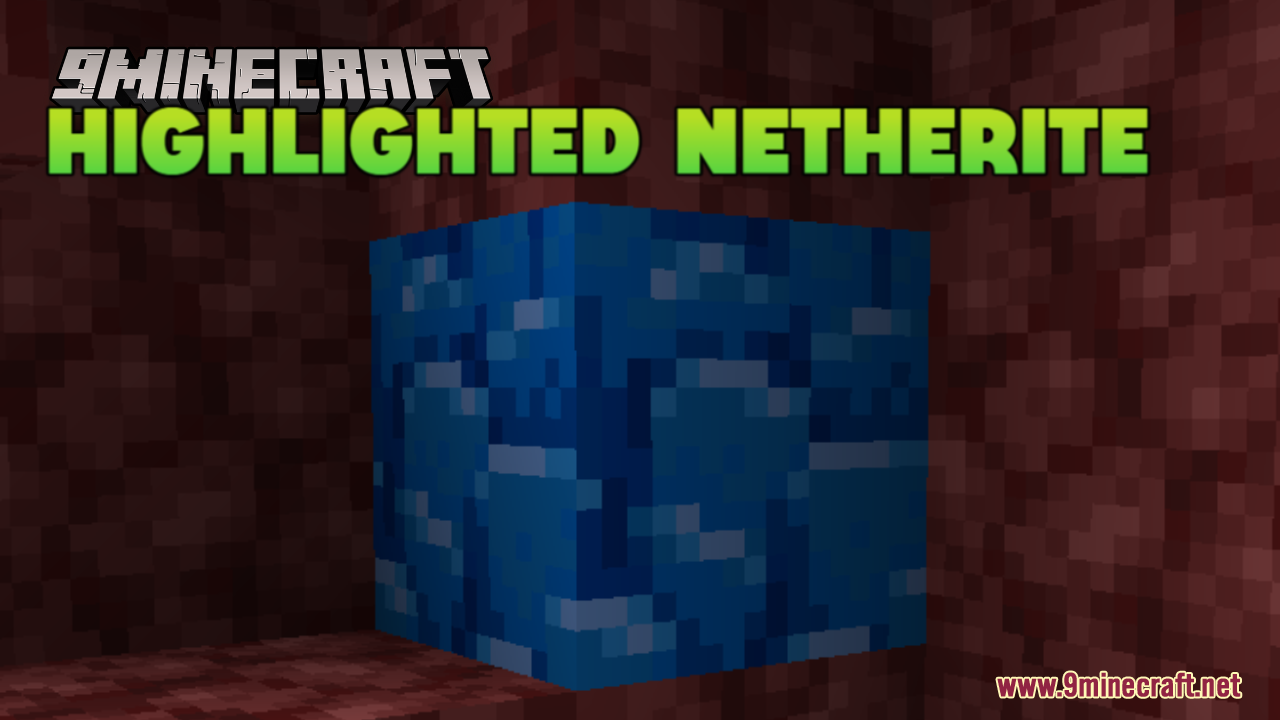
Highlighted Netherite Resource Pack (26.2, 1.20.1) – Never Miss Netherite
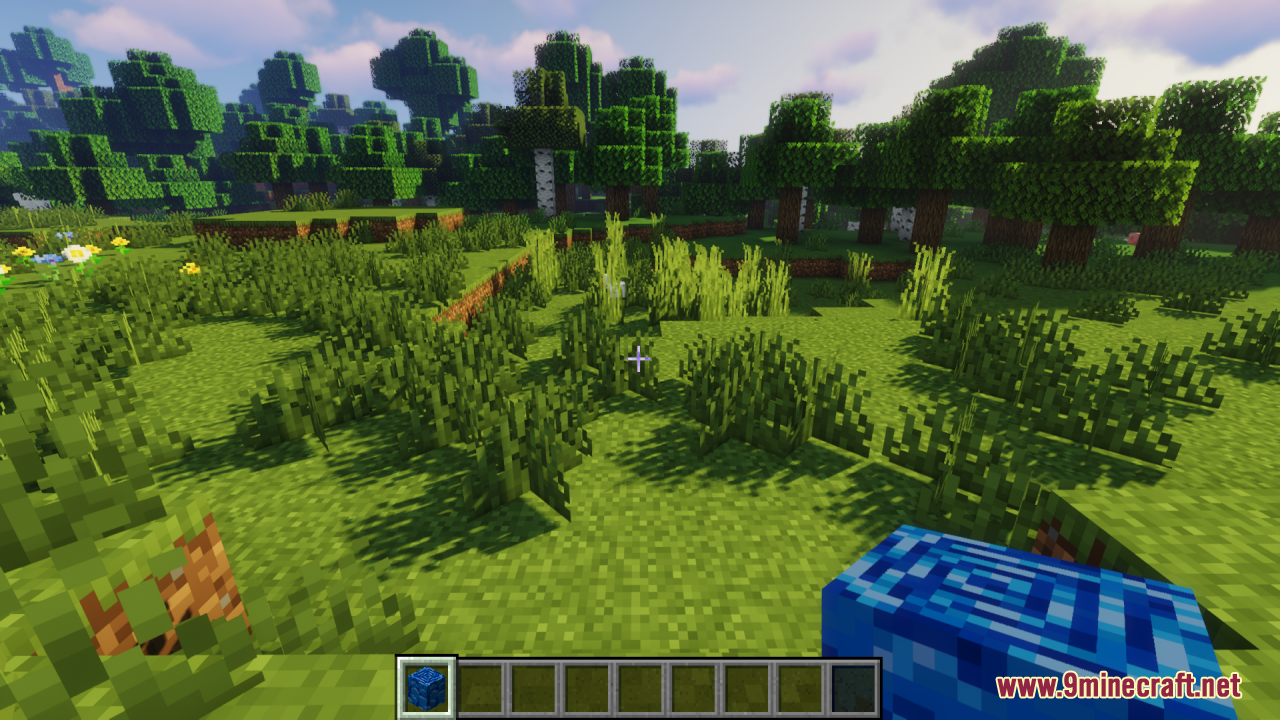
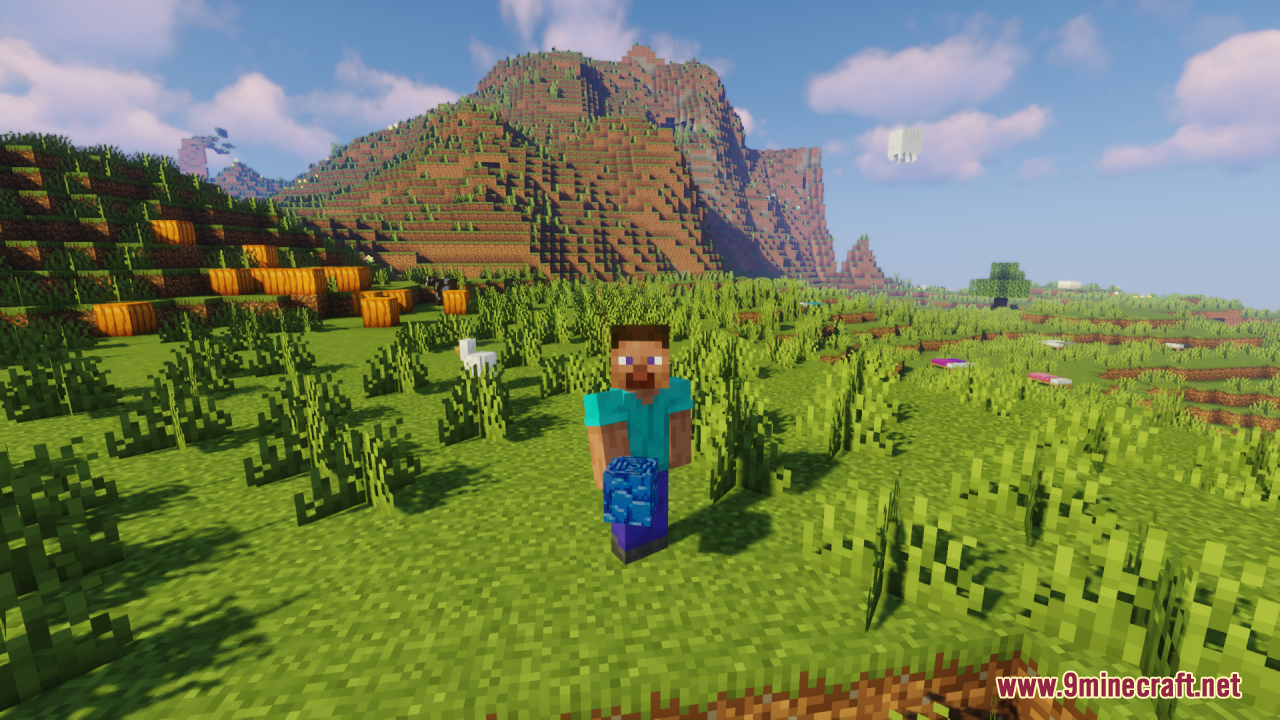
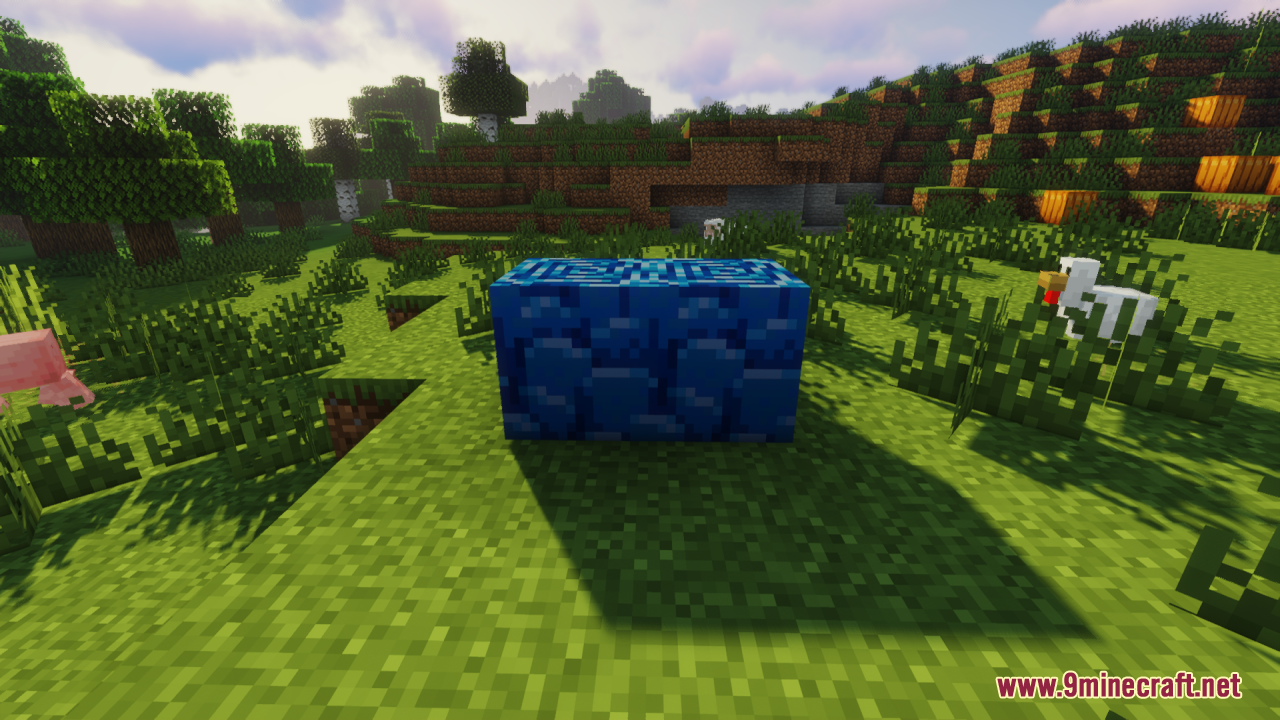
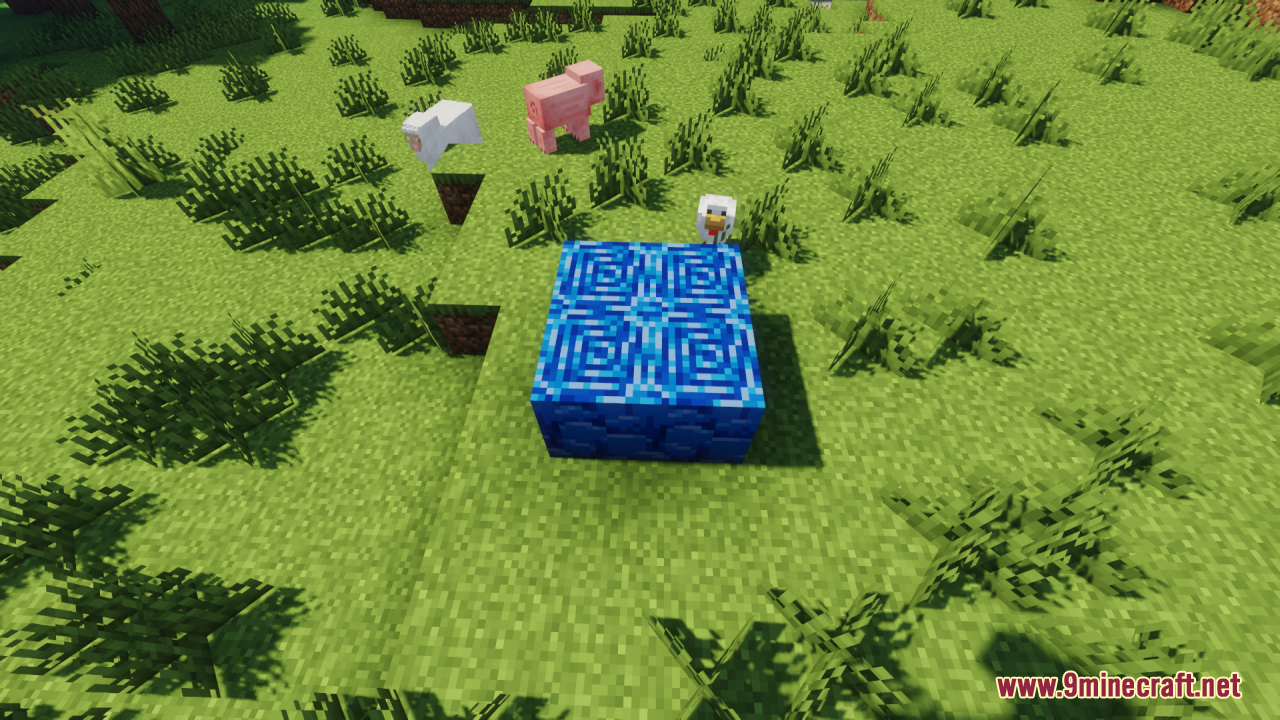
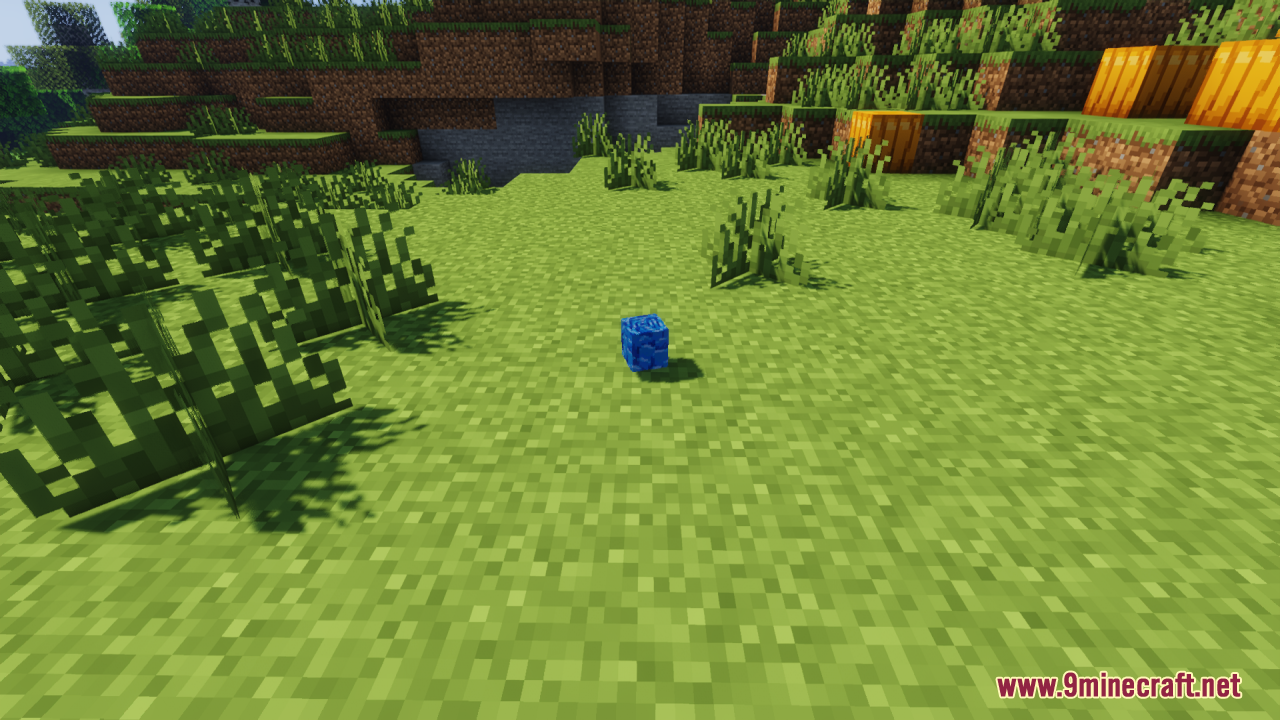
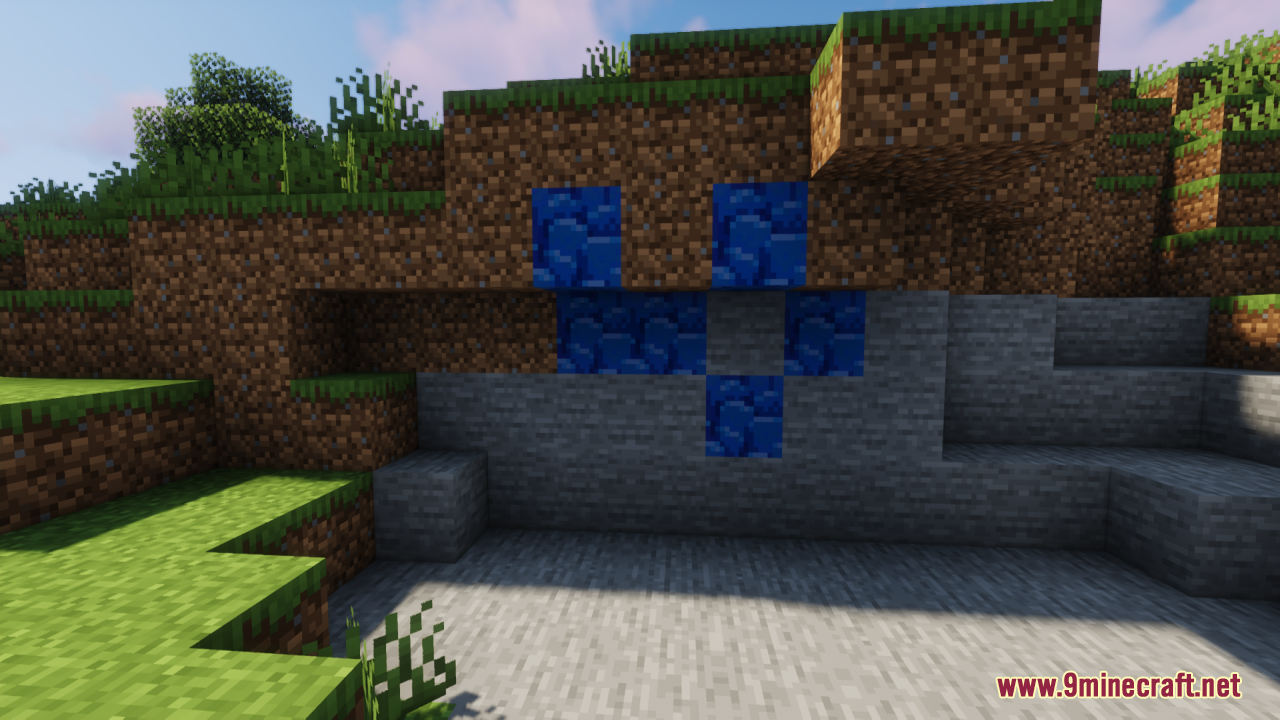
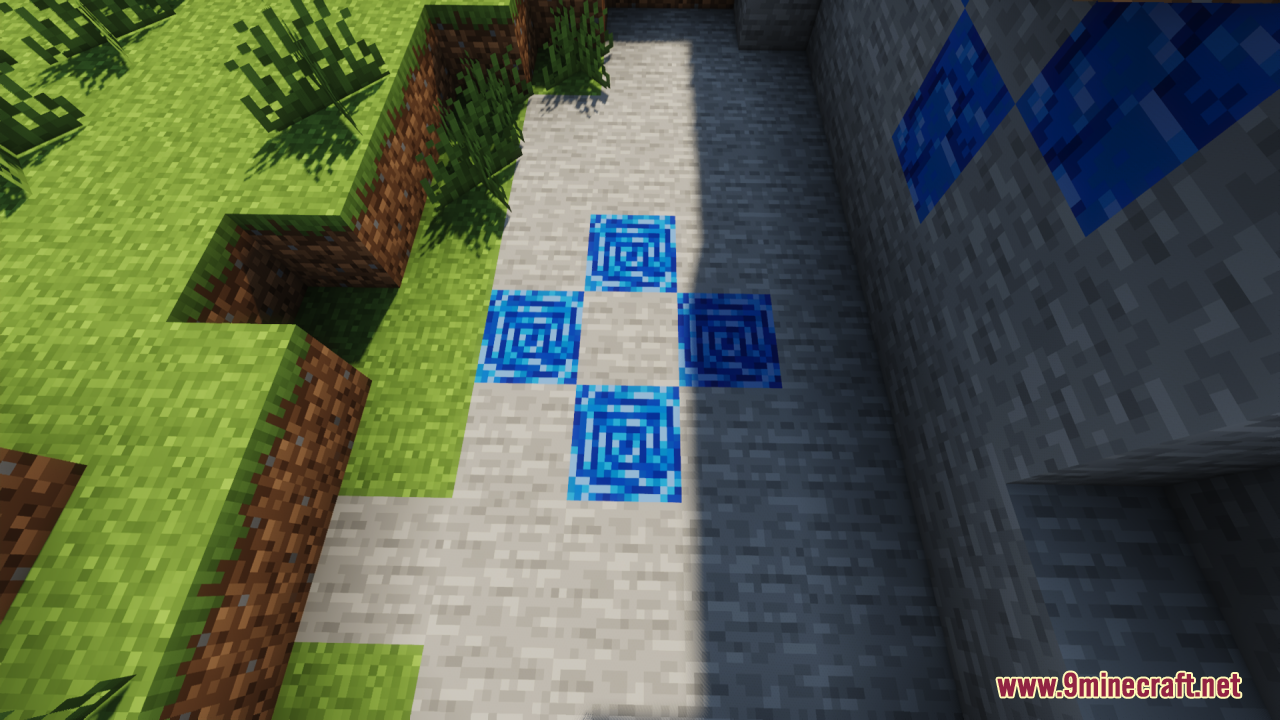
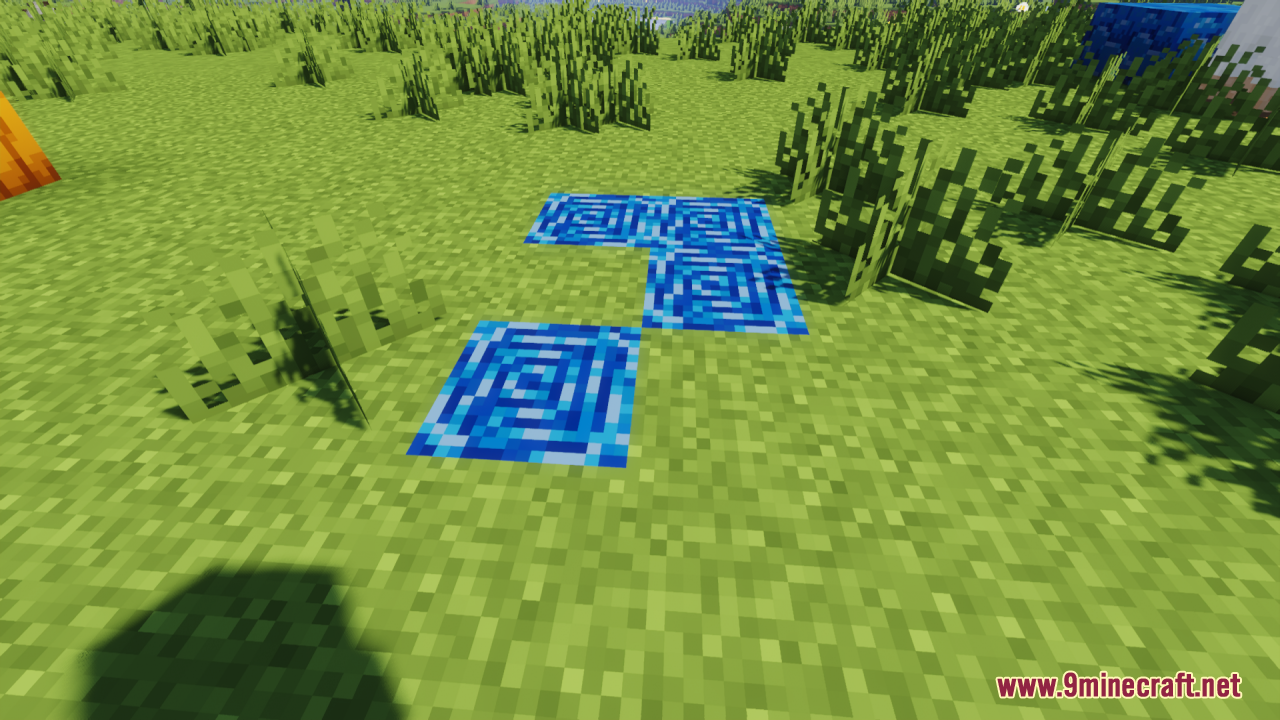
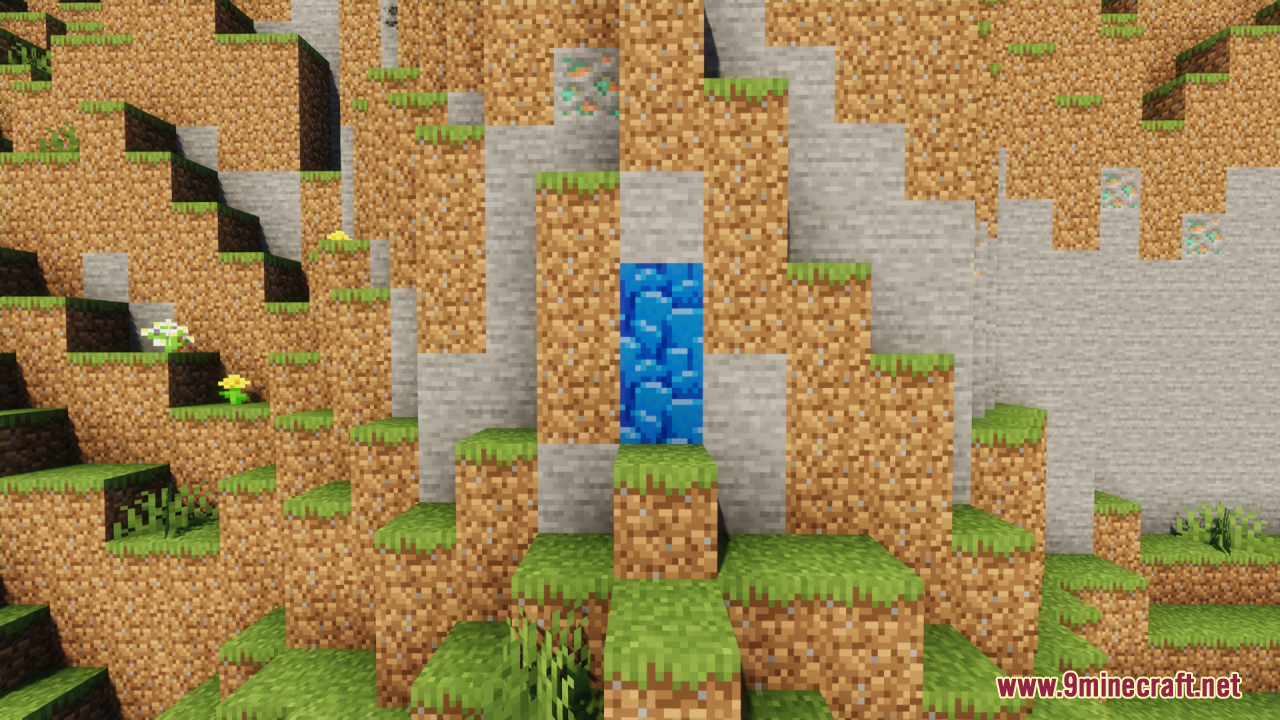
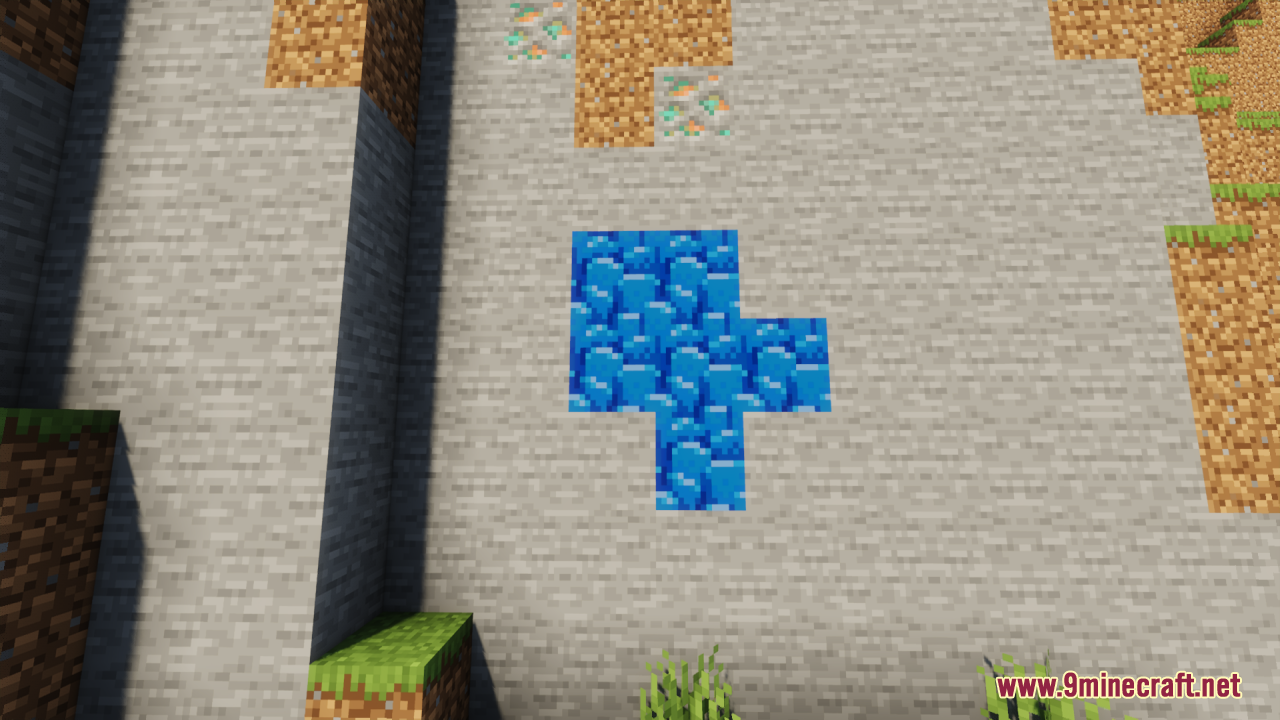
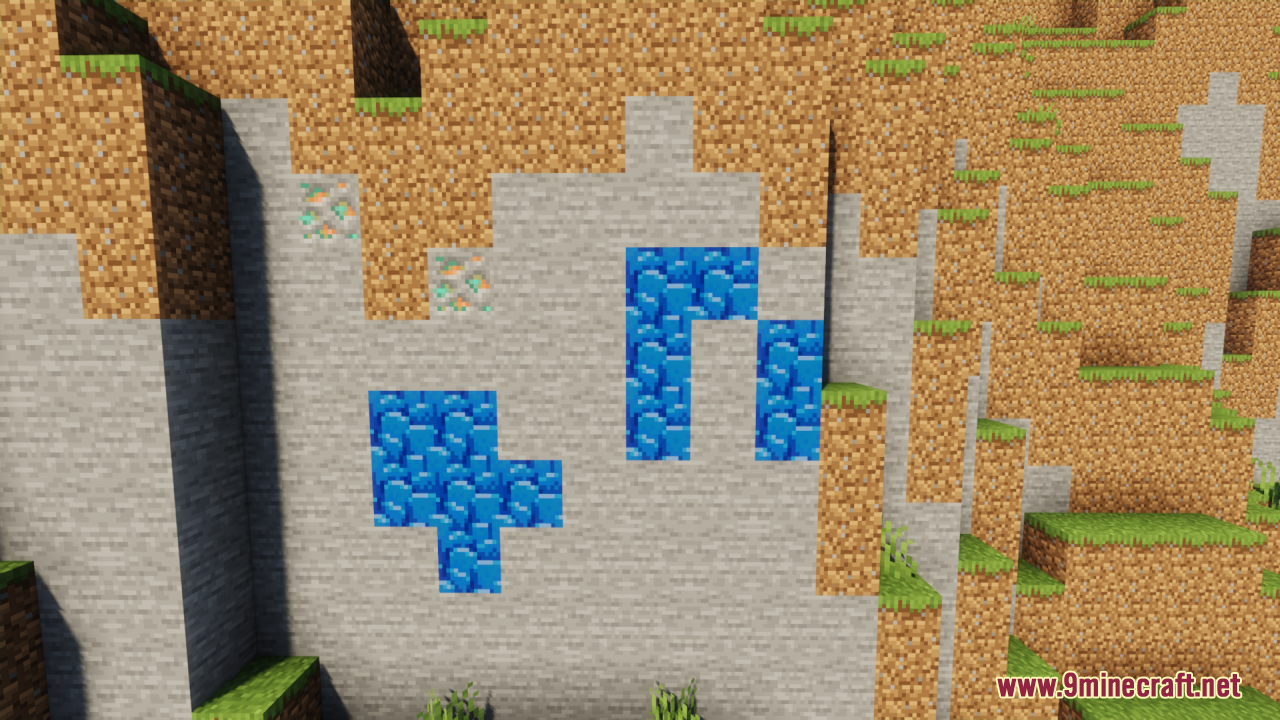
Highlighted Netherite Resource Pack replaces vanilla Ancient Debris with a bright blue block. This pack helps players spot rare ores while digging in the Nether. Ancient Debris normally blends in with standard Netherrack and lava. The new blue color stands out sharply against the dark red environment. You save time and gather materials faster because the blocks catch your eye immediately.
Features:
- Blue Color Change: The pack turns the normal brown Ancient Debris into a bright blue block.
- Clear Contrast: The bright block looks completely different from the red Nether blocks around it.
- Quick Spotting: You notice the ore right away while clearing out large areas in the Nether.
Screenshots:
Highlighted Netherite Resource Pack Download Links
Quick facts
- Edition: Minecraft Java
- File type: .zip (resource pack)
- Minecraft version listed: 1.20.1
- How to install: Download the .zip resource pack — do not unzip it. → Put it in .minecraft/resourcepacks. → Enable it in Options → Resource Packs.
- Where to get it: In MC Java Mods, or directly above on this page.
Install steps are the general flow for this file type — How to install Minecraft Java resource packs walks through it step by step.
Verified by MCModsHub
- Downloads as 3717.mcpack
- Download size: 114 KB
- Download link checked 27 Jul 2026 — working
- Mirrored on our own servers — the download does not depend on the original host
These come from our own check of the pack file, not from the source page.