More uses for your Brush so that you'll always want to keep one with you!
Screenshots taken using Chroma Visuals and Supplementaries add-on!
Bristled is an Add-On which focuses on making Minecraft's brush usable in many more ways than just brushing away at Suspicious Blocks.
Features
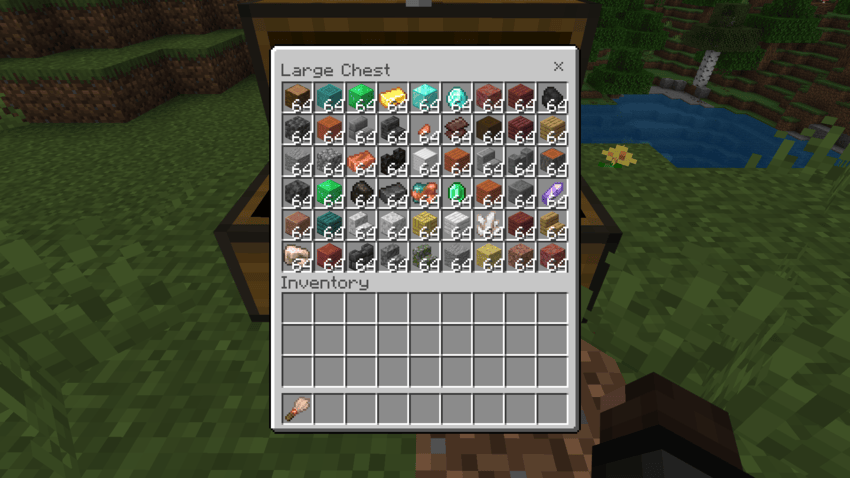
- Brush Sorting, a mechanic that allows you to punch or interact with a container using a Brush to automatically sort its contents. The following images show a chest before and after sorting:
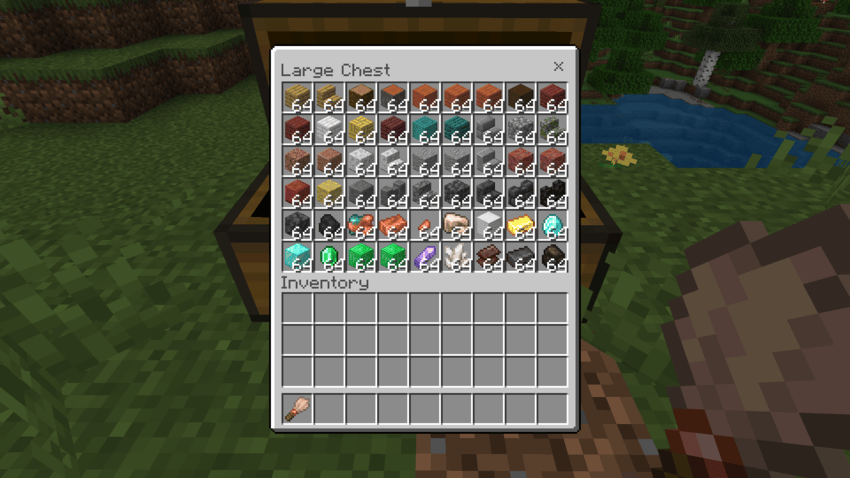
- Dye Brushes, items that allow players to dye blocks by interacting with them. They can be used a maximum of 64 times and are made with a Brush and any color of Dye.
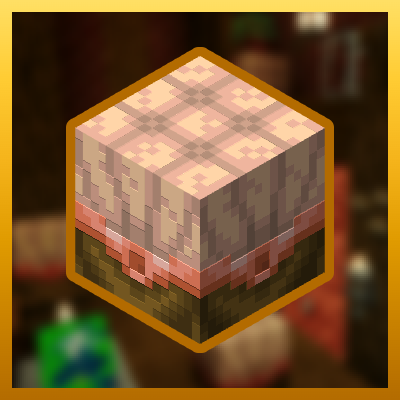
- Bristles, redstone blocks resembling large brushes that automatically sort whatever block they're facing when powered by redstone.
- Bristles can be crafted using any Log, any Block of Copper, three Feathers, and two Redstone Dust
- When interacted with, Bristles change their Sort Mode, allowing players to choose how they want their items to be sorted. The following sort modes exist:
- Canonical (Default, sorts items similarly to the Creative Inventory)
- By Amount (Ascending)
- By Amount (Descending)
- By ID (Ascending)
- By ID (Descending)
- By Add-On (Ascending)
- By Add-On (Descending)
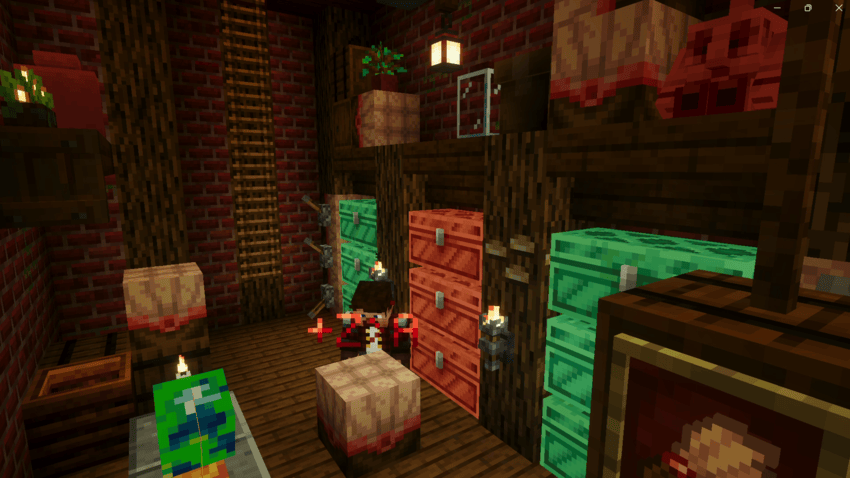
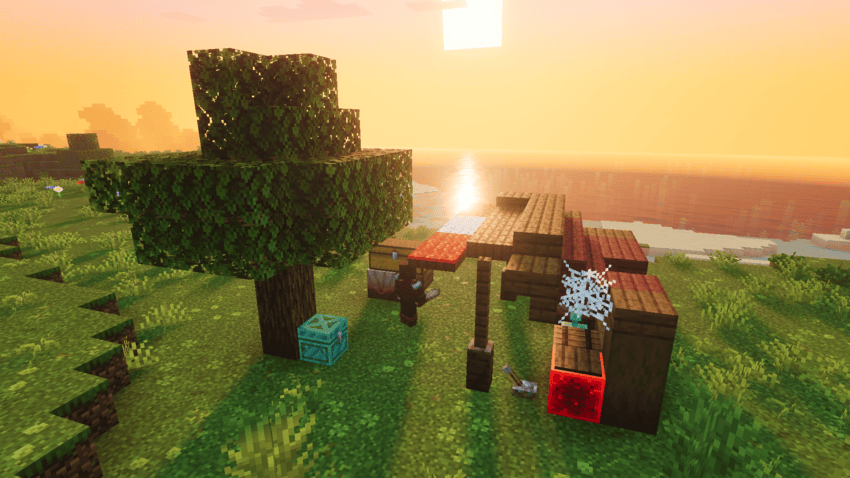
- Storage Shacks, small structures that appear in the overworld which house beginner loot and numerous Brushes and Bristles.
Additionally, Bristled is a highly configurable addon. Personal configuration can be accessed via /bristledconfig and offers options including:
- The Sort mode that Brushes should use when sorting.
- Whether or not Dye Brushes should be able to sort, and if so, what sort mode each color should use.
- Whether or not Bristles inherit the player's default sort mode when placed.
- Whether or not to show tooltips when the player changes the sort mode of a Bristle.
Supported Languages:
- English (US)
- Spanish (MX)
Enjoy!
Huge thanks to RevanMay for helping with Spanish Translations and Bristle Textures and 171 for suggesting Config changes!
- Edition: Minecraft Bedrock
- File type: .mcpack or .mcaddon
- Minecraft version listed: 26.30
- How to install: Download the .mcpack or .mcaddon file. → Open it — Minecraft imports it. → In your world: Behavior Packs → Available → Activate, then the same under Resource Packs.
- Where to get it: Opens on CurseForge — not every file is mirrored on our own servers.
Install steps are the general flow for this file type — How to install Minecraft Bedrock addons & mods walks through it step by step.
Bristled is a free Minecraft Bedrock addon. Compatible with Minecraft 26.30. Downloaded 355 times (via CurseForge). Download it and open it directly in the game.