
Farming Valley GUI Resource Pack (1.20.1) – Cozy Stardew
Java resource pack listed for Minecraft 1.20. Downloads from the MC Java Mods app on Android.
⬇ Download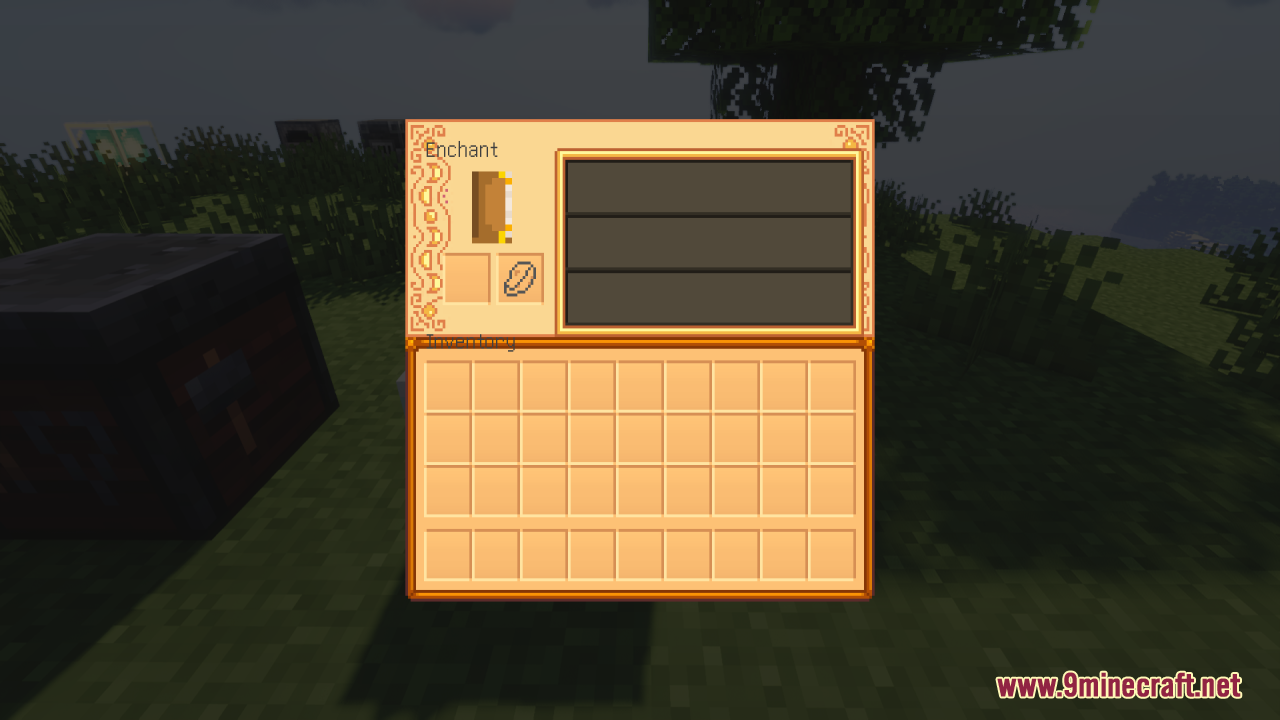
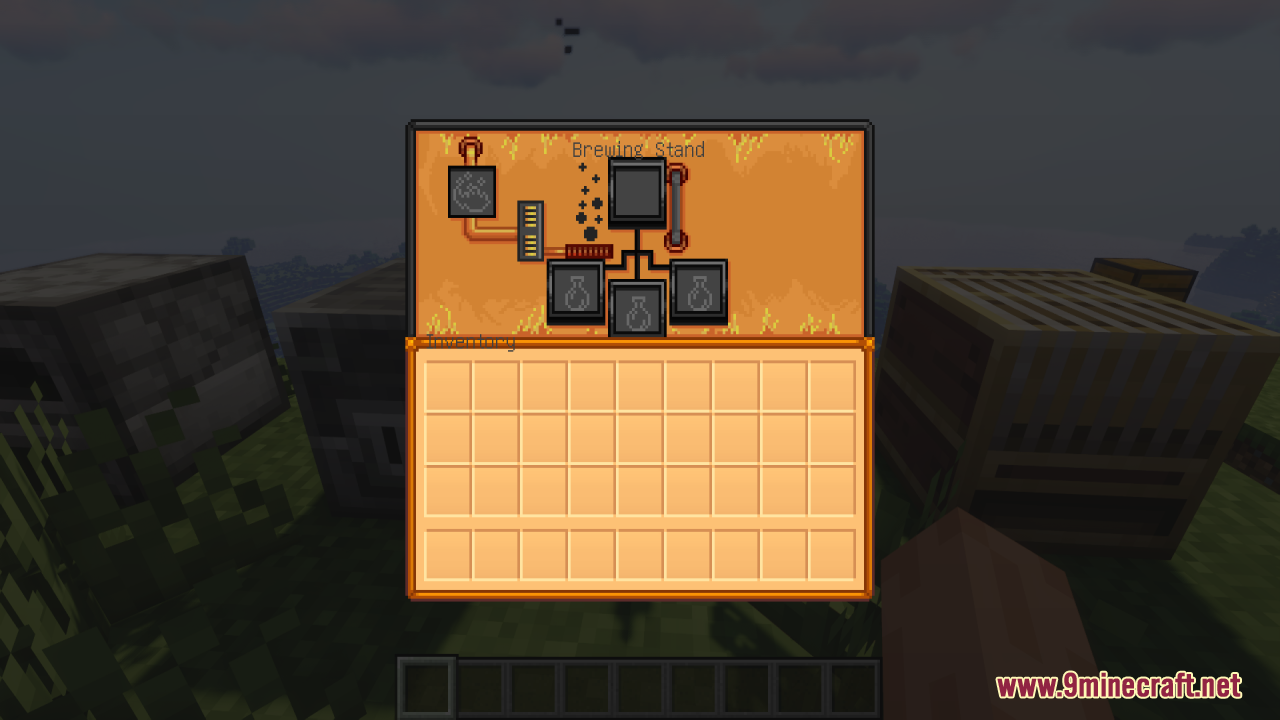
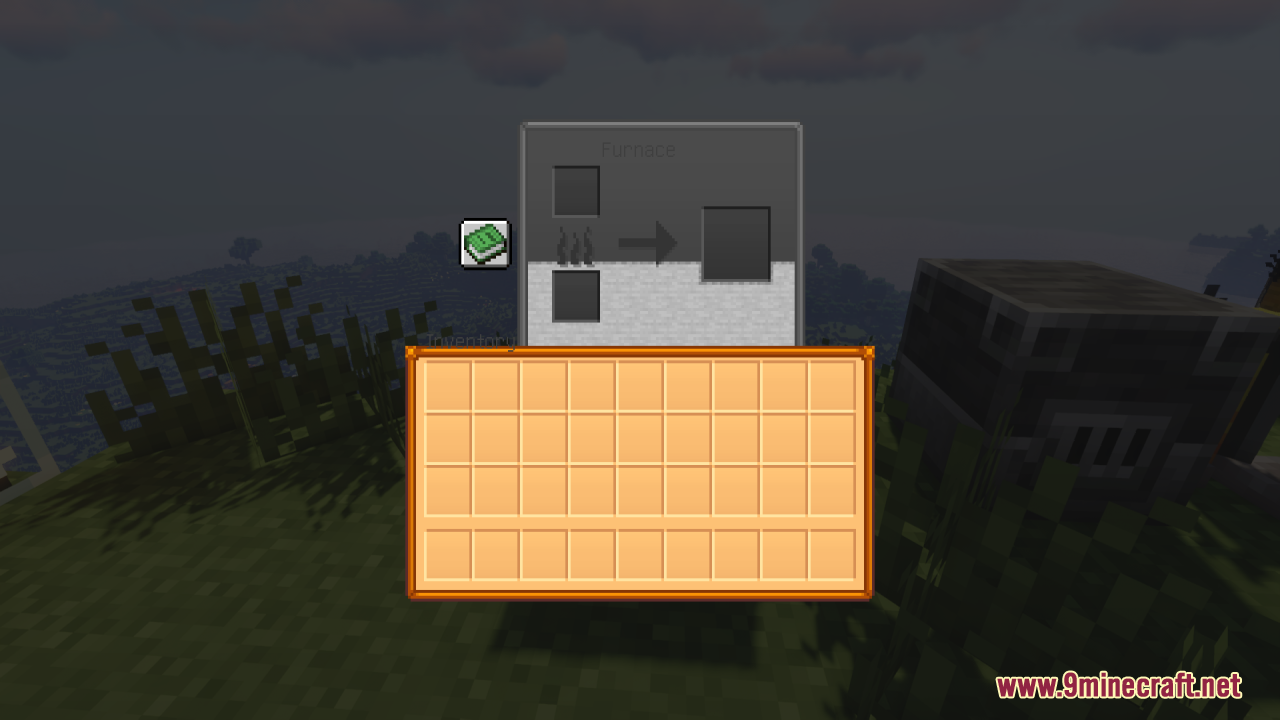
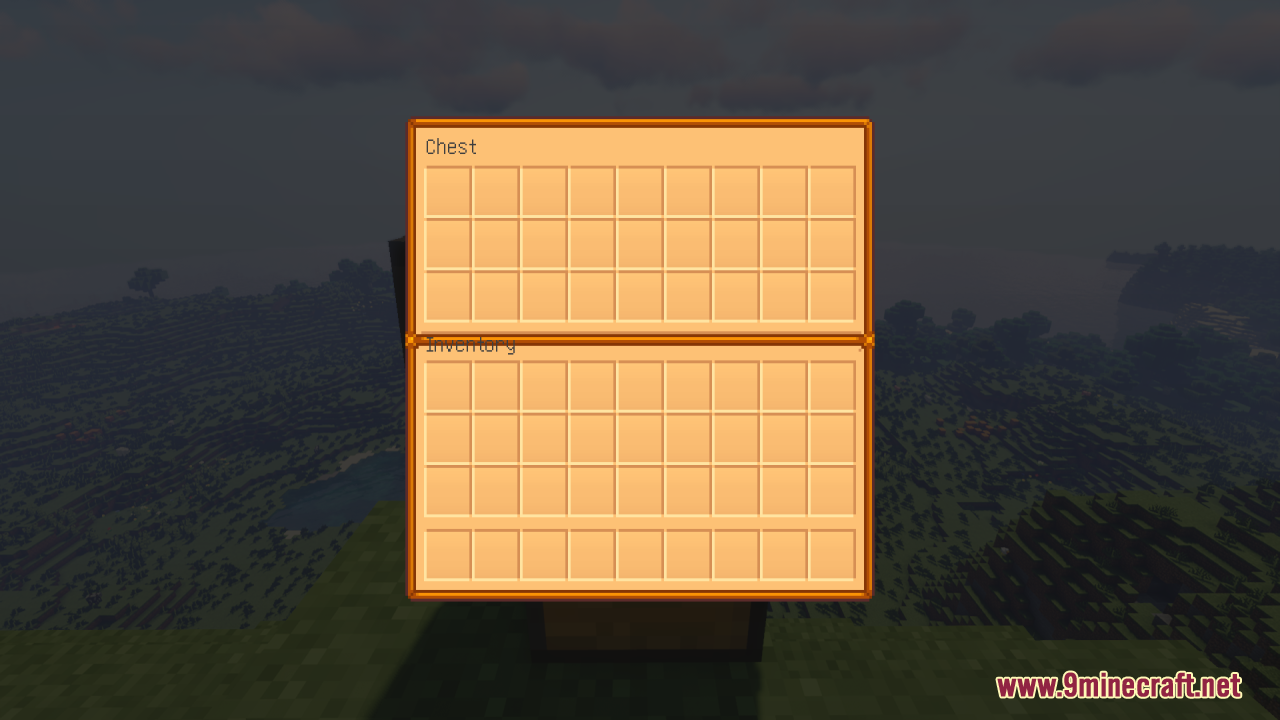
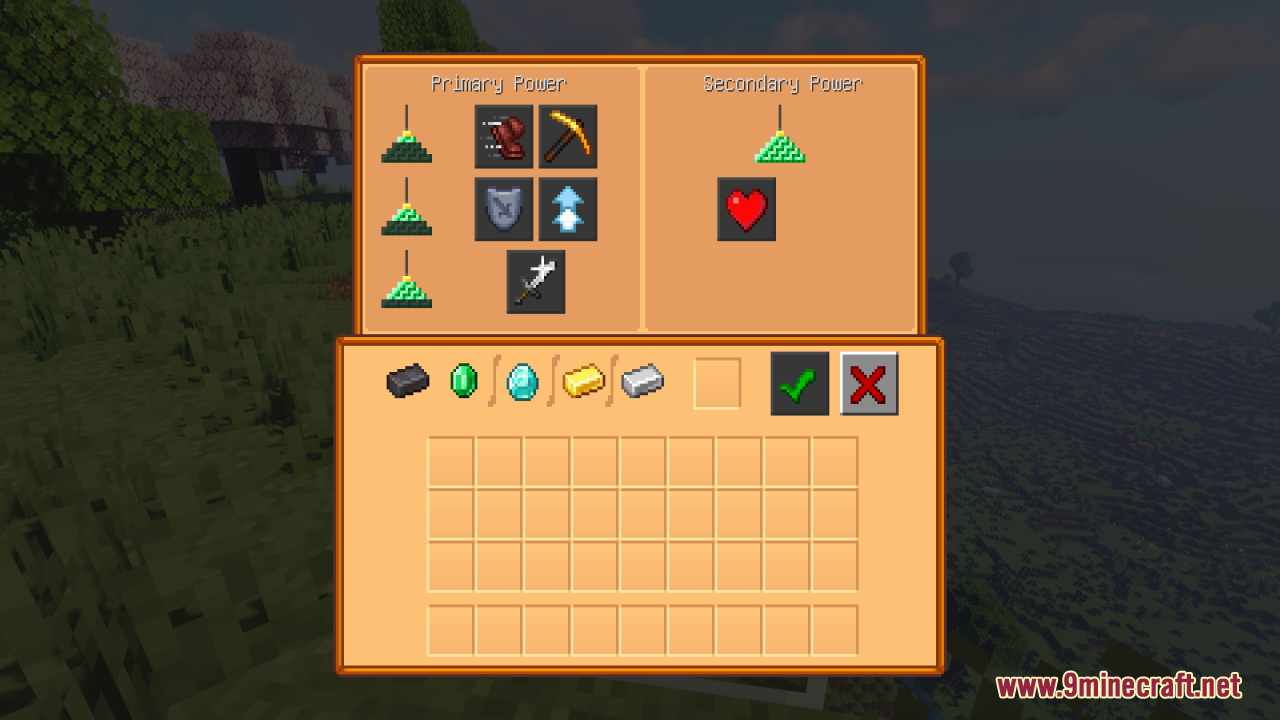
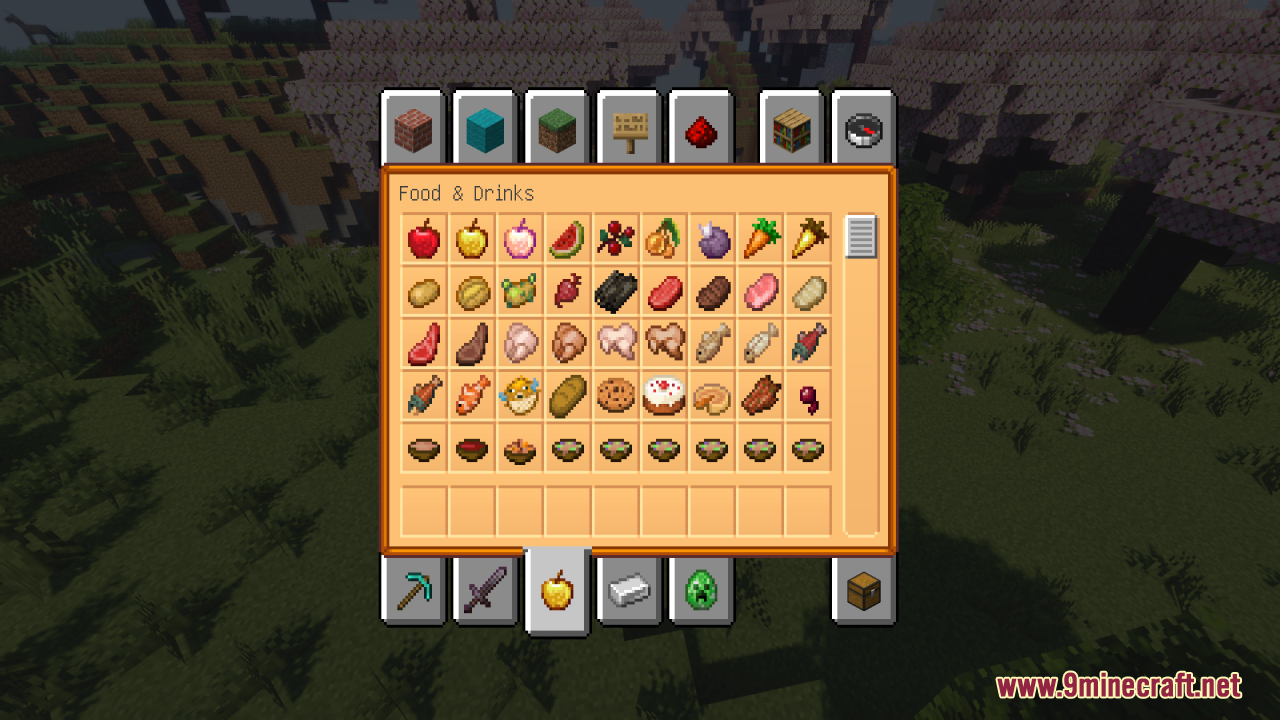
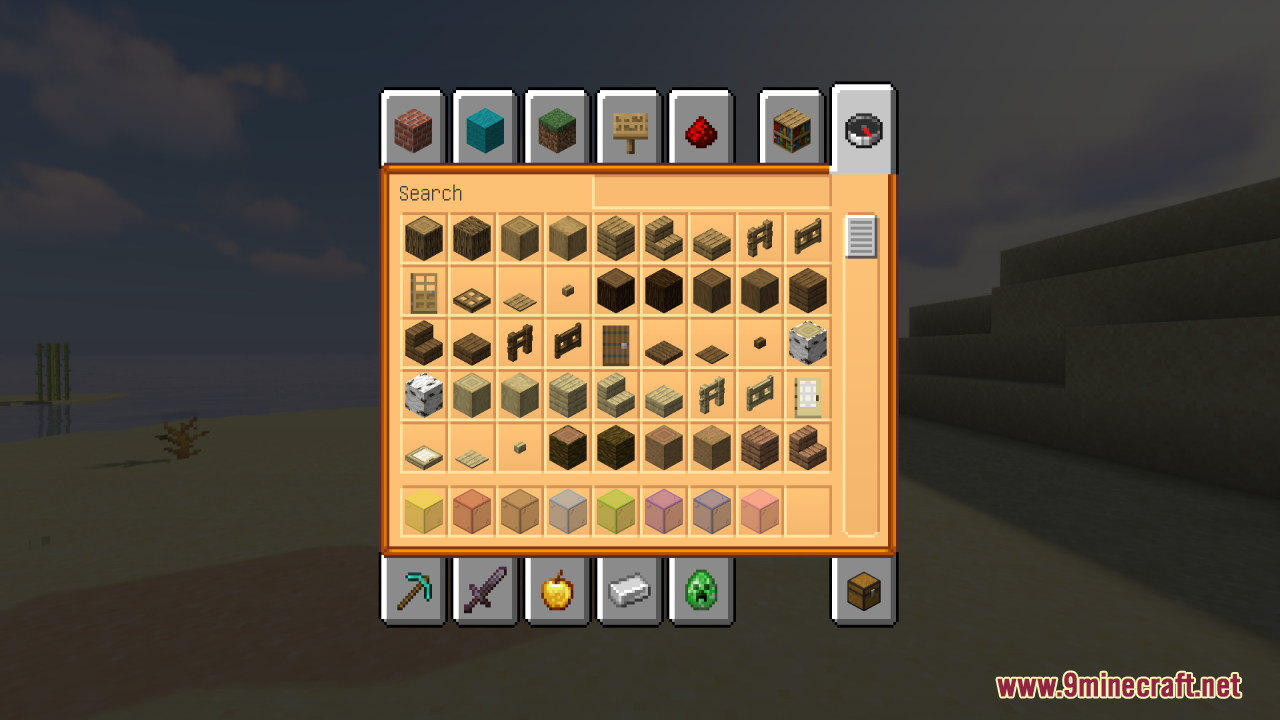
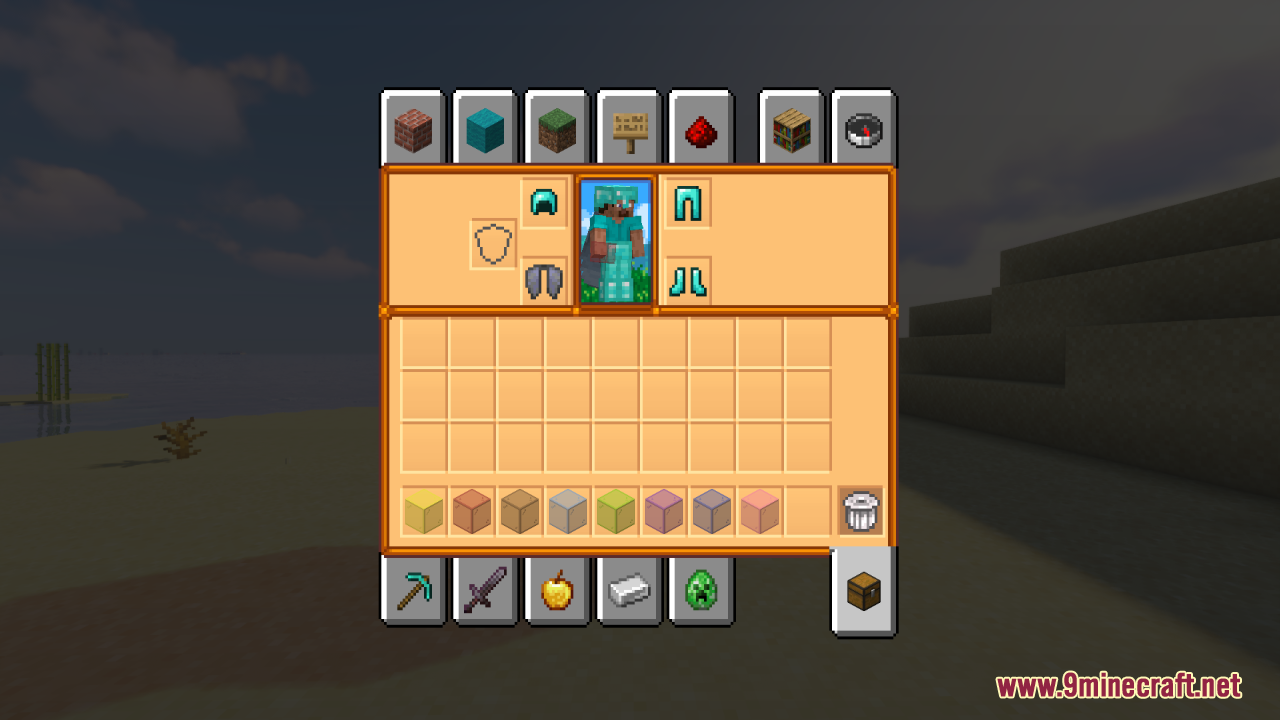
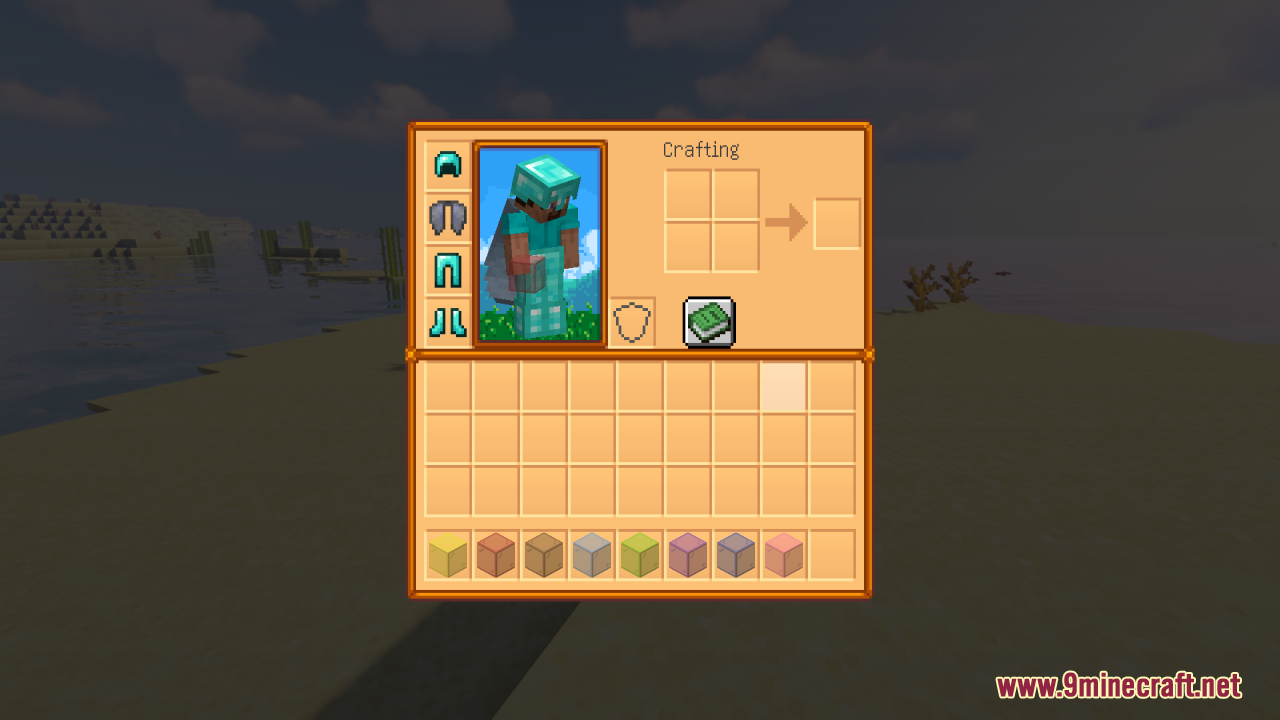
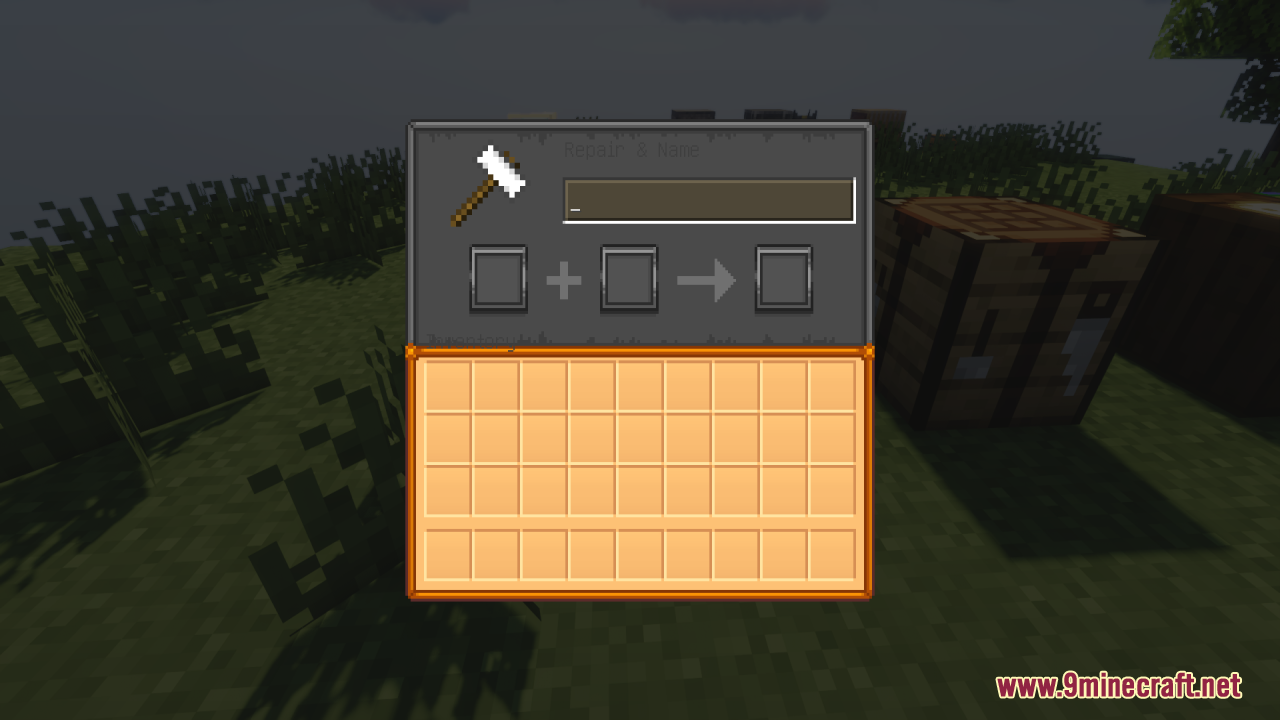
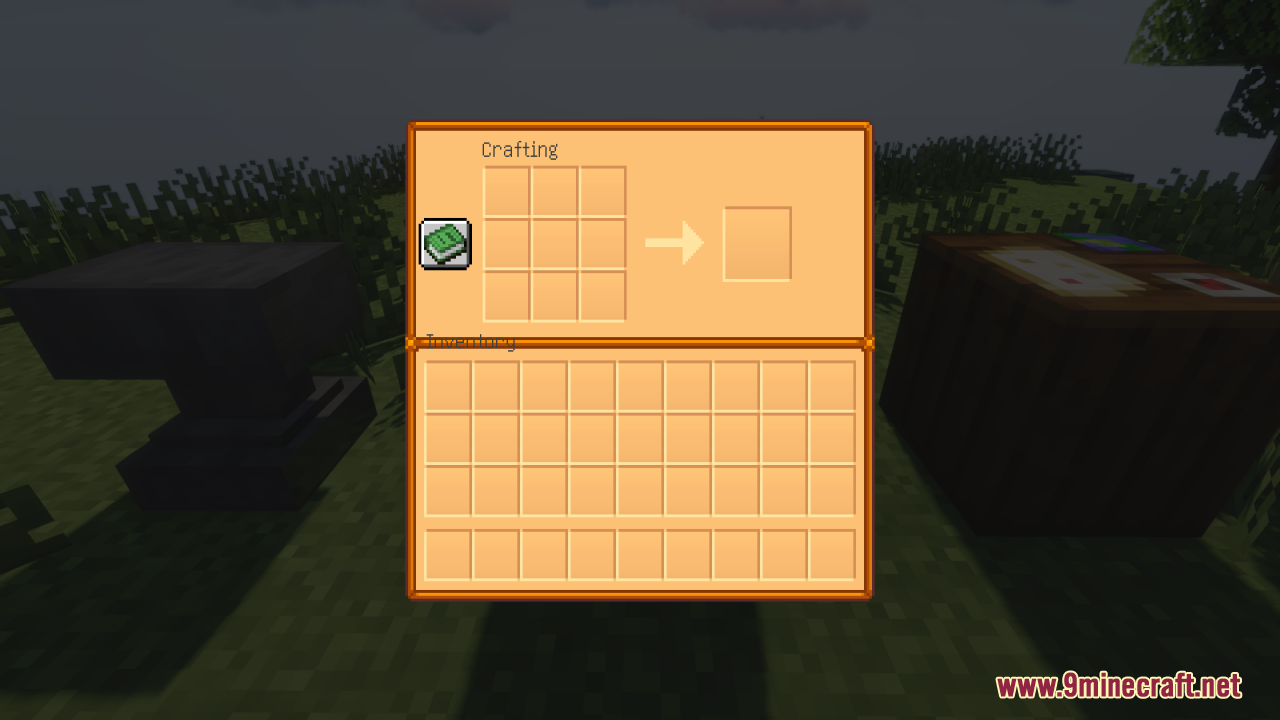
Farming Valley Gui Texture Pack brings a cozy farming style to the Farming Valley modpack. This pack changes the look of your menus to match the famous farming game, Stardew Valley. It gives a fresh coat of paint to regular Minecraft screens like your inventory and crafting tables. The resource pack also changes the menus for a few specific mods to keep the farming theme going. If you want your game screens to feel warm and relaxing, this pack does the job perfectly.
Features:
- Stardew Valley style: Changes the look of your screens to match the well-known farming game.
- Updated hotbar: Gives your bottom item bar a fresh and cozy farming look.
- Vanilla game menus: Changes the pause screen and creative item list.
- Basic block screens: Gives a new look to the crafting table, furnace, brewing stand, and enchanting table.
- Storage screens: Updates the regular chest and player inventory windows.
- Recipe book: Changes the screen that helps you remember how to craft items.
- Harvest Festival mod changes: Updates the shop menu and fridge screens for this specific farming mod.
- Just Enough Items screens: Changes the background of the JEI item-searching menu.
Screenshots:
Farming Valley GUI Resource Pack Download Links
- Edition: Minecraft Java
- File type: .zip (resource pack)
- Minecraft version listed: 1.20.1
- How to install: Download the .zip resource pack — do not unzip it. → Put it in .minecraft/resourcepacks. → Enable it in Options → Resource Packs.
- Where to get it: In MC Java Mods, or directly above on this page.
Install steps are the general flow for this file type — How to install Minecraft Java resource packs walks through it step by step.
- Downloads as 3737.mcpack
- Download size: 357 KB
- Download link checked 25 Jul 2026 — working
- Mirrored on our own servers — the download does not depend on the original host
These come from our own check of the pack file, not from the source page.