
Forecasted
Java mod listed for Minecraft 26.x. Downloads from the MC Java Mods app on Android.
This mod added a simple HUD that shows the time of day, playtime, weather, etc. And it can even be customized!
⬇ Download on Modrinth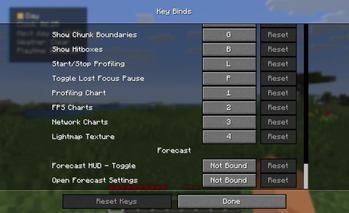
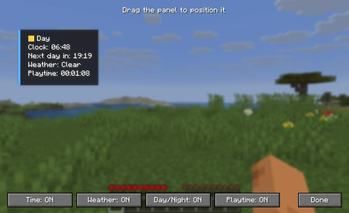
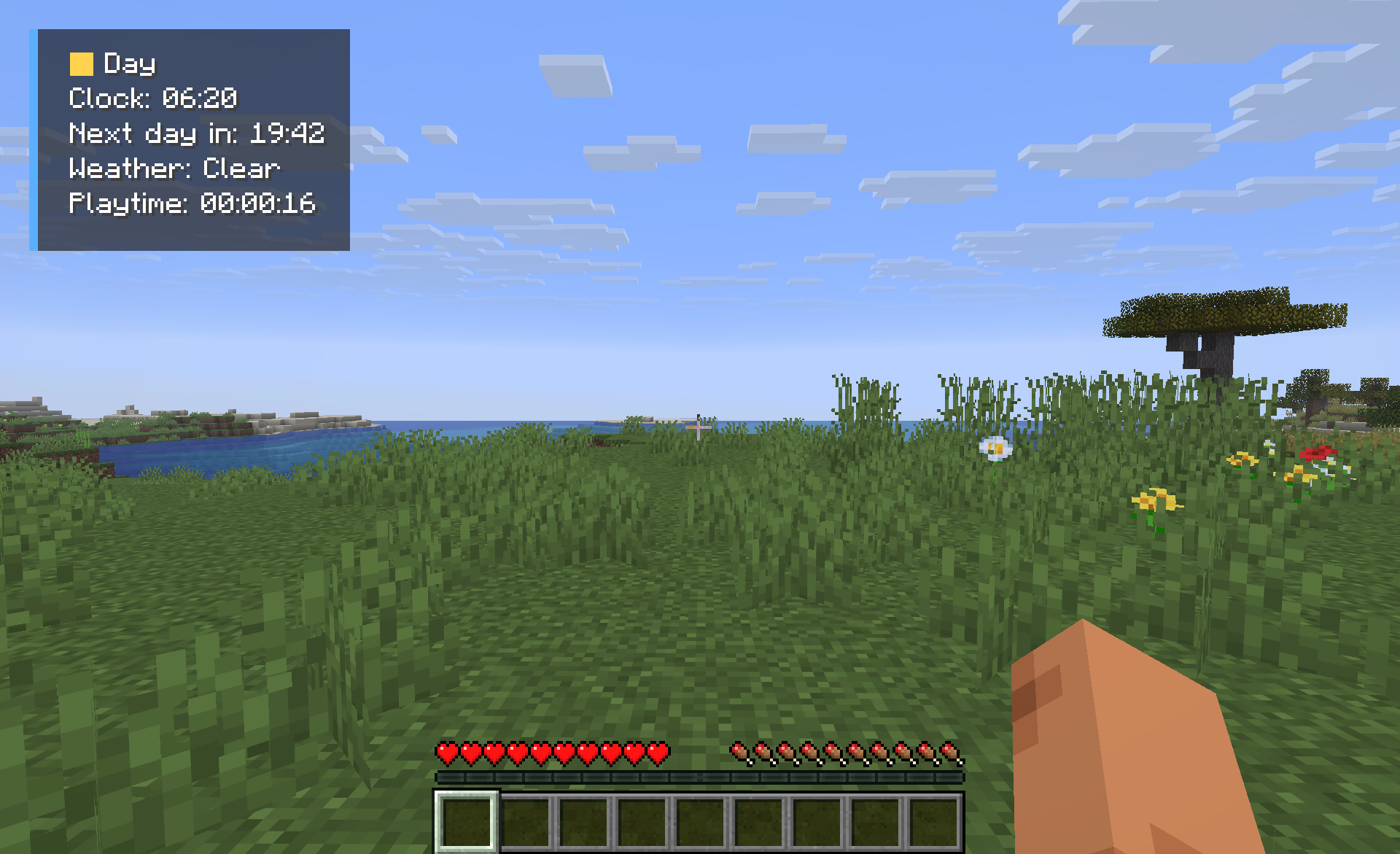 Forecast gives you an simple display that shows you what you need to know when you are playing Minecraft. You do not have to open the debug screen to see this information.
You can see what time it is in Minecraft, what the weather is like if it is day or night how long you have been playing and how much time is left until the day. All of this is shown in a window that you can move around and change to fit your screen.
Features
- In-game clock
- Day/Night indicator
- Current weather display
- Countdown until the next day
- Session playtime tracker
- Fully configurable HUD
- Lightweight and client-side only
Forecast is helpful when you are playing Minecraft. You can see the things without having to look around for them.
You can start using Forecast away. You just have to install it on your computer. You are ready to go. You do not have to put it on your server.
- Edition: Minecraft Java
- File type: .jar
- Minecraft version listed: 26.2
- How to install: Install the matching mod loader (Forge, Fabric or NeoForge) for your Minecraft version. → Download the .jar. → Put it in the .minecraft/mods folder and launch that loader profile.
- Where to get it: Opens on Modrinth — not every file is mirrored on our own servers.
Install steps are the general flow for this file type — How to install Minecraft Java mods & modpacks walks through it step by step.
- Ships as forecast-1.0.1.jar — drop this file into the mods folder
- Download size: 14 KB
- Download link checked 11 Oct 2026 — working
These come from our own check of the pack file, not from the source page.