
Chat Customizer
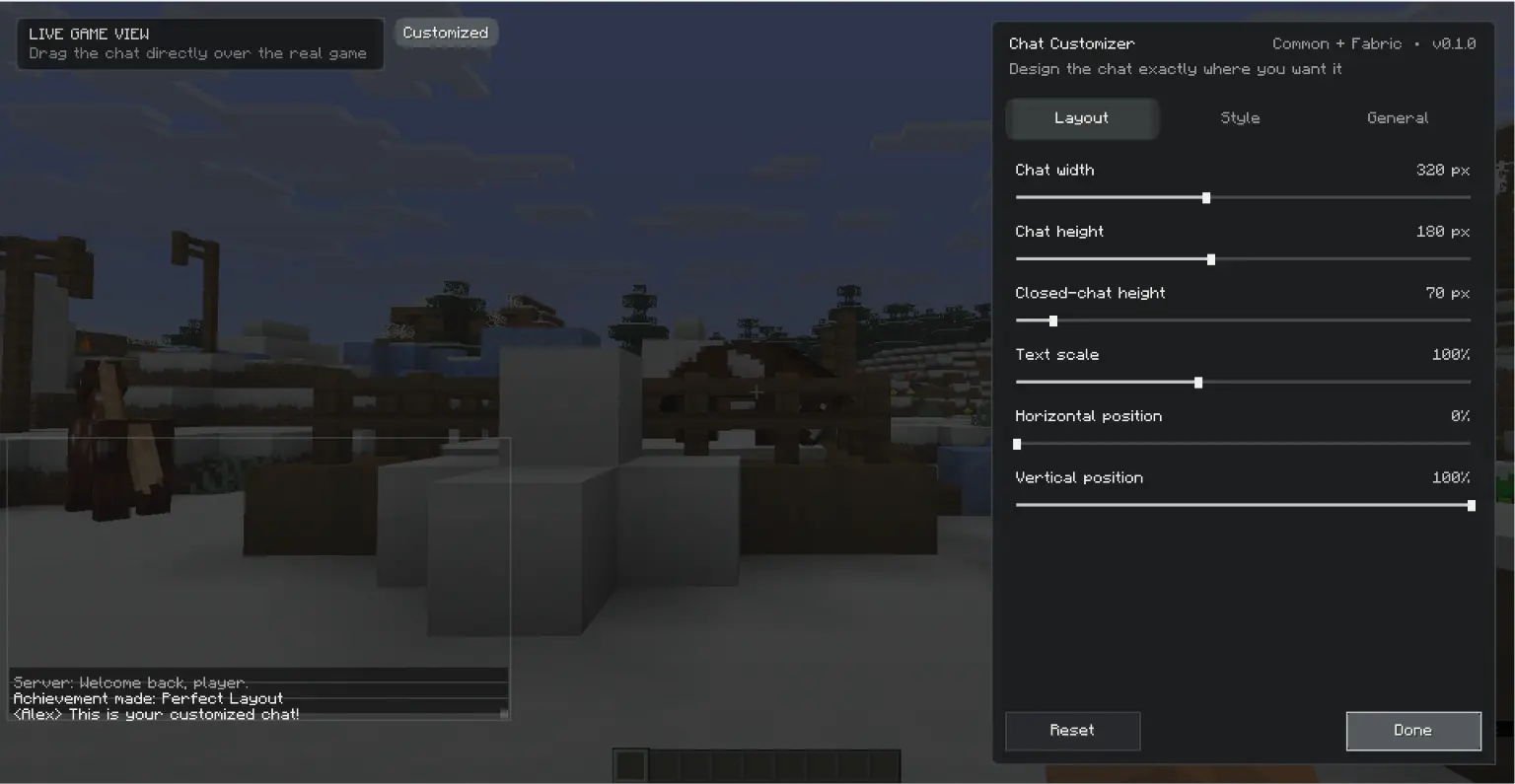
Chat Customizer is a client-side Minecraft mod for detailed control over the chat HUD while preserving the original vanilla appearance by default.
Features
- Drag and reposition the chat directly over the real game screen
- Separate focused and unfocused width and height controls
- Text scale, opacity, background opacity, and line spacing
- Vanilla per-line, unified panel, outline-only, and transparent background styles
- Corner radius and color presets
- Optional formatted-text color override
- Configurable message lifetime and fade duration
- Optional movement of the chat input with the chat panel
- English and Arabic localization
- Rebindable settings key (
Jby default) - Reset button that restores vanilla chat behavior
License
All Rights Reserved. Redistribution, modification, and commercial use require explicit permission from the author.
Quick facts
- Edition: Minecraft Java
- File type: .jar
- Minecraft version listed: 26.2
- How to install: Install the matching mod loader (Forge, Fabric or NeoForge) for your Minecraft version. → Download the .jar. → Put it in the .minecraft/mods folder and launch that loader profile.
- Where to get it: Opens on Modrinth — not every file is mirrored on our own servers.
Install steps are the general flow for this file type — How to install Minecraft Java mods & modpacks walks through it step by step.
Verified by MCModsHub
- Ships as Chat Customizer-NeoForge-26.2-0.1.0.jar — drop this file into the mods folder
- Download size: 44 KB
- Download link checked 30 Aug 2026 — working
These come from our own check of the pack file, not from the source page.