
Simple Keybinder
A lightweight client-side mod that lets you bind any key or mouse button to a chat command or message — right from an in-game GUI, no config file editing required.
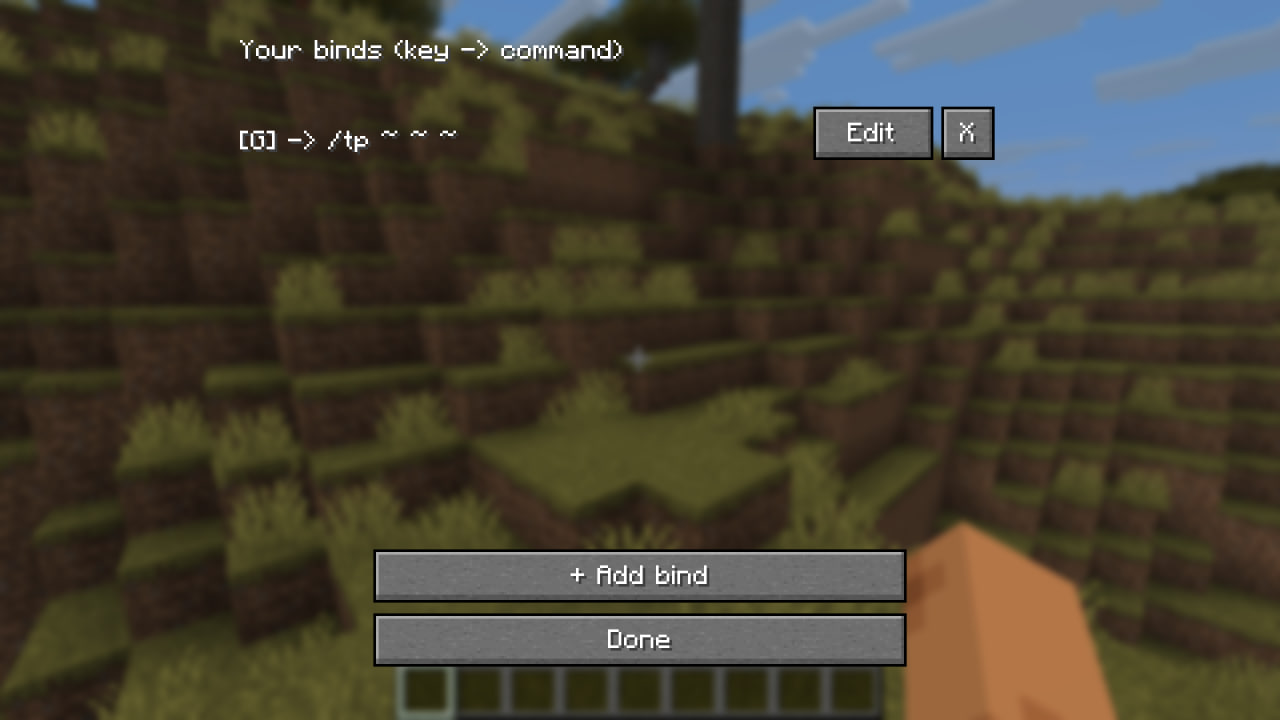 How it works:
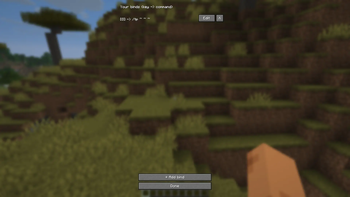
- Press K to open the Keybinder menu
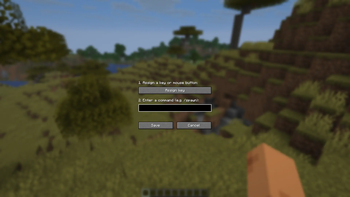
- Click "Add bind", press any key/mouse button, type a command (e.g.
/spawn) or plain chat text - Save — done! Pressing that key will now send the command/message automatically
Features:
- Simple, minimal GUI for adding, editing, and removing binds
- Works with keyboard keys and mouse buttons
- Binds are saved automatically and persist between sessions
- 100% client-side — no server installation needed
- Localized in English, Russian, and Belarusian
Quick facts
- Edition: Minecraft Java
- File type: .jar
- Minecraft version listed: 26.1.2
- How to install: Install the matching mod loader (Forge, Fabric or NeoForge) for your Minecraft version. → Download the .jar. → Put it in the .minecraft/mods folder and launch that loader profile.
- Where to get it: Opens on Modrinth — not every file is mirrored on our own servers.
Install steps are the general flow for this file type — How to install Minecraft Java mods & modpacks walks through it step by step.
Verified by MCModsHub
- Ships as [26.1.2]keybinder-1.0.jar — drop this file into the mods folder
- Download size: 16 KB
- Download link checked 30 Aug 2026 — working
These come from our own check of the pack file, not from the source page.