
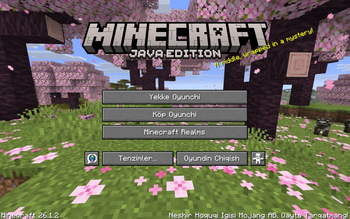
Uyghur Language Pack | ئۇيغۇرچە تىل قوشۇمچىسى
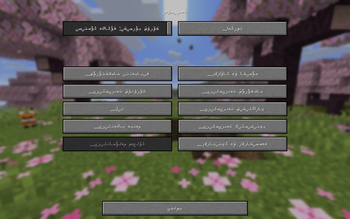
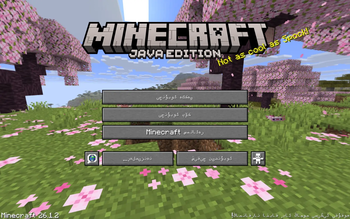
A complete Uyghur translation of Minecraft's in-game text — bringing the full game interface to the Uyghur language, in both writing systems.
Features
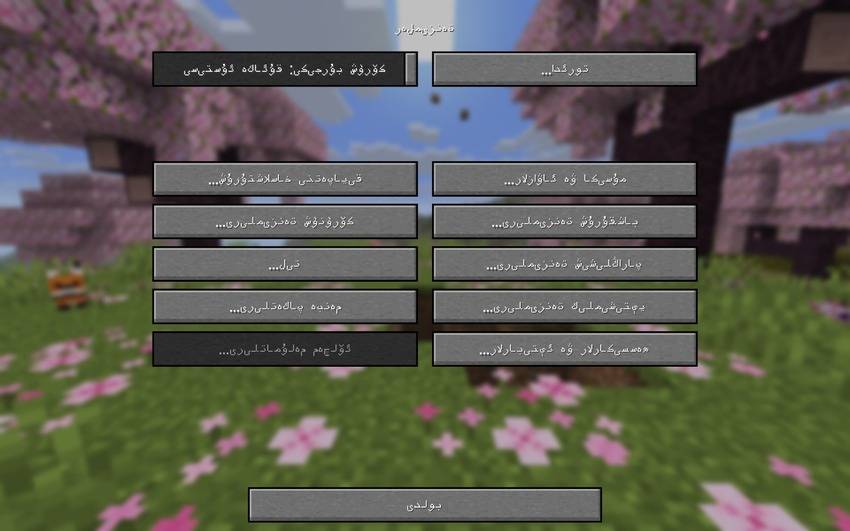
- Two full translations in one pack:
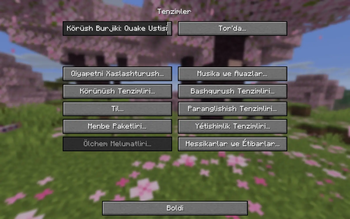
- Uyghurche (Latin) —
ug_lt, for players who read Uyghur in Latin script - ئۇيغۇرچە (Arabic) —
ug_ar, the traditional Uyghur Arabic script, fully right-to-left compatible
- Uyghurche (Latin) —
- Complete coverage — every menu, item, block, advancement, subtitle, and message in the game has been translated (6,700+ entries per language)
- Carefully checked for consistency: keyboard key names, painting titles, and proper nouns (like mob names) follow the same convention throughout the pack
- Actively maintained and checked against the latest game updates
Supported Minecraft Versions
This pack targets Minecraft 26.1, 26.1.2, and 26.2.
If Minecraft shows a "this pack may not work correctly" warning on a different version, the pack will usually still load and work — that warning just means the version wasn't explicitly tested.
Installation
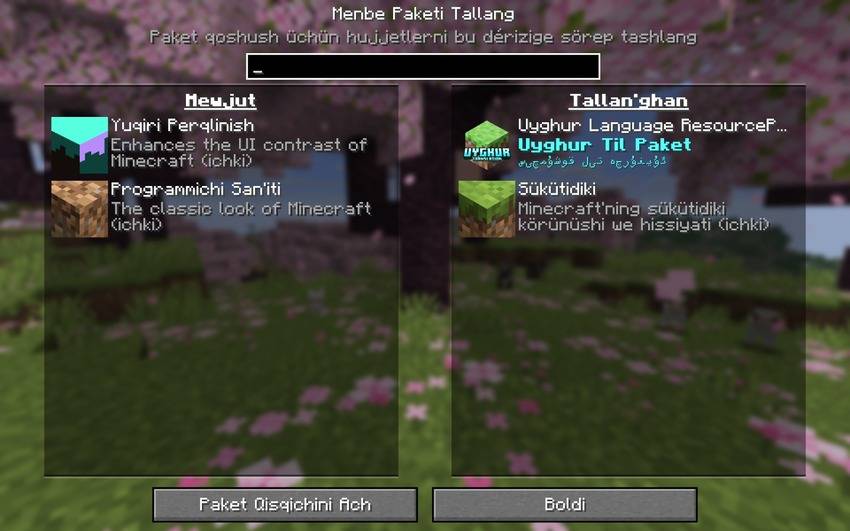
- Download the
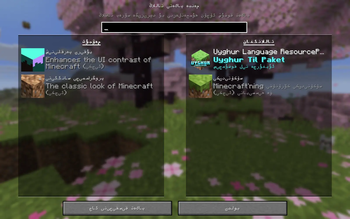
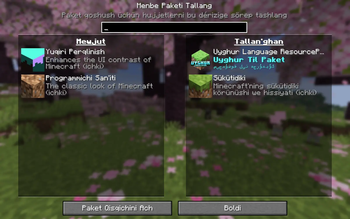
.zipfile — do not unzip it - Open Minecraft → Options → Resource Packs
- Click Open Pack Folder and drop the
.zipfile in - Back in Minecraft, select the pack from Available and move it to Selected
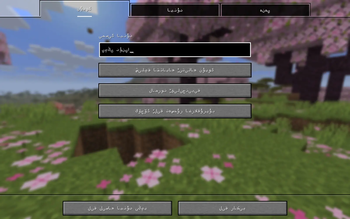
- Once in-game, go to Options → Language and choose either:
- Uyghurche (Latin script), or
- ئۇيغۇرچە (Arabic script)
Which version should I pick?
| Script | Best for |
|---|---|
| Uyghurche (Latin) | Players more comfortable reading Uyghur written with Latin letters |
| ئۇيغۇرچە (Arabic) | Players who read the traditional Uyghur Arabic script |
Both are included in the same download — just switch between them anytime from the in-game language menu.
This pack was translated by a single translator, with the help of translation tools to speed up the process. Because of that, some lines may contain small errors or awkward phrasing — if you spot one, please leave a comment with the text so it can be corrected.
Minecraft is a trademark of Mojang Synergies AB. This resource pack is an unofficial, fan-made project and is not affiliated with or endorsed by Mojang or Microsoft.
- Edition: Minecraft Java
- File type: .zip (resource pack)
- Minecraft versions listed: 1.13, 1.13.1, 1.13.2
- How to install: Download the .zip resource pack — do not unzip it. → Put it in .minecraft/resourcepacks. → Enable it in Options → Resource Packs.
- Where to get it: Opens on Modrinth — not every file is mirrored on our own servers.
Install steps are the general flow for this file type — How to install Minecraft Java resource packs walks through it step by step.
- Downloads as Uyghur-Language-ResourcePack 1.1.zip
- Download size: 477 KB
- Download link checked 31 Aug 2026 — working
These come from our own check of the pack file, not from the source page.