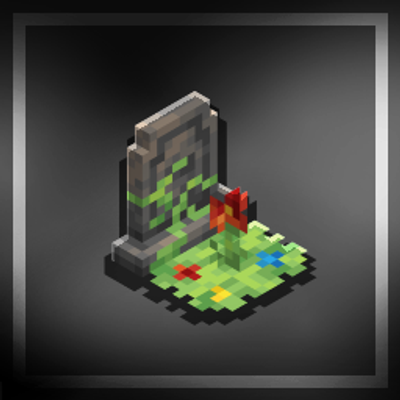
Real Gravestone
Gravestone keeps your items safe after death in Minecraft Bedrock. Recover everything from a gravestone with items returning to their original inventory…
⬇ Download on CurseForge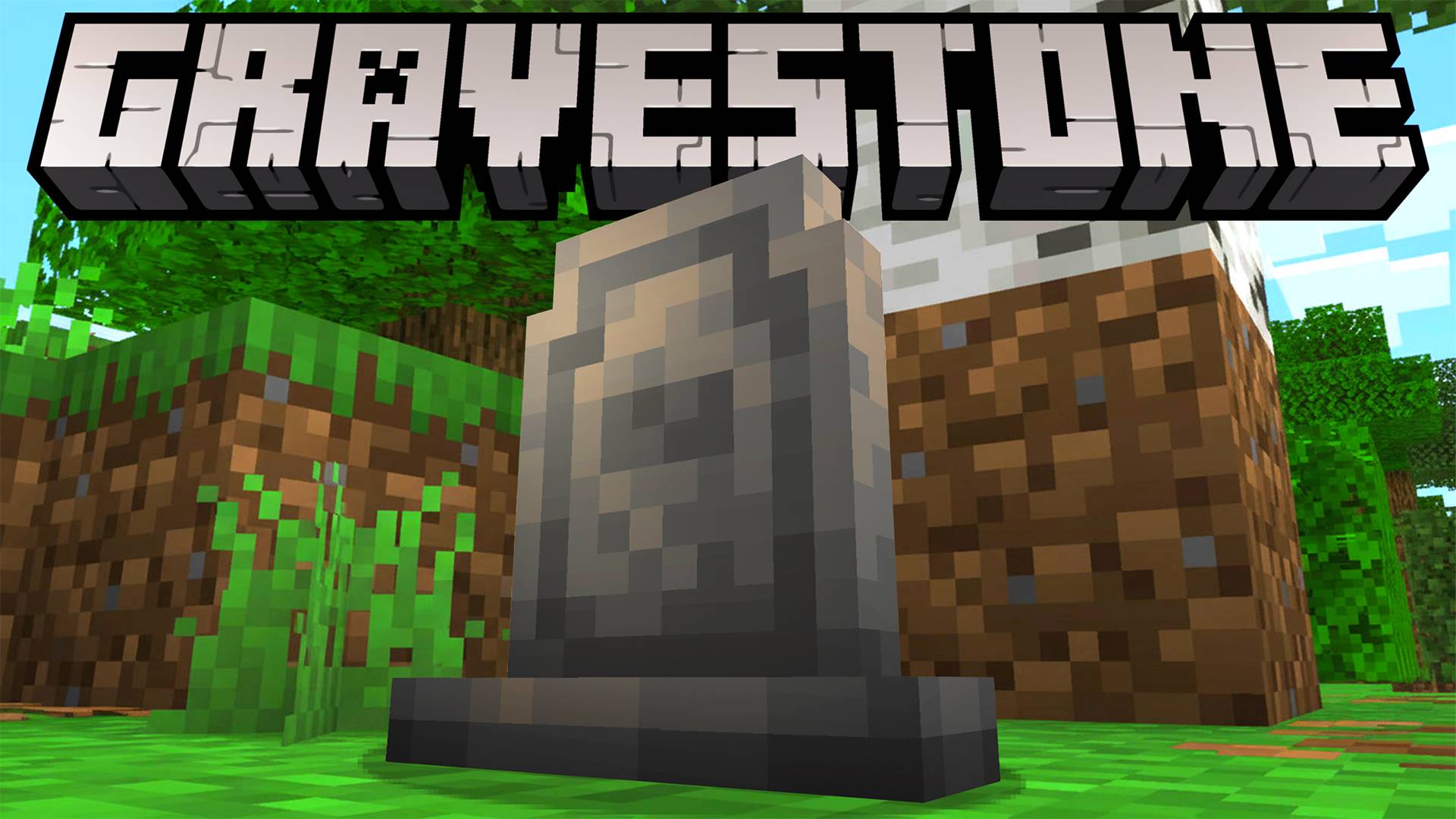
Gravestone.
Never lose your items after death in Minecraft Bedrock.
About:
Gravestone provides a safe and reliable way to recover your inventory after dying.
Instead of dropping items on the ground, a gravestone is created at the place of death, keeping everything secure until you return.
Recovery System:
When a player dies, all carried items are stored inside a gravestone.
Breaking the gravestone restores every item directly to its original inventory slot, making recovery fast and organized.
Decorative Gravestones:
In addition to the recovery system, gravestones can also be crafted and placed as decorative blocks.
Perfect for cemeteries, memorials, or custom builds.
Features
- Safe item recovery after death;
- Items remain protected inside a gravestone;
- Restores items to their original inventory slots;
- Craftable decorative gravestones.
Guidebook:
Includes an in-game guide explaining how the gravestone system works.
Compatibility
- Minecraft Bedrock Edition;
- Minecraft Marketplace Add-ons;
- Singleplayer and Multiplayer.
- Edition: Minecraft Bedrock
- File type: .mcpack or .mcaddon
- Minecraft versions listed: 26.0.02, 26.0, 26.3
- How to install: Download the .mcpack or .mcaddon file. → Open it — Minecraft imports it. → In your world: Behavior Packs → Available → Activate, then the same under Resource Packs.
- Where to get it: Opens on CurseForge — not every file is mirrored on our own servers.
Install steps are the general flow for this file type — How to install Minecraft Bedrock addons & mods walks through it step by step.
Real Gravestone is a free Minecraft Bedrock addon. Compatible with Minecraft 26.0.02, 26.0, 26.3, 26.10 and newer. Downloaded 1,106 times (via CurseForge). Download it and open it directly in the game.