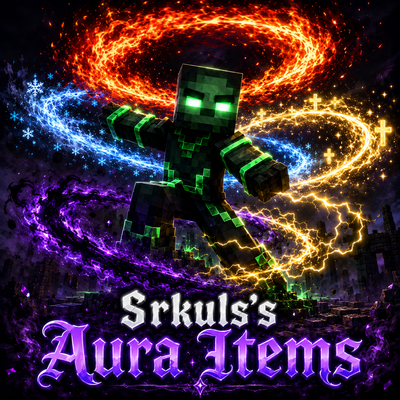
Srkuls's Aura Items
Bedrock add-on listed for Minecraft 1.21–26.x. File opened and checked on 23 Sep 2026; installs from the MC Bedrock Mods app on Android.
Elevate your Minecraft experience with 5 epic particle Auras! Right-click the magical Aura Wand to select Fire, Ice, Holy, Shadow, or Thunder auras…
⬇ Download on CurseForge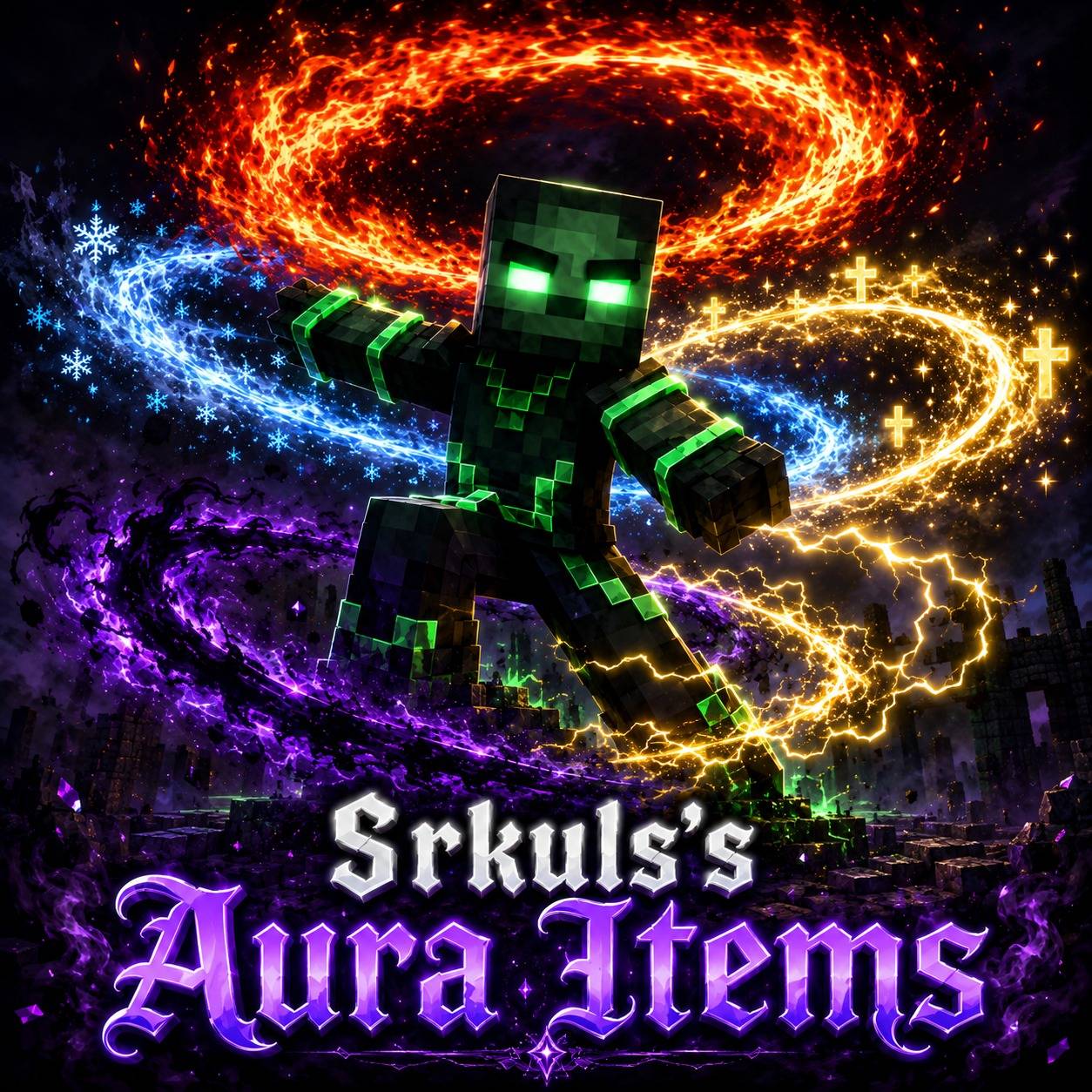
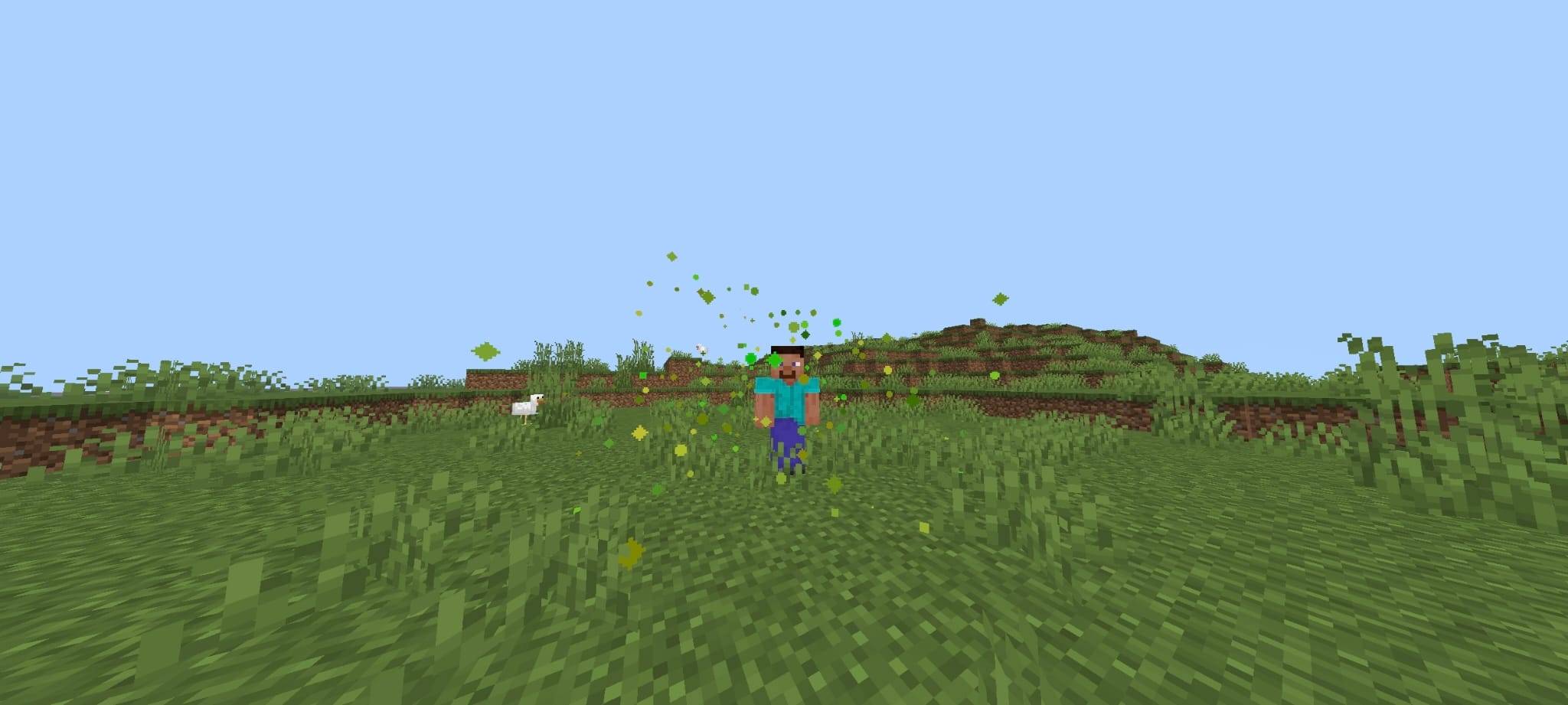
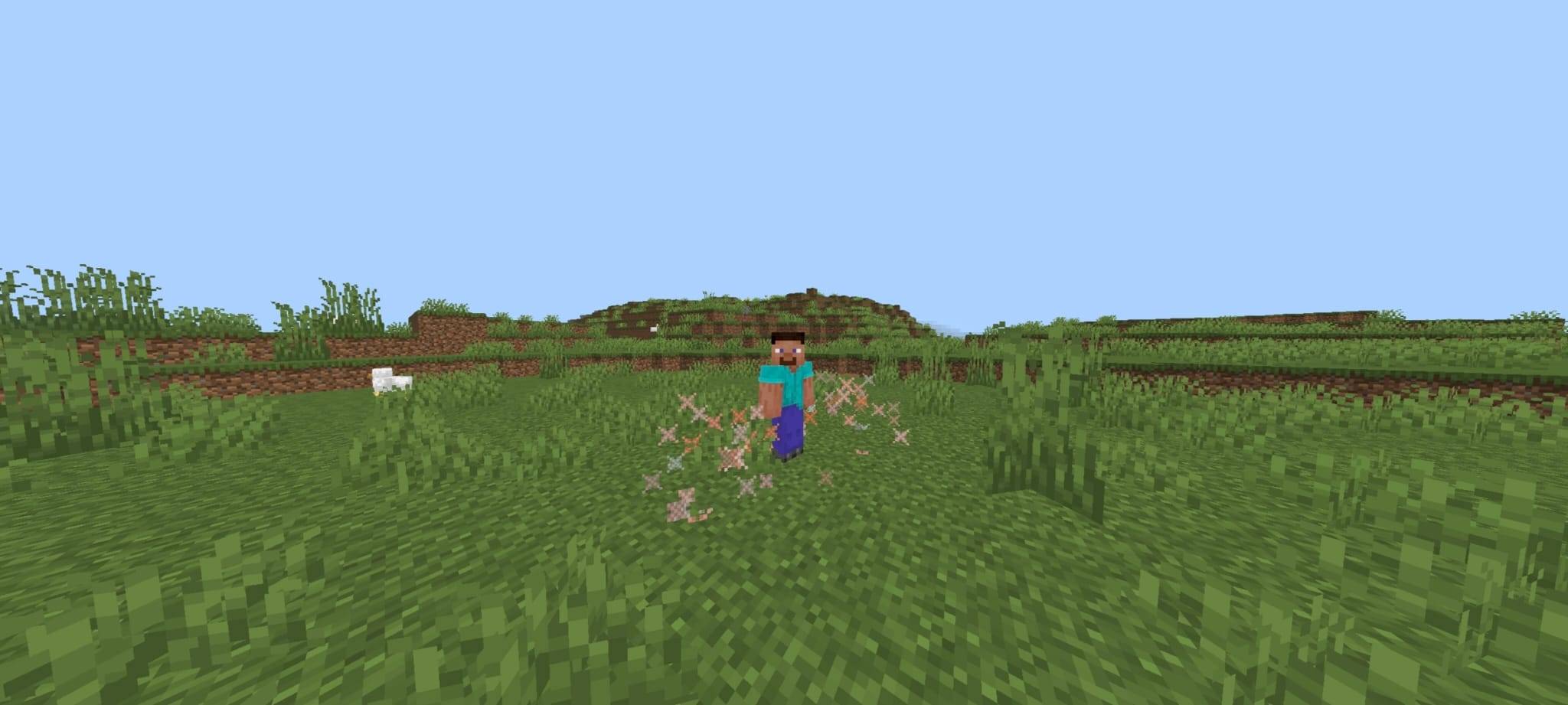
✨ Srkuls's Aura Items (100% Cosmetic Addon)
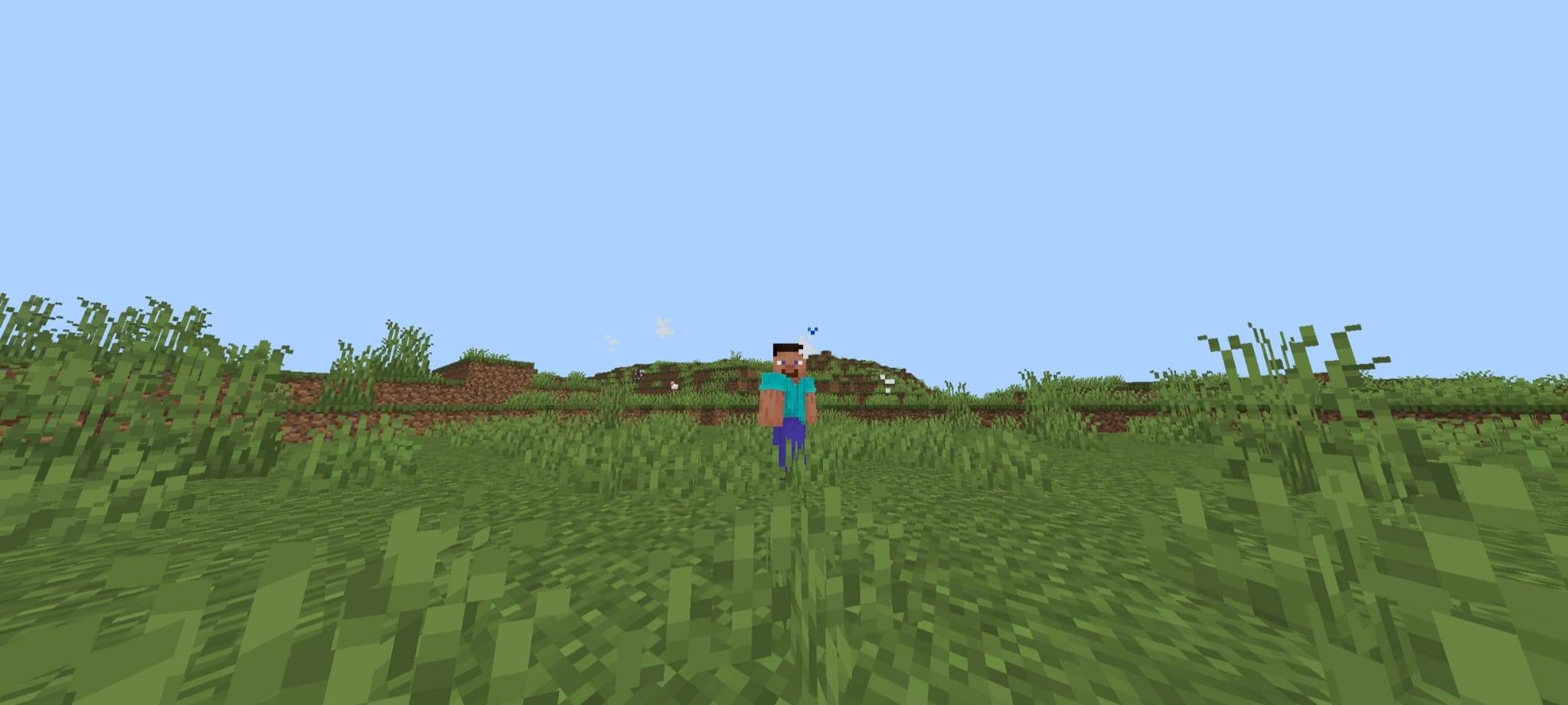
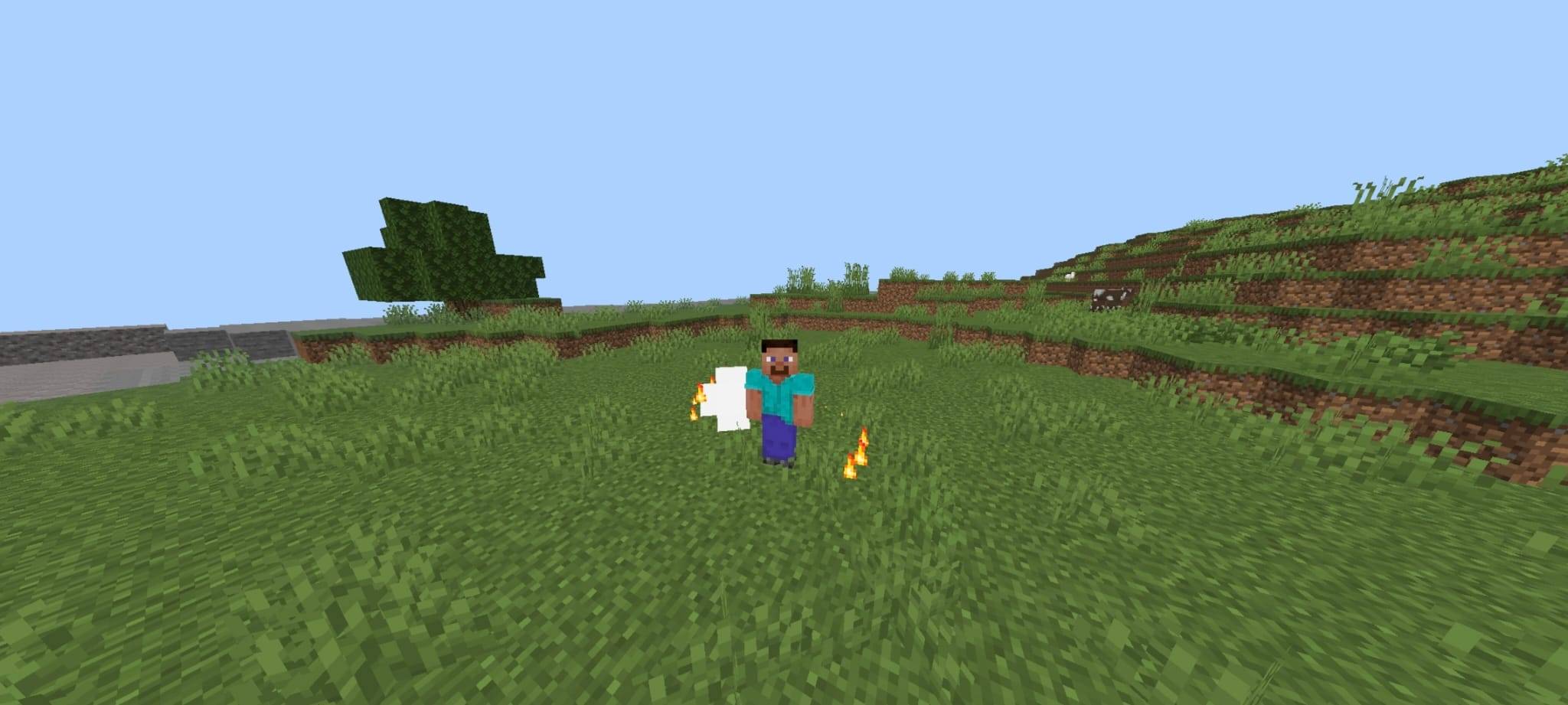
Transform your Minecraft Bedrock character with Srkuls's Aura Items! This cosmetic addon introduces 5 vibrant, orbiting particle Auras that surround your player in real-time. Designed to be 100% cosmetic, it gives no gameplay advantage or stat buffs, making it completely safe and fair for survival worlds, PvP, and multiplayer servers!
🔥 Features & Included Auras
- 🔥 Fire Aura: Swirling fiery flames and smoke orbiting your player.
- ❄️ Ice Aura: Radiant snowflakes and sparkling frost particles.
- 👼 Holy Aura: Glowing divine golden rings and holy beams.
- 🌑 Shadow Aura: Mysterious purple and black dark-magic vapor.
- ⚡ Thunder Aura: Electric yellow sparks and energetic smoke trails.
🎮 How to Use
- Obtain the Aura Wand (
/give @s srkuls:aura_wand) or receive it automatically upon joining the world. - Right-click / Hold the Aura Wand to open the clean Form UI Menu.
- Select your favorite Aura from the menu to activate it, or choose Turn Off Aura to disable it at any time!
📌 Note & Disclaimer
⚠️ Note: The promotional logo art is for showcase and branding purposes only. The in-game custom item textures and particle effects are optimized for Minecraft Bedrock performance and may vary from the promo artwork.
⚙️ Compatibility & Details
- Minecraft Bedrock Edition: Version
1.21.0+ - Multiplayer Friendly: Works seamlessly on servers and multiplayer worlds.
- Performance Optimized: Zero lag particle animation scripts.
- Category: Cosmetic / Visual / Vanity
Created by Srkuls
- Edition: Minecraft Bedrock
- File type: .mcpack or .mcaddon
- Minecraft versions listed: 1.21.124, 1.21.130, 1.21.131
- How to install: Download the .mcpack or .mcaddon file. → Open it — Minecraft imports it. → In your world: Behavior Packs → Available → Activate, then the same under Resource Packs.
- Where to get it: Opens on CurseForge — not every file is mirrored on our own servers.
Install steps are the general flow for this file type — How to install Minecraft Bedrock addons & mods walks through it step by step.
- Pack type: .mcaddon — behaviour and resource pack in one file
- Download size: 5.0 MB
- Download link checked 11 Oct 2026 — working
These come from our own check of the pack file, not from the source page.