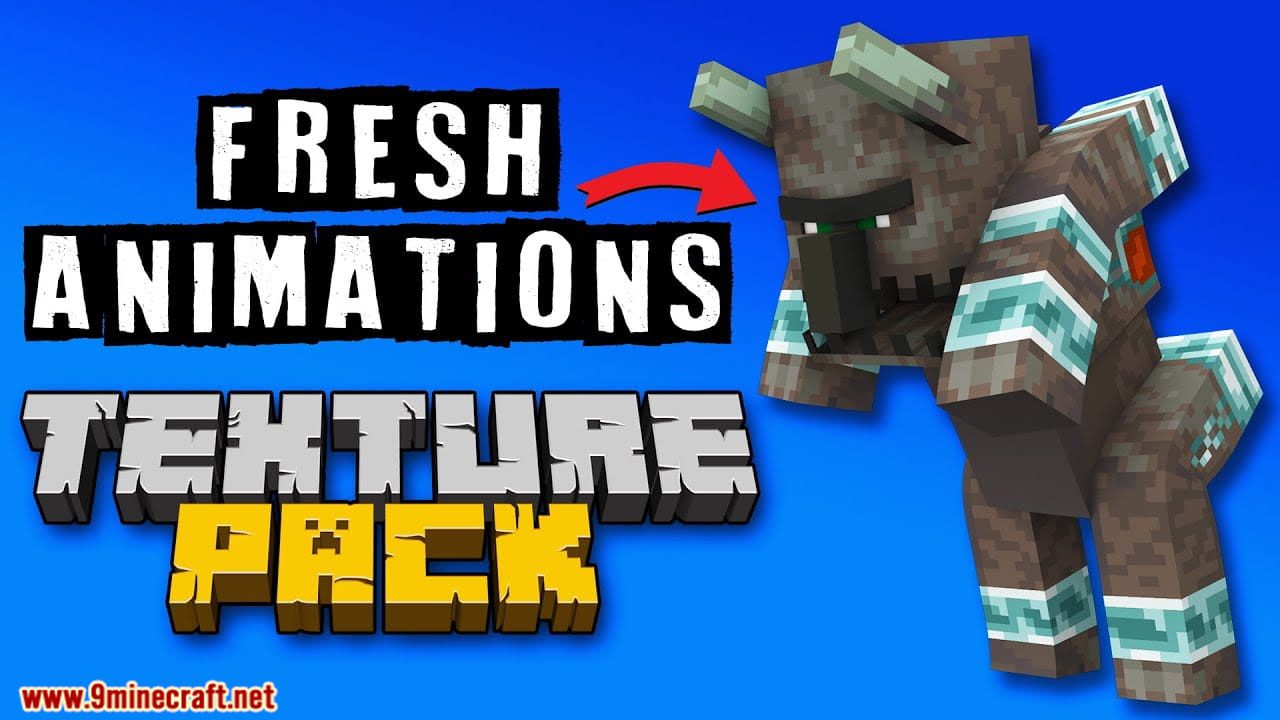
Fresh Animations Resource Pack (26.2, 1.20.1) – Texture Pack
Java resource pack listed for Minecraft 1.20. File opened and checked on 7 Oct 2026; downloads from the MC Java Mods app on Android.
⬇ Download
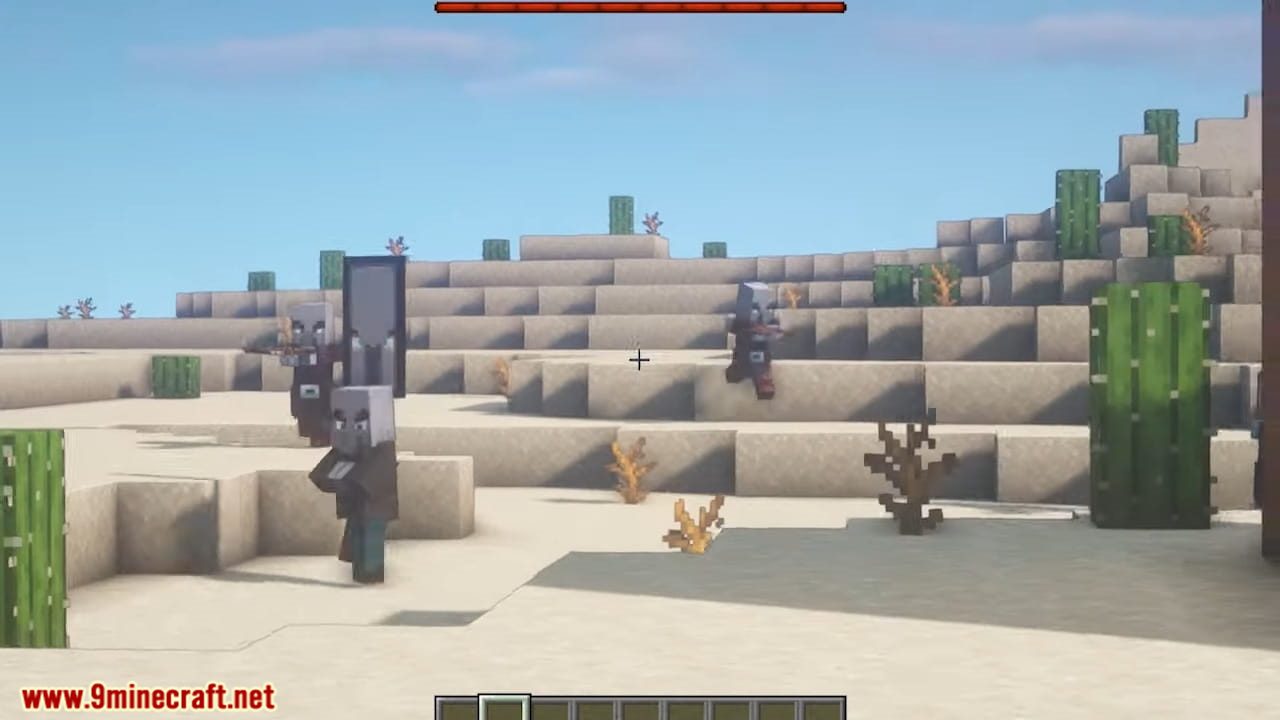
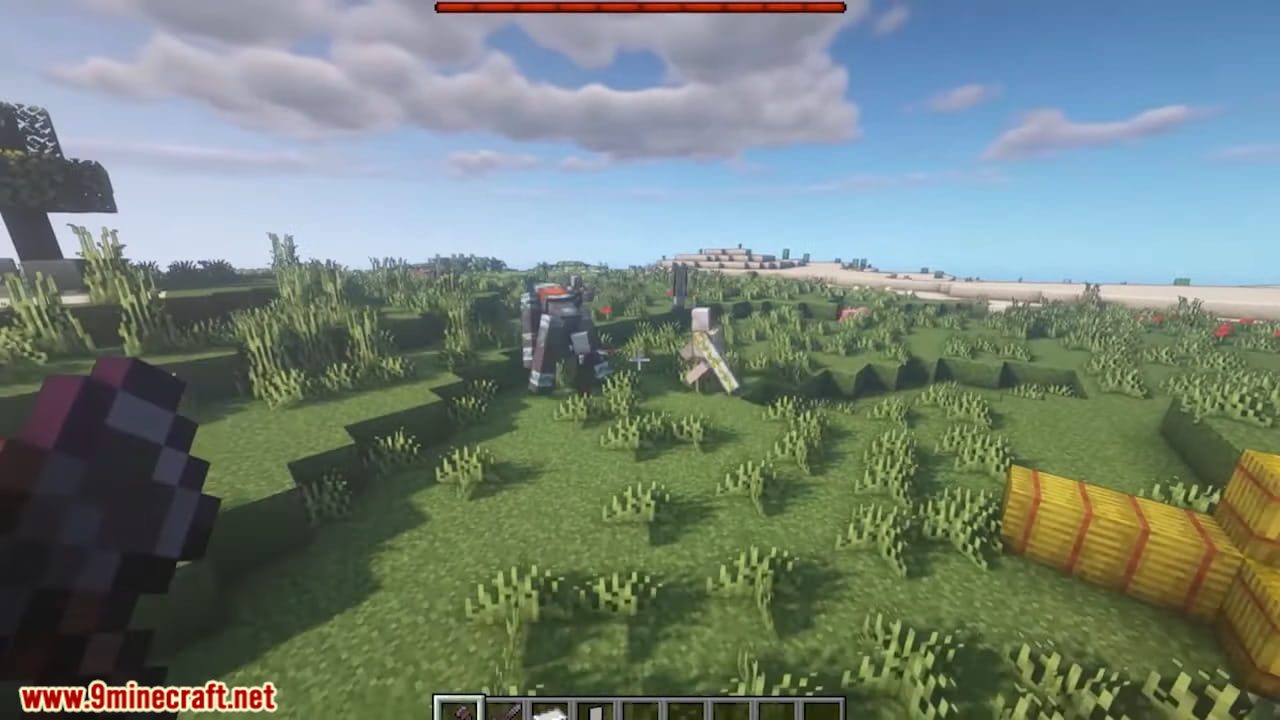
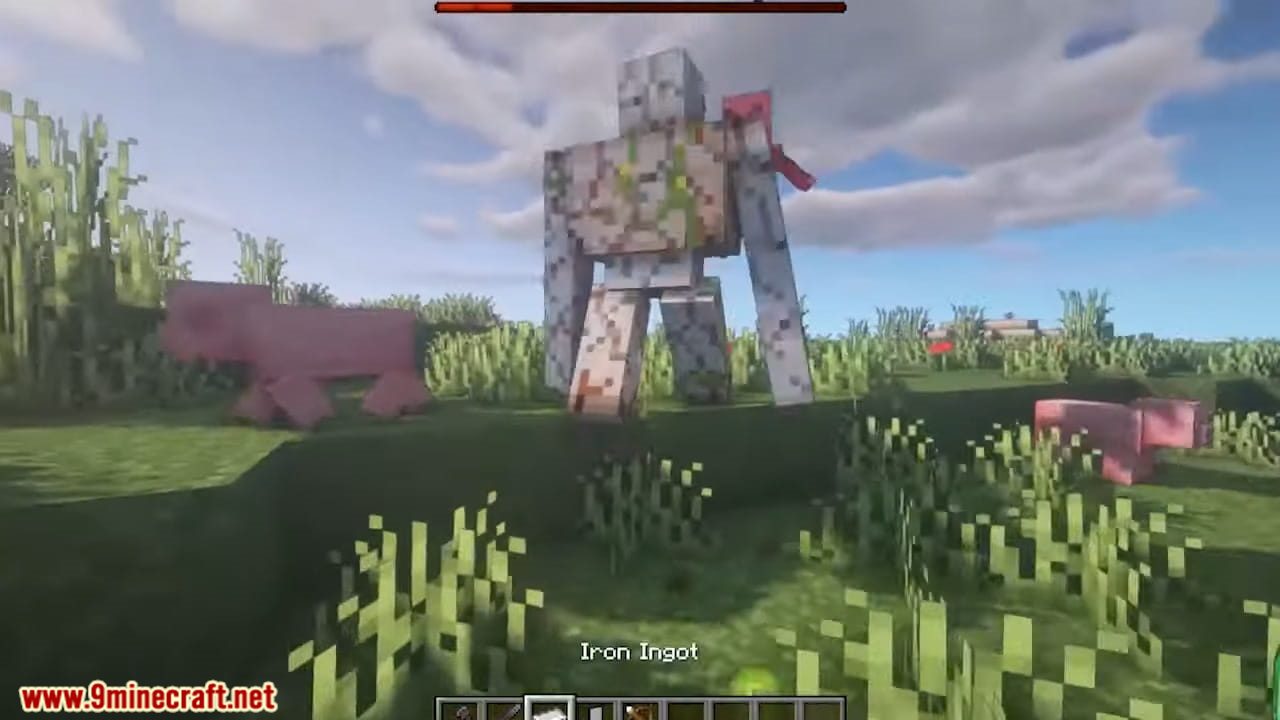
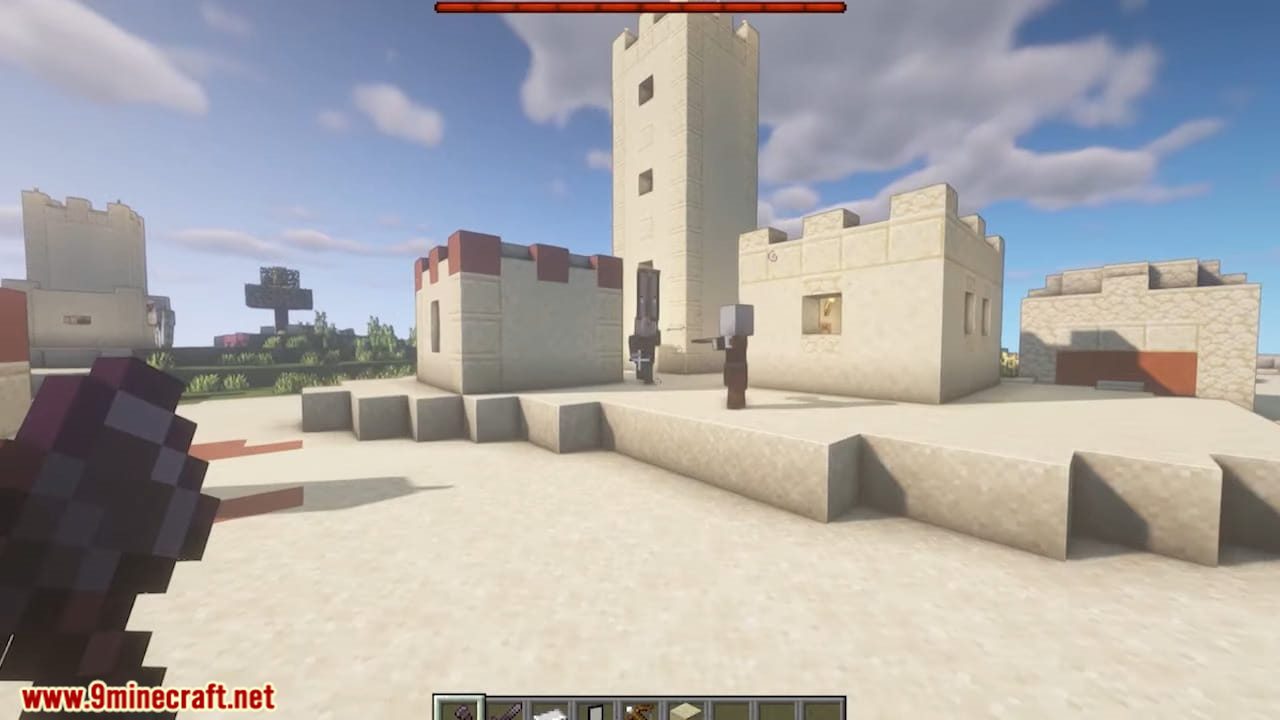
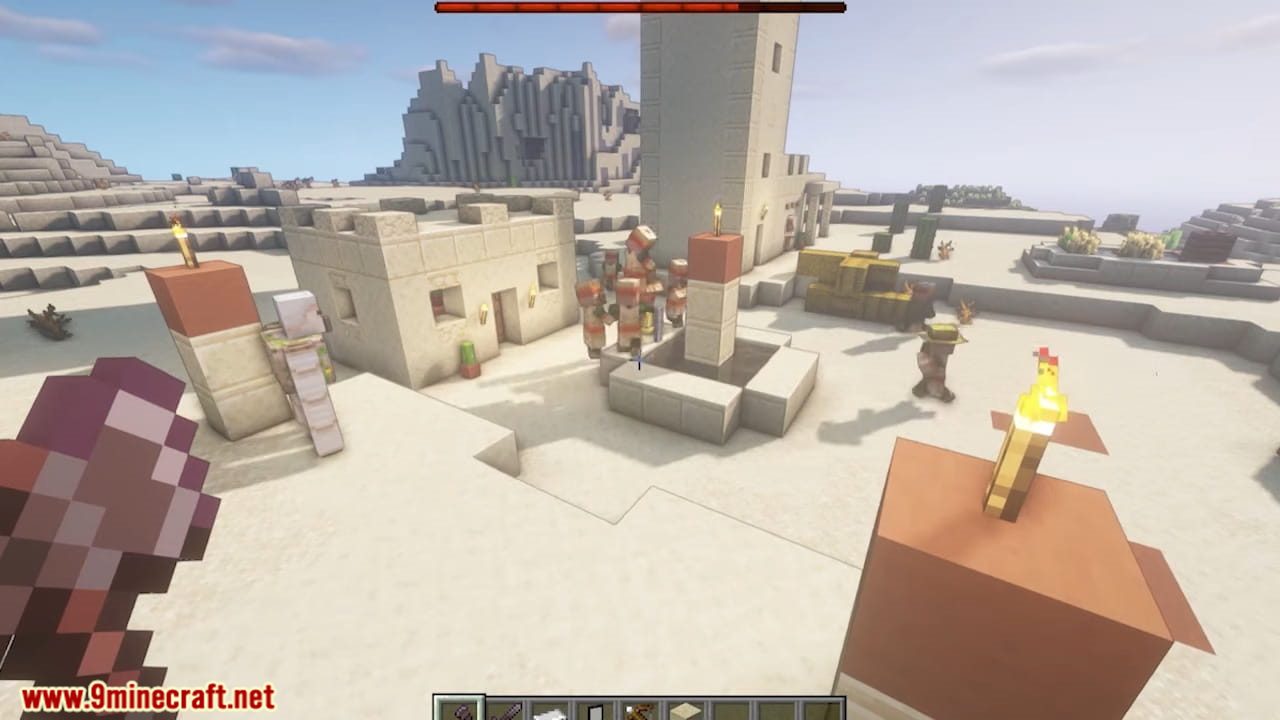
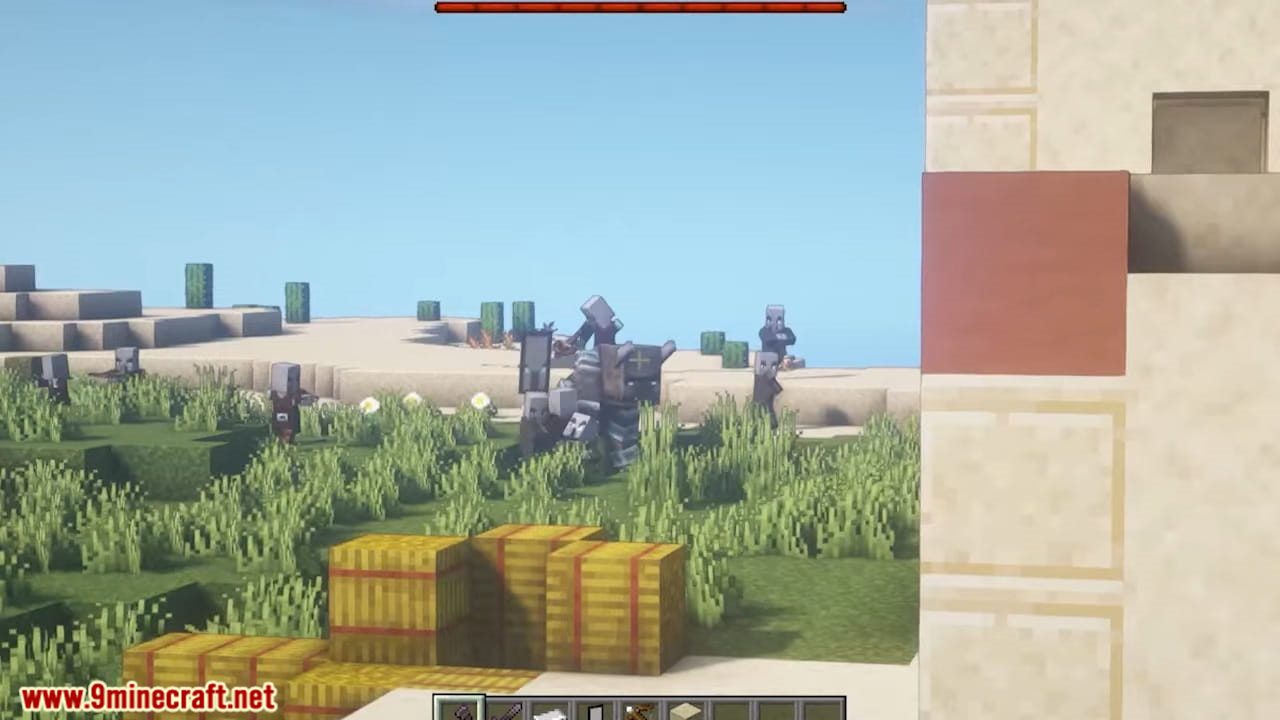
Fresh Animations Resource Pack gives the vanilla mobs a whole new set of animations, so they move the way they do in the game’s own trailers. The pack keeps the default textures and only swaps the models and the motion behind them. Villagers, illagers, farm animals, ocean mobs and nether mobs all move with more weight and read more like living creatures. Because it leans on custom entity models, it needs OptiFine or the entity model mods to show up in game.
Features:
- Swaps the stiff default mob motion for custom entity models with hand-built animations.
- Covers most of the vanilla mob roster, from villagers and illagers to farm animals, fish, nether mobs and the end mobs.
- Keeps the default look of the game, so mob textures stay the same and only the movement changes.
- Runs on the custom entity model feature, so it needs either OptiFine or the Entity Model Features and Entity Texture Features mods.
- Has its own extension packs that add extra touches on top, as long as they load above this pack.
- Clashes with other packs that ship their own entity models, since only one set of models can win.
How to Use:
- Load the pack from the in-game resource pack menu like any other pack.
- On OptiFine, turn on Video Settings > Quality > Custom Entity Models, or the mobs keep their old animations.
- Without OptiFine, install Entity Model Features and Entity Texture Features instead and leave their settings at default.
- Put any extension packs above this one in the pack list so they take effect.
- If mobs turn up with blank eyes and no new motion, one of the required mods is missing or another pack is overriding the models.
- If mob textures come out purple and black, close the game and start it again. That one is an OptiFine display bug.
Screenshots:
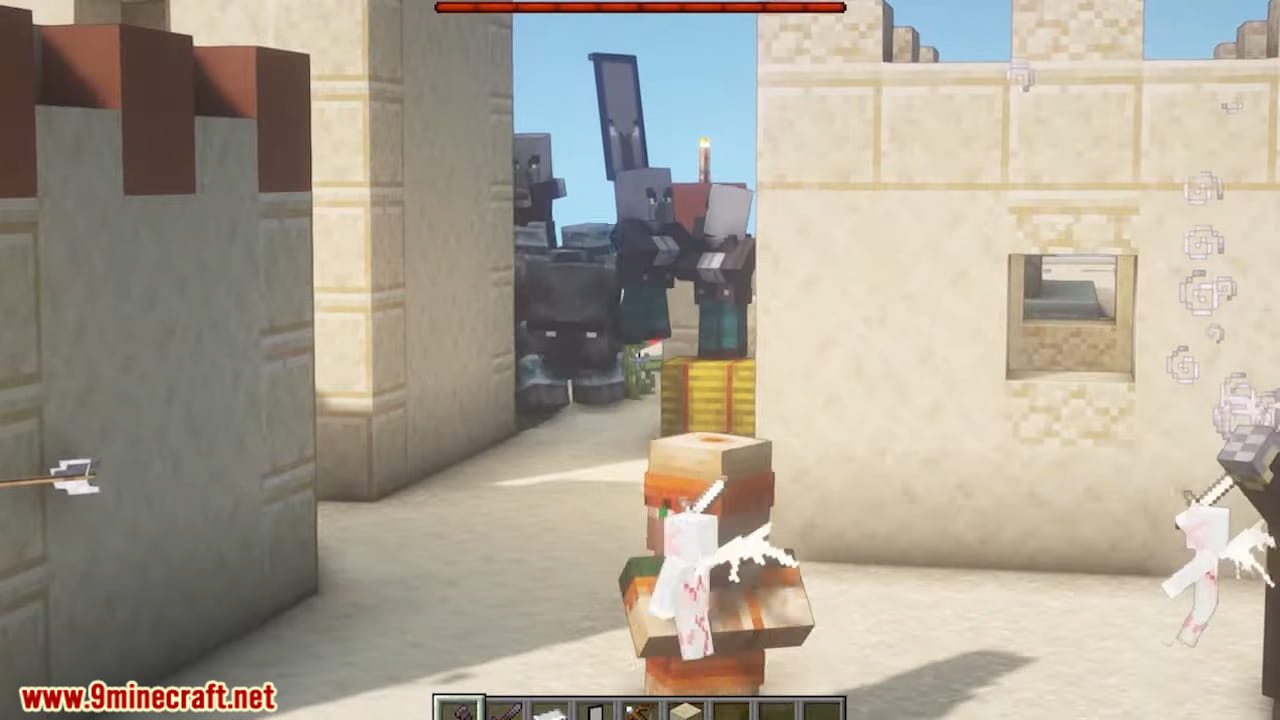
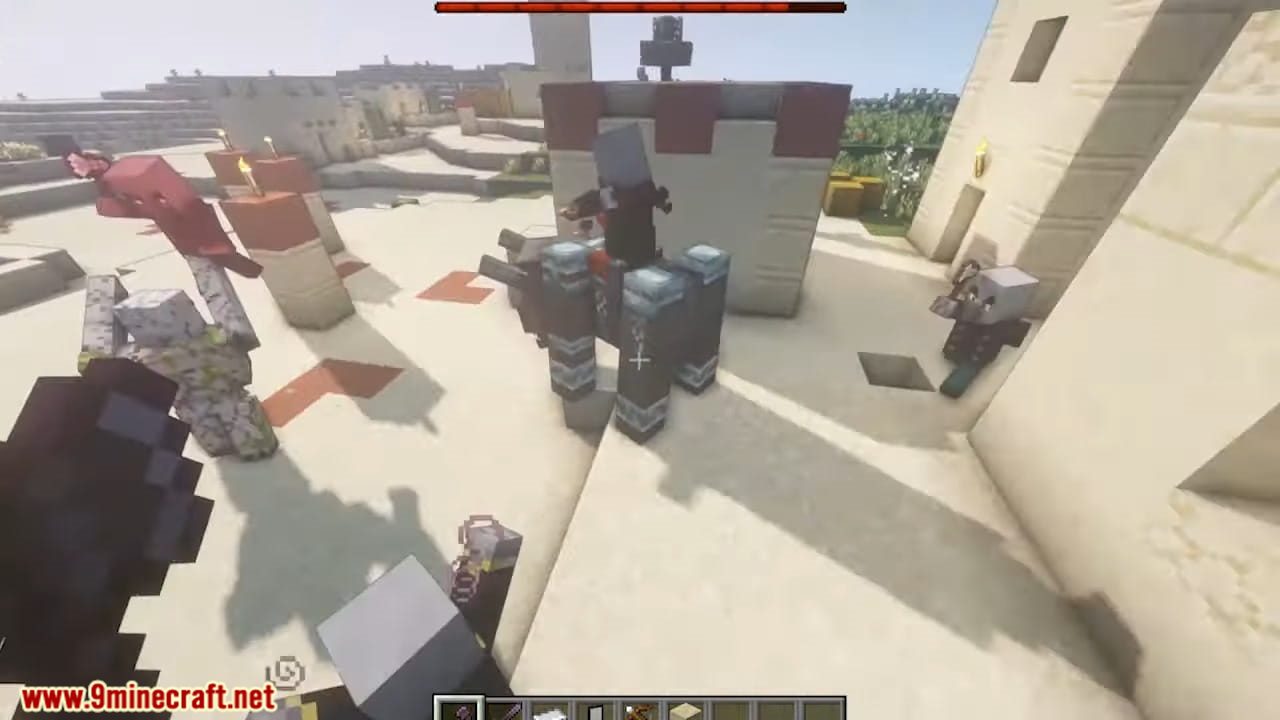
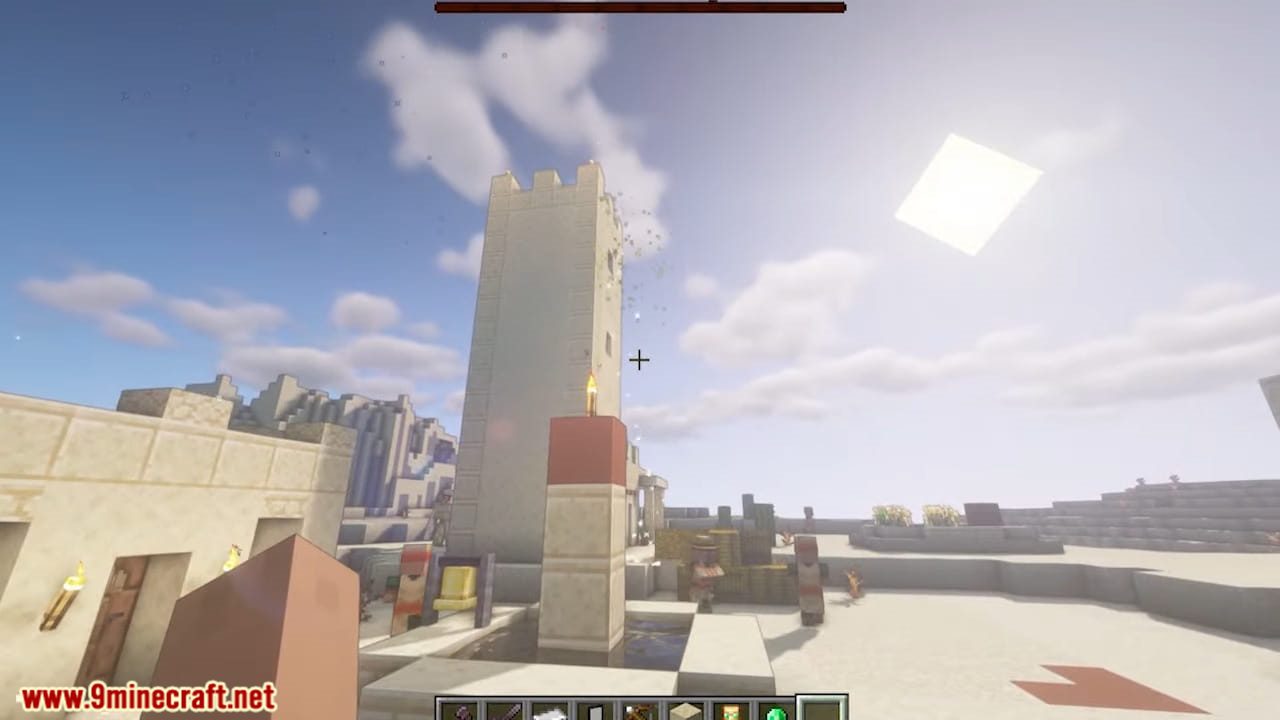
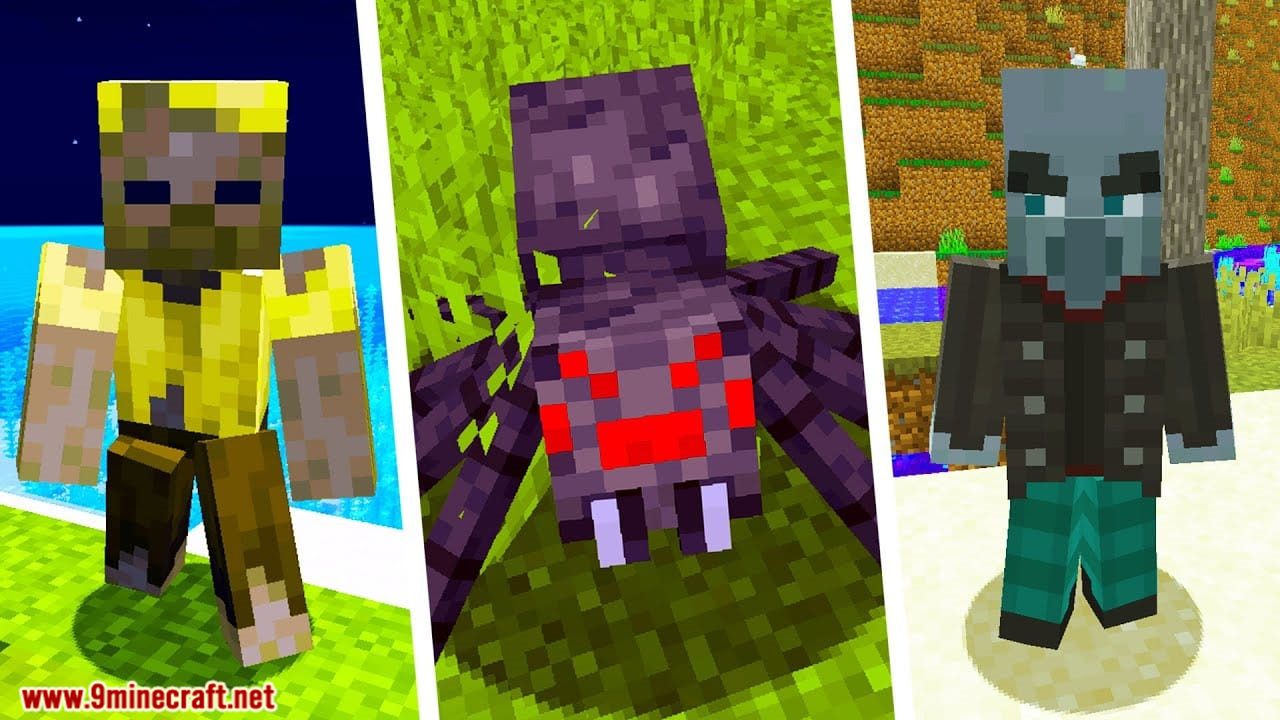
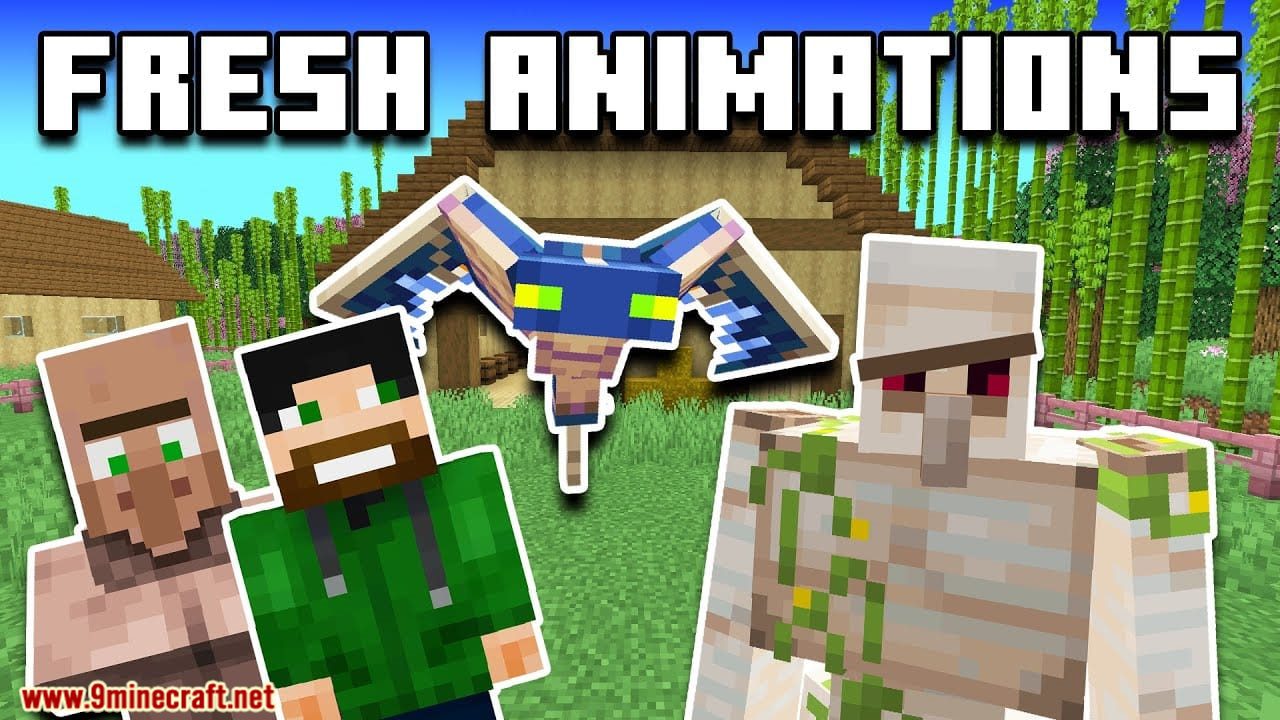
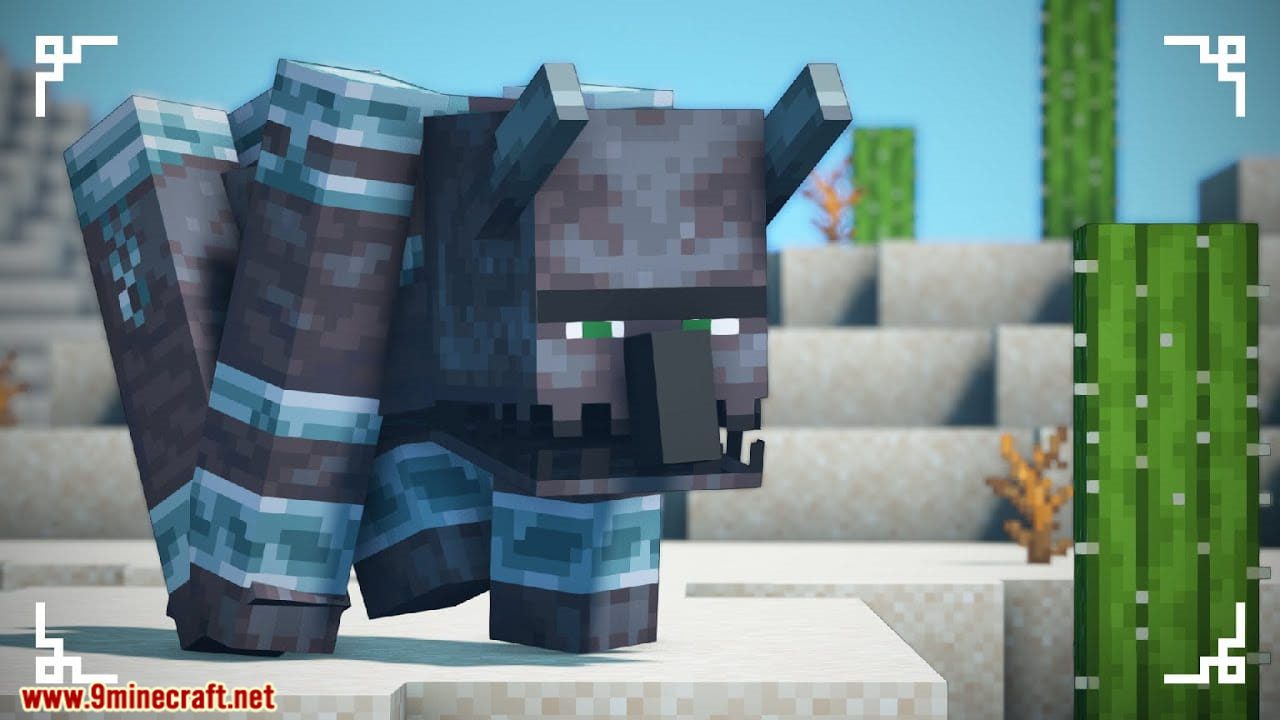
Fresh Animations Resource Pack Download Links
- Edition: Minecraft Java
- File type: .zip (resource pack)
- Minecraft version listed: 1.20.1
- How to install: Download the .zip resource pack — do not unzip it. → Put it in .minecraft/resourcepacks. → Enable it in Options → Resource Packs.
- Where to get it: In MC Java Mods, or directly above on this page.
Install steps are the general flow for this file type — How to install Minecraft Java resource packs walks through it step by step.
- Download size: 631 KB
- Download link checked 25 Jul 2026 — working
- Mirrored on our own servers — the download does not depend on the original host
These come from our own check of the pack file, not from the source page.