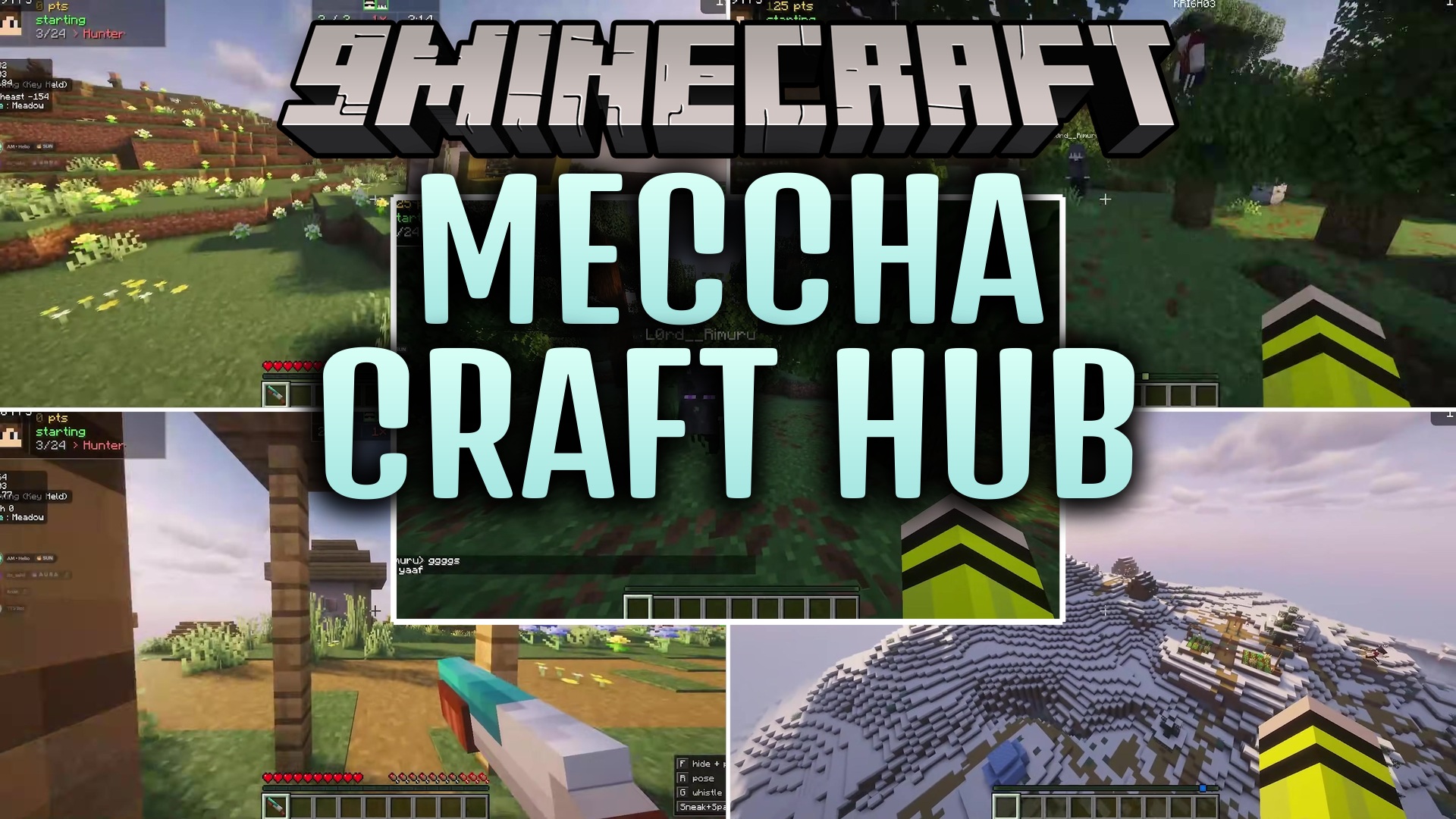
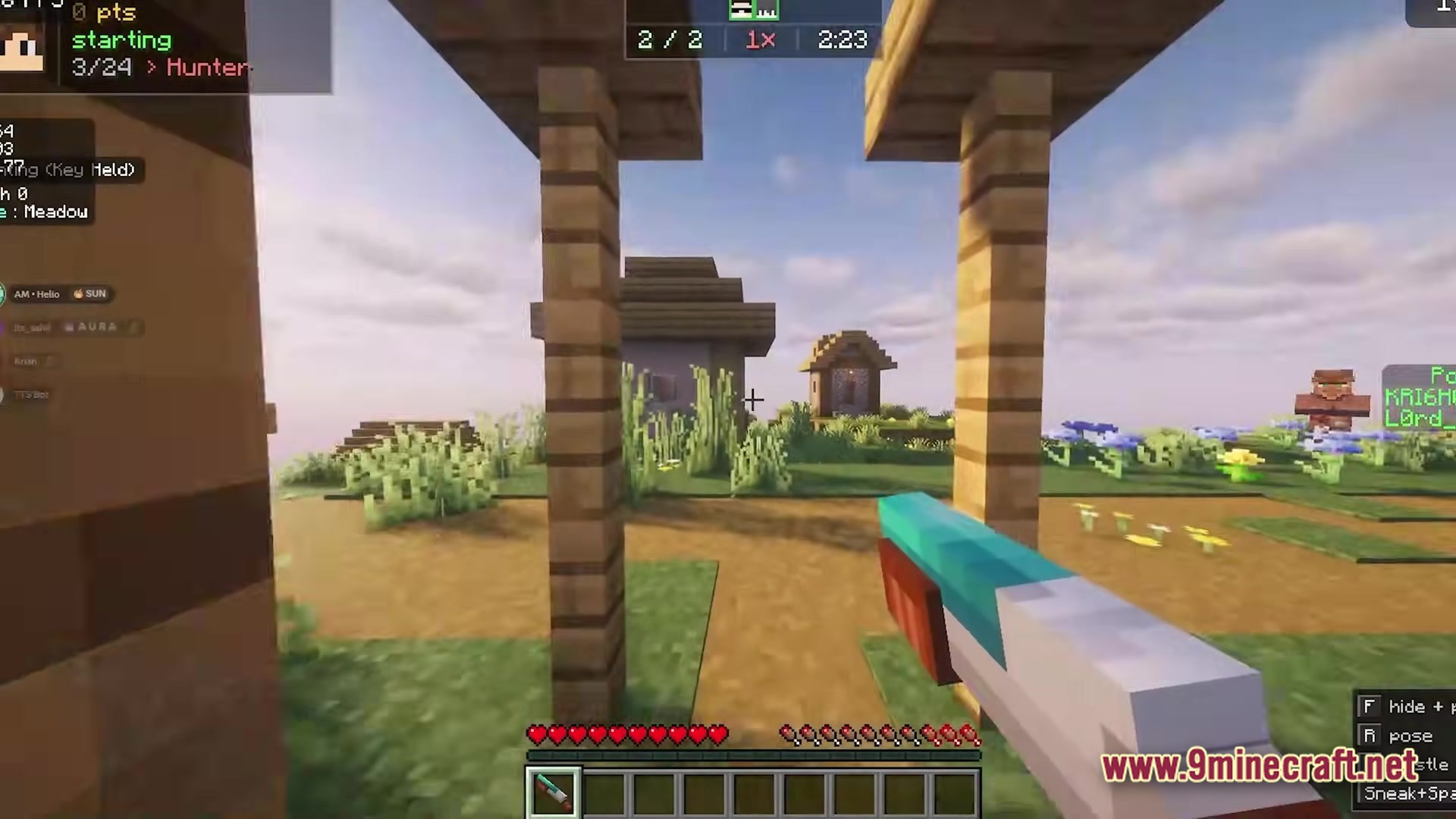
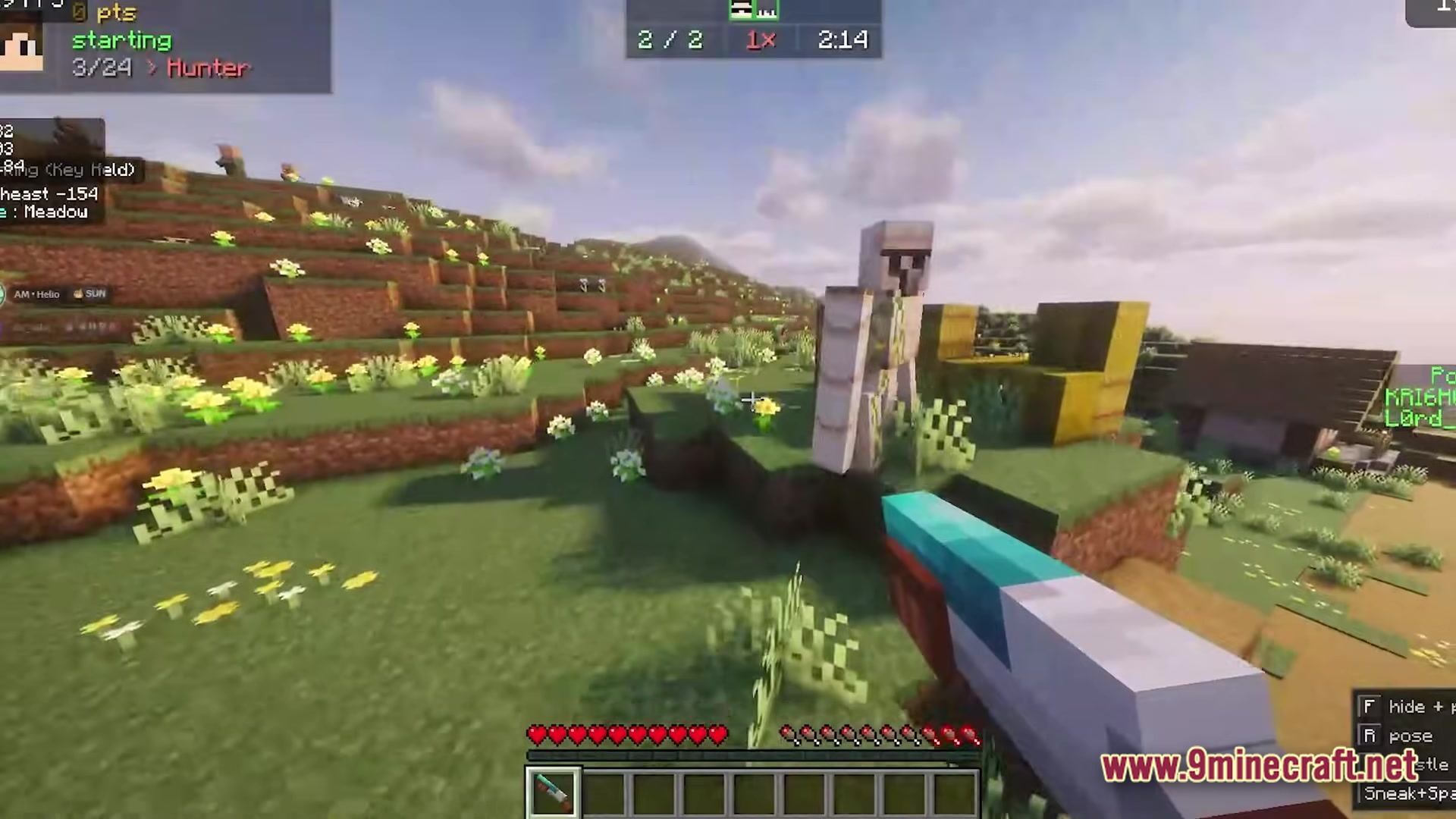
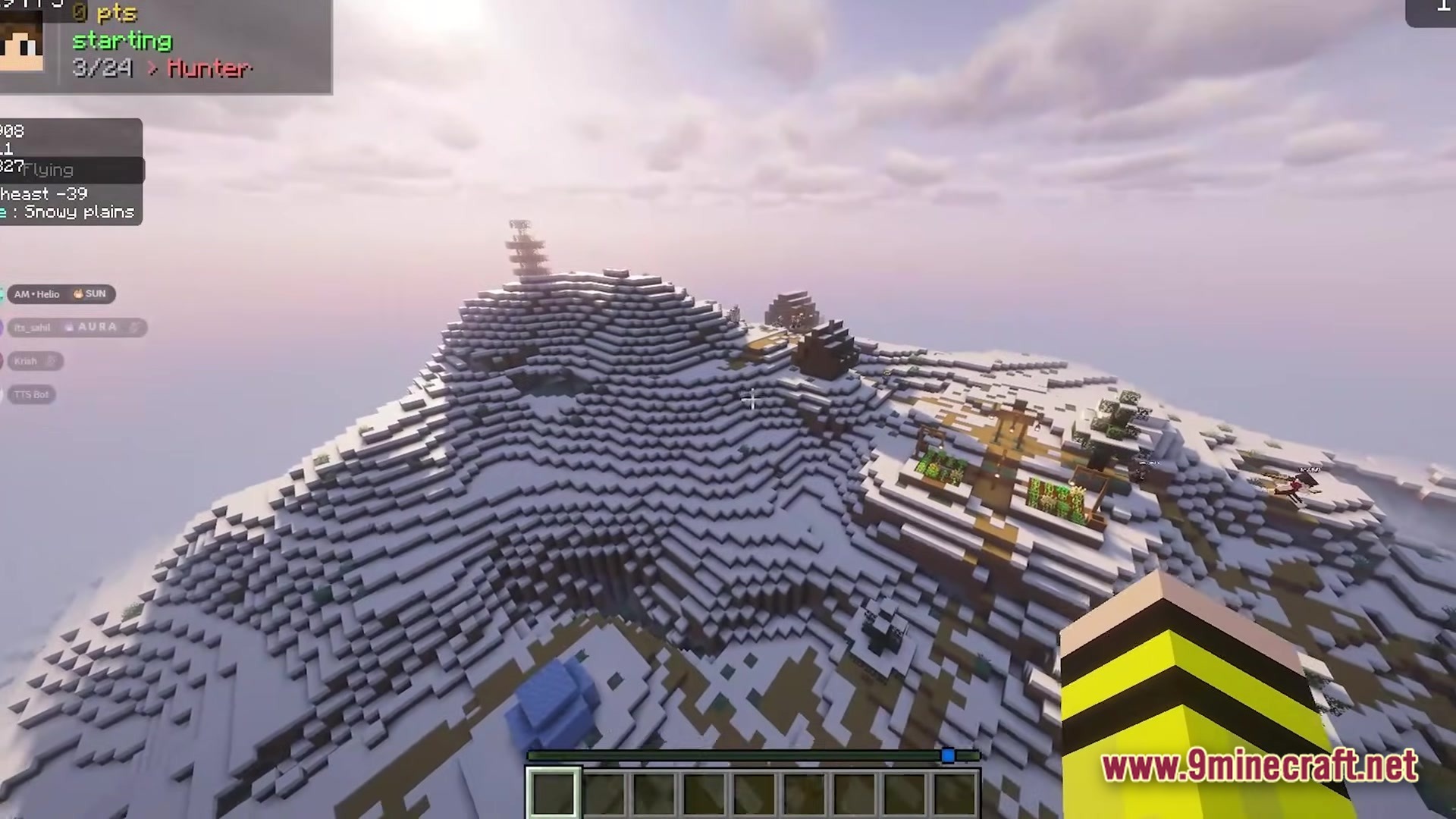
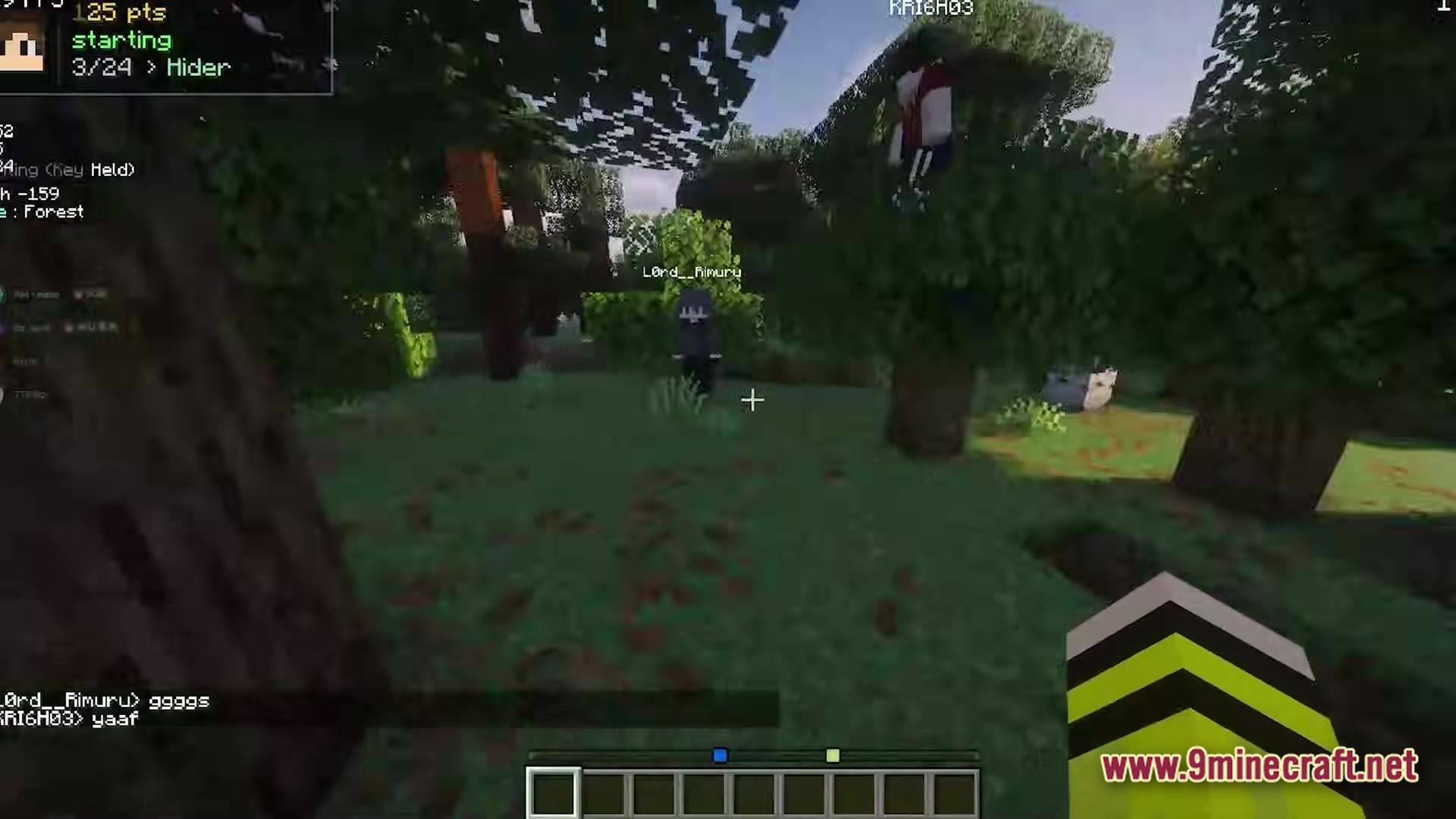
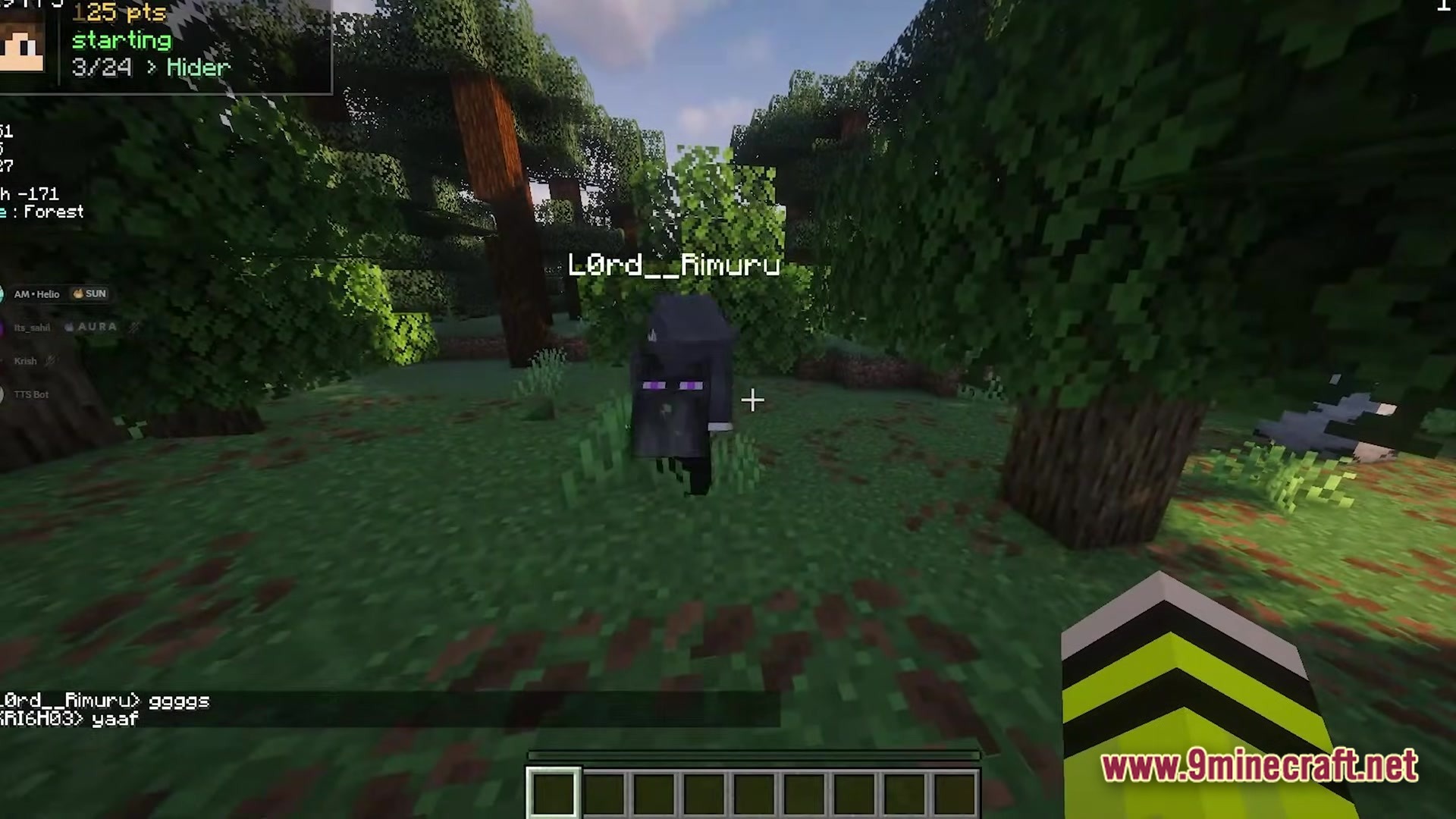
Meccha Craft Hub packs over twenty different games into one small world. You can load up this single map and find lots of fun things to do right away. It saves you time because you do not have to download twenty separate worlds to play different games.
Features:
- Adds a main hub area where you can pick which game you want to play.
- Includes over twenty different mini-maps packed into one single world save.
- Lets you switch between games quickly without leaving the world.
- Gives you a fun space to hang out with friends while you pick your next activity.
How to Play:
- Load into the main hub area when you join the world.
- Look around the hub to find all the different game options.
- Pick a game you want to try and follow the path or portal to start it.
- Finish the game, return to the hub, and pick a new one to play.
Screenshots:
Meccha Craft Hub Map Download Links
Quick facts
- Edition: Minecraft Java
- File type: .zip (world save)
- Minecraft version listed: 1.20.1
- How to install: Download the .zip world. → Unzip it. → Move the folder into .minecraft/saves.
- Where to get it: In MC Java Mods, or directly above on this page.
Install steps are the general flow for this file type — How to install Minecraft Java maps & worlds walks through it step by step.
Meccha Craft Hub Map (26.3, 1.20.1) – Master Twenty Games with Friends is a free Minecraft Java map. Compatible with Minecraft 1.20.1. Download it and open it directly in the game.