
AddonsBedrock
VDX Java Desktop UI Addon (26.x, 1.21) – Get Classic Java Desktop Menus and UI
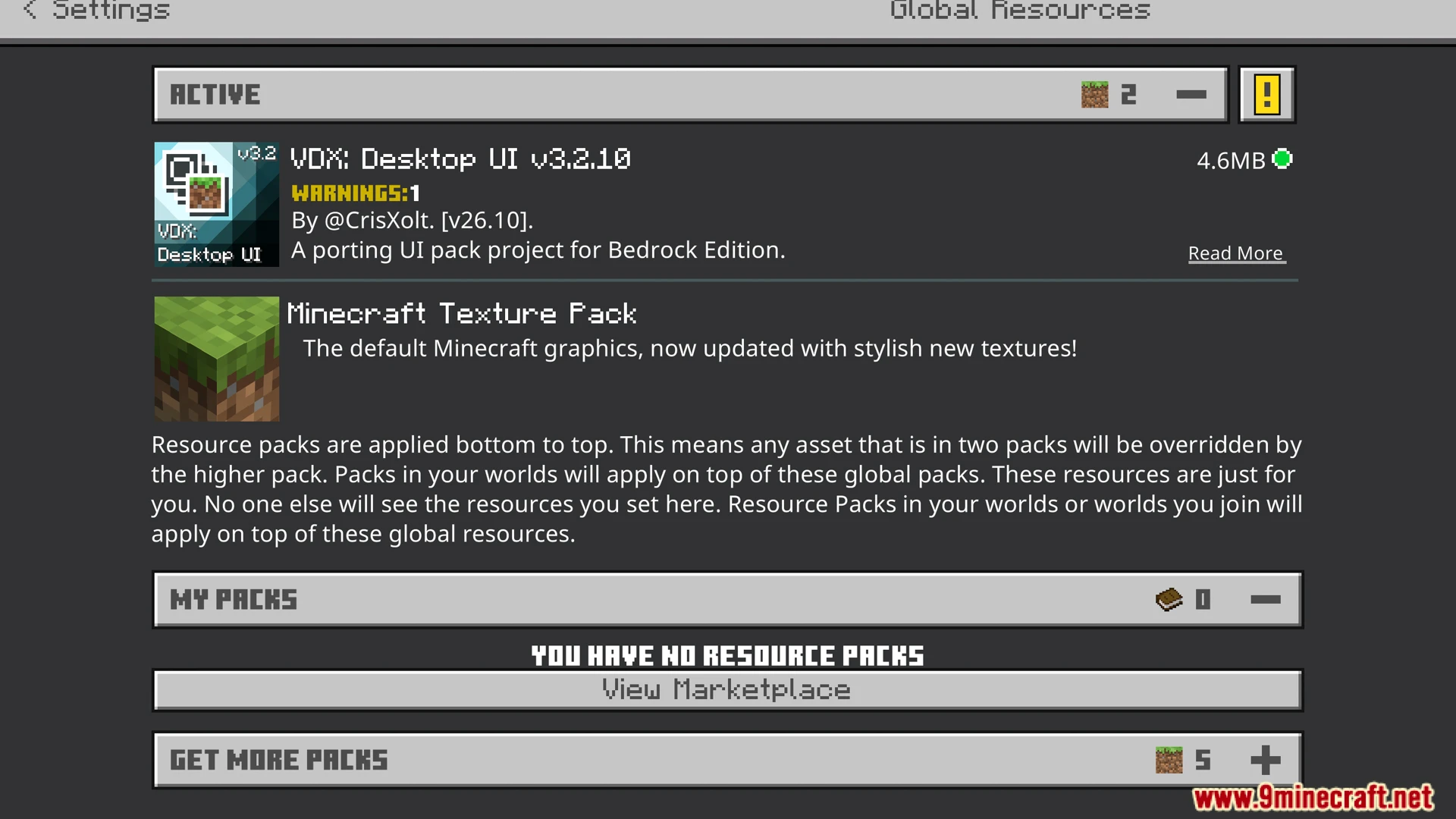
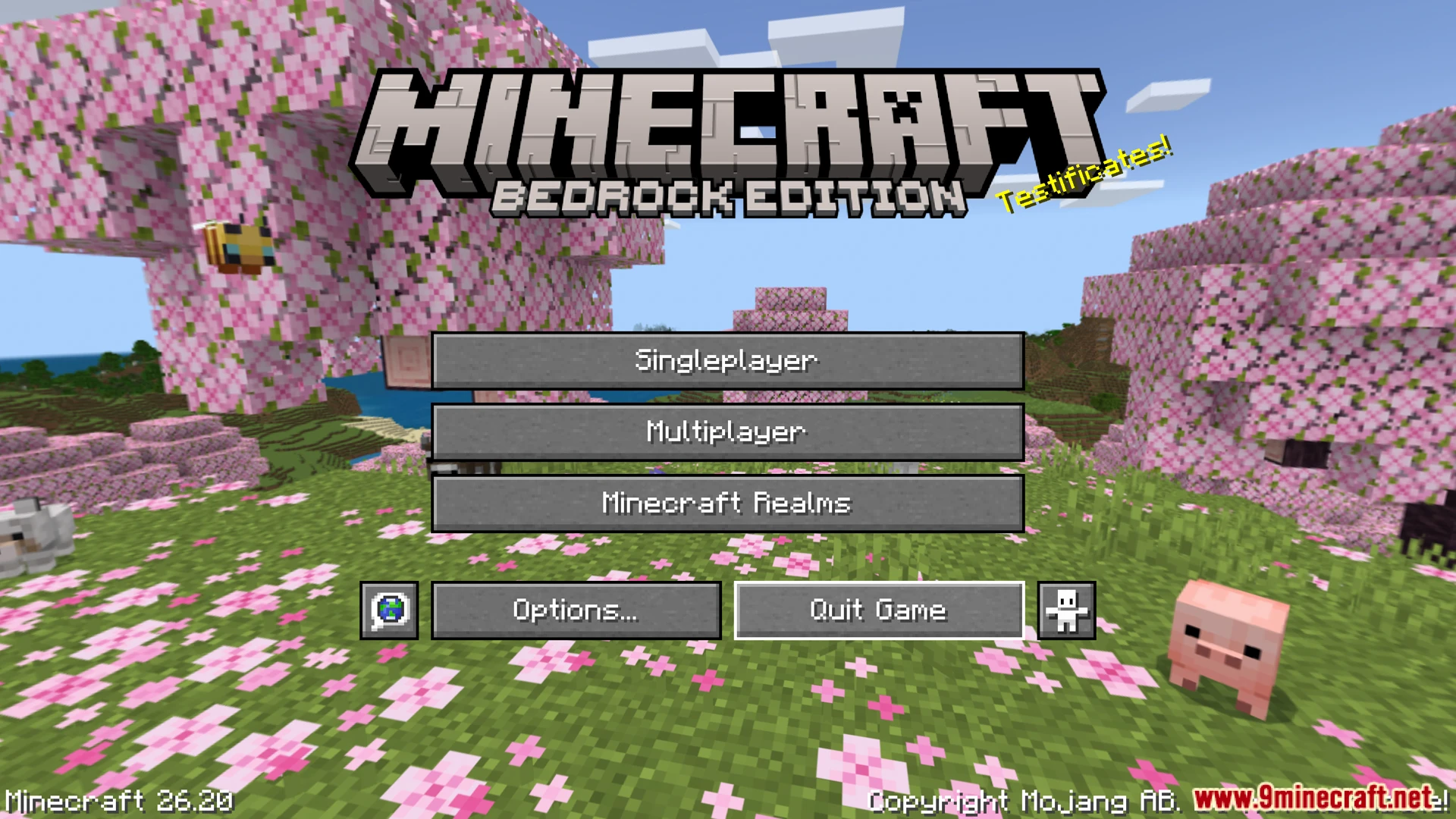
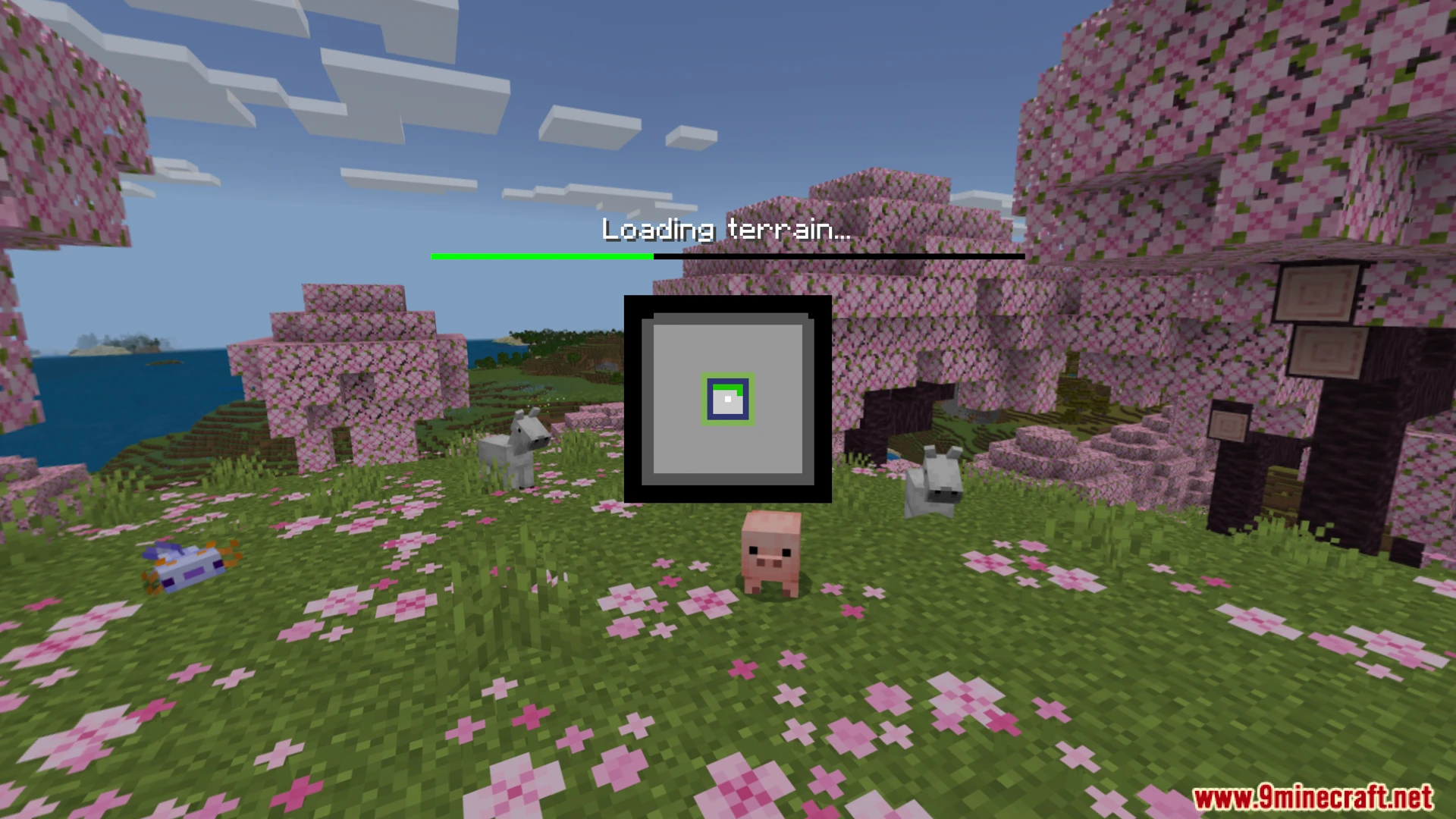
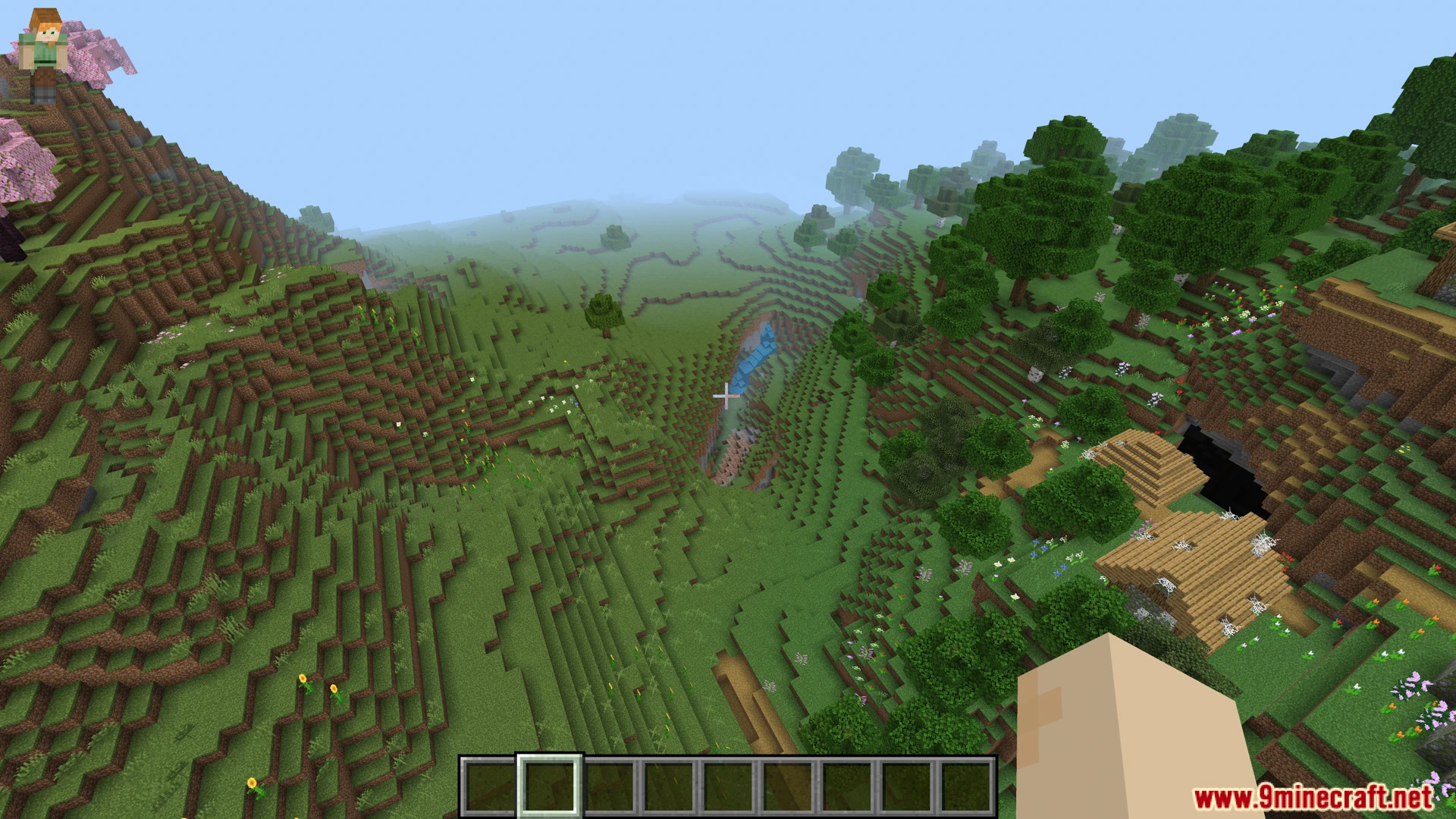
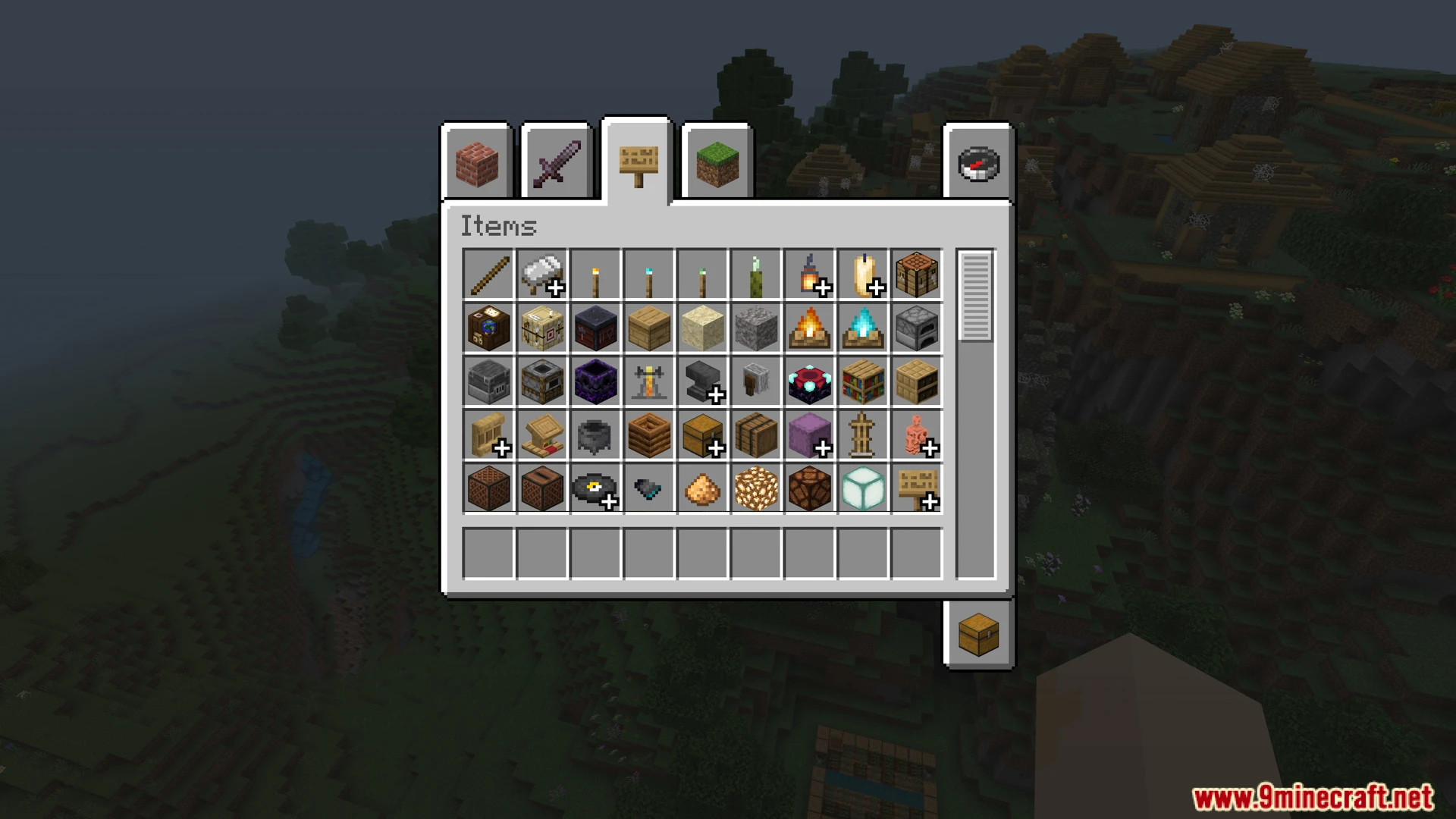
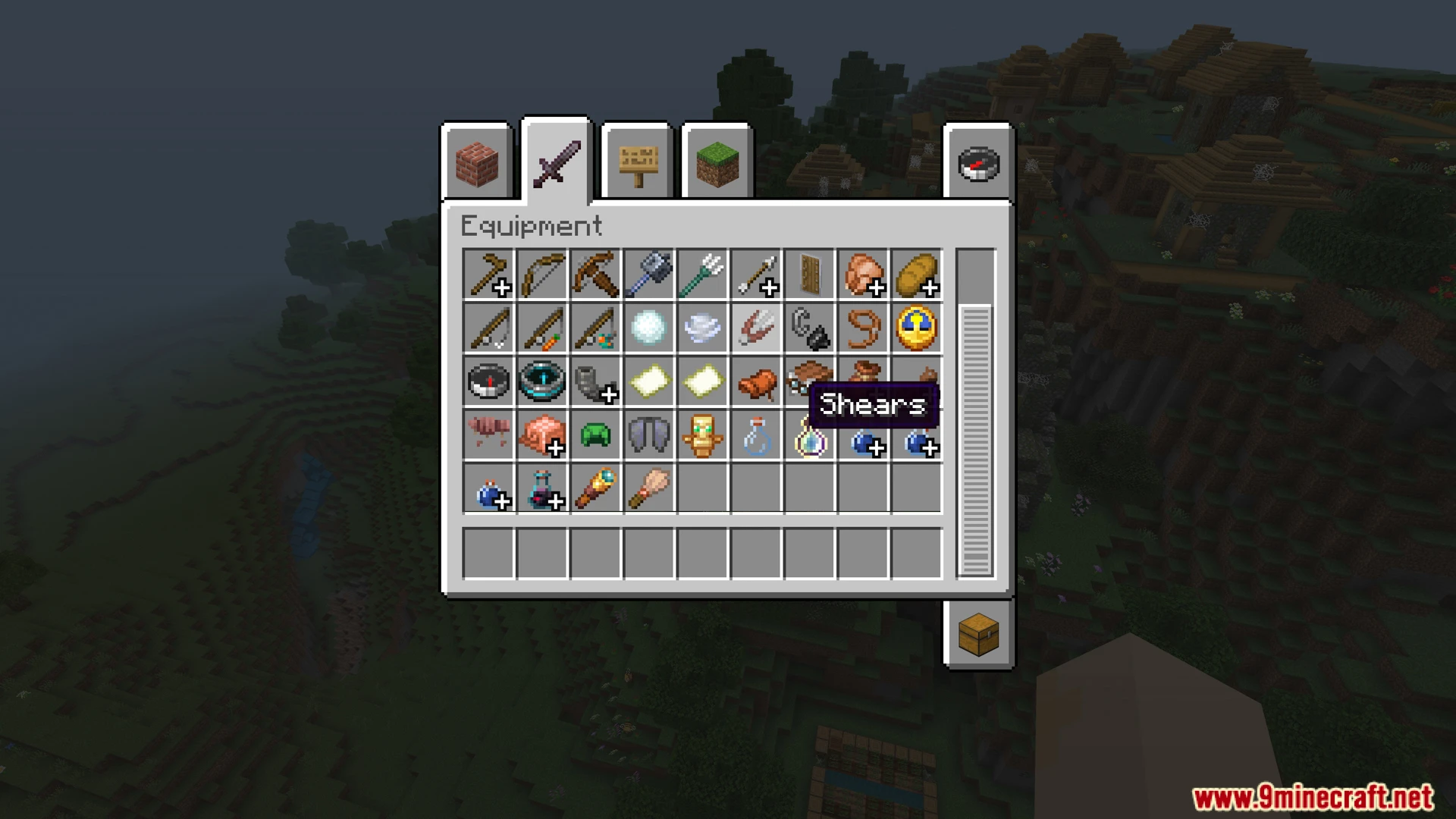
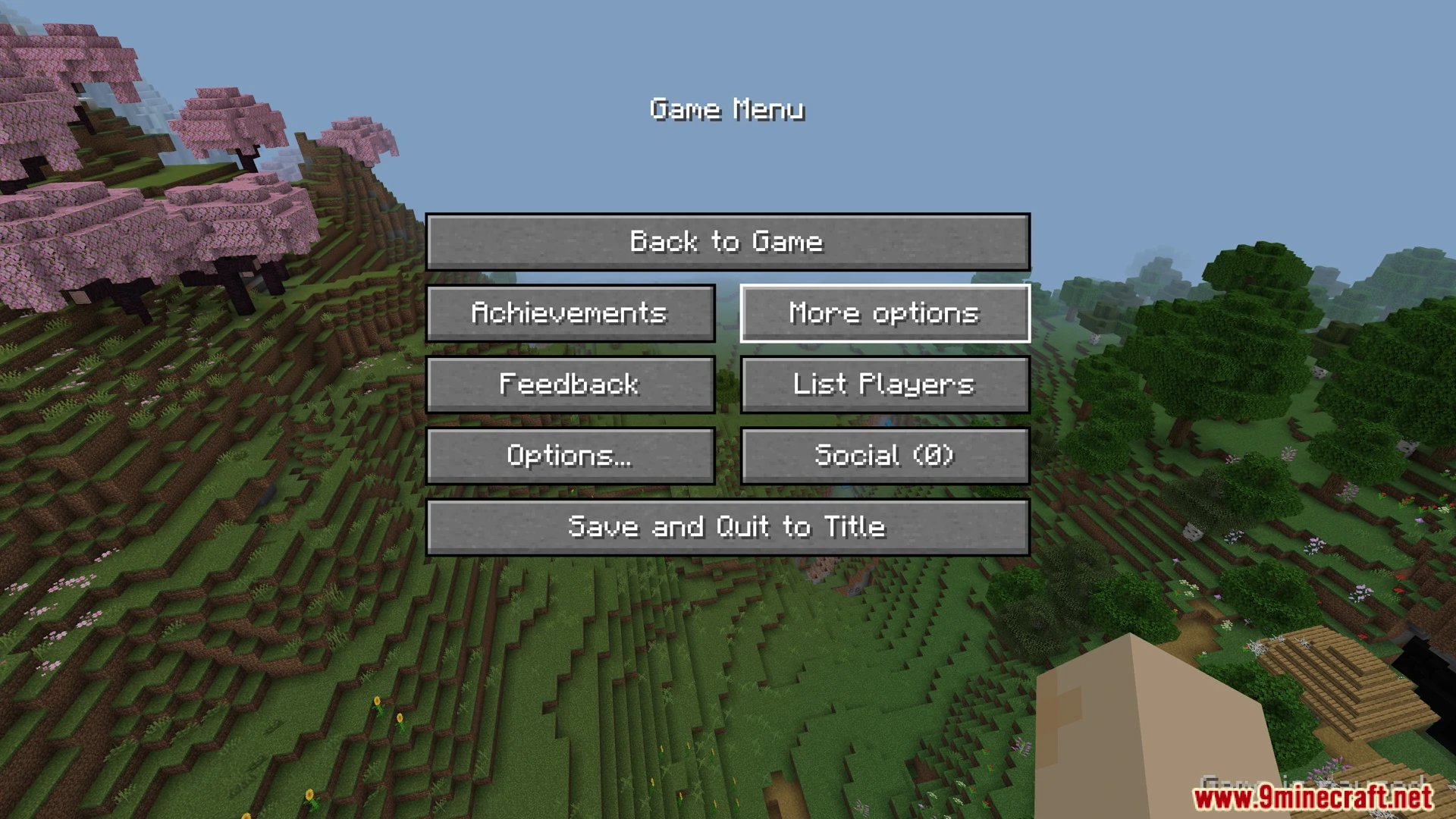
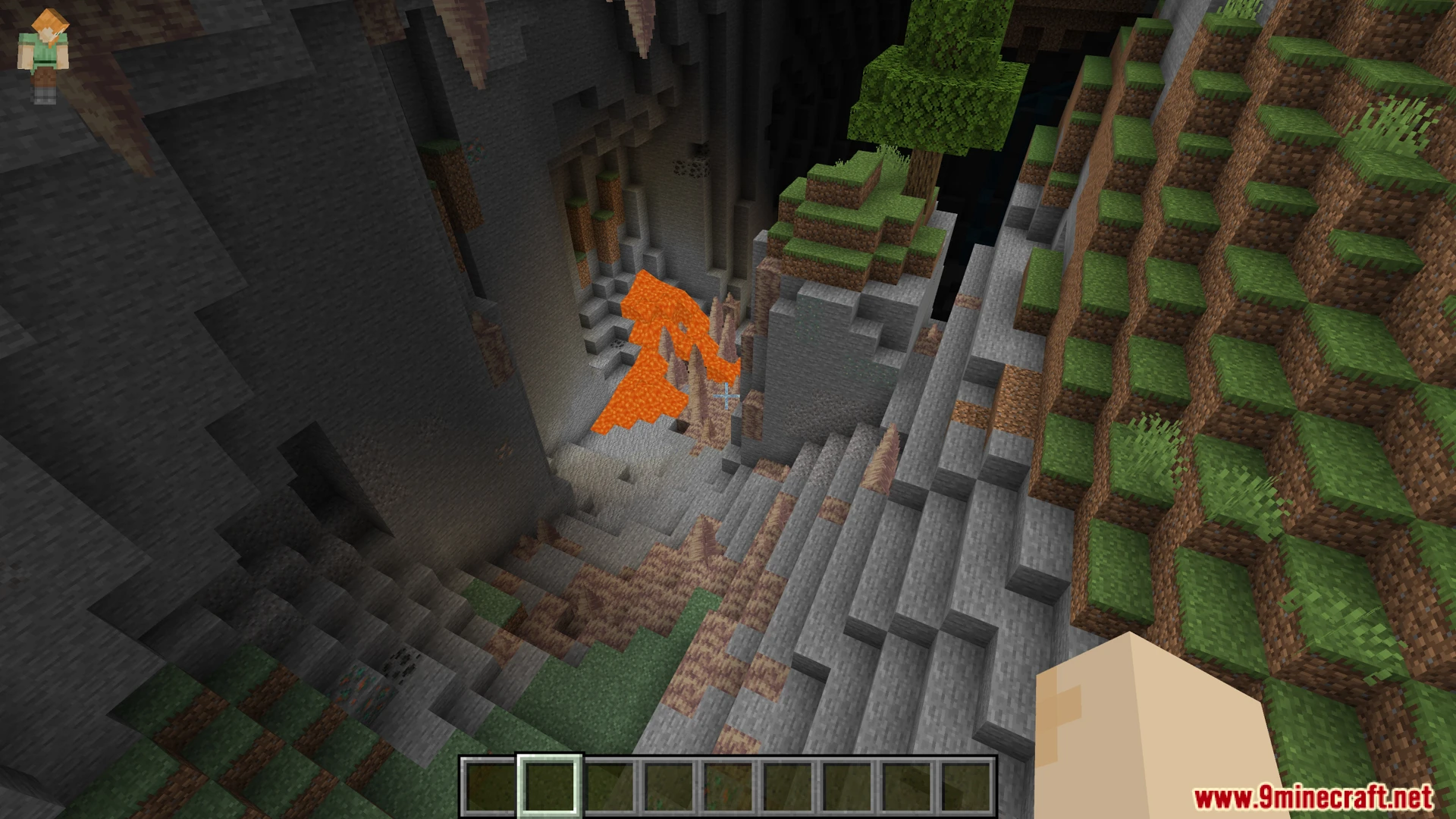
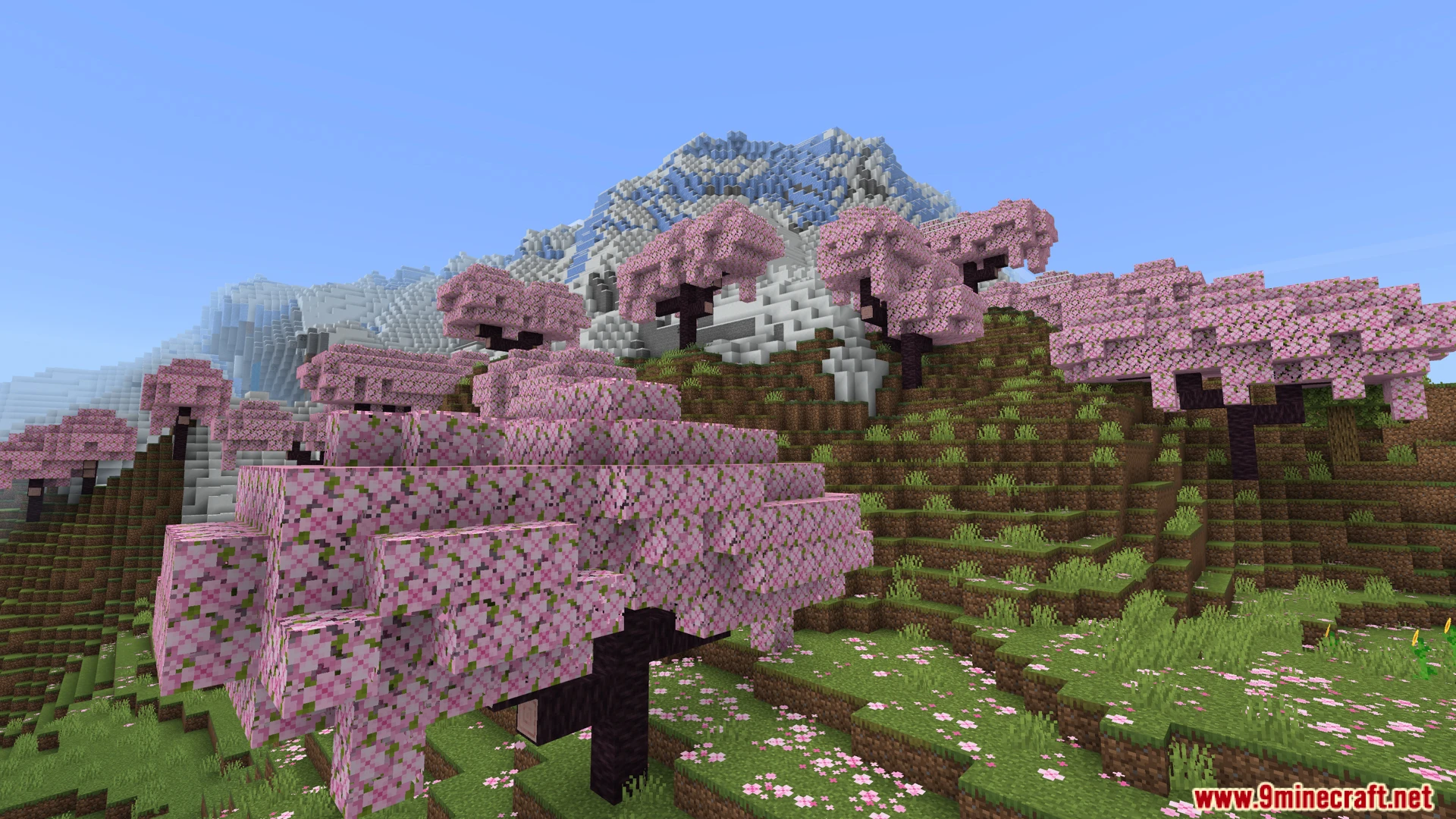
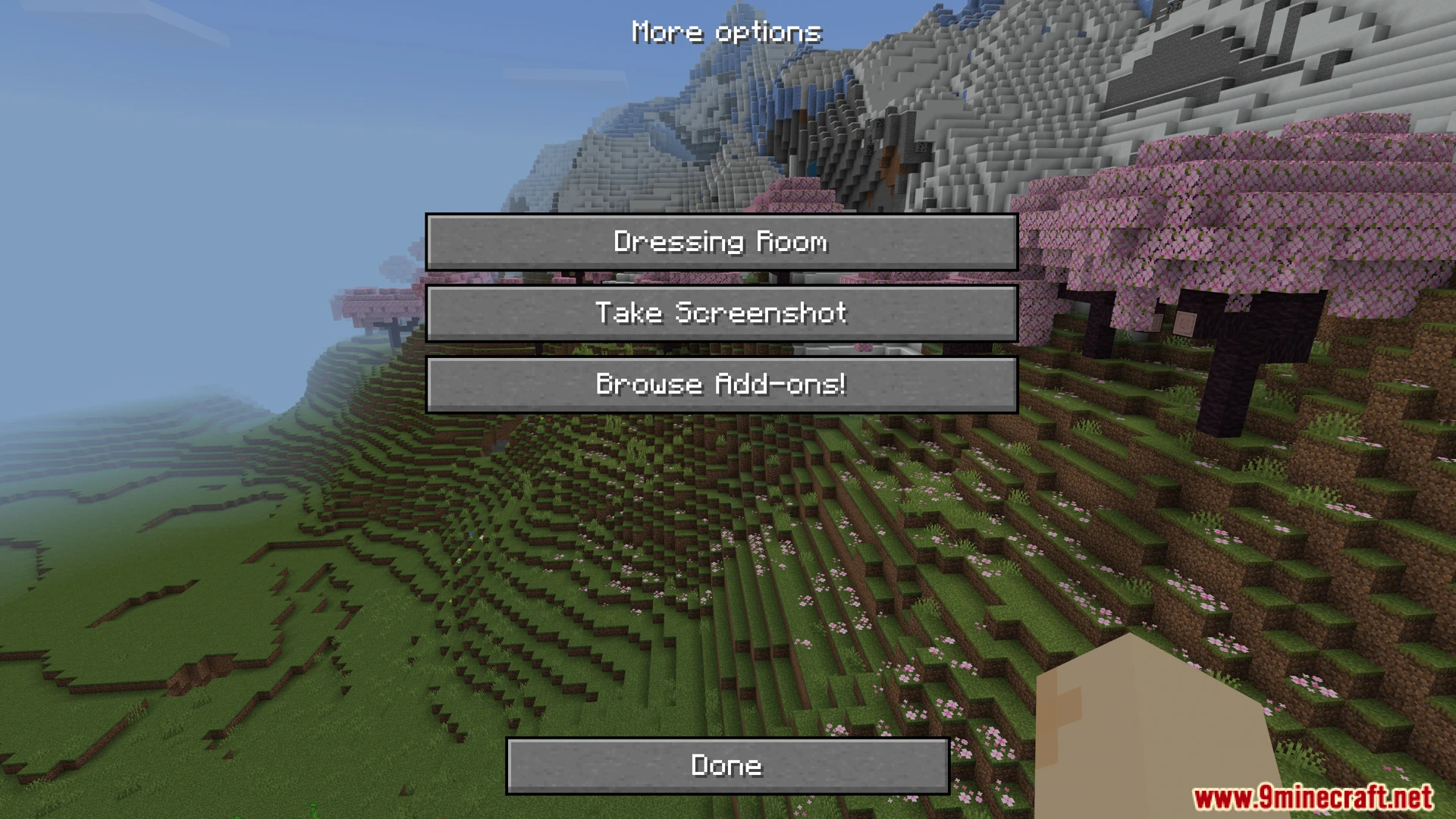
VDX Java Desktop UI Addon changes your game interface to look like the classic computer version. It adds new menu styles and updates your inventory screens to match the older layouts. This addon lets you choose between different designs like a special player versus player mode.
Features:
- Converts the base game menus to a classic computer style.
- Adds a mixed mode with console and computer parts.
- Brings a special player versus player interface design.
- Includes clear chat and scoreboard backgrounds for easier reading.
- Supports multiple languages like English, Spanish, and Japanese.
Configuration:
You can customize the interface settings by editing the global variables file.
This file allows you to change options like the heads-up display visibility.
VDX Java Desktop UI Addon Download Links
Quick facts
- Edition: Minecraft Bedrock
- File type: .mcpack or .mcaddon
- Minecraft version listed: 1.21
- How to install: Download the .mcpack or .mcaddon file. → Open it — Minecraft imports it. → In your world: Behavior Packs → Available → Activate, then the same under Resource Packs.
- Where to get it: In MCModsHub, or directly above on this page.
Install steps are the general flow for this file type — How to install Minecraft Bedrock addons & mods walks through it step by step.
Verified by MCModsHub
- Pack type: .mcpack — a single pack
- Manifest requires Minecraft 1.26.10 or newer
- Complete pack — everything it depends on is inside the file
- Download link checked 23 Jul 2026 — working
- Mirrored on our own servers — the download does not depend on the original host
These come from our own check of the pack file, not from the source page.