ShadersJava
Lux V1 Shaders (26.3, 1.20.1) – Fantasy Cartoon Style with PBR Textures
Java shader pack listed for Minecraft 1.20–26.x. Downloads from the MC Java Mods app on Android.
⬇ Download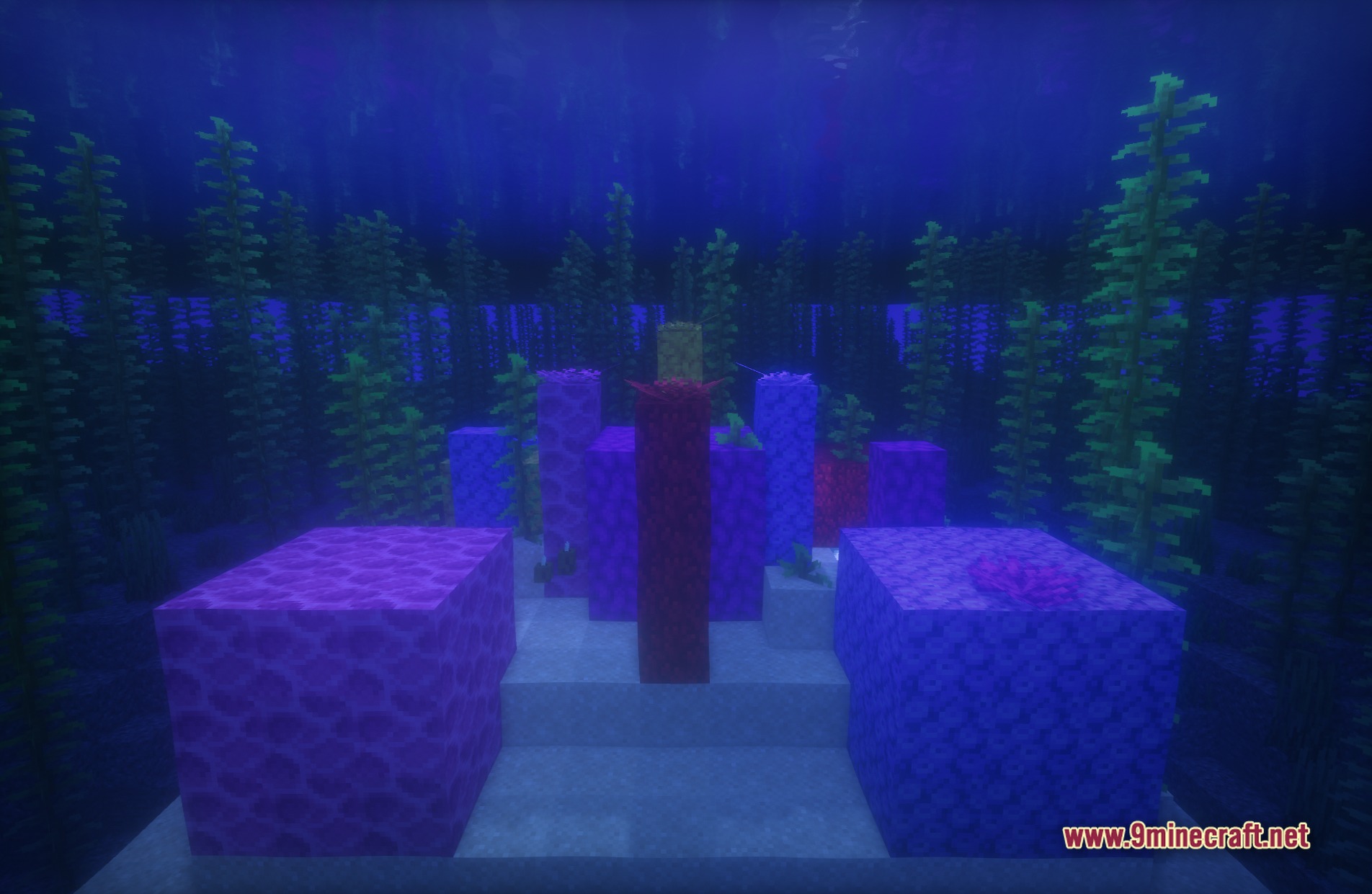
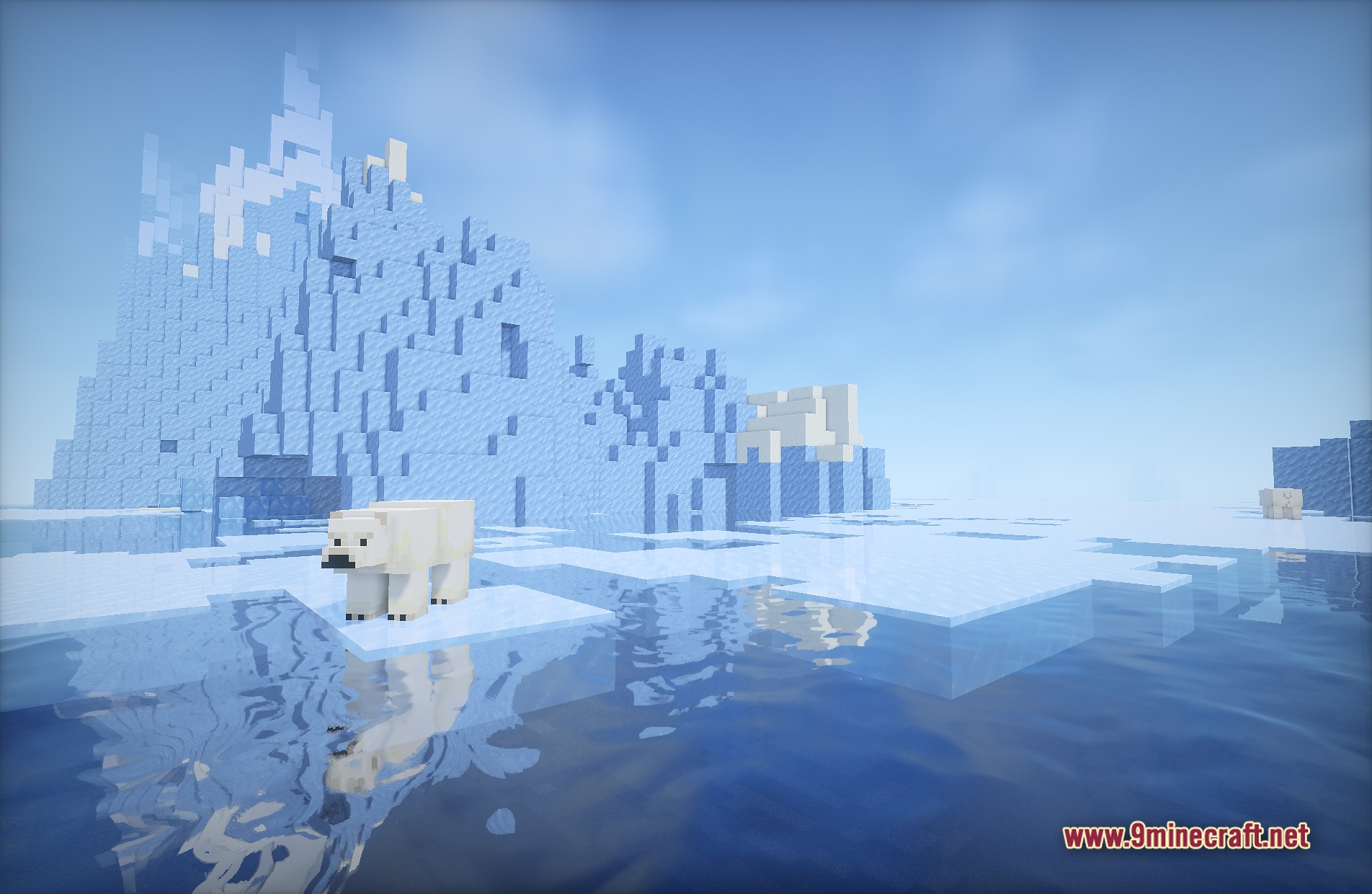
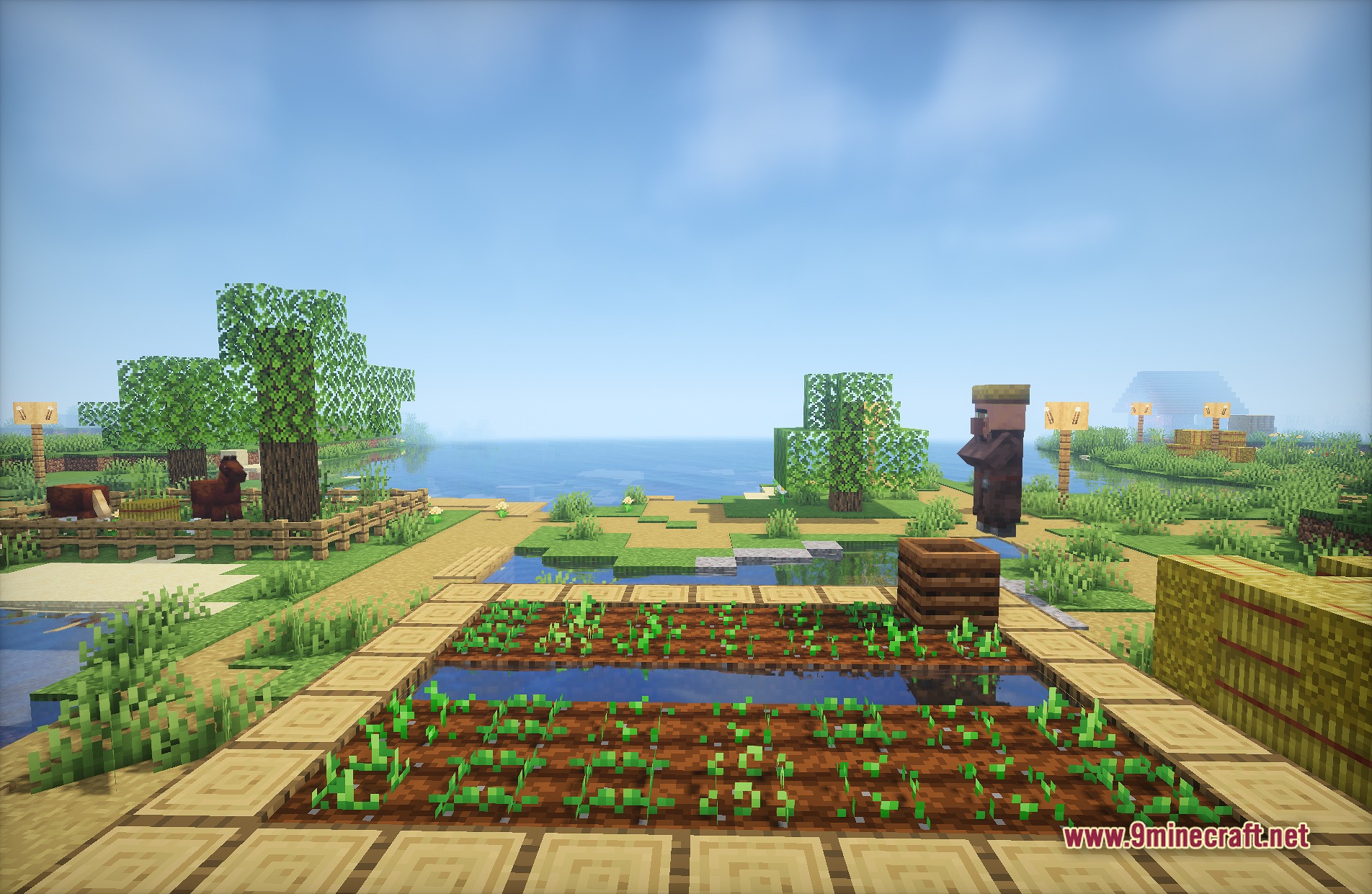
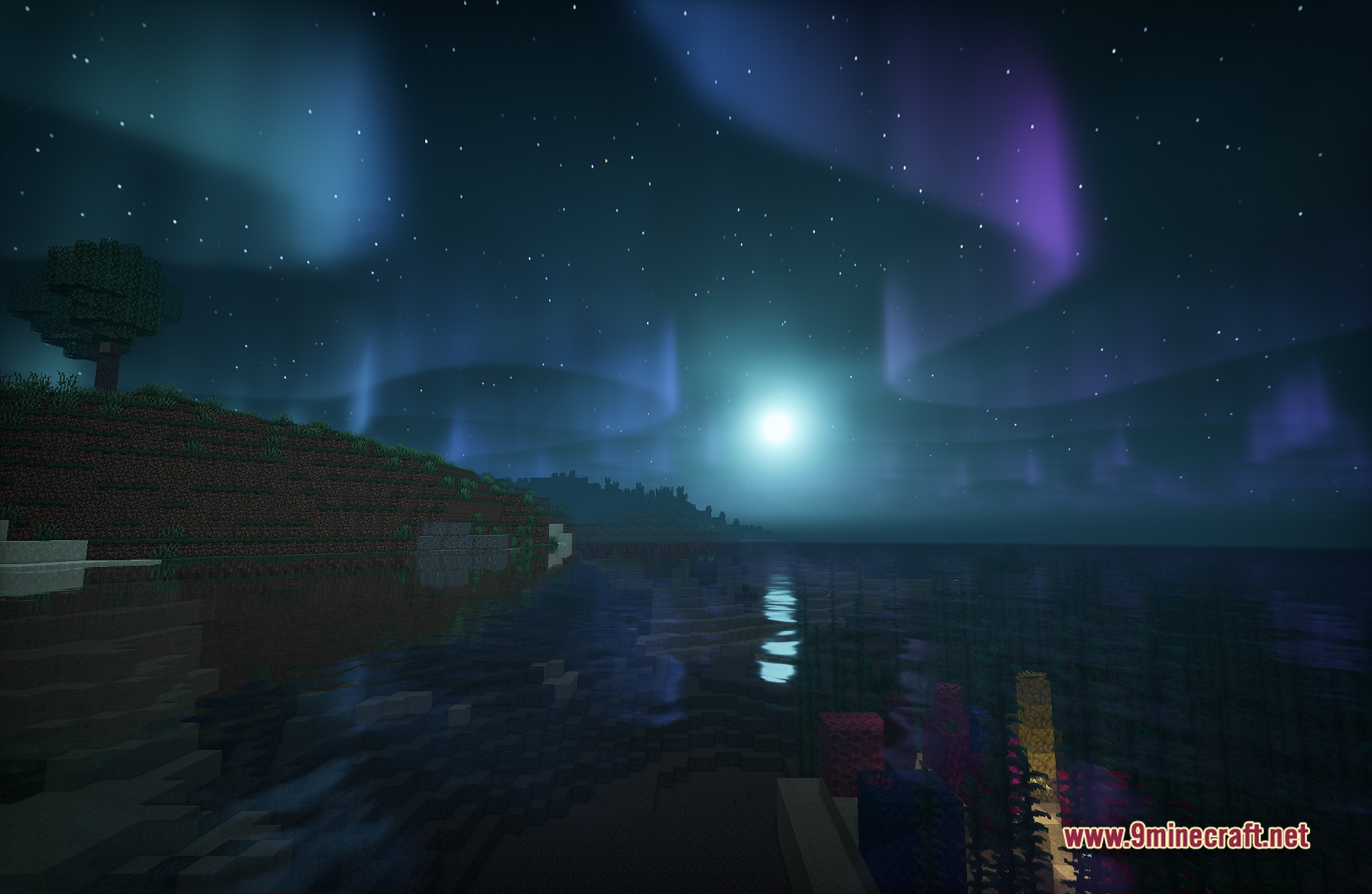
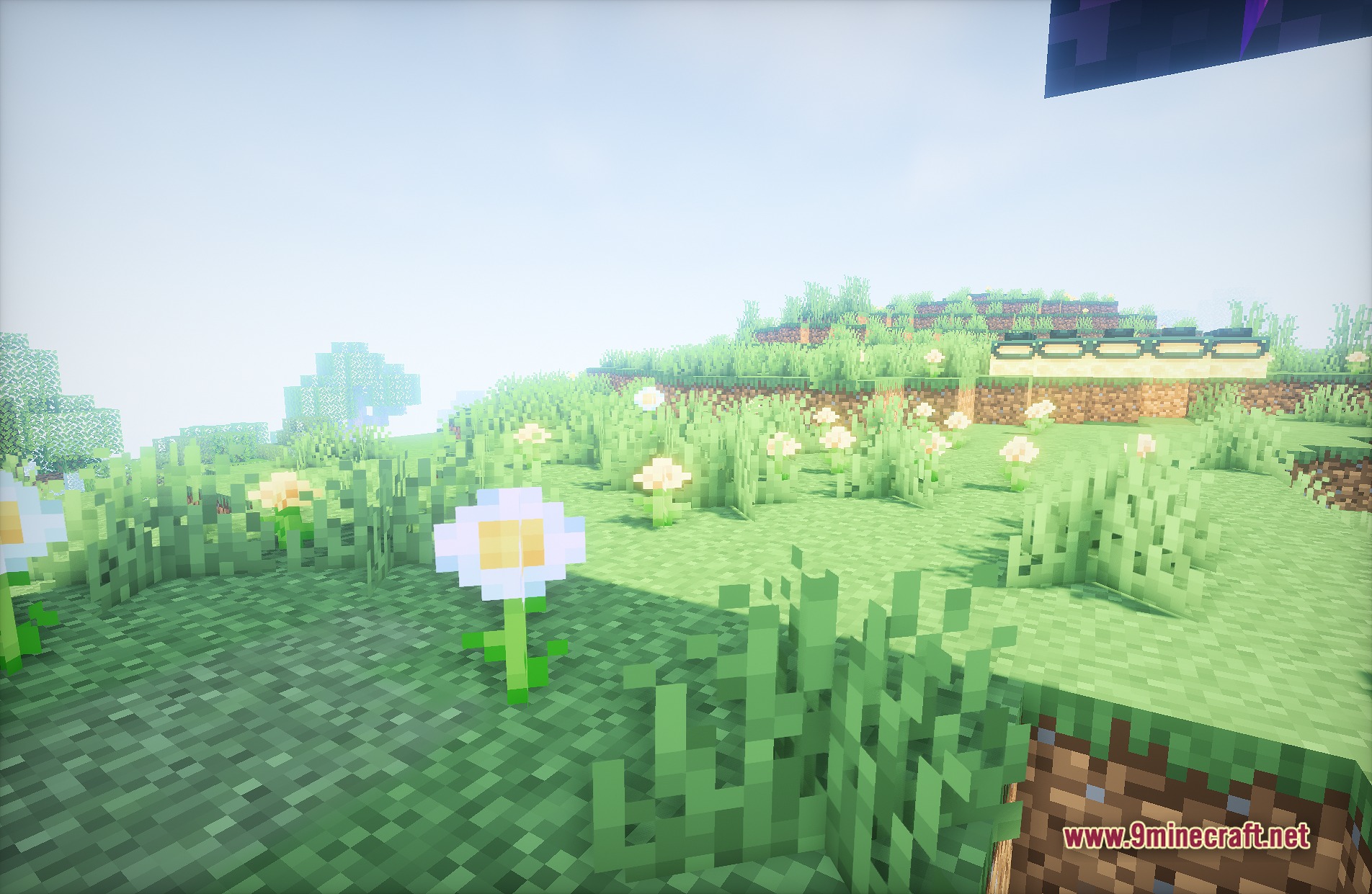
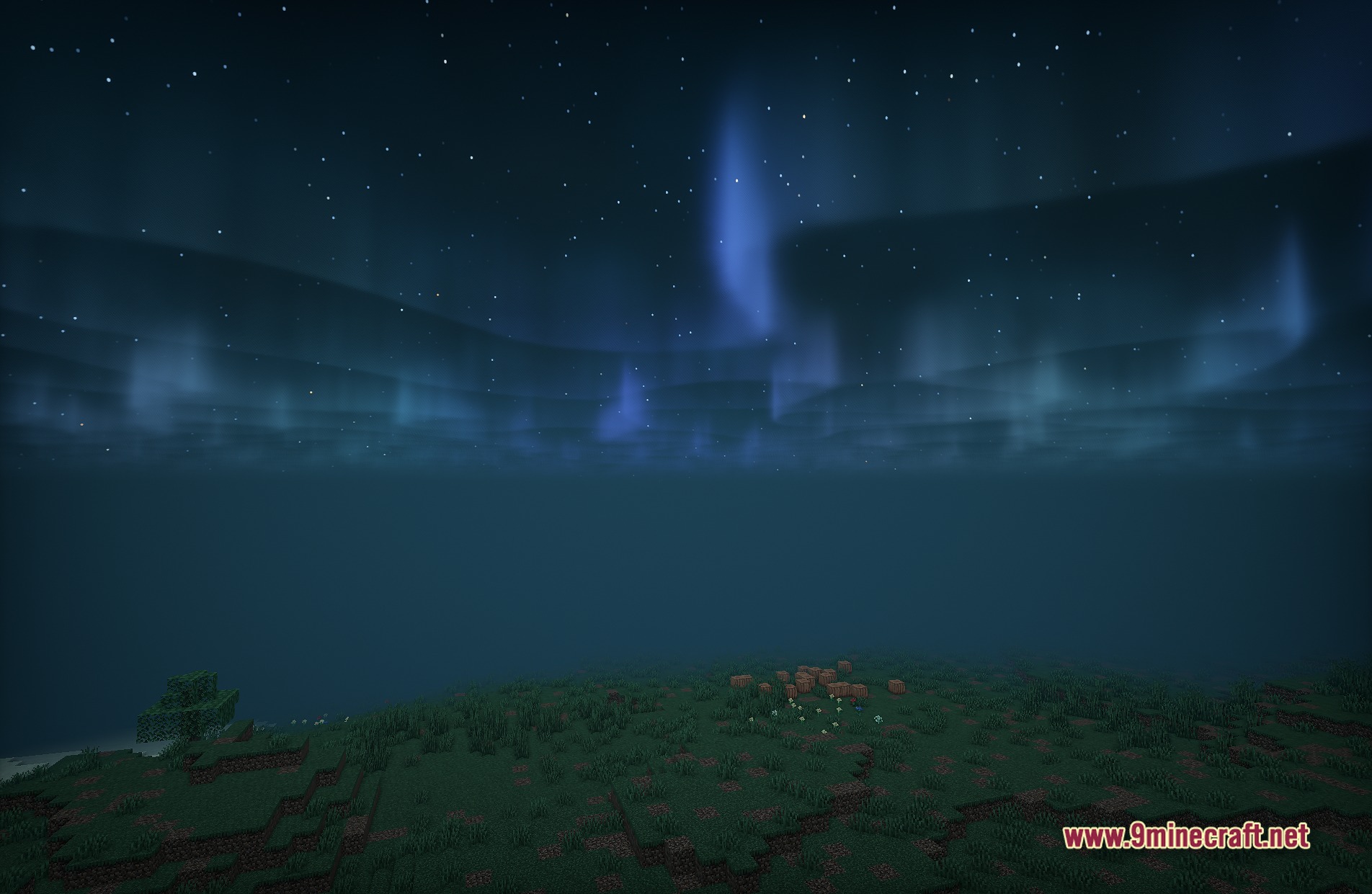
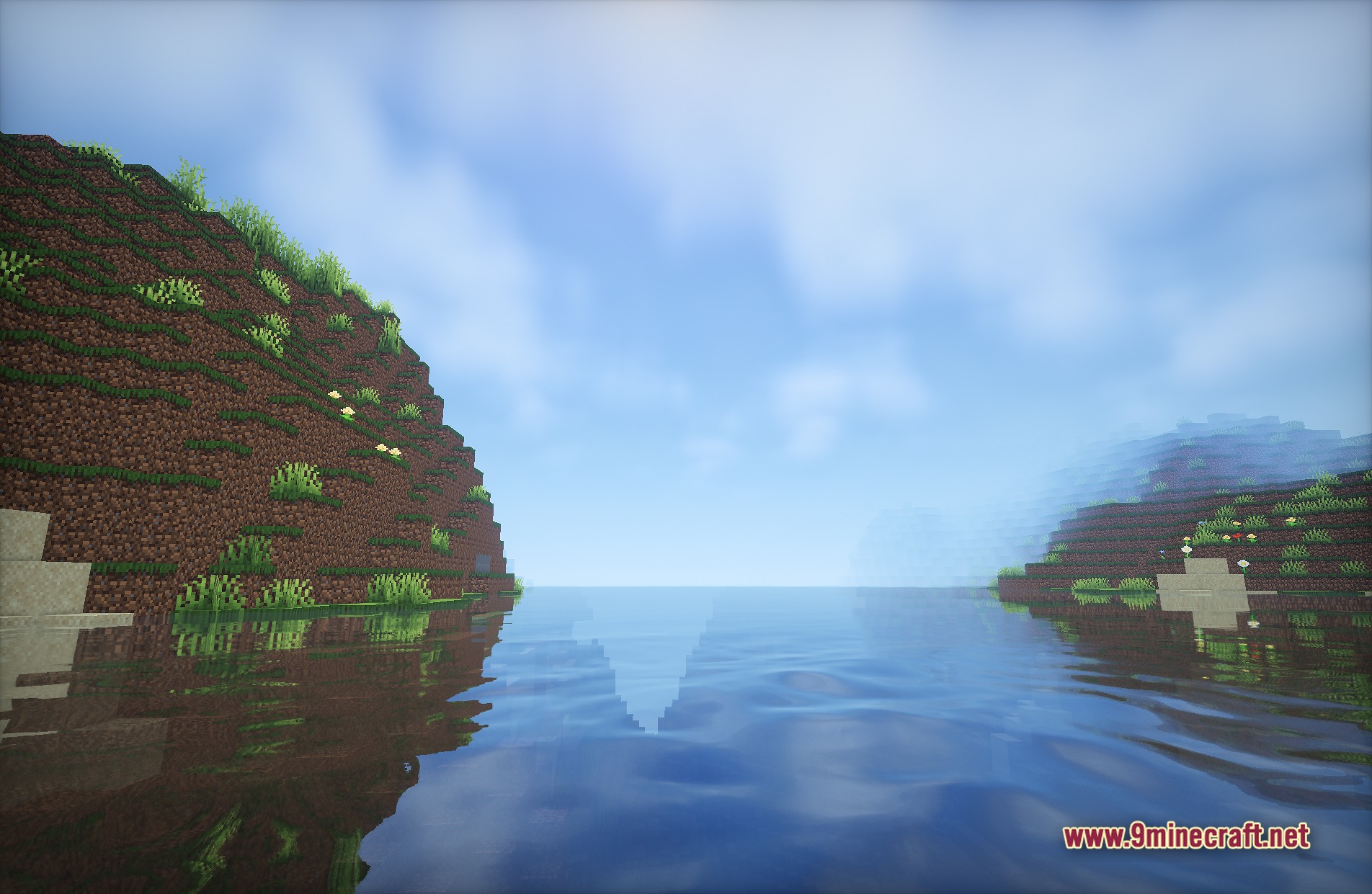
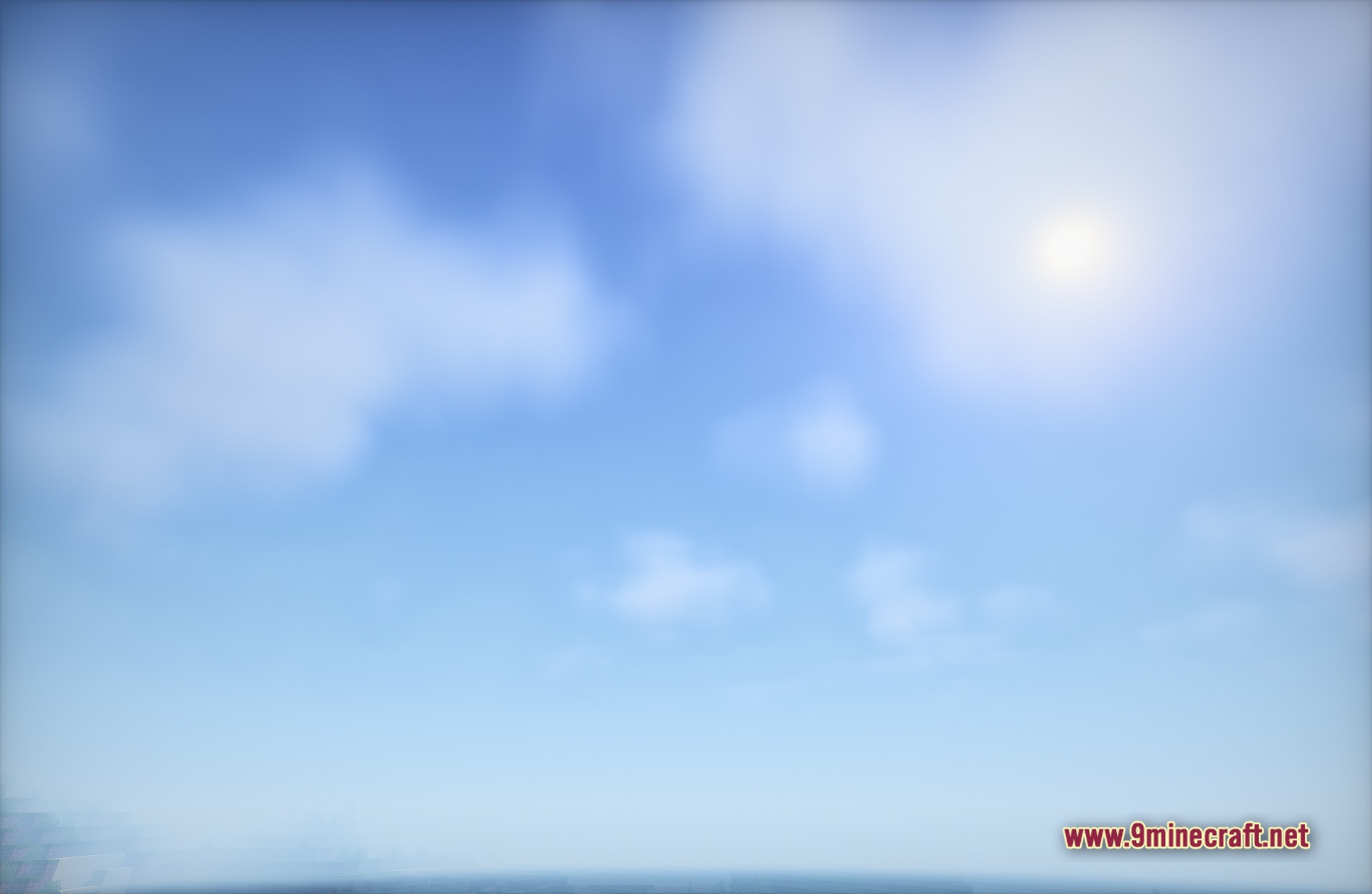
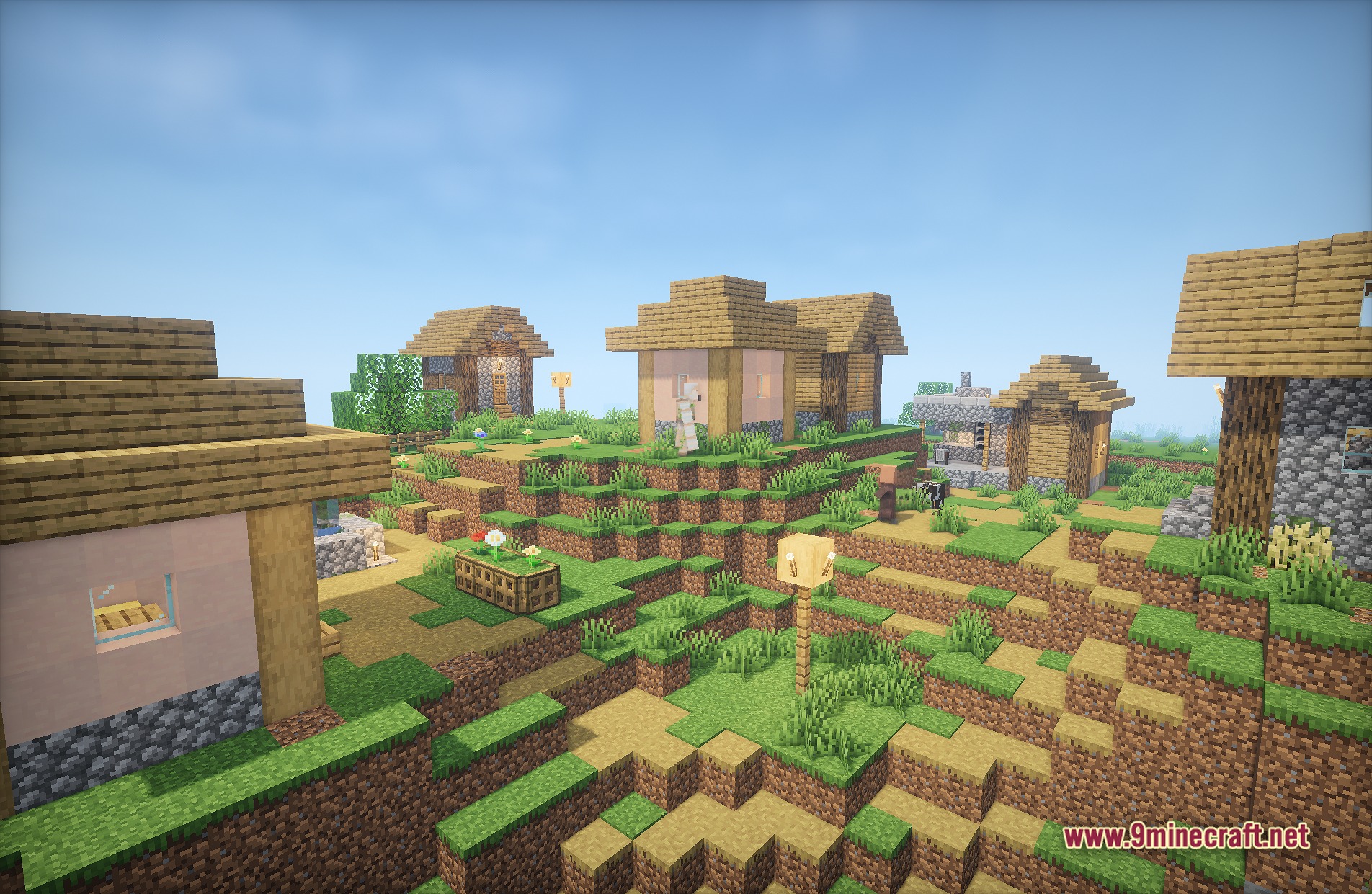
Lux V1 Shaders paints your Minecraft world with a unique mix of fantasy and cartoon styles. It builds upon the popular BSL Shaders base to give your game detailed shadows, clear reflections, and PBR block details. You get a fresh, colorful look that runs well on medium-range computers while making water and blocks look much better.
Features:
- PBR Textures: Adds extra depth and detail to blocks when you use matching resource packs.
- Casts crisp shadows that change the mood of your surroundings.
- Paints the world with a bright, colorful fantasy art style.
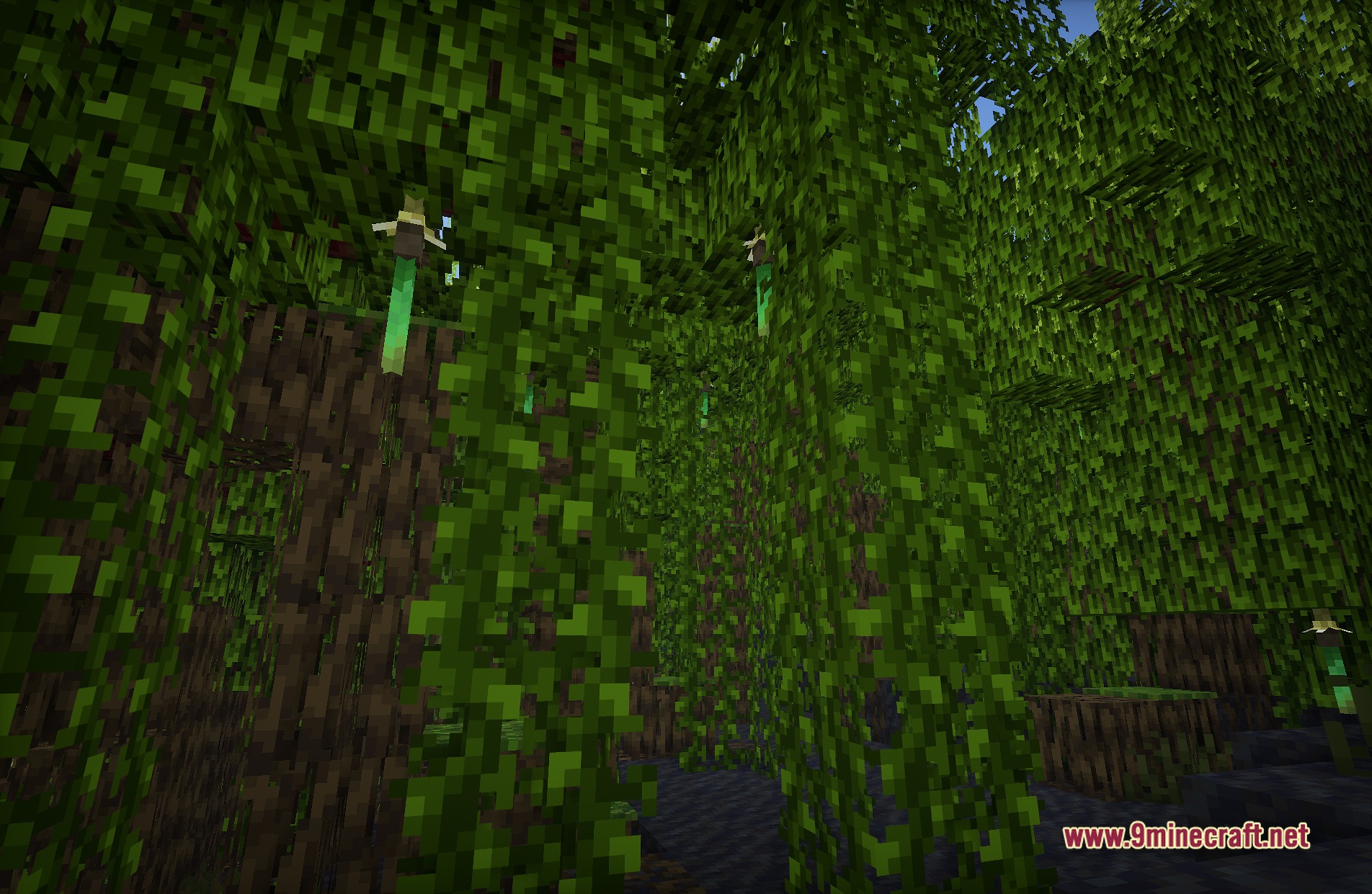
- Adds gentle movement to plant life so trees, leaves, and grass wave in the wind.
- Lights up water and shiny surfaces with clear reflections.
- Runs well on mid-range computers without causing major lag spikes.
Shader Trailer
Screenshots:
Lux V1 Shaders Download Links
Quick facts
- Edition: Minecraft Java
- File type: .zip (resource pack)
- Minecraft versions listed: 26.3, 1.20.1
- How to install: Download the .zip resource pack — do not unzip it. → Put it in .minecraft/resourcepacks. → Enable it in Options → Resource Packs.
- Where to get it: In MC Java Mods, or directly above on this page.
Install steps are the general flow for this file type — see the MC Java Mods guides for the full walkthrough.
Lux V1 Shaders (26.3, 1.20.1) – Fantasy Cartoon Style with PBR Textures is a free Minecraft Java shader. Compatible with Minecraft 26.3, 1.20.1. Download it and open it directly in the game.