ShadersJava
FastPBR Shaders (26.2, 1.20.1) – Fast PBR Lighting and Soft Shadows
Java shader pack listed for Minecraft 1.20. Downloads from the MC Java Mods app on Android.
⬇ Download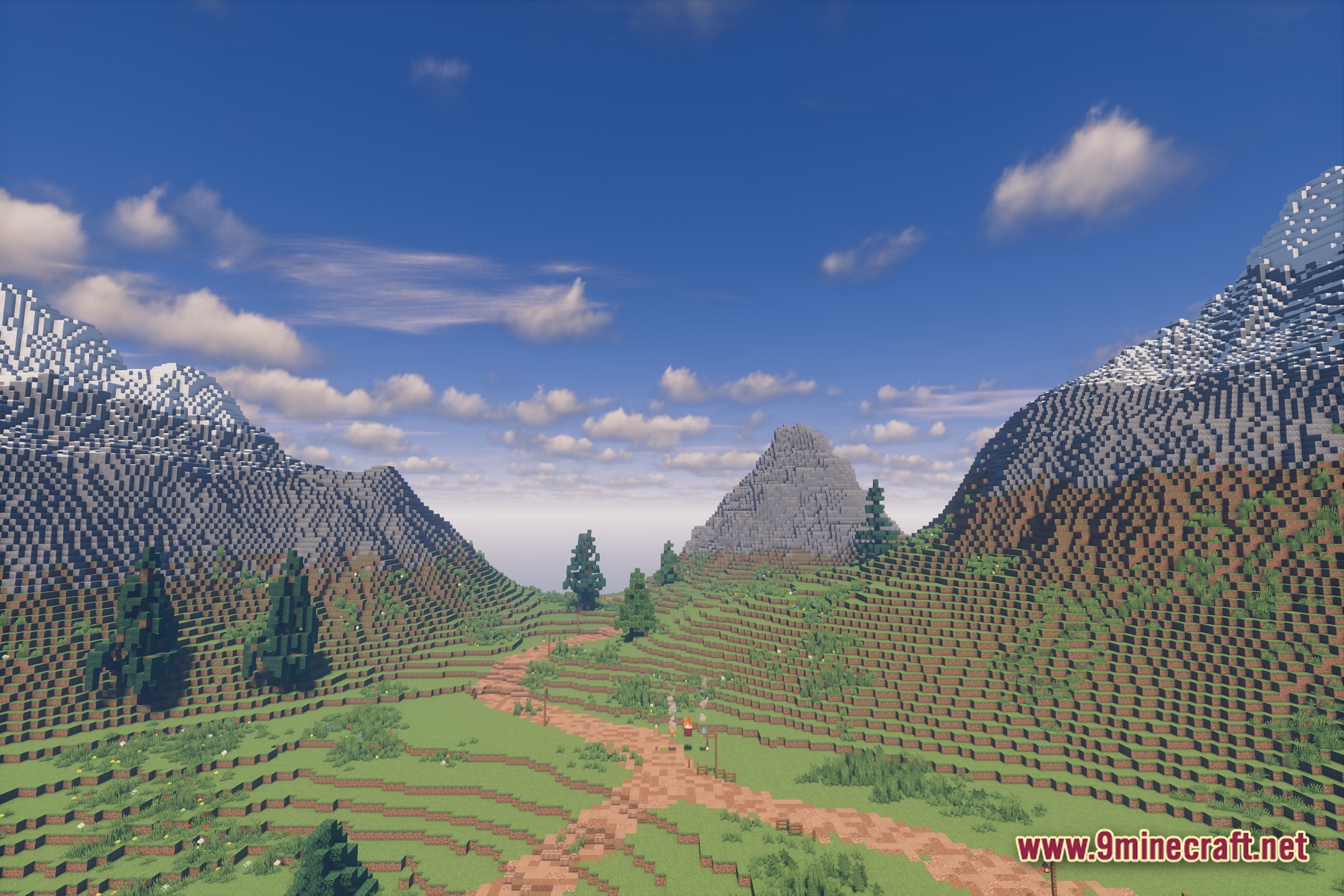
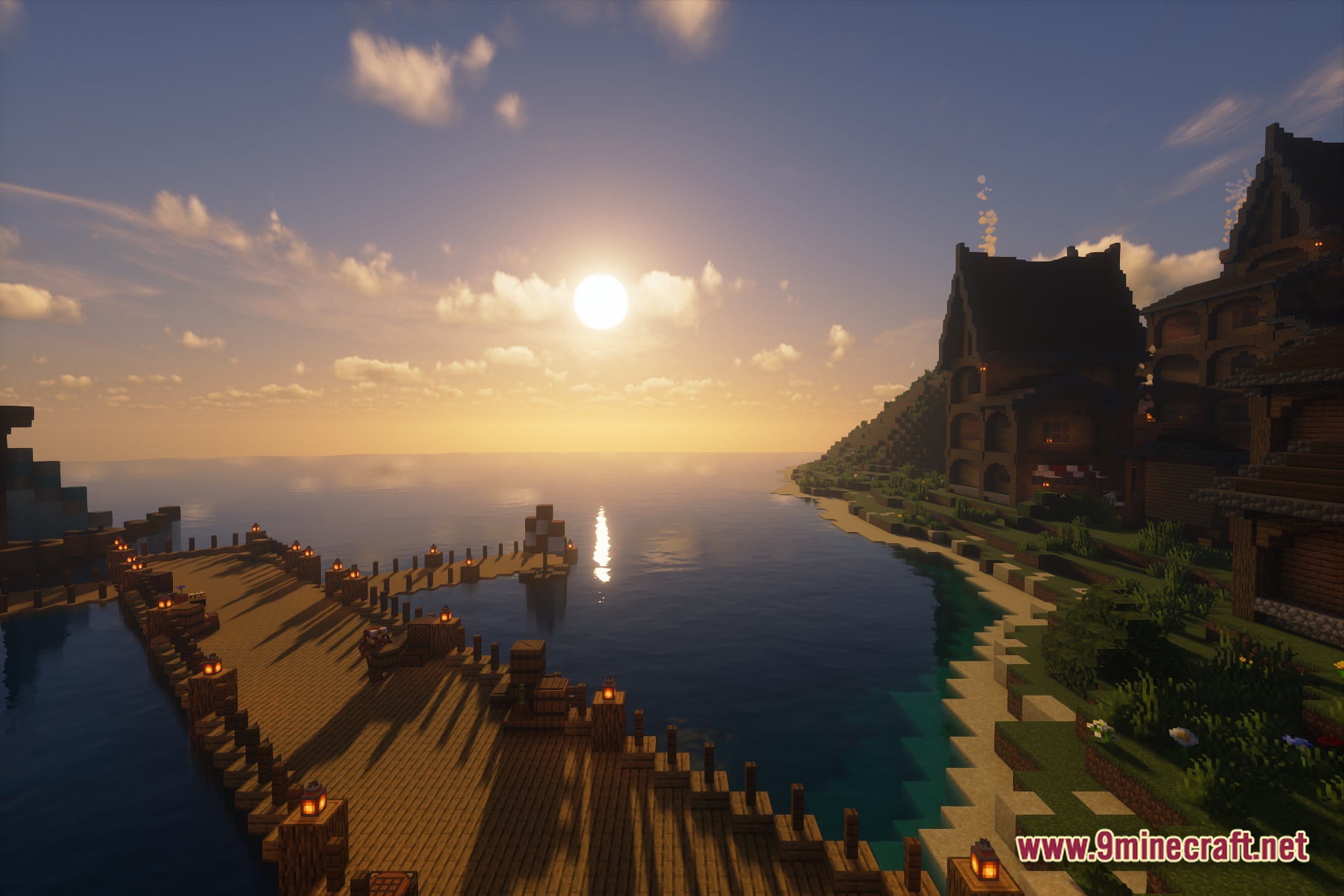
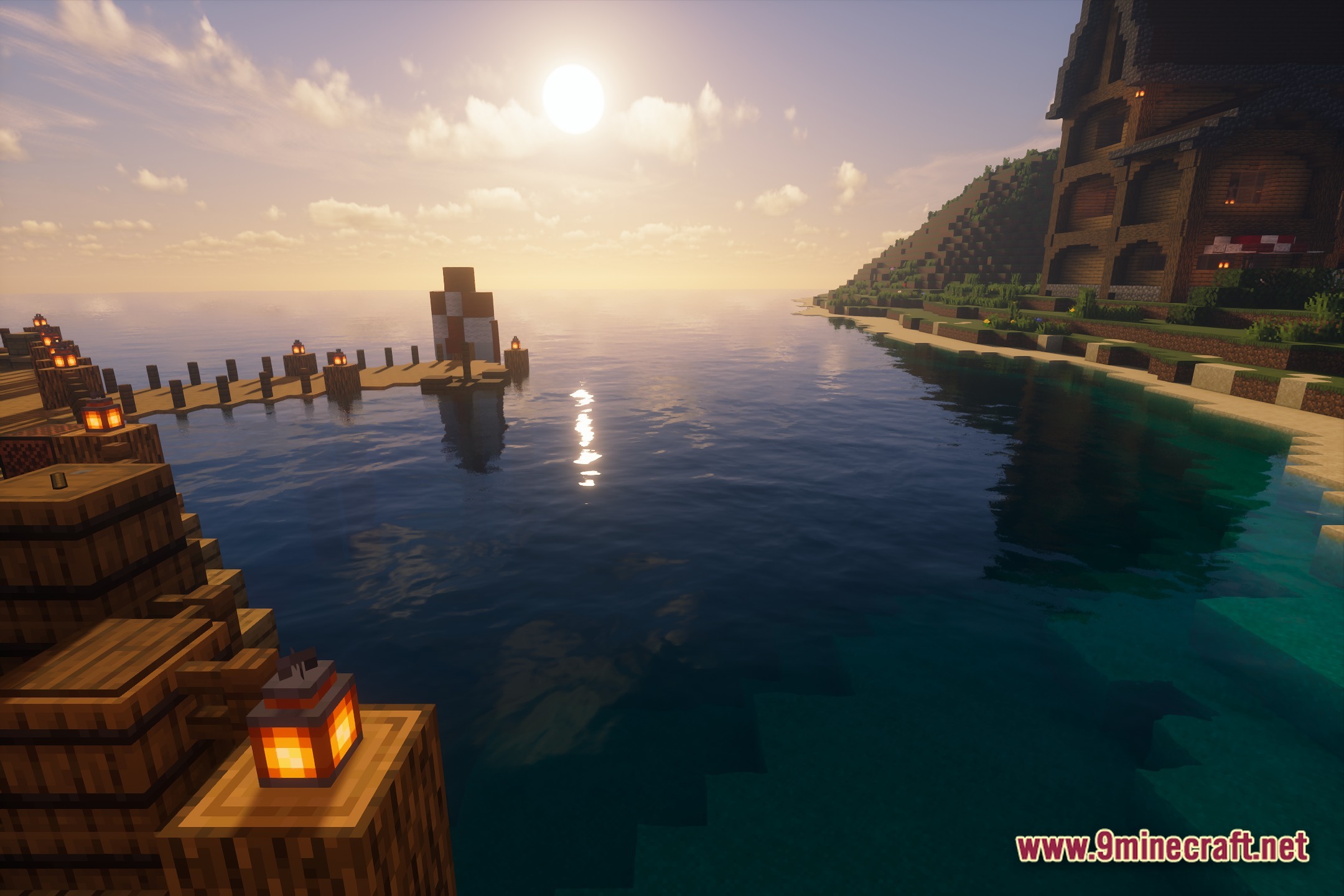
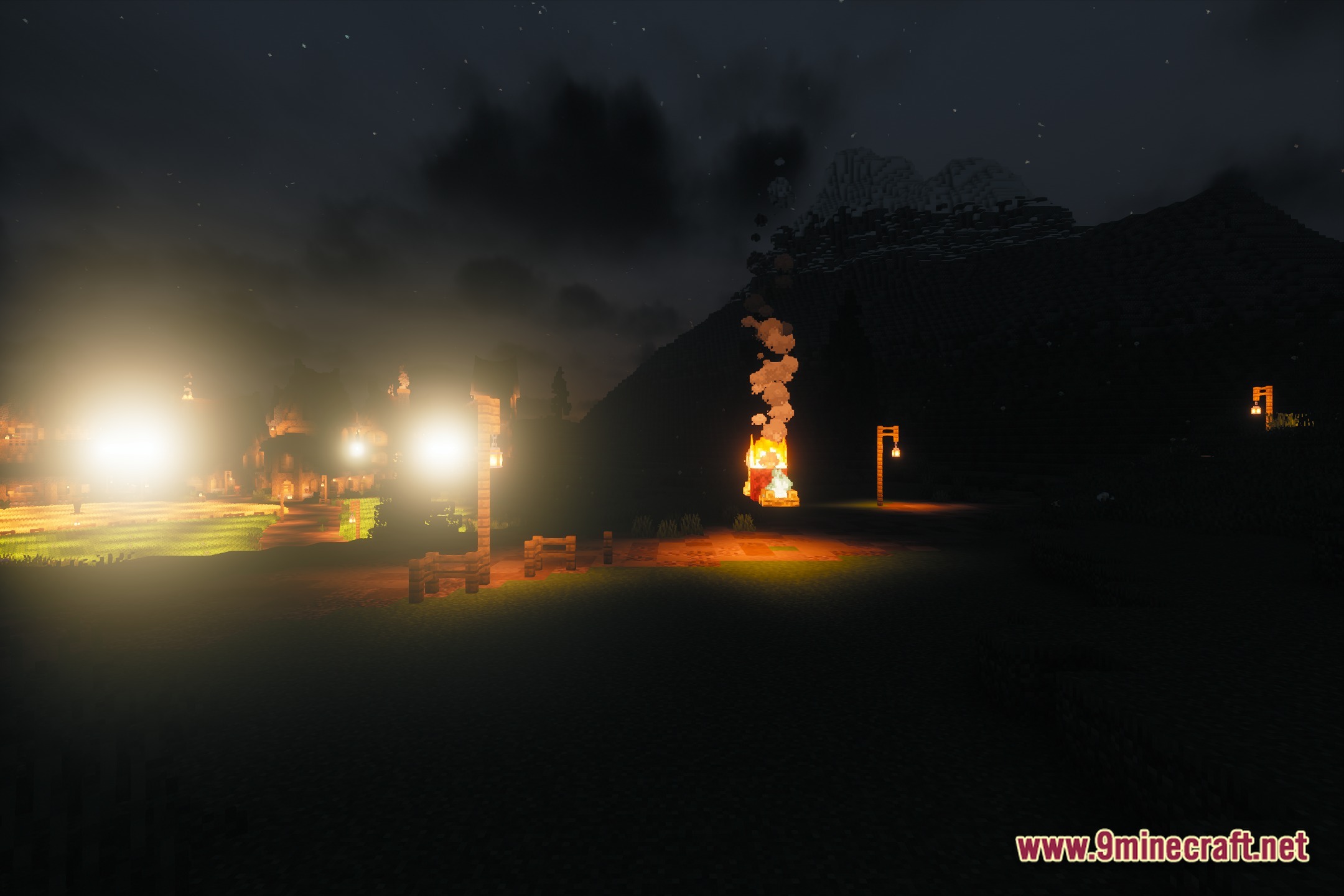
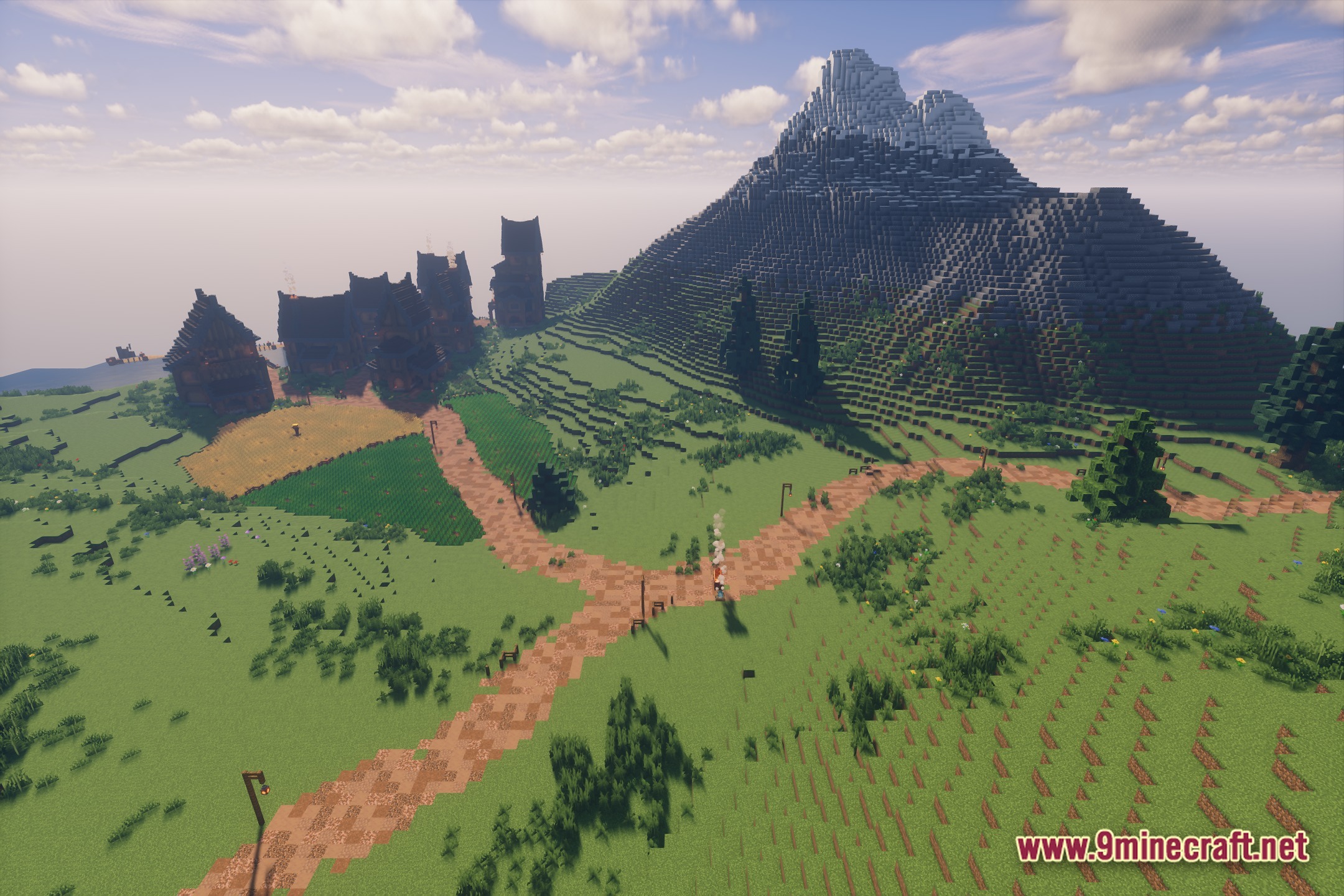
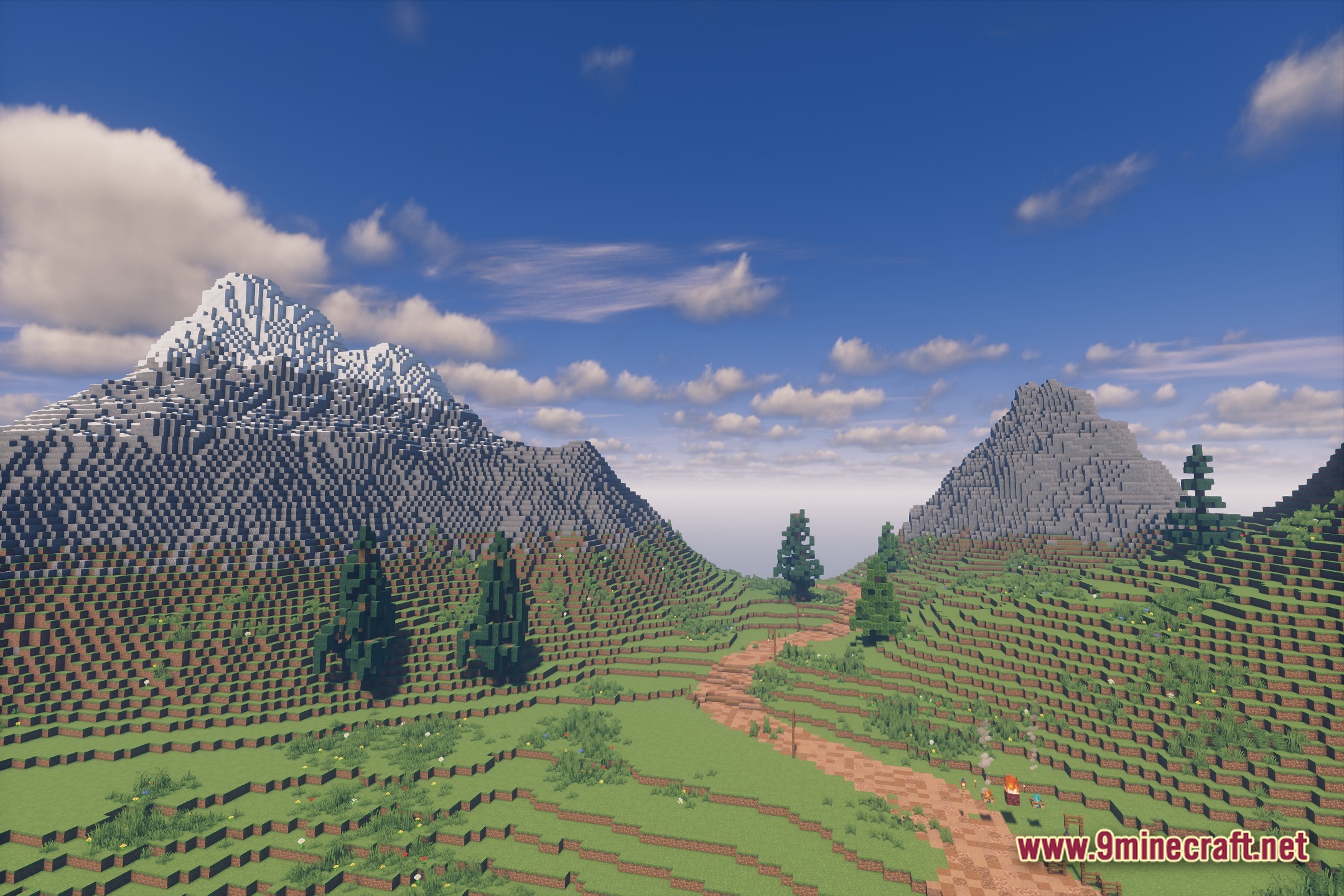
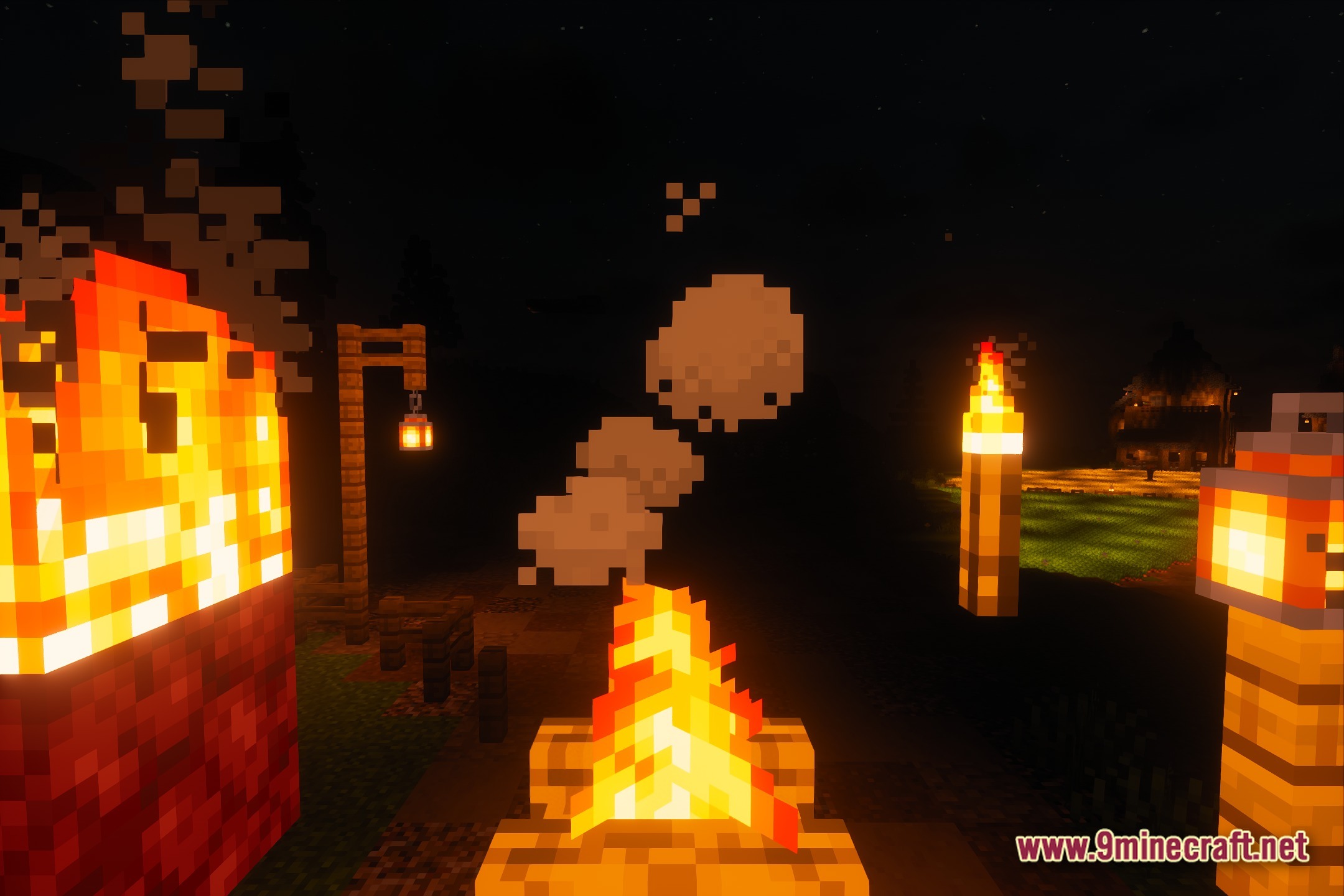
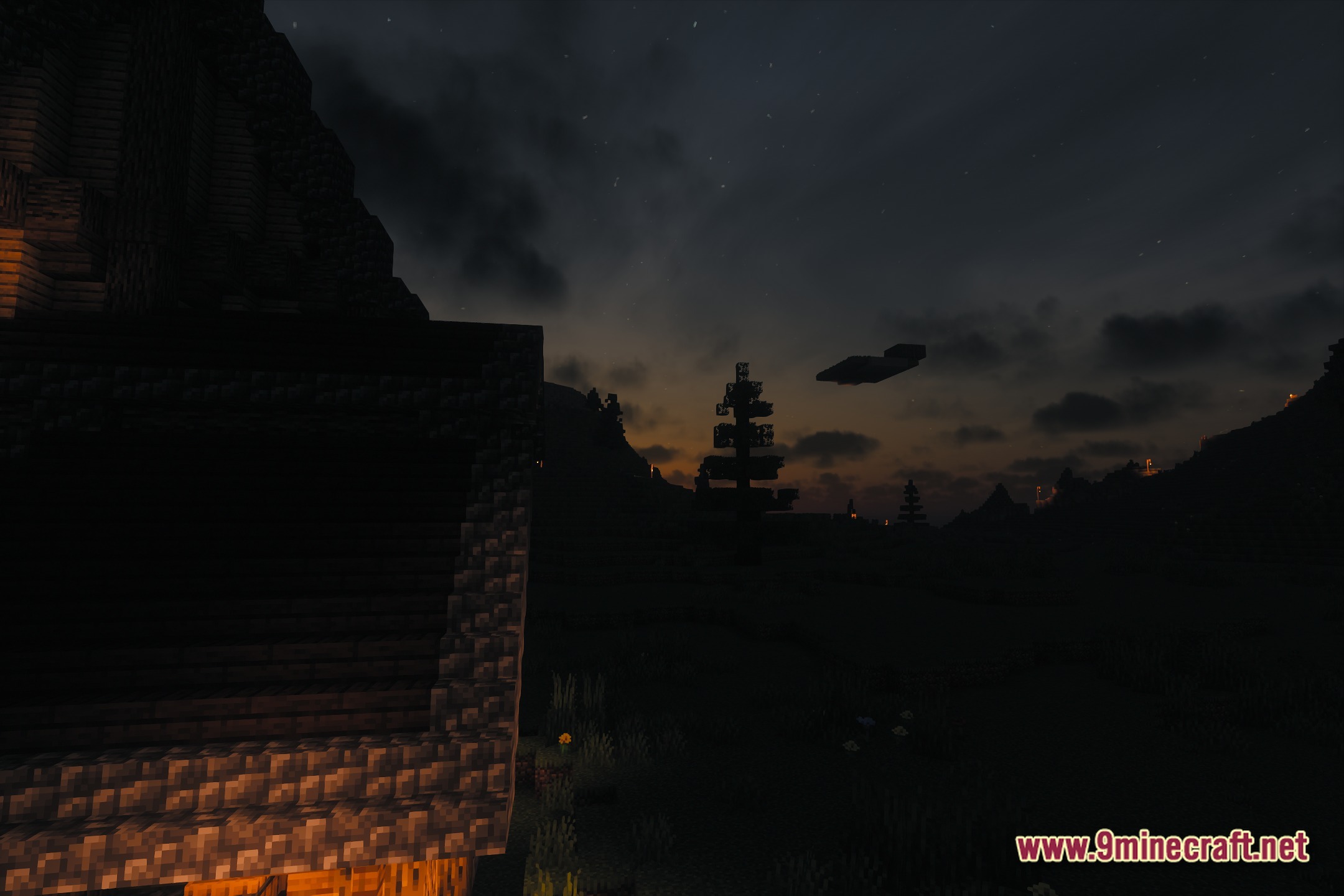
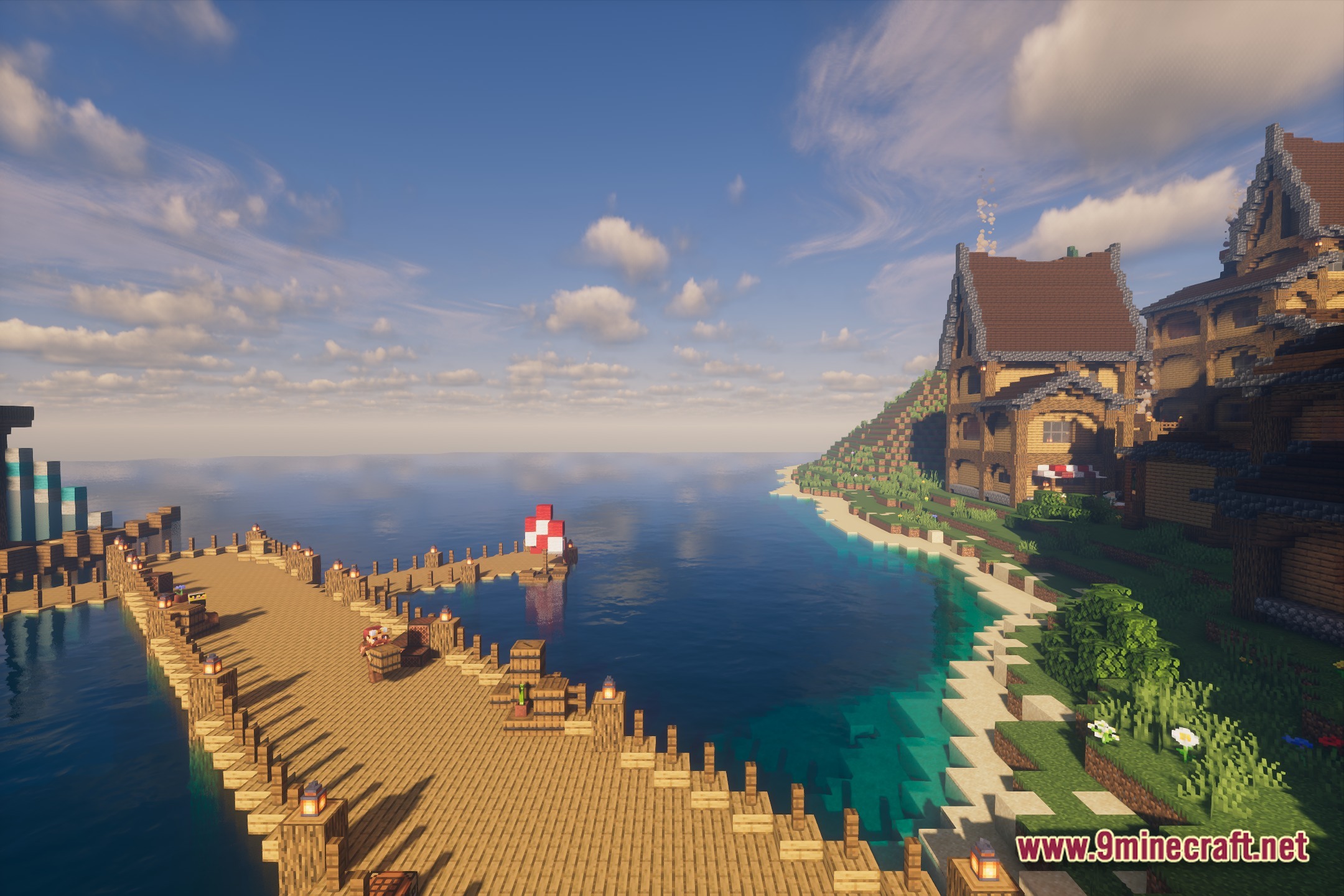
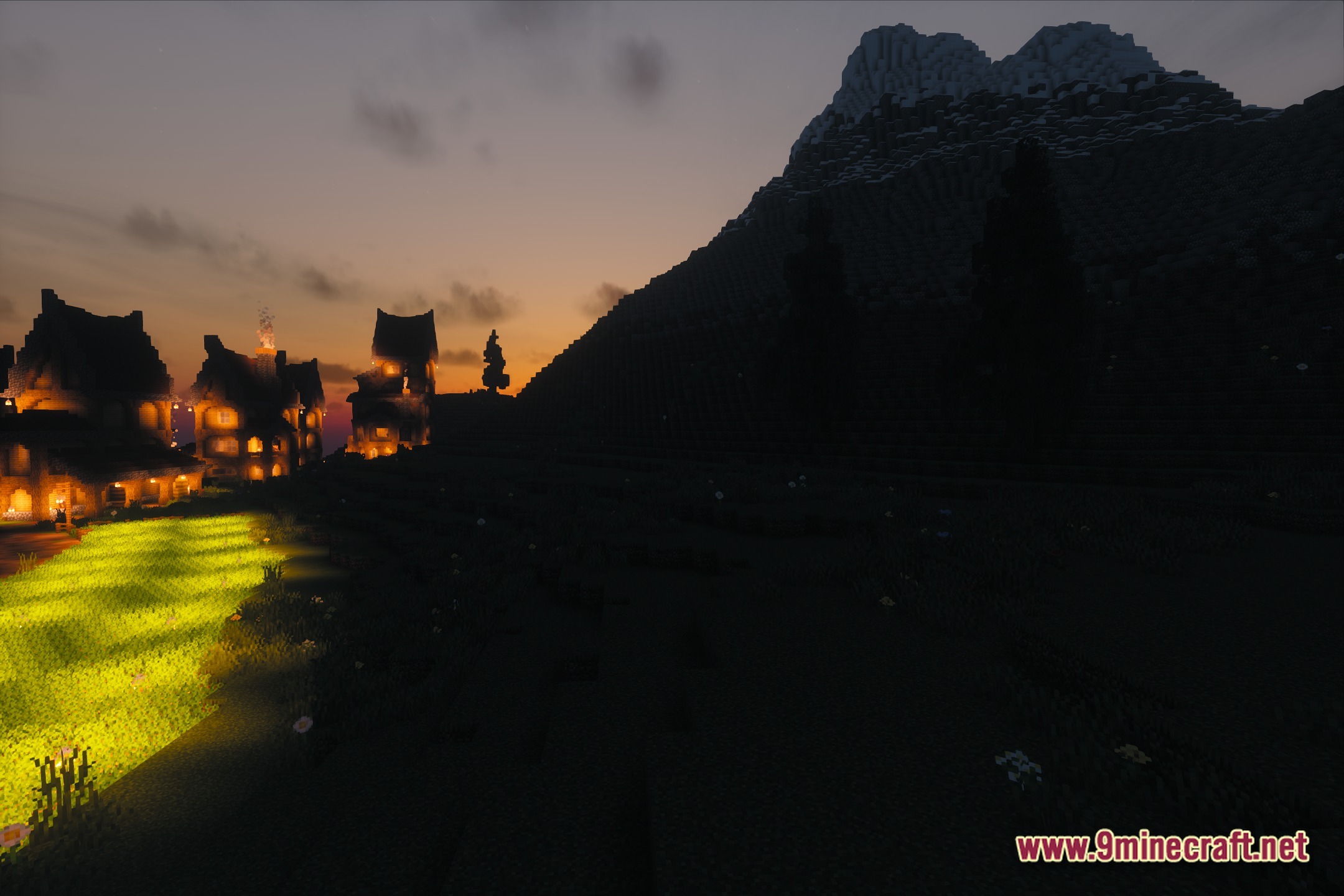
FastPBR transforms lighting in your Minecraft world with realistic visuals while keeping the game running fast. It adds beautiful atmospheric effects like bright bloom and soft shadows to make the game look better. You get a semi-realistic style that works well without slowing down your computer too much. This shader pack also makes plant life look natural and adds detail to different block materials using PBR.
Features:
- PBR Atmospherics: Adds detailed lighting and material effects to blocks so they look natural.
- Fast Performance: Keeps the game running smoothly even with high-quality visual effects turned.
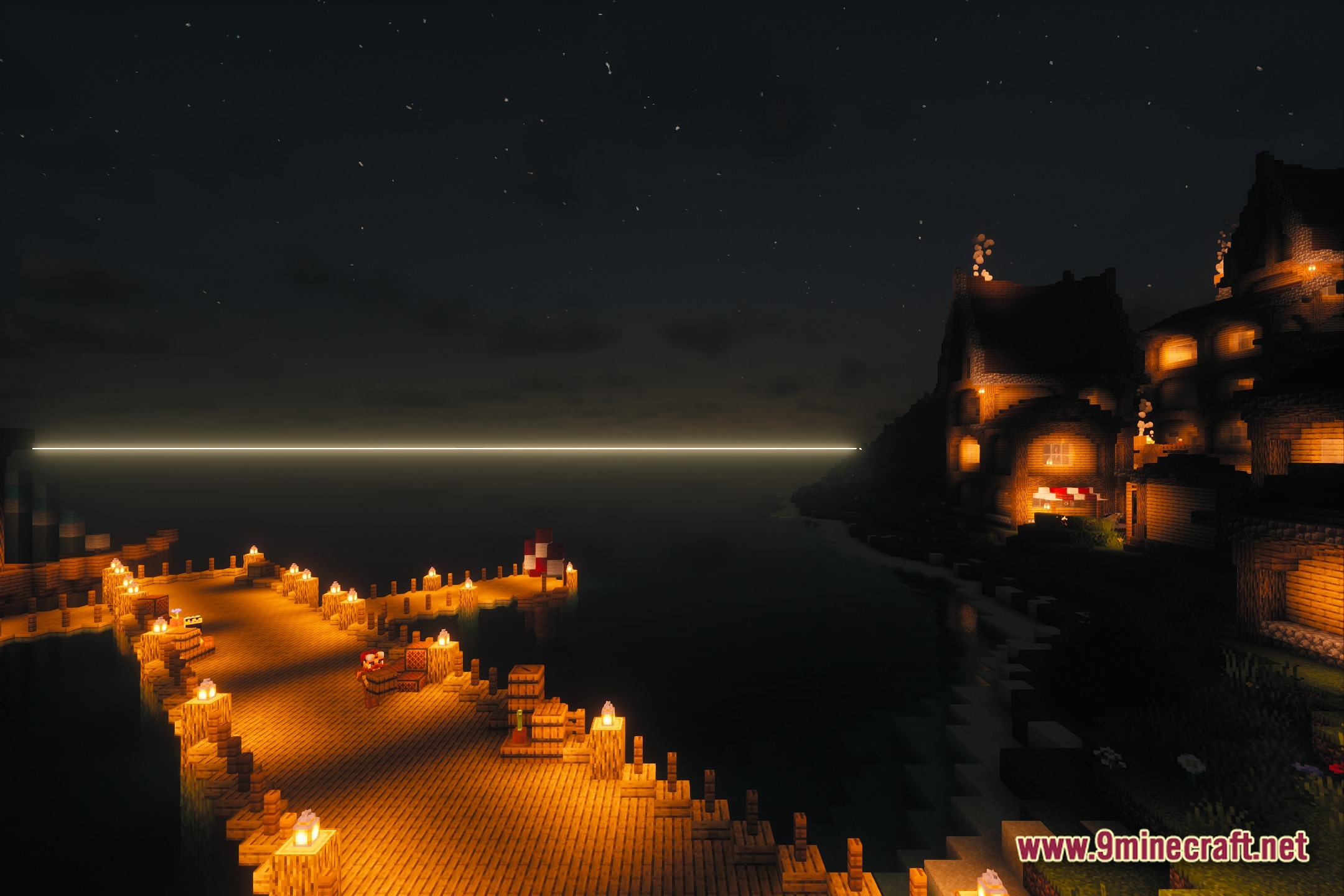
- Adds bright bloom effects around light sources to make torches and lamps glow softly.
- Casts realistic shadows from blocks, trees, and buildings across the ground.
- Changes the look of plant life and leaves so forests feel more alive.
- Gives the game a semi-realistic style that balances good graphics with regular Minecraft block shapes.
Screenshots:

FastPBR Shaders Download Links
Quick facts
- Edition: Minecraft Java
- File type: .zip (resource pack)
- Minecraft version listed: 1.20.1
- How to install: Download the .zip resource pack — do not unzip it. → Put it in .minecraft/resourcepacks. → Enable it in Options → Resource Packs.
- Where to get it: In MC Java Mods, or directly above on this page.
Install steps are the general flow for this file type — see the MC Java Mods guides for the full walkthrough.
File checked by MCModsHub
- Downloads as 378463.mcpack
- Download size: 1.1 MB
- Download link checked 25 Jul 2026 — working
- Mirrored on our own servers — the download does not depend on the original host
These come from our own check of the pack file, not from the source page.