

Mic Indicator
Addon for Simple Voice Chat adding customizable speaking indicators above and on players that are talking
Some servers modify player nametags or disable the default speaker icon, making it difficult to tell who’s talking. Mic Indicator provides customizable alternatives that work independently and fully client sided.
Features
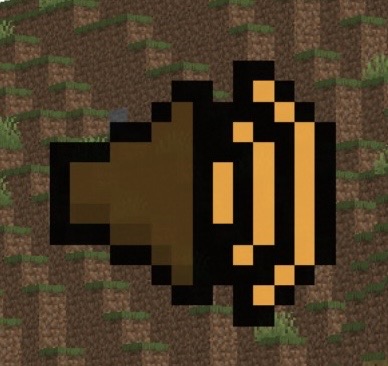
Speaker Icon - Display a speaker icon above a player’s head when they are talking.
Glowing Players - Highlight players with the glowing effect when they are talking.
Customizable Keybinds - Toggle them on and off with a customizable keybind for both.
Dynamic Colors - Icon & Glow color change based on how loud a player is talking.
Dependencies
- Fabric Loader (Required)
- Fabric API (Required)
- Simple Voice Chat (Required)
- Cloth Config API (Optional)
- Mod Menu (Optional)
Installation
- Download all of the required dependencies above.
- Download
MicIndicator.jarand put it into your.minecraft/mods/folder. - Launch the game, All the configuration files will be generated automatically.
Configuration
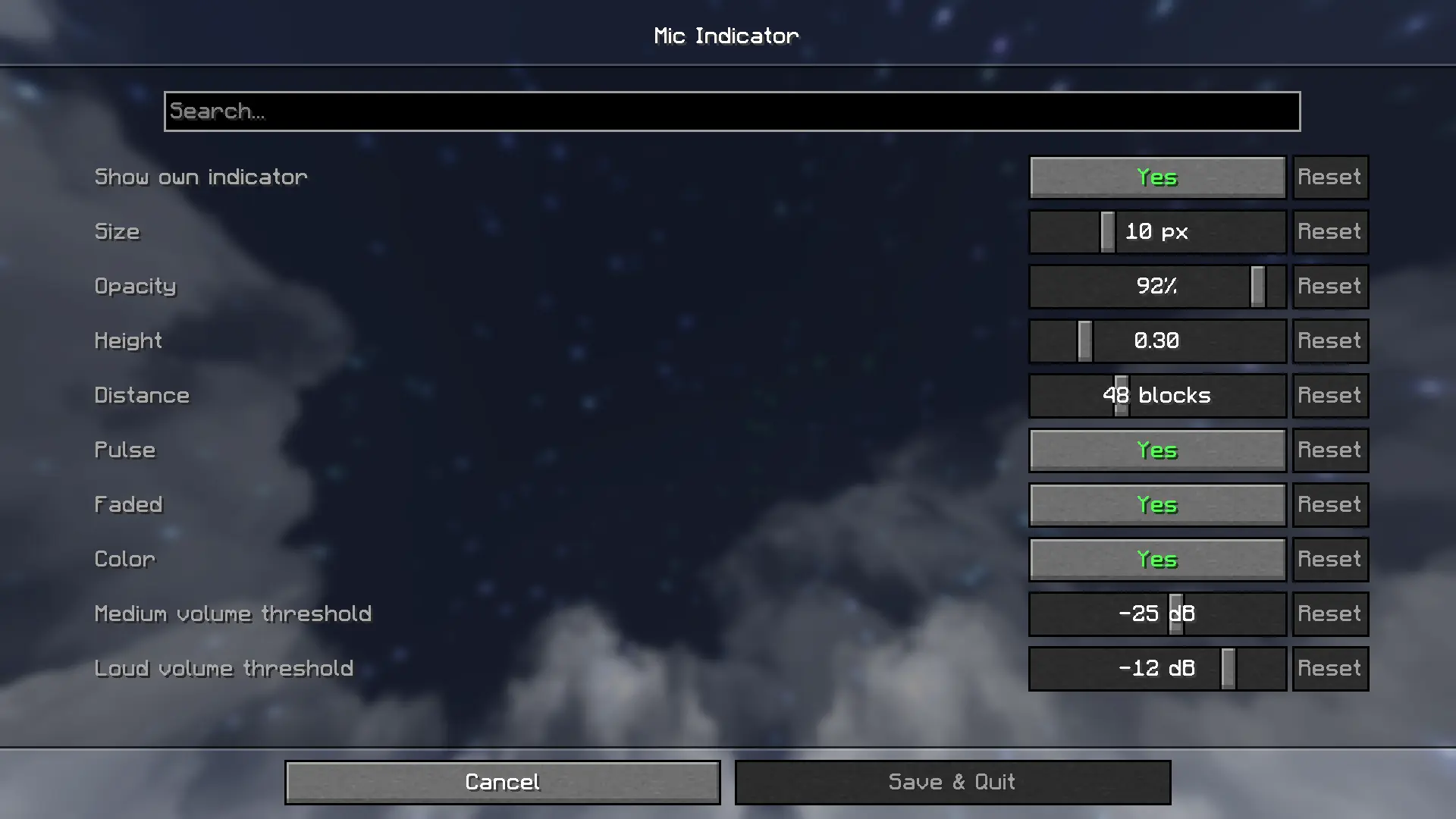
Note: Using this configuration menu REQUIRES you to have Cloth Config API and Mod Menu and installed.
Default keybinds
- Toggle Icon:
[ - Toggle Glow:
]
Customize them in Options > Controls > Key Binds > Mic Indicator
Licensed under MIT
- Edition: Minecraft Java
- File type: .jar
- Minecraft version listed: 1.21.11
- How to install: Install the matching mod loader (Forge, Fabric or NeoForge) for your Minecraft version. → Download the .jar. → Put it in the .minecraft/mods folder and launch that loader profile.
- Where to get it: Opens on Modrinth — not every file is mirrored on our own servers.
Install steps are the general flow for this file type — How to install Minecraft Java mods & modpacks walks through it step by step.
- Ships as micindicator-1.0.0.jar — drop this file into the mods folder
- Download size: 1008 KB
- Download link checked 31 Aug 2026 — working
These come from our own check of the pack file, not from the source page.