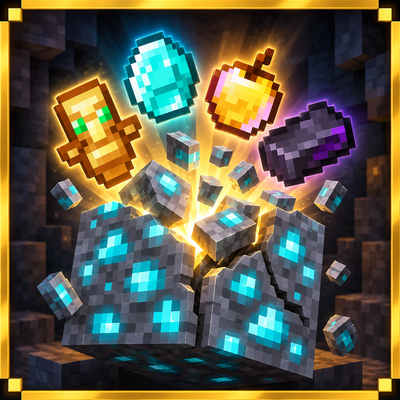
Ores drop op items
Bedrock add-on listed for Minecraft 1.21–26.x (behavior pack only). File opened and checked on 29 Sep 2026; installs from the MC Bedrock Mods app on Android.
Mine ores and earn powerful bonus loot! 💎 Rare ores give better rewards like Netherite, Totems, Golden Apples and more. Perfect for Survival, SMP and…
⬇ Download on CurseForge
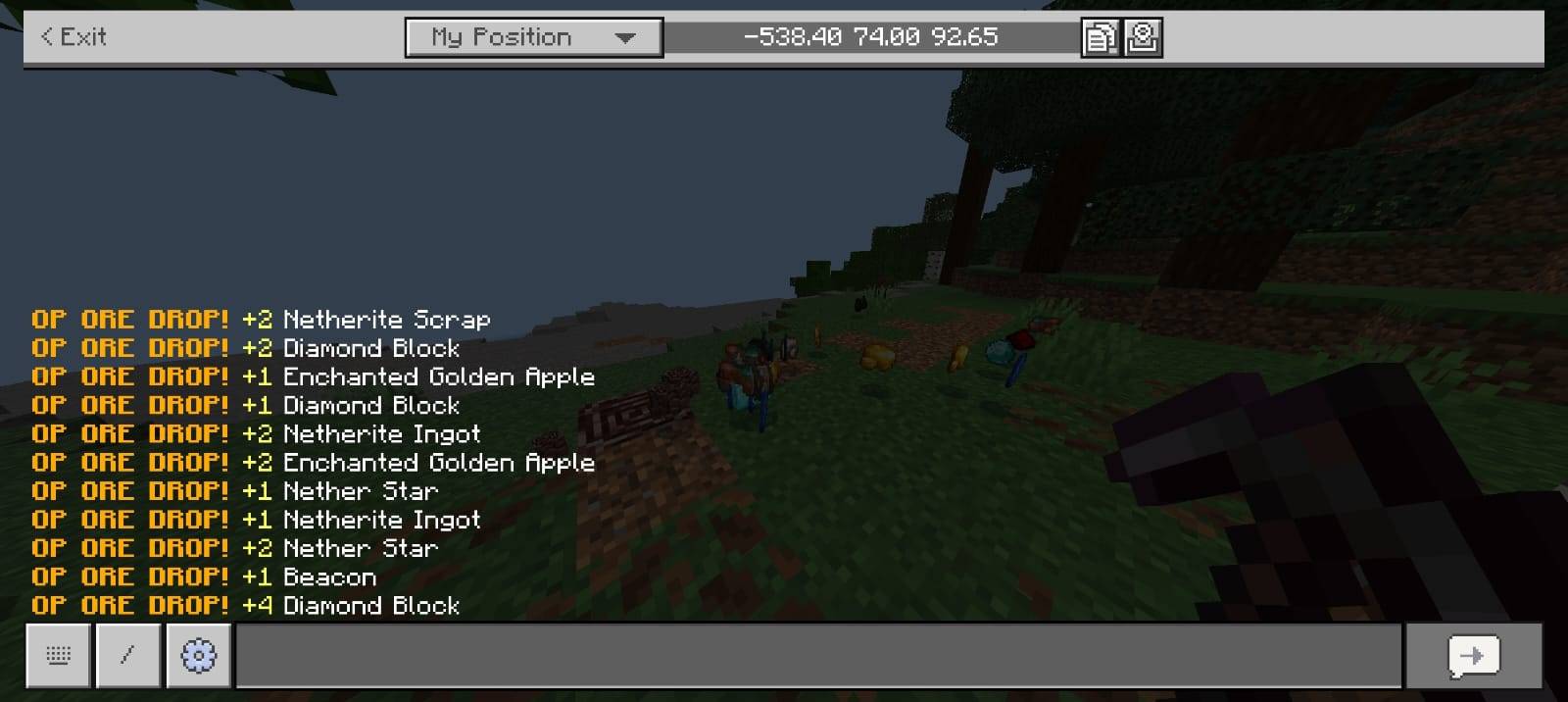
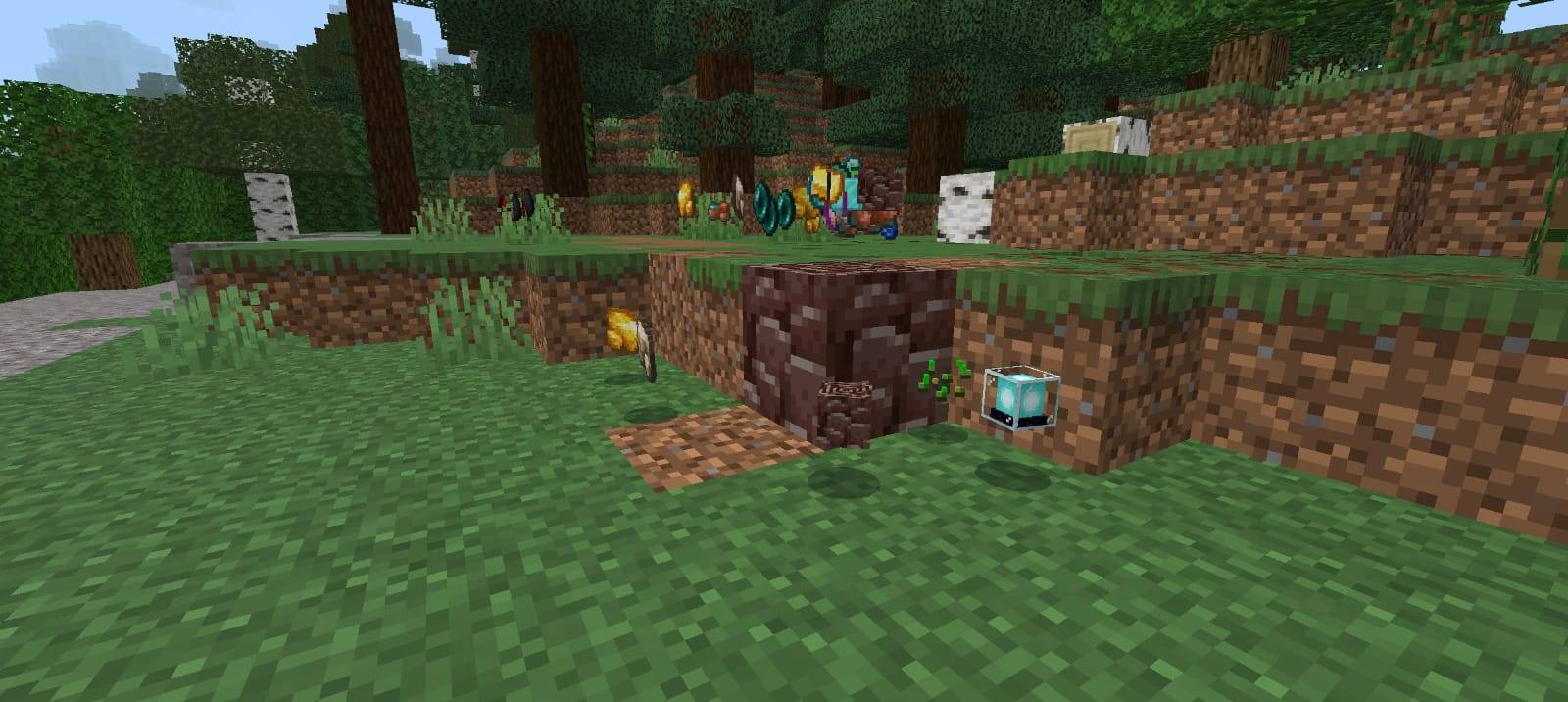
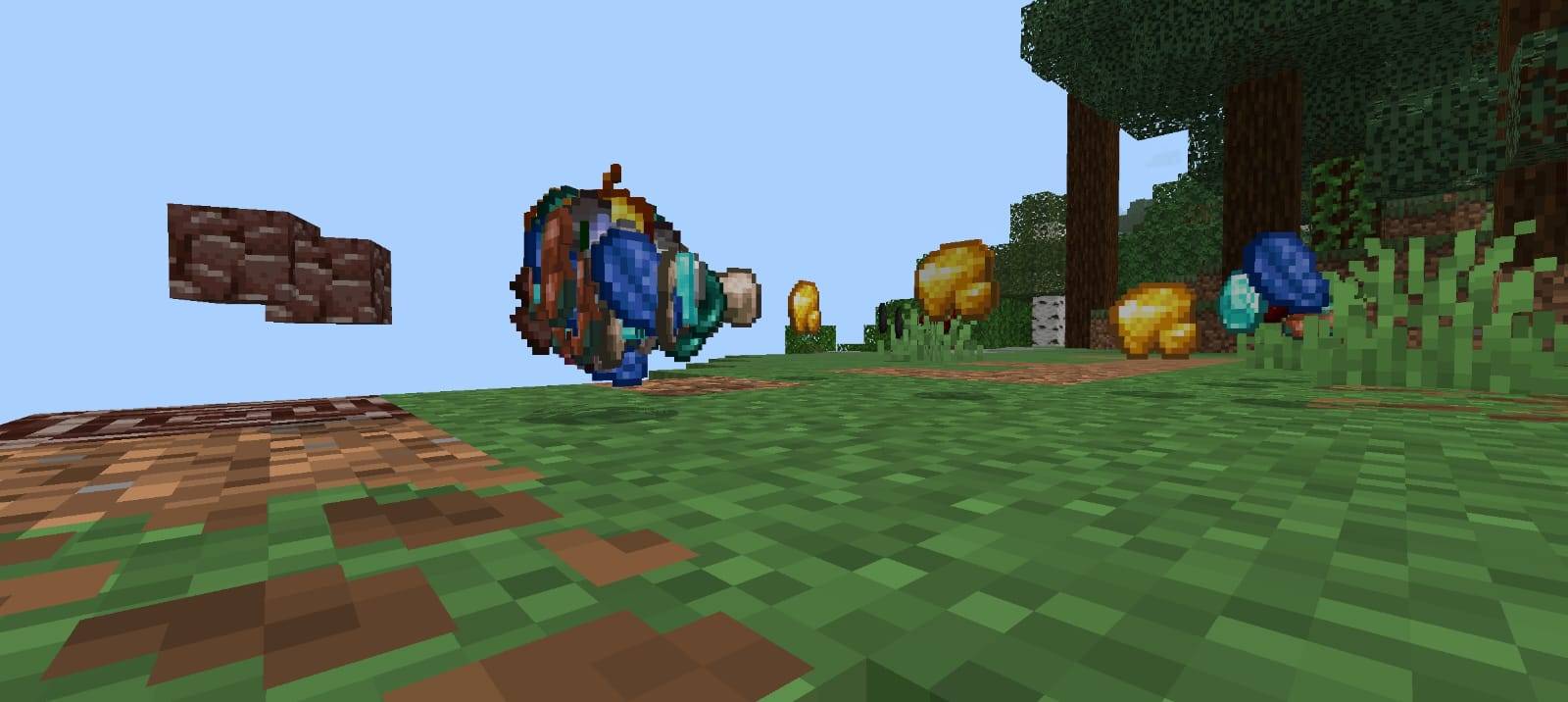
⛏️ Ore OP Drops
Ore OP Drops transforms normal mining into a much more rewarding experience. Every time you mine supported ores, you have a chance to receive powerful bonus loot alongside the normal vanilla drops.
✨ Features
- ⛏️ Mine ores to receive extra OP rewards.
- 💎 Supports multiple vanilla ores.
- 🎁 Different ores provide different reward tiers.
- 🔥 Rare ores can drop extremely powerful items.
- 🍎 Possible rewards include Golden Apples, Enchanted Golden Apples and other valuable loot.
- 🛡️ Obtain items such as Totems of Undying, Netherite gear and high-tier resources.
- 💠 Diamond, Emerald and Ancient Debris provide better reward pools.
- 📦 Normal vanilla ore drops are preserved.
- ⚒️ Simple gameplay system with no complicated setup.
- 🌍 Great for Survival, SMP and challenge worlds.
💎 Reward Progression
Common ores provide useful bonus rewards, while rarer ores offer increasingly powerful loot. Mining valuable blocks such as Diamond Ore, Emerald Ore and Ancient Debris gives you access to the strongest reward pools available in the addon.
🎮 How It Works
Simply enter your world and start mining ores normally. When a supported ore is successfully mined, the addon automatically generates an additional reward depending on the ore's rarity.
Your normal Minecraft mining experience remains intact while giving you an extra reason to explore caves, search for rare ores and keep mining.
🔥 Perfect For
- Survival Worlds
- SMP Servers
- Mining Challenges
- OP Survival Experiences
- Custom Minecraft Worlds
⚠️ Important
This addon is designed for Minecraft Bedrock Edition. Always create a backup of important worlds before installing or testing any addon.
👑 Credits & Rights
Created By: Baku
All Rights Reserved © Baku
All addon files, systems, branding and associated content belong to Baku. Redistribution, re-uploading, copying or claiming this project as your own without permission is not allowed.
- Edition: Minecraft Bedrock
- File type: .mcpack or .mcaddon
- Minecraft versions listed: 26.20, 26.30, 26.40
- How to install: Download the .mcpack or .mcaddon file. → Open it — Minecraft imports it. → In your world: Behavior Packs → Available → Activate, then the same under Resource Packs.
- Where to get it: Opens on CurseForge — not every file is mirrored on our own servers.
Install steps are the general flow for this file type — How to install Minecraft Bedrock addons & mods walks through it step by step.
- Save it as Ore_OP_Drops_BP_v1.1.mcaddon before opening — it downloads as .mcpack, but it is a .mcaddon pack
- Manifest requires Minecraft 1.21.130 or newer
- Download size: 117 KB
- Download link checked 12 Oct 2026 — working
These come from our own check of the pack file, not from the source page.