
Adaptive Mod
Java mod listed for Minecraft 26.x. Downloads from the MC Java Mods app on Android.
A fully customizable HUD for Minecraft Fabric 26.2 with movable widgets, modern UI, profiles, animations and extensive customization options.
⬇ Download on Modrinth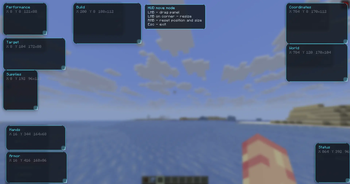
Adaptive HUD
Adaptive HUD is a modern, lightweight, and fully customizable HUD replacement for Minecraft Fabric.
Designed for both casual players and advanced users, it allows you to create your own HUD layout with movable widgets, multiple profiles, smooth animations, and detailed game information while maintaining excellent performance.
Features
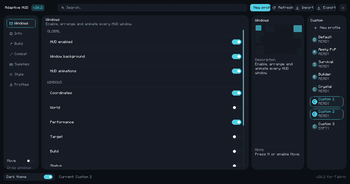
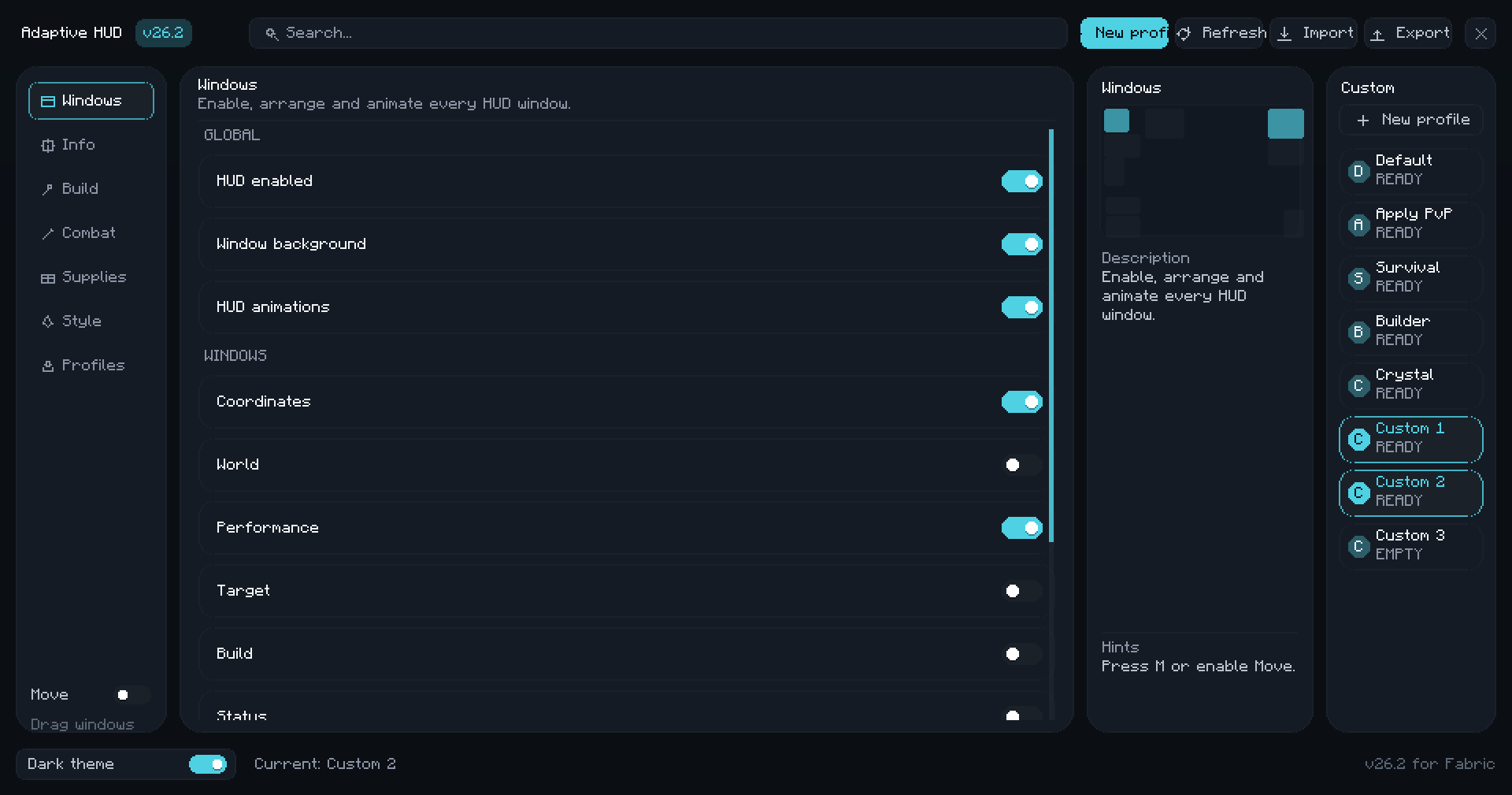
Modern HUD Editor
- Clean and intuitive interface
- Draggable HUD widgets
- Widget scaling
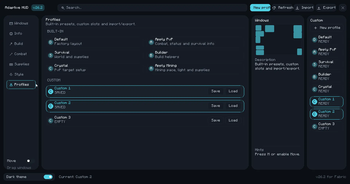
- Multiple profiles
- Live preview
- Search and category system
HUD Modules
- Coordinates
- World information
- Performance statistics
- Target information
- Build helper
- Player status
- Armor durability
- Inventory & supplies tracker
Customization
- Move widgets anywhere on the screen
- Resize and scale widgets
- Adjustable colors
- Animations
- Opacity settings
- Profile management
- Full Russian & English localization
Performance
Adaptive HUD is designed to be lightweight and optimized for everyday gameplay.
⚠ Performance Notice: Enabling a large number of HUD widgets at the same time may reduce FPS on lower-end computers. For the best performance, enable only the widgets you need.
Requirements
- Minecraft 1.21.11
- Fabric Loader
- Fabric API
- Fabric Language Kotlin
Compatibility
- Client-side only
- Safe to install on multiplayer servers
- Does not need to be installed on the server
Planned Features
- Additional HUD widgets
- More customization options
- More animations
- New profile presets
- Further performance optimizations
- Adaptive HUD — современный, лёгкий и полностью настраиваемый HUD для Minecraft Fabric.
Мод позволяет создать собственный интерфейс, перемещать и масштабировать виджеты, использовать несколько профилей, а также отображать большое количество полезной игровой информации без необходимости устанавливать клиентские сборки.
Возможности
Современный редактор HUD
- Удобный и современный интерфейс
- Перетаскивание виджетов
- Изменение масштаба виджетов
- Несколько профилей
- Предпросмотр изменений
- Поиск по настройкам
- Категории настроек
Виджеты HUD
- Координаты
- Информация о мире
- Производительность (FPS, Ping, TPS и др.)
- Информация о цели
- Помощник строительства
- Статус игрока
- Прочность брони
- Отображение предметов в руках
- Информация о запасах (тотемы, эндер-жемчуг, ракеты и другое)
Настройка
- Свободное расположение виджетов
- Масштабирование каждого виджета
- Настройка цветов
- Прозрачность
- Анимации
- Профили конфигурации
- Полная поддержка русского и английского языков
Производительность
Adaptive HUD разработан с упором на высокую производительность и минимальное влияние на FPS.
⚠ Важно: использование большого количества одновременно включённых виджетов может снизить производительность на слабых компьютерах. Для достижения максимального FPS рекомендуется включать только необходимые виджеты.
Требования
- Minecraft 1.21.11
- Fabric Loader
- Fabric API
- Fabric Language Kotlin
Совместимость
- Работает только на стороне клиента.
- Не требует установки на сервер.
- Совместим с многопользовательскими серверами.

- Edition: Minecraft Java
- File type: .jar
- Minecraft version listed: 26.2
- How to install: Install the matching mod loader (Forge, Fabric or NeoForge) for your Minecraft version. → Download the .jar. → Put it in the .minecraft/mods folder and launch that loader profile.
- Where to get it: Opens on Modrinth — not every file is mirrored on our own servers.
Install steps are the general flow for this file type — How to install Minecraft Java mods & modpacks walks through it step by step.
- Ships as Adaptivefabric-26.2.jar — drop this file into the mods folder
- Download size: 307 KB
- Download link checked 15 Oct 2026 — working
These come from our own check of the pack file, not from the source page.