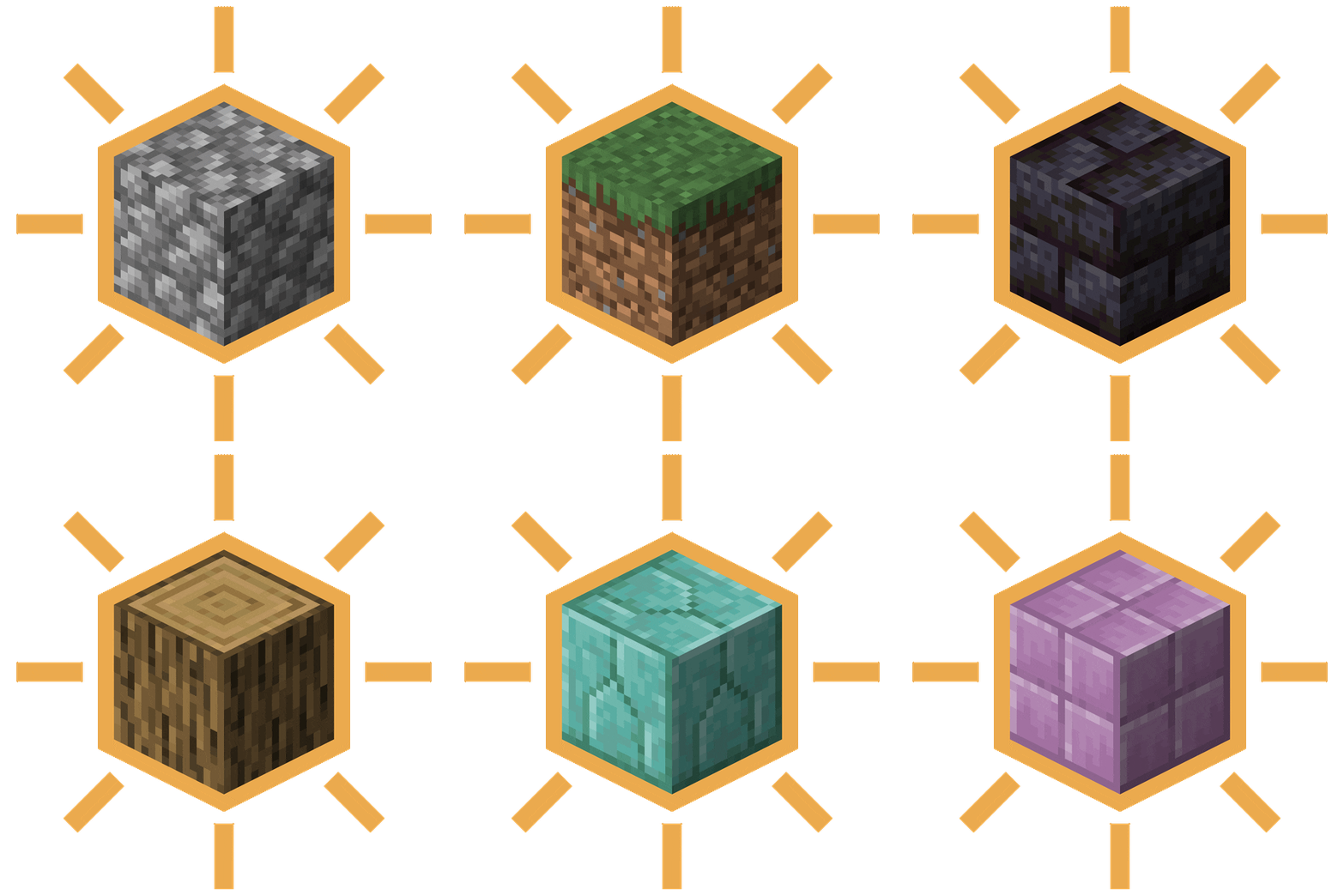

Glow Paste adds a new item that allows you to make any block emit light!

Applying glow paste
To apply Glow Paste, simply right-click on a block with the Glow Paste item.

Highlighting glow paste
Whilst holding the Glow Paste item, any blocks that Glow Paste has been applied to will be highlighted.

Removing glow paste
To remove Glow Paste from a block, simply left-click the block with the Glow Paste item or break the block.


Recipe
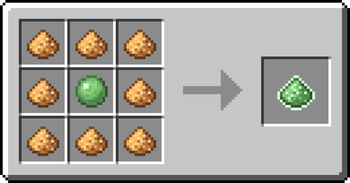
To craft Glow Paste, you need 8 Glowstone and a Slimeball.

FAQ
What blocks can glow paste be used on?
Glow paste can be used on any block no matter if it's full block, slab, plant, fence, etc.
Can I use your mod in my modpack?
Yes, feel free to use my mod in your modpack
Discord
For future content, upcoming mods, and discussion, feel free to join the SuperMartijn642 discord server!
- Edition: Minecraft Java
- File type: .jar
- Minecraft version listed: 26.2
- How to install: Install the matching mod loader (Forge, Fabric or NeoForge) for your Minecraft version. → Download the .jar. → Put it in the .minecraft/mods folder and launch that loader profile.
- Where to get it: Opens on Modrinth — not every file is mirrored on our own servers.
Install steps are the general flow for this file type — How to install Minecraft Java mods & modpacks walks through it step by step.
- Ships as glowpaste-1.0.0-neoforge-mc26.2.jar — drop this file into the mods folder
- Download size: 92 KB
- Download link checked 5 Sept 2026 — working
These come from our own check of the pack file, not from the source page.