AddonsBedrock
Mel's Itemify
Bedrock add-on listed for Minecraft 1.21–26.x. File opened and checked on 29 Sep 2026; installs from the MC Bedrock Mods app on Android.
Pick up mobs as items you can carry, throw, or place back down, with every detail fully preserved — Achievement-friendly.
⬇ Download on CurseForge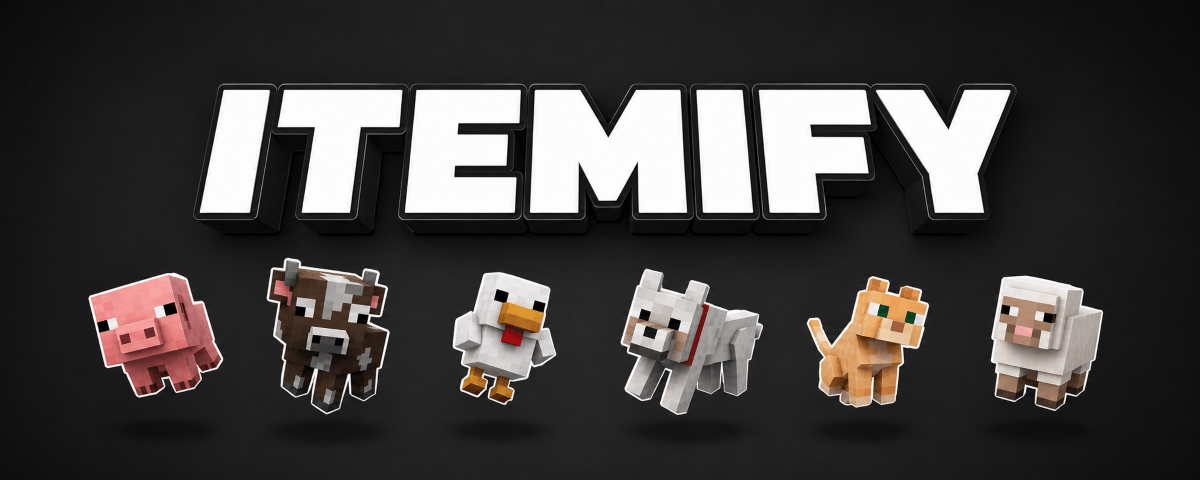

Supported Mobs
More mobs are planned for future updates.

Pick Up
Sneak and Interact (right click / hold) on a mob to pick it up,
it disappears and becomes an item in your hand.
(Your main hand must be empty)
Place Down

Sneak and Use the item on any block to place the mob back down — right where you want it.


Throw Out
Drop the item just like any other,
but instead of dropping as an item, the actual mob gets thrown out.

If you die, or a chest holding the item gets destroyed, the mob bounces out instead of dropping as an item.
Every Detail Preserved
The item looks just like the mob you picked up,
and placing it back down brings back that exact same mob.



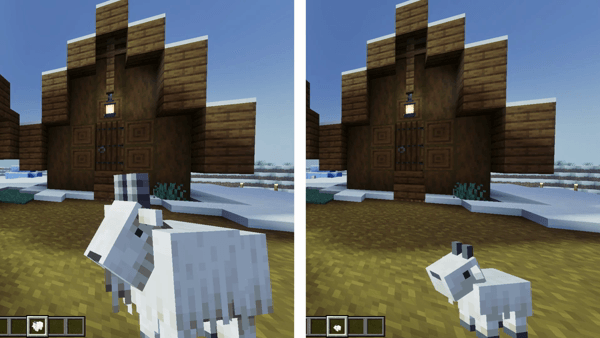

If you've named a mob with a name tag,
the item keeps showing that name too.
Due to a current Bedrock API limitation, the color of some mobs born from breeding can't be detected yet, so they'll fall back to a default color instead.
Because of this, Sheep items currently only support the white variant.
This only affects how the item looks. Placing it back down still gives you the exact same mob you picked up.
Due to a current Bedrock API limitation, the color of some mobs born from breeding can't be detected yet, so they'll fall back to a default color instead.
Because of this, Sheep items currently only support the white variant.
This only affects how the item looks. Placing it back down still gives you the exact same mob you picked up.
Thank You
Thank you for downloading.
Feel free to let me know if you have any feedback.

Quick facts
- Edition: Minecraft Bedrock
- File type: .mcpack or .mcaddon
- Minecraft versions listed: 26.0.02, 26.0, 26.3
- How to install: Download the .mcpack or .mcaddon file. → Open it — Minecraft imports it. → In your world: Behavior Packs → Available → Activate, then the same under Resource Packs.
- Where to get it: Opens on CurseForge — not every file is mirrored on our own servers.
Install steps are the general flow for this file type — How to install Minecraft Bedrock addons & mods walks through it step by step.
File checked by MCModsHub
- Pack type: .mcaddon — behaviour and resource pack in one file
- Manifest requires Minecraft 1.21.0 or newer
- Download size: 520 KB
- Download link checked 15 Oct 2026 — working
These come from our own check of the pack file, not from the source page.