Auto totem by baku
Bedrock add-on listed for Minecraft 1.21–26.x (behavior pack only). File opened and checked on 29 Sep 2026; installs from the MC Bedrock Mods app on Android.
Automatically equips a Totem of Undying when your off-hand is empty and instantly replaces it after use. Fast, reliable, multiplayer-friendly, and perfect…
⬇ Download on CurseForge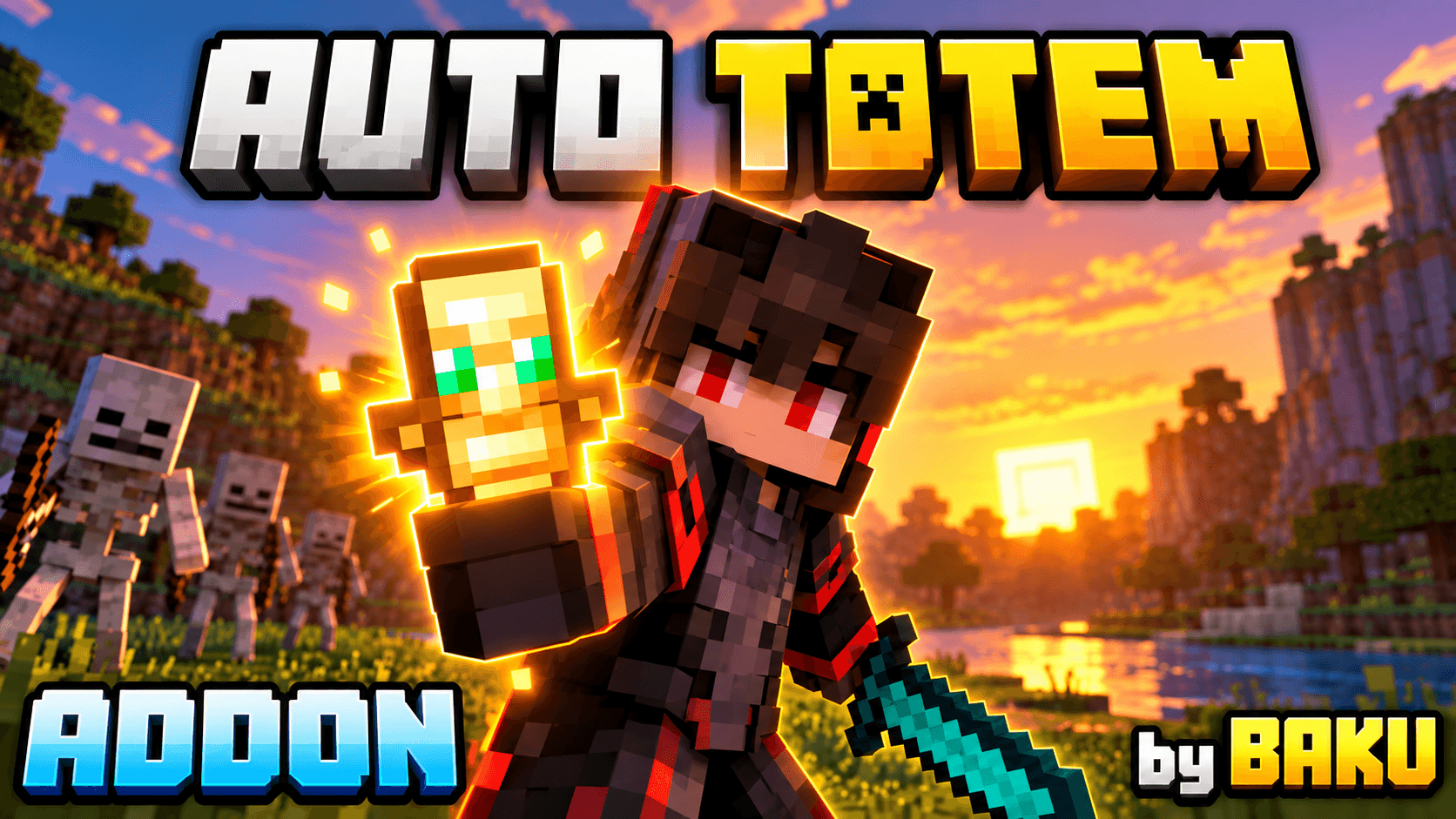
🛡️ BAKU Auto Totem v2
BAKU Auto Totem v2 is a smart and optimized Minecraft Bedrock addon that automatically equips another Totem of Undying when your current offhand becomes empty.
✨ Features
| ⚡ Instant Refill | Automatically equips the next available totem with fast 1-tick checking. |
| 🛡️ Safe Offhand | Does not replace shields or other items already equipped in your offhand. |
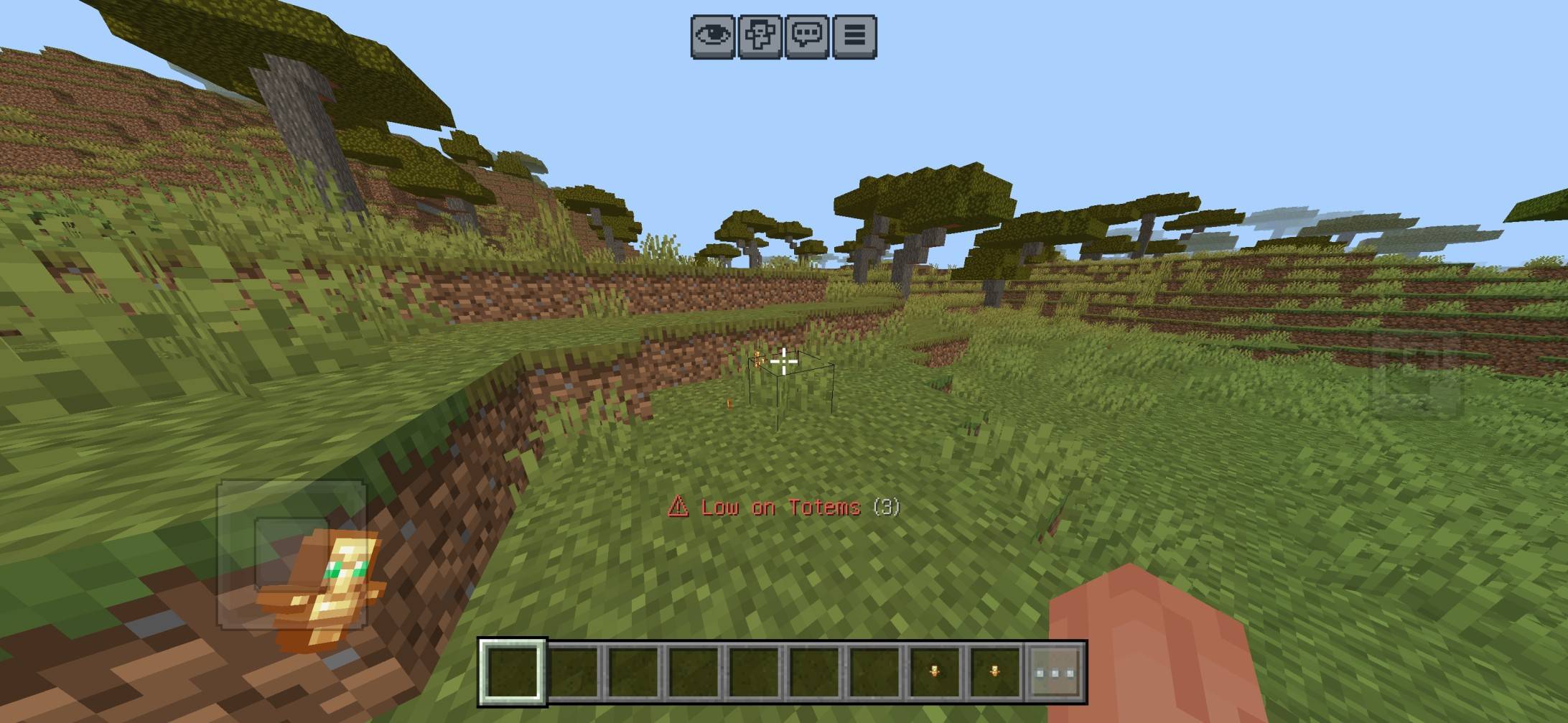
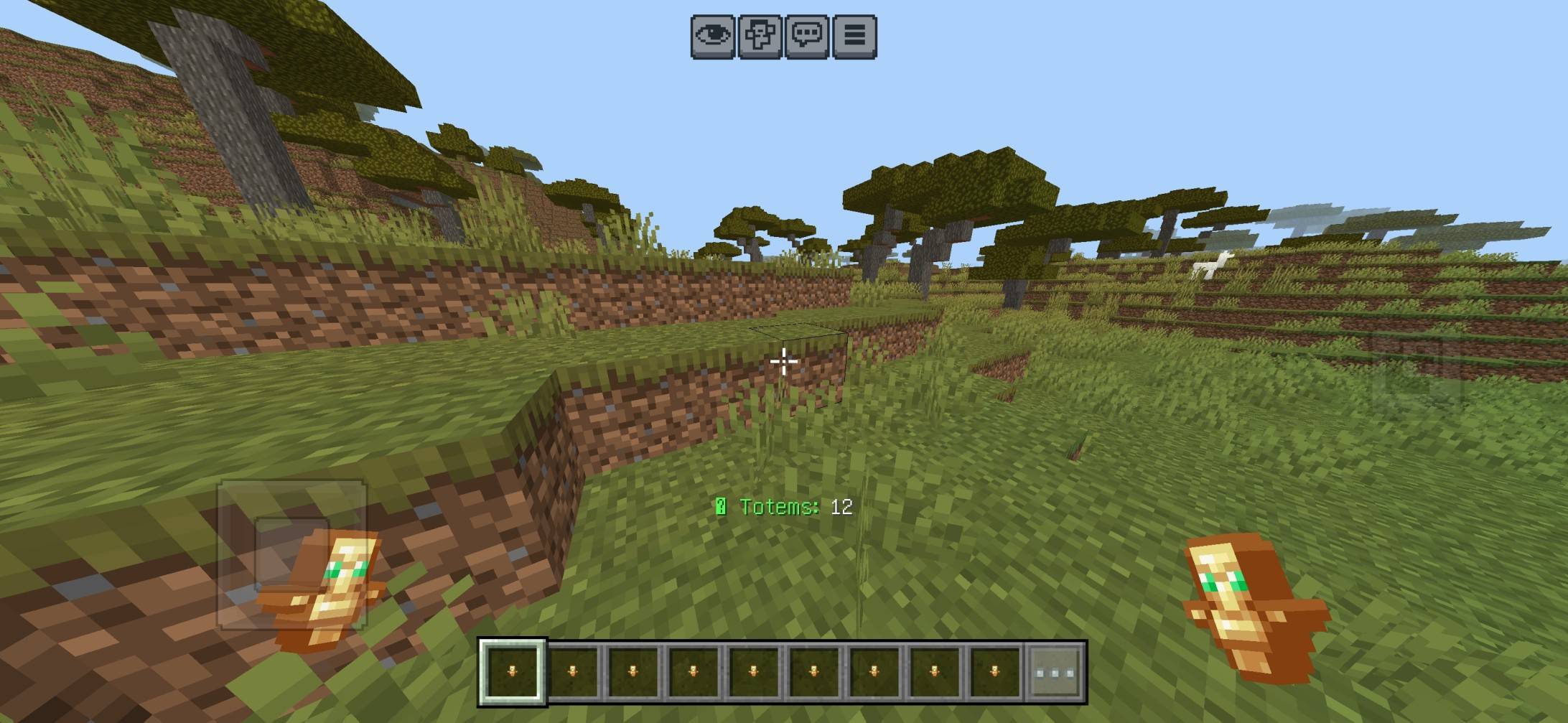
| 📊 Smart HUD | Shows your remaining totem count without unnecessary action-bar spam. |
| ✨ Custom Totem Support | Preserves custom names, lore and supported item data while moving a totem. |
| ⚠️ Low Totem Alert | Receive a warning when your remaining totems reach the selected limit. |
| 🚨 Last Totem Warning | A clear warning appears when only your final totem remains. |
| ❌ Out of Totems Alert | Instant notification when no more totems are available. |
| 🔊 Sound Feedback | Optional sounds for important Auto Totem events and warnings. |
| 👥 Multiplayer Ready | Settings and Auto Totem handling work separately for each player. |
⚙️ Custom Settings
- Auto Totem – ON / OFF
- Totem Counter HUD – ON / OFF
- Low Totem Warnings – ON / OFF
- Sound Effects – ON / OFF
- Warning Threshold – 1 / 2 / 3 / 5 Totems
Open Settings:
💬 Type !autototem or !at
📖 You can also crouch and use a normal Book.
🔧 Improvements in v2
⚡ Faster refill • 🧹 Optimized inventory checking • 📊 Improved HUD • 🛡️ Safer offhand handling • ✨ Custom item data preservation • 🔊 Better feedback • 👥 Improved multiplayer stability
ℹ️ Important
Keep Totems of Undying inside your inventory. When your offhand becomes empty, the addon automatically searches your inventory and equips another available totem.
👑 Credits
Created & Developed By: BAKU
All addon concepts, systems, updates and distribution credits belong to BAKU.
© BAKU. All Rights Reserved.
- Edition: Minecraft Bedrock
- File type: .mcpack or .mcaddon
- Minecraft versions listed: 26.20, 26.30, 26.40
- How to install: Download the .mcpack or .mcaddon file. → Open it — Minecraft imports it. → In your world: Behavior Packs → Available → Activate, then the same under Resource Packs.
- Where to get it: Opens on CurseForge — not every file is mirrored on our own servers.
Install steps are the general flow for this file type — How to install Minecraft Bedrock addons & mods walks through it step by step.
- Pack type: .mcaddon — behaviour and resource pack in one file
- Manifest requires Minecraft 1.21.100 or newer
- Complete pack — everything it depends on is inside the file
- Download size: 98 KB
- Download link checked 15 Oct 2026 — working
These come from our own check of the pack file, not from the source page.