Green Screen Block For Making Videos!
A helpful Bedrock add-on that introduces solid green screen blocks designed specifically for content creators and video editing.
⬇ Download on CurseForge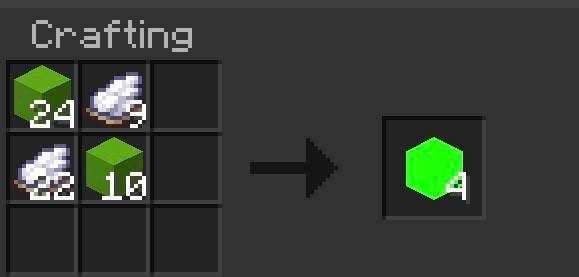
Green Screen Block Add-On
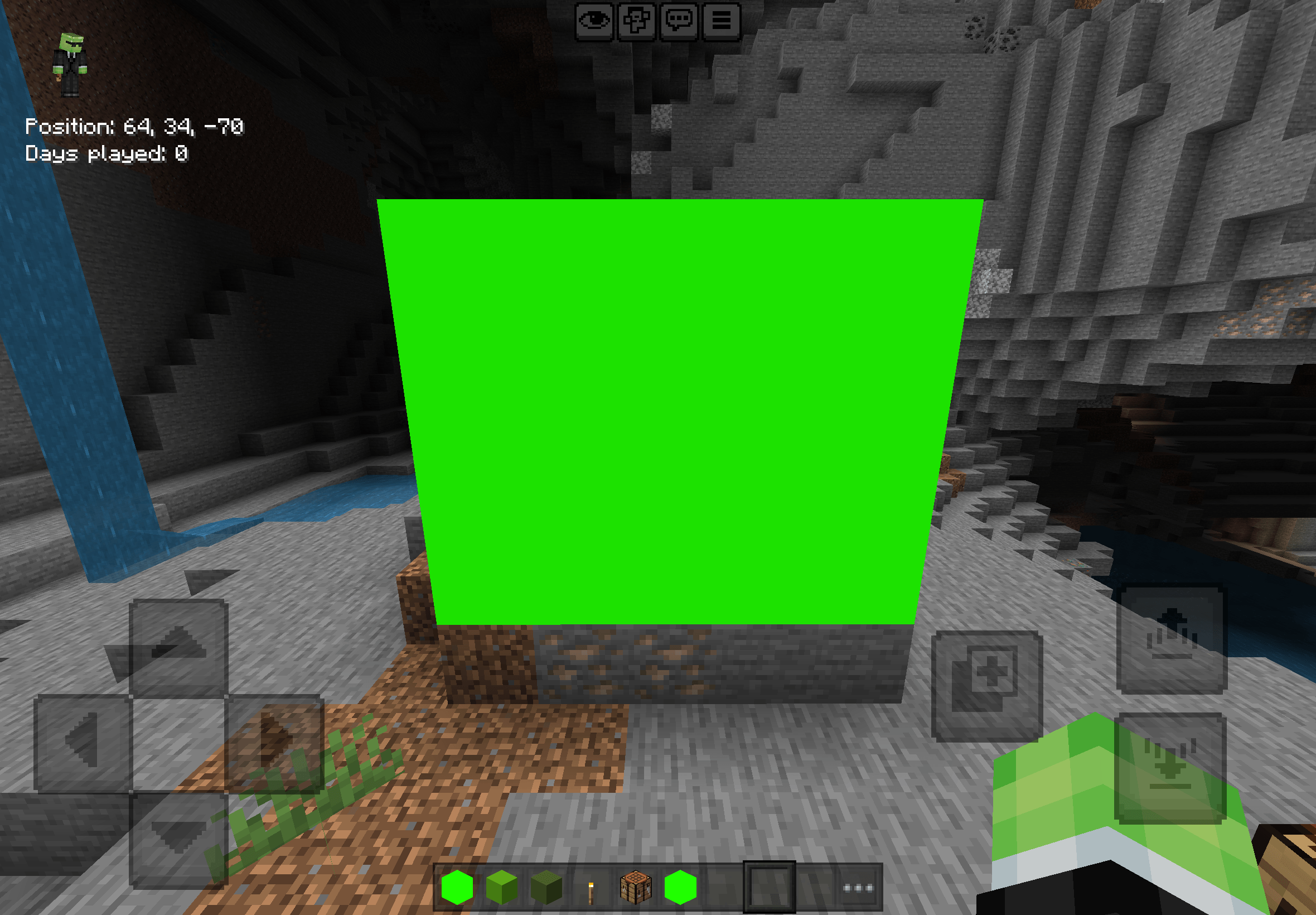
Take your video editing and screenshots to the next level in Minecraft Bedrock Edition! This add-on adds a seamless, solid green screen block to your game, making chroma keying and background removal fast and effortless.
Key Features:
• Perfect Chroma Keying: Features a pure green, shadowless texture designed specifically for video editors and content creators.
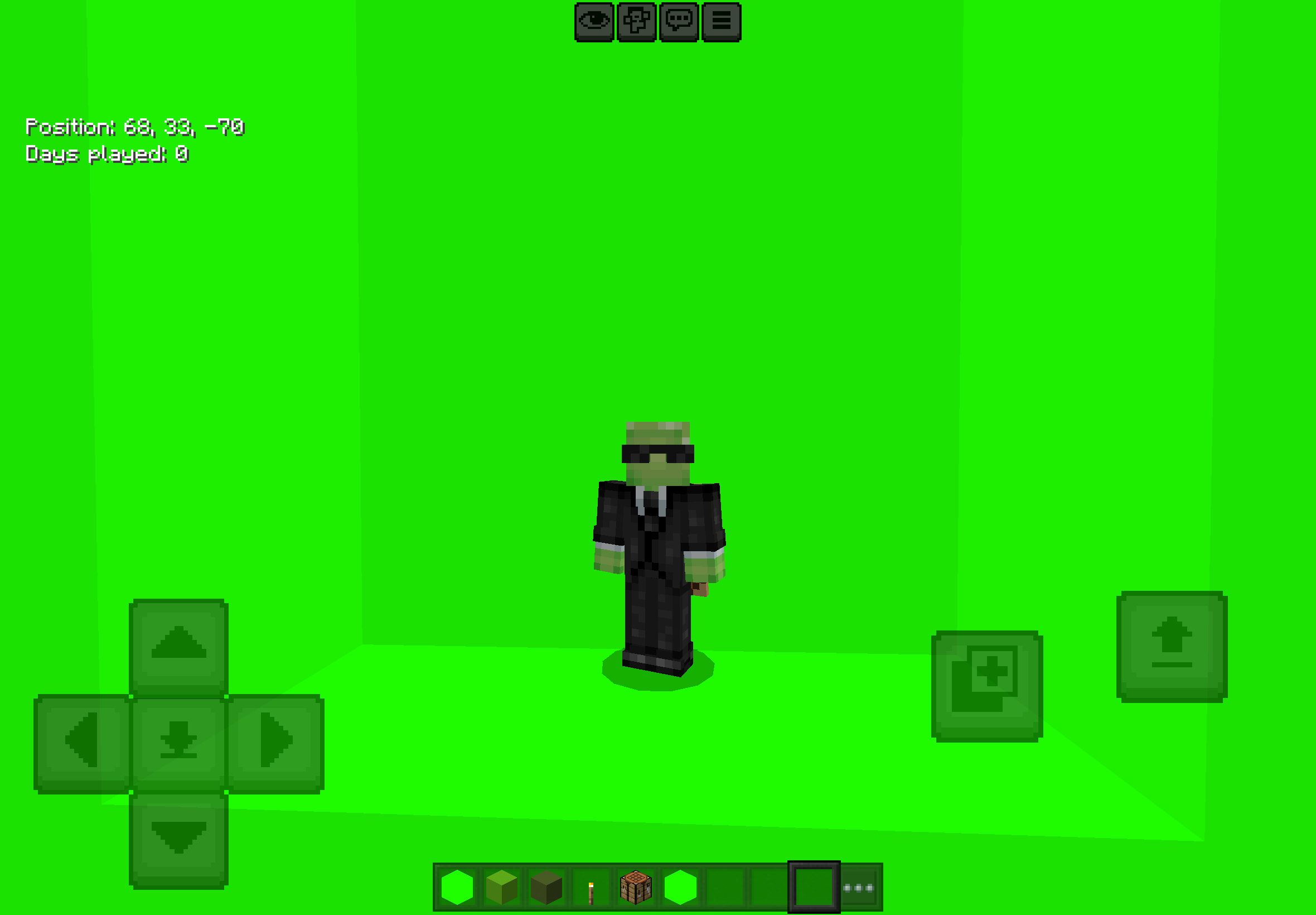
• Easy Building: Place as many blocks as you need to build studio walls, floors, or full backdrop rooms.
• Survival & Creative Friendly: Obtainable in Creative mode or crafted easily in Survival.
How to Use:
1. Get the Block: Grab it directly from the Creative inventory or craft it using the recipe.
2. Build Your Studio: Set up a flat wall or studio box behind your player, mob, or build.
3. Record & Edit: Record your clip and use any video editor (CapCut, Premiere Pro, OBS, DaVinci Resolve) to key out the green color!
Installation:
Make sure to activate both the Resource Pack and Behavior Pack in your world settings before loading in!
- Edition: Minecraft Bedrock
- File type: .mcpack or .mcaddon
- Minecraft versions listed: 26.0.02, 26.0, 26.3
- How to install: Download the .mcpack or .mcaddon file. → Open it — Minecraft imports it. → In your world: Behavior Packs → Available → Activate, then the same under Resource Packs.
- Where to get it: Opens on CurseForge — not every file is mirrored on our own servers.
Install steps are the general flow for this file type — How to install Minecraft Bedrock addons & mods walks through it step by step.
- Pack type: .mcaddon — behaviour and resource pack in one file
- Download size: 5 KB
- Download link checked 5 Sept 2026 — working
These come from our own check of the pack file, not from the source page.