
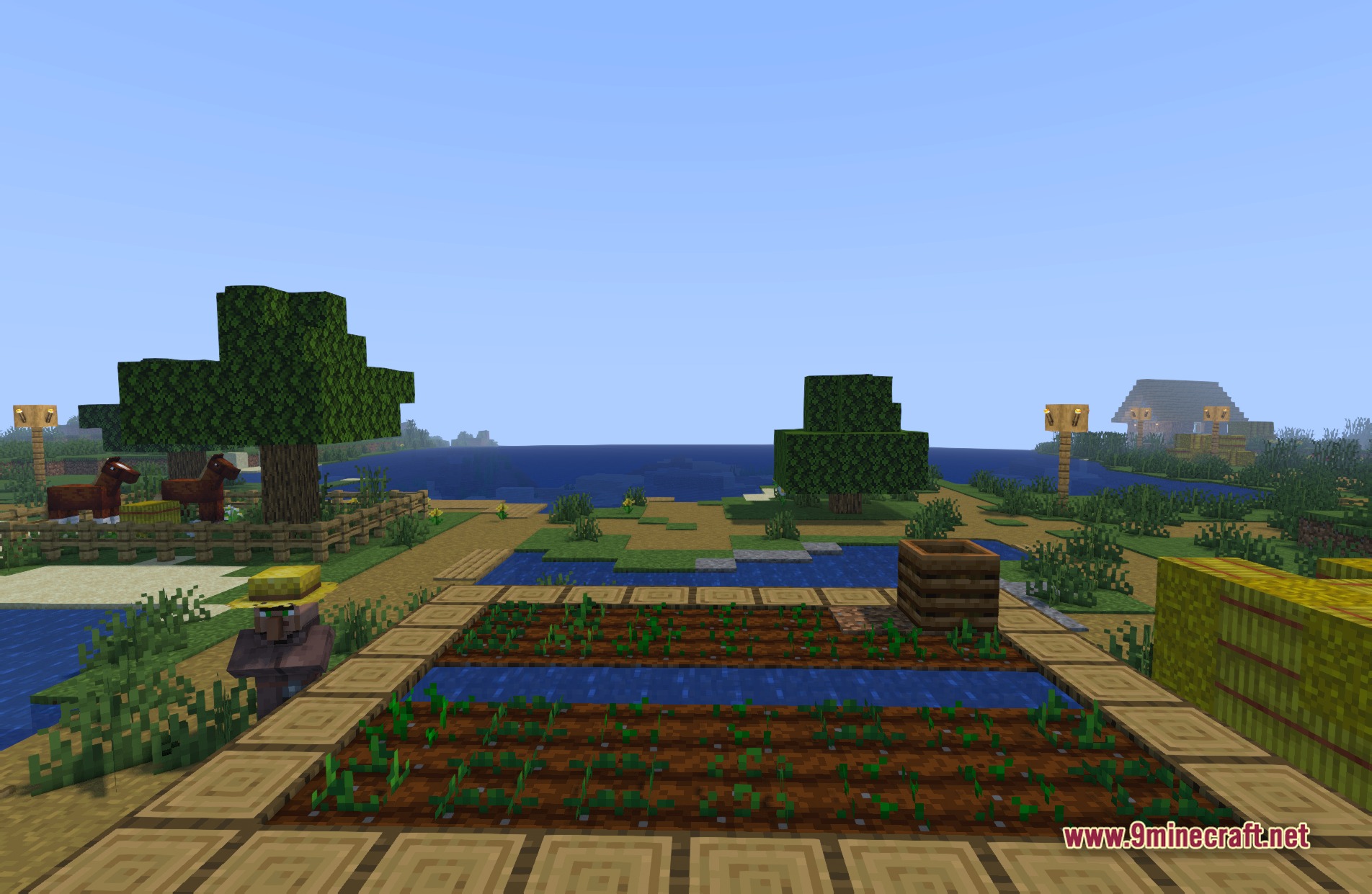
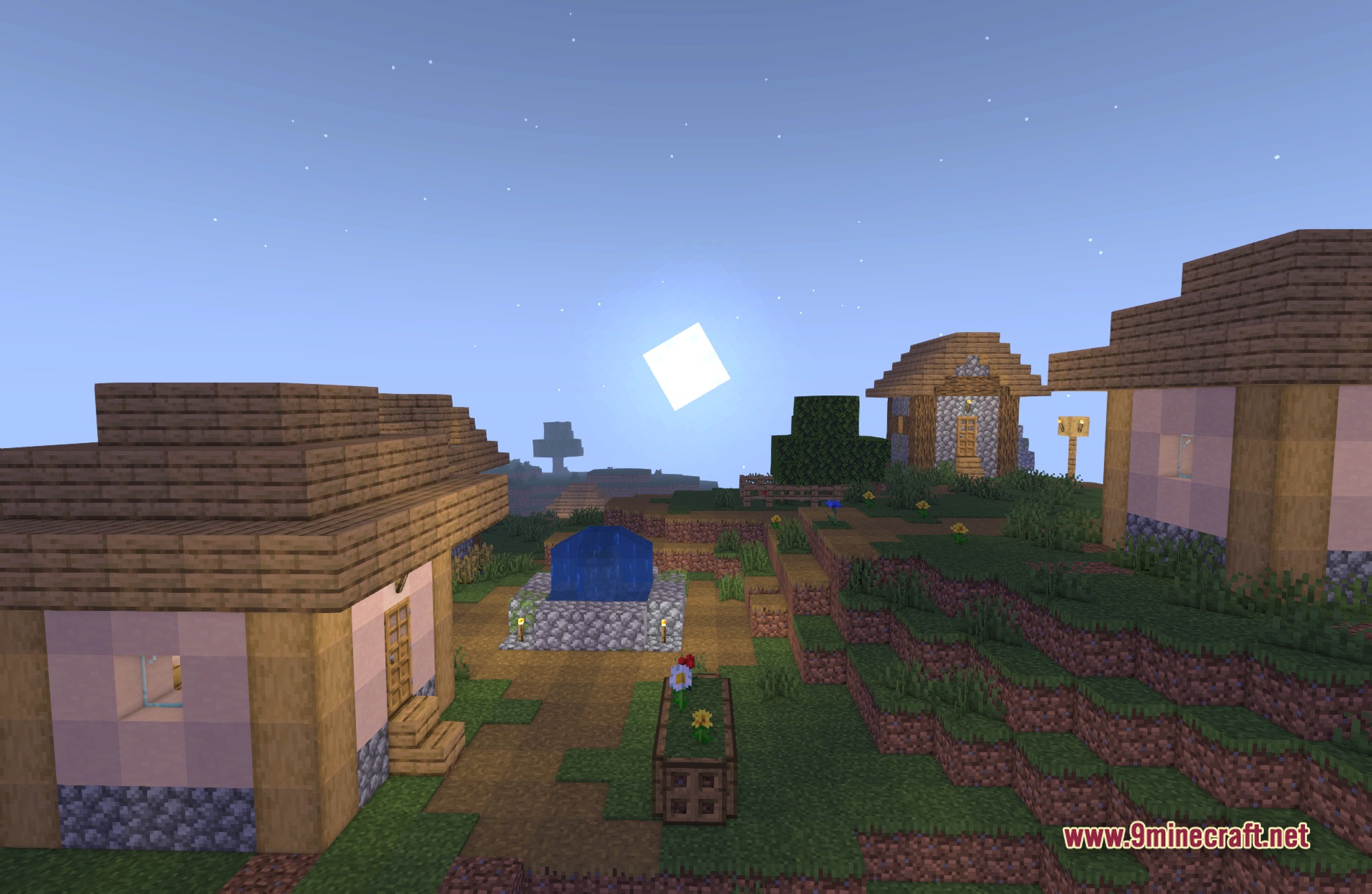
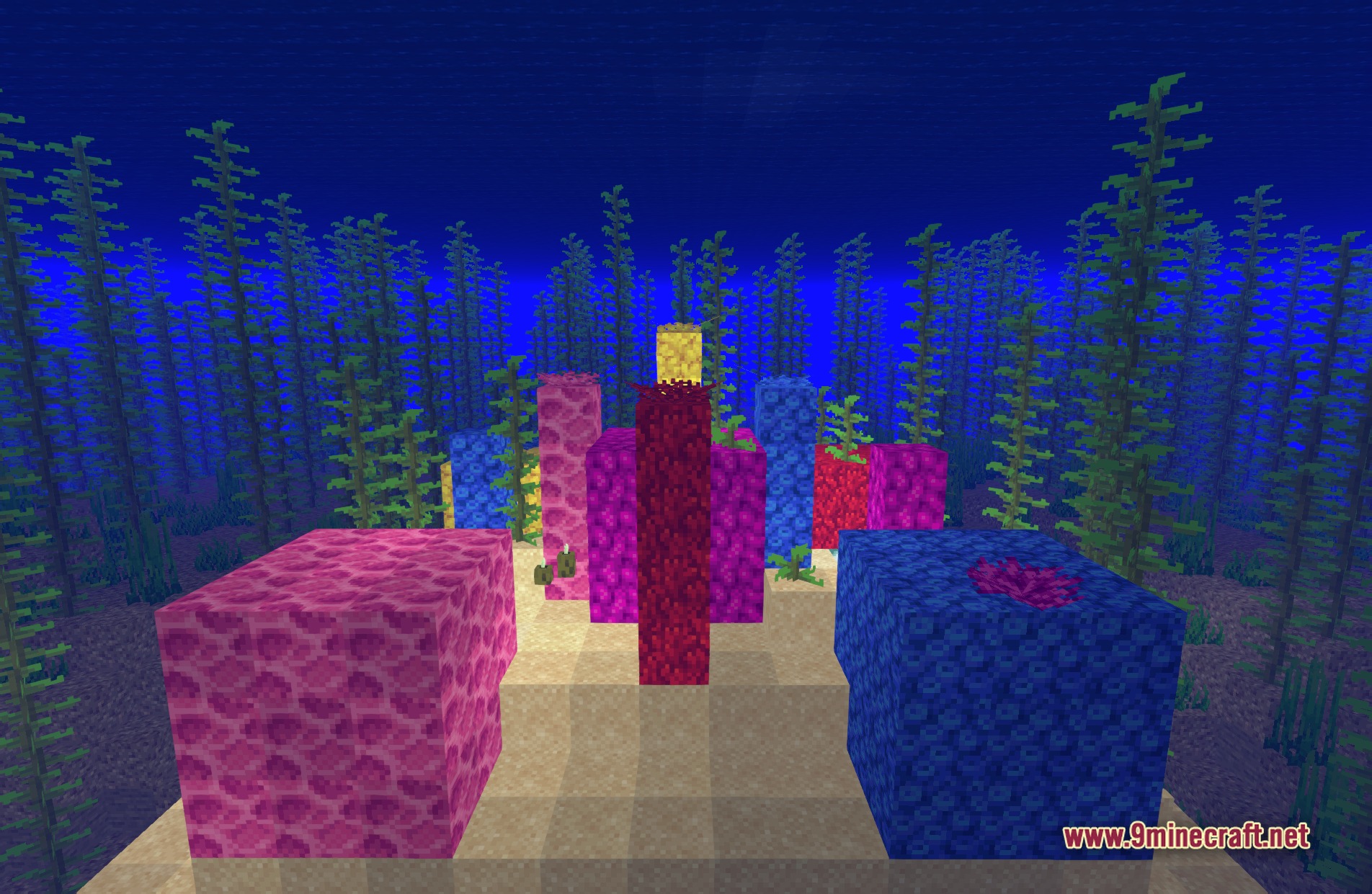
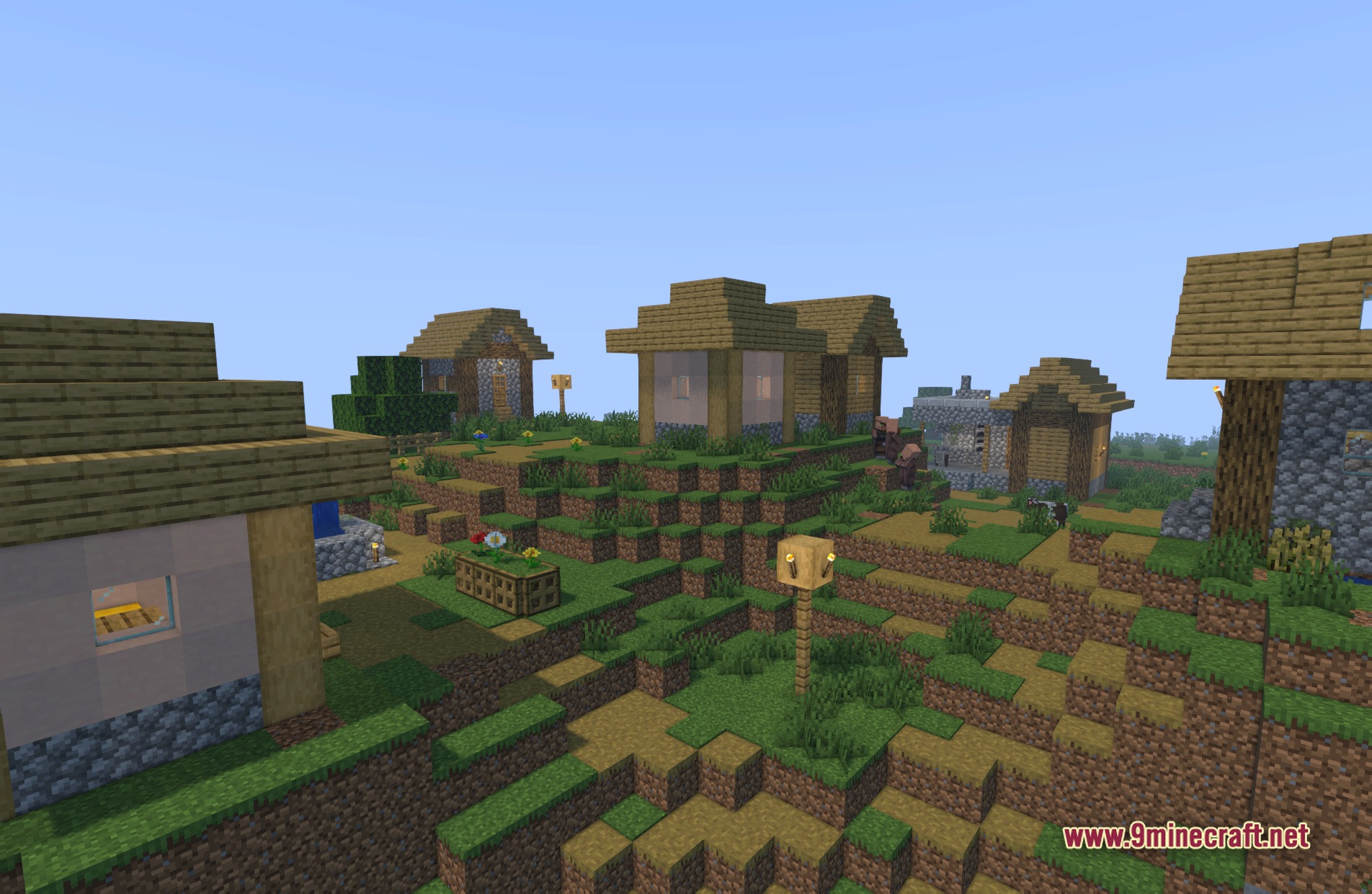
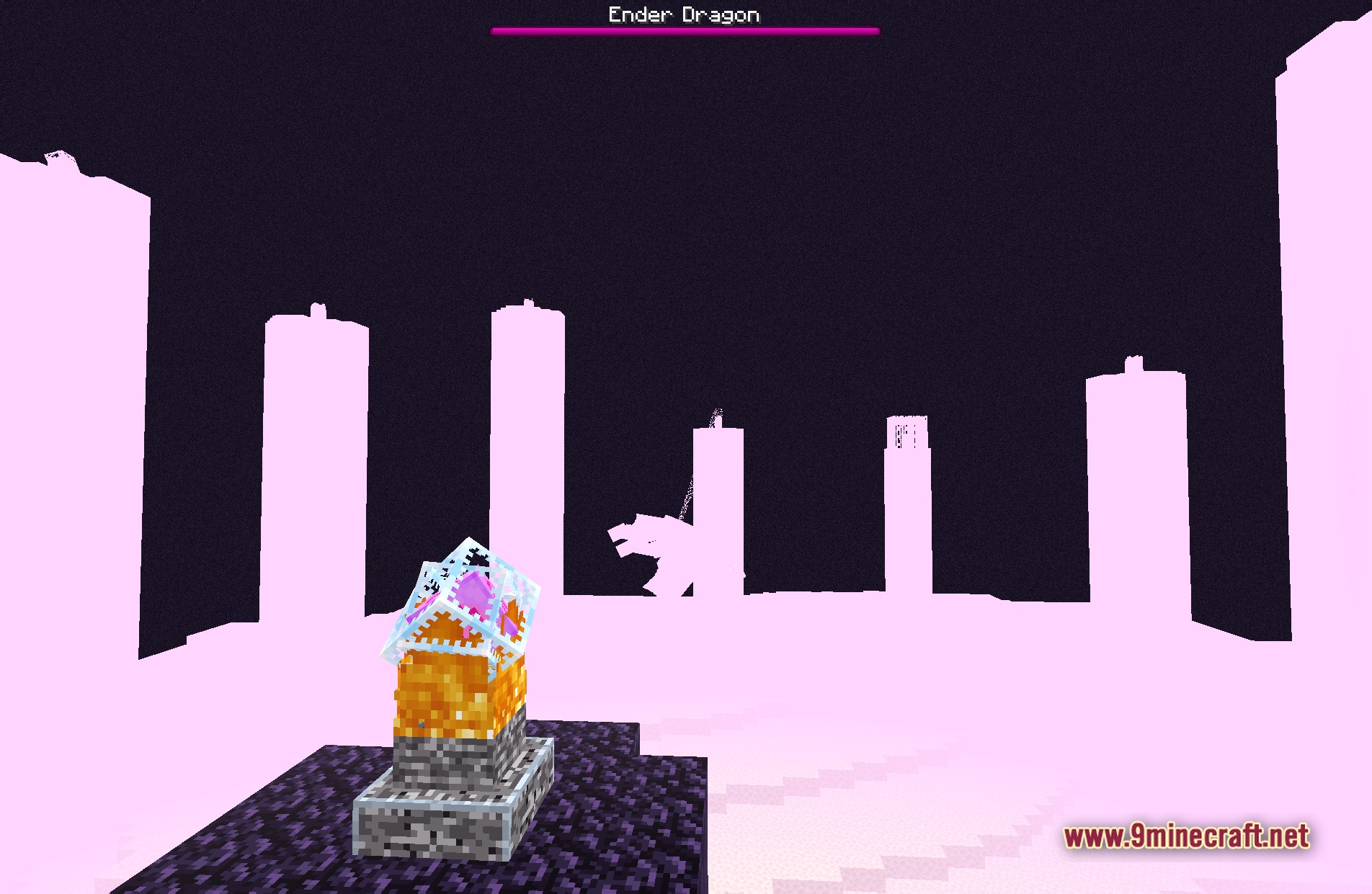
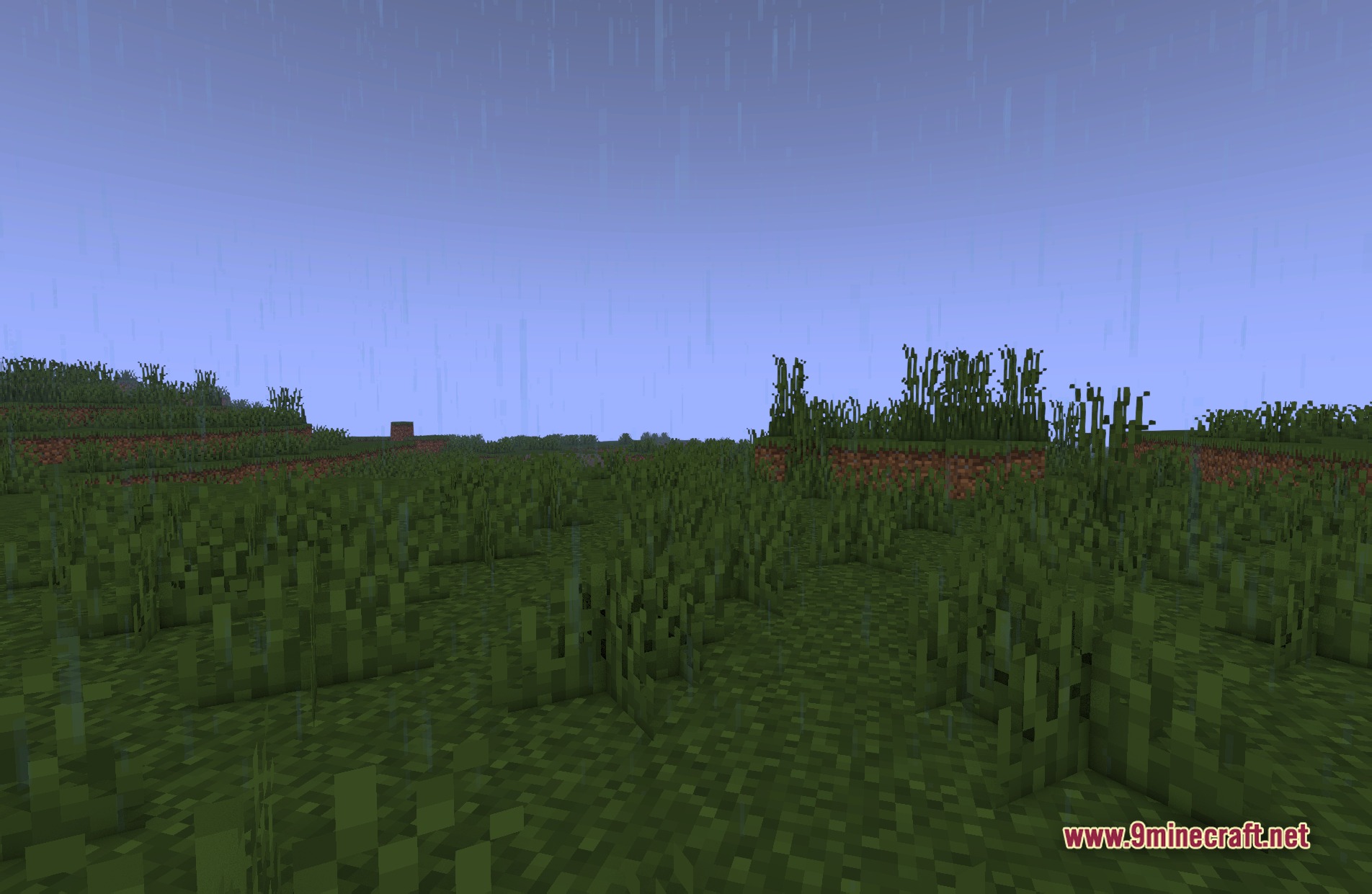
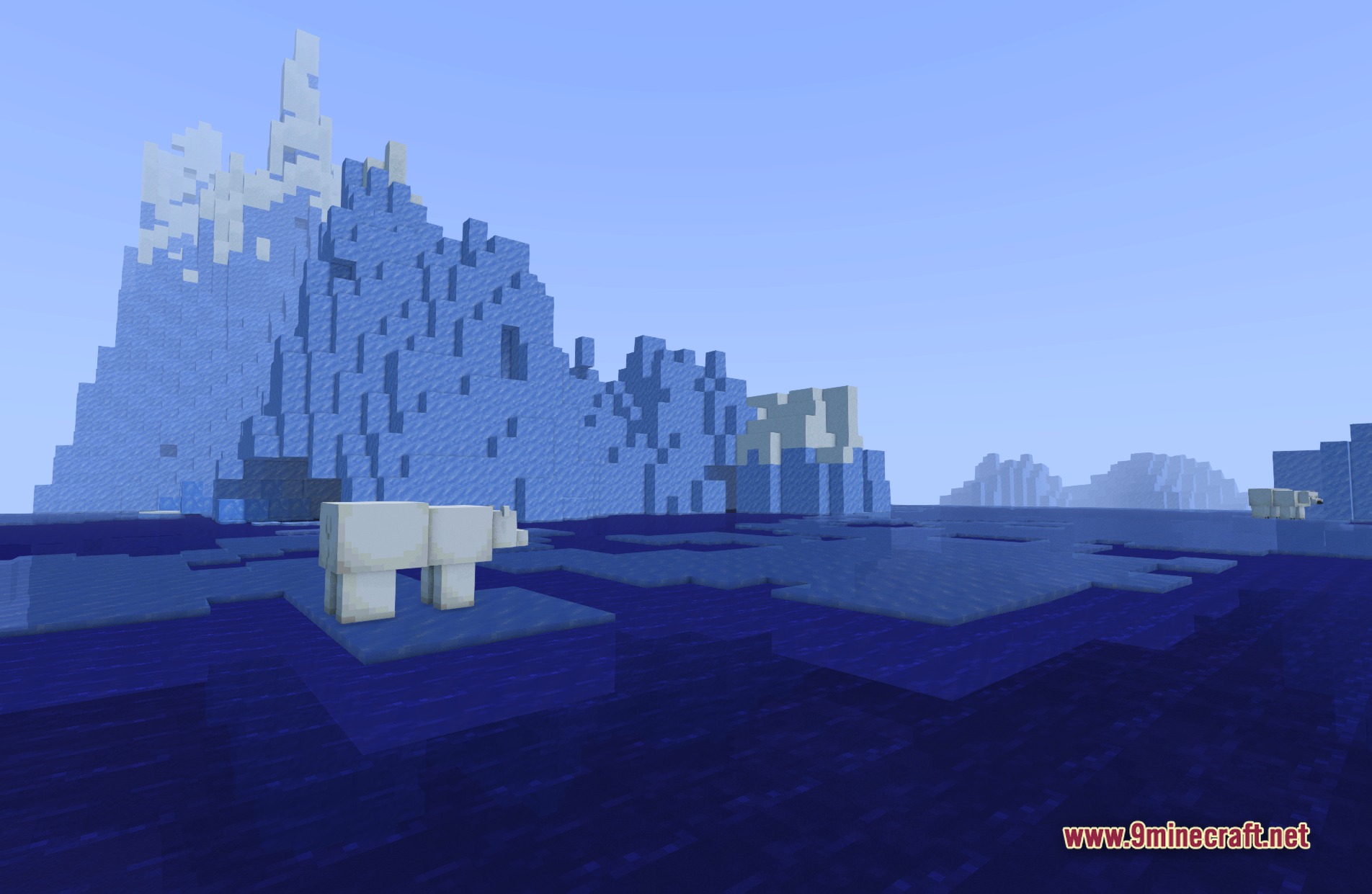
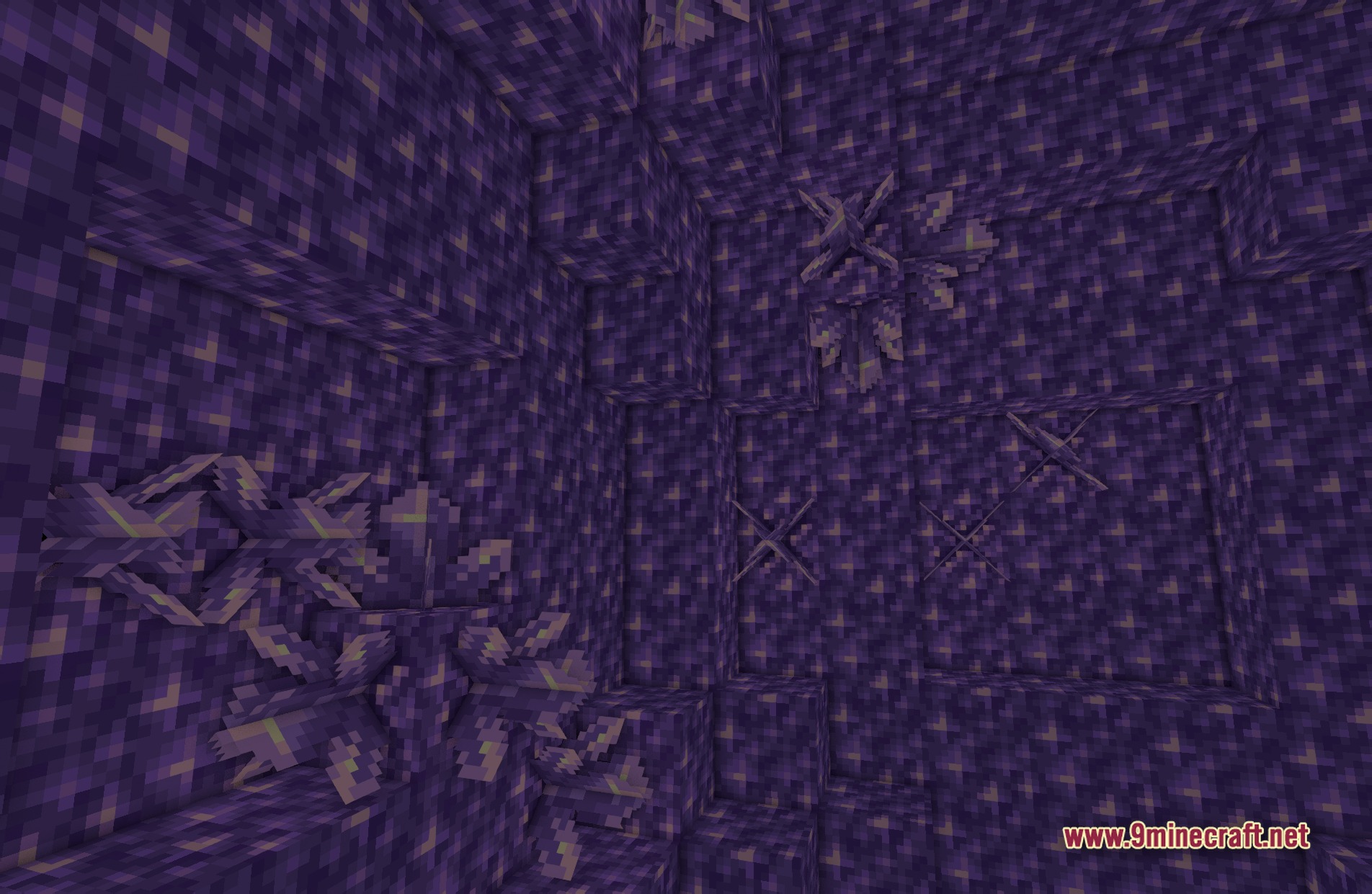
BVS Best Vanilla Shaders adds colored lighting and soft shadows to your world while keeping the original game style. This shader gives you multiple options ranging from potato to high settings so it runs well on any computer. It also reads PBR materials to make blocks look more textured and realistic.
Features:
- Colored Lighting: Casts vibrant colors from different light sources across the environment.
- Multiple Profiles: Gives you choices for low, medium, high, and potato computers.
- PBR Support: Reads special textures to make blocks reflect light and look bumpy.
- Keeps the vanilla style of the game intact while updating the shadows.
- Makes plant leaves and grass move slightly to look natural.
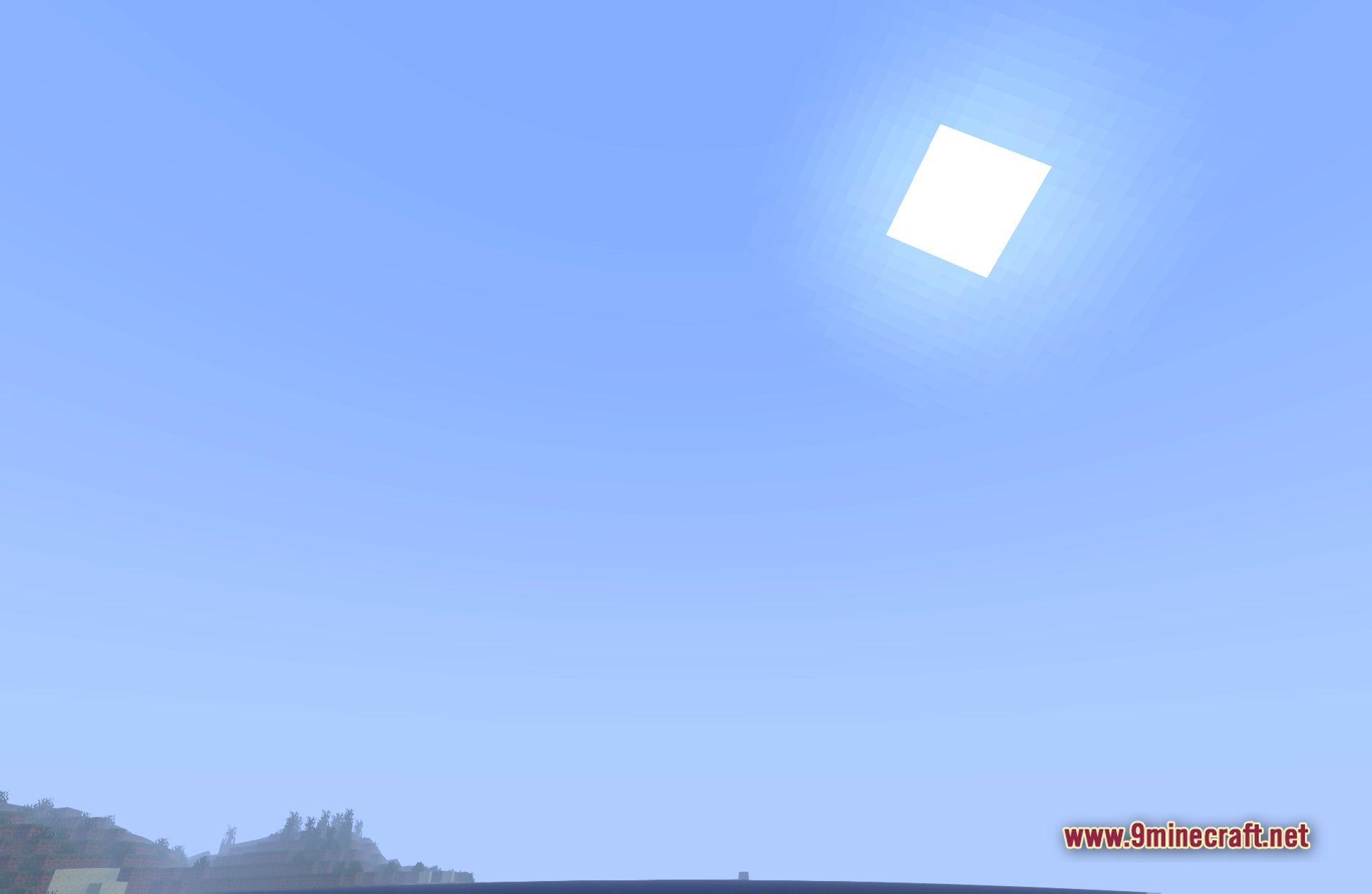
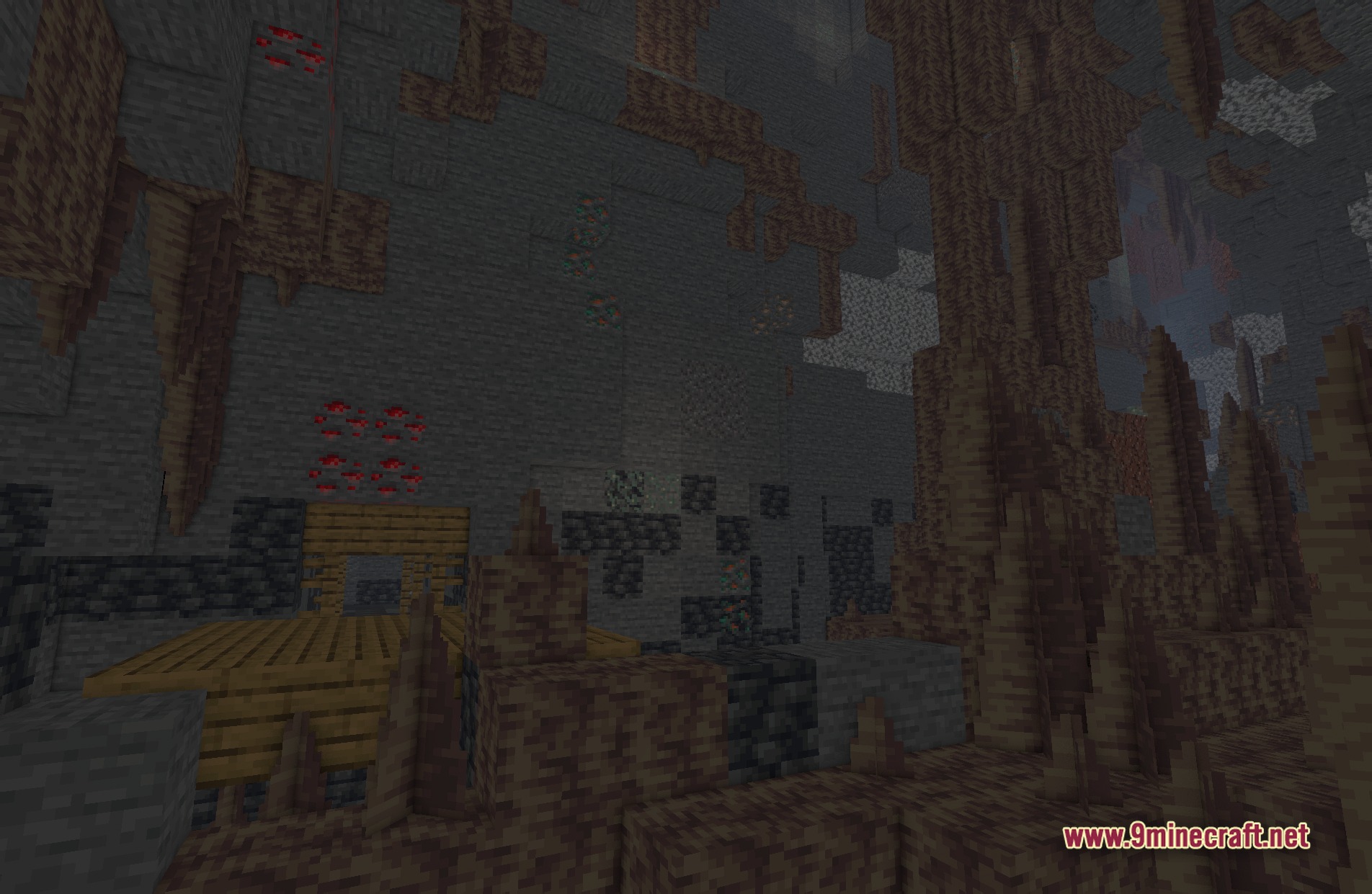
- Helps you take great screenshots with better lighting effects.
🎛️ Compare Minecraft Shaders Side by Side →
Drag the slider across real in-game scenes — find YOUR perfect shader.
Screenshots:
BVS Best Vanilla Shaders Download Links
Quick facts
- Edition: Minecraft Java
- File type: .zip (resource pack)
- Minecraft version listed: 1.20.1
- How to install: Download the .zip resource pack — do not unzip it. → Put it in .minecraft/resourcepacks. → Enable it in Options → Resource Packs.
- Where to get it: In MC Java Mods, or directly above on this page.
Install steps are the general flow for this file type — see the MC Java Mods guides for the full walkthrough.
BVS Best Vanilla Shaders (26.3, 1.20.1) – Colored Lighting and Soft Shadows is a free Minecraft Java shader. Compatible with Minecraft 1.20.1. Download it and open it directly in the game.