
TpRequest
Bedrock add-on listed for Minecraft 1.20–26.x (behavior pack only). File opened and checked on 2 Oct 2026; installs from the MC Bedrock Mods app on Android.
⬇ Download on CurseForgeThe author built this one for Minecraft 26.30. On other versions it may install and then do nothing.
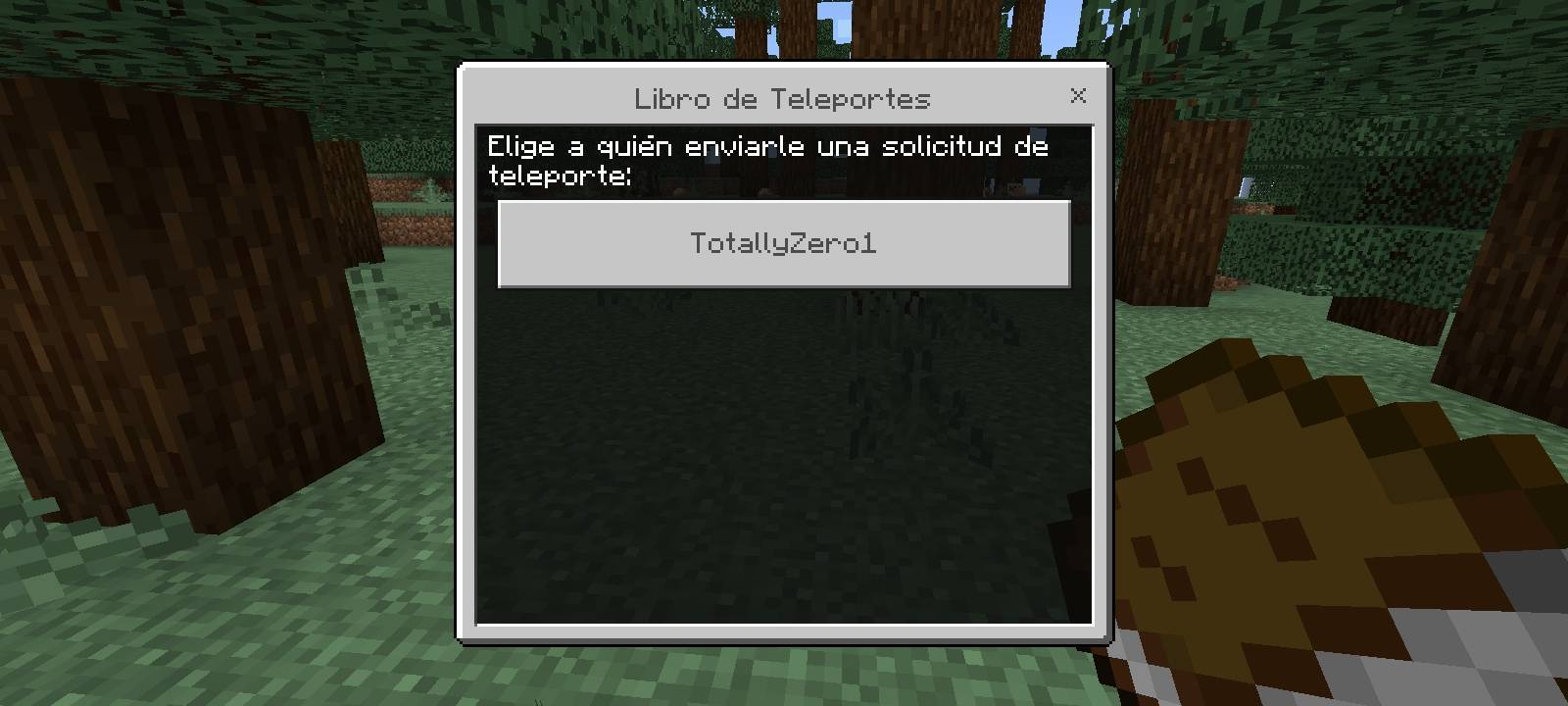
TpRequest — By DumbsStudio
«⚠️ Note: This addon is currently available only in Spanish. English language support may be added in a future update.»
TpRequest is a teleport request system (TPA-style) for Minecraft Bedrock, designed for multiplayer worlds and servers where you don't want to enable cheats or give players Operator permissions just to teleport.
How does it work?
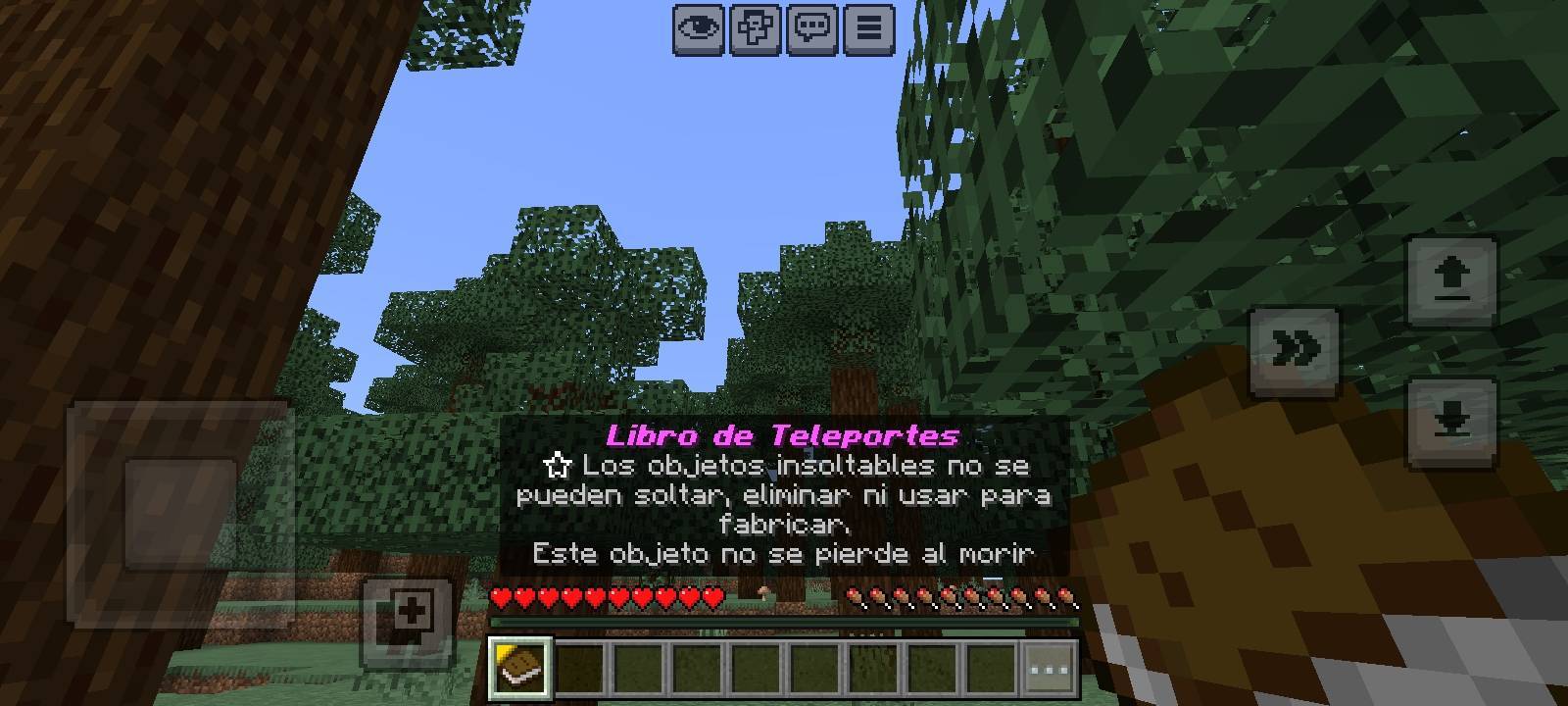
The first time you join a world with the addon installed, you'll automatically receive a Teleport Book.
This book:
- Can be freely moved between inventory slots.
- Cannot be dropped, thrown away, or stored inside chests or other containers.
- If you somehow lose it, a new one will automatically be given to you the next time you join or respawn.
Using the Teleport Book:
- If you have no pending requests, a menu will open showing all online players so you can choose who to send a teleport request to.
- If someone has already sent you a request, you'll immediately see the Accept and Reject options.
Teleport requests expire automatically after 60 seconds if they are not answered.
When a request is accepted, the player who sent the request is teleported to the player who accepted it.
Requirements
1. Import the ".mcaddon" file into Minecraft.
2. Open your world's Behavior Packs settings.
3. Make sure TpRequest is in the Active section.
That's it! No cheats, no Operator permissions, and achievements remain enabled.
Notes
- Available in Spanish.
- Works in both new and existing worlds.
- More features will be added in future updates.
Created by DumbsStudio.
- Edition: Minecraft Bedrock
- File type: .mcpack or .mcaddon
- Minecraft version listed: 26.30
- How to install: Download the .mcpack or .mcaddon file. → Open it — Minecraft imports it. → In your world: Behavior Packs → Available → Activate, then the same under Resource Packs.
- Where to get it: Opens on CurseForge — not every file is mirrored on our own servers.
Install steps are the general flow for this file type — How to install Minecraft Bedrock addons & mods walks through it step by step.
- Pack type: .mcaddon — behaviour and resource pack in one file
- Manifest requires Minecraft 1.20.0 or newer
- Complete pack — everything it depends on is inside the file
- Download size: 11 KB
- Download link checked 16 Oct 2026 — working
These come from our own check of the pack file, not from the source page.