
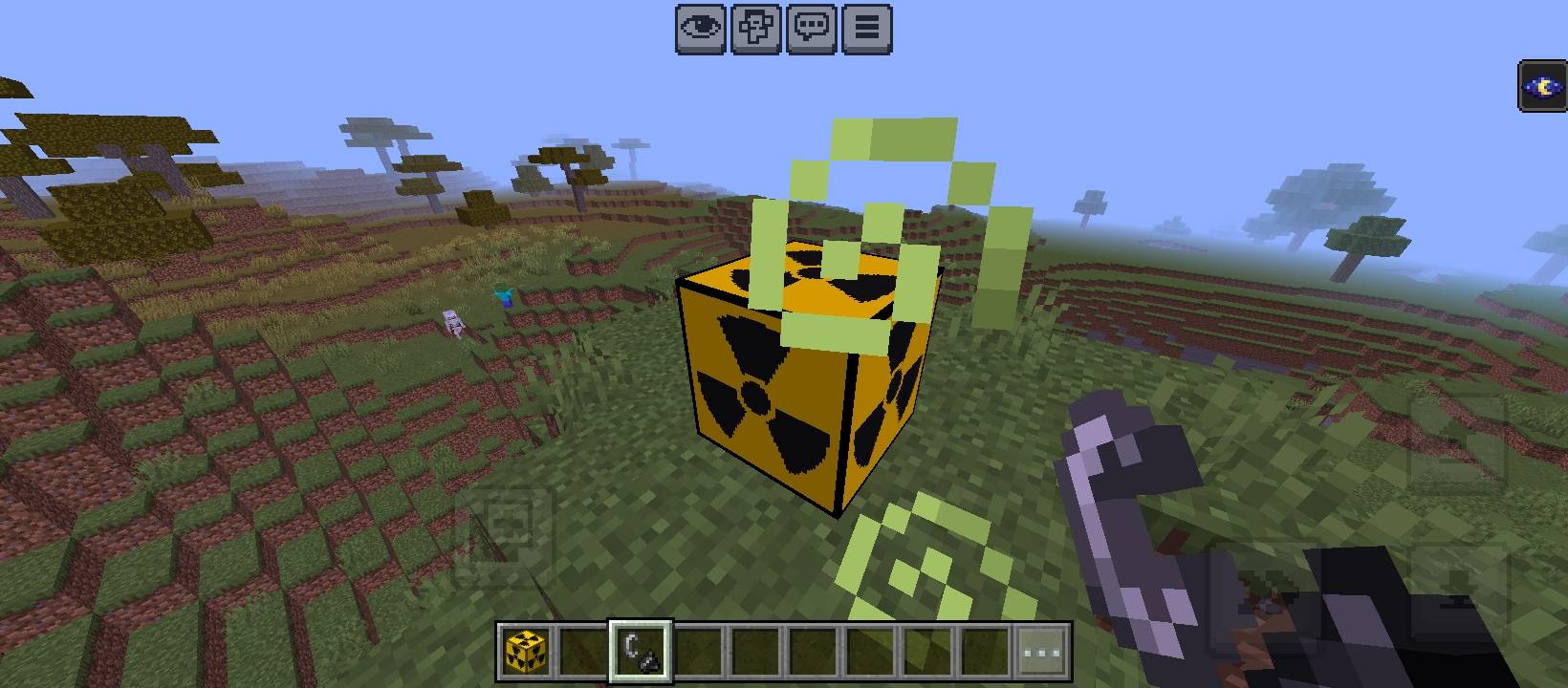
Nuke block
Bedrock add-on listed for Minecraft 1.21–26.x (behavior + resource pack). File opened and checked on 19 Oct 2026; installs from the MC Bedrock Mods app on Android.
💥 Nuke Add-on — Ultra Explosion & Realistic Mushroom Cloud Effects Updated version: Bigger explosion radius, stronger damage, multi-layered mushroom…
⬇ Download on CurseForge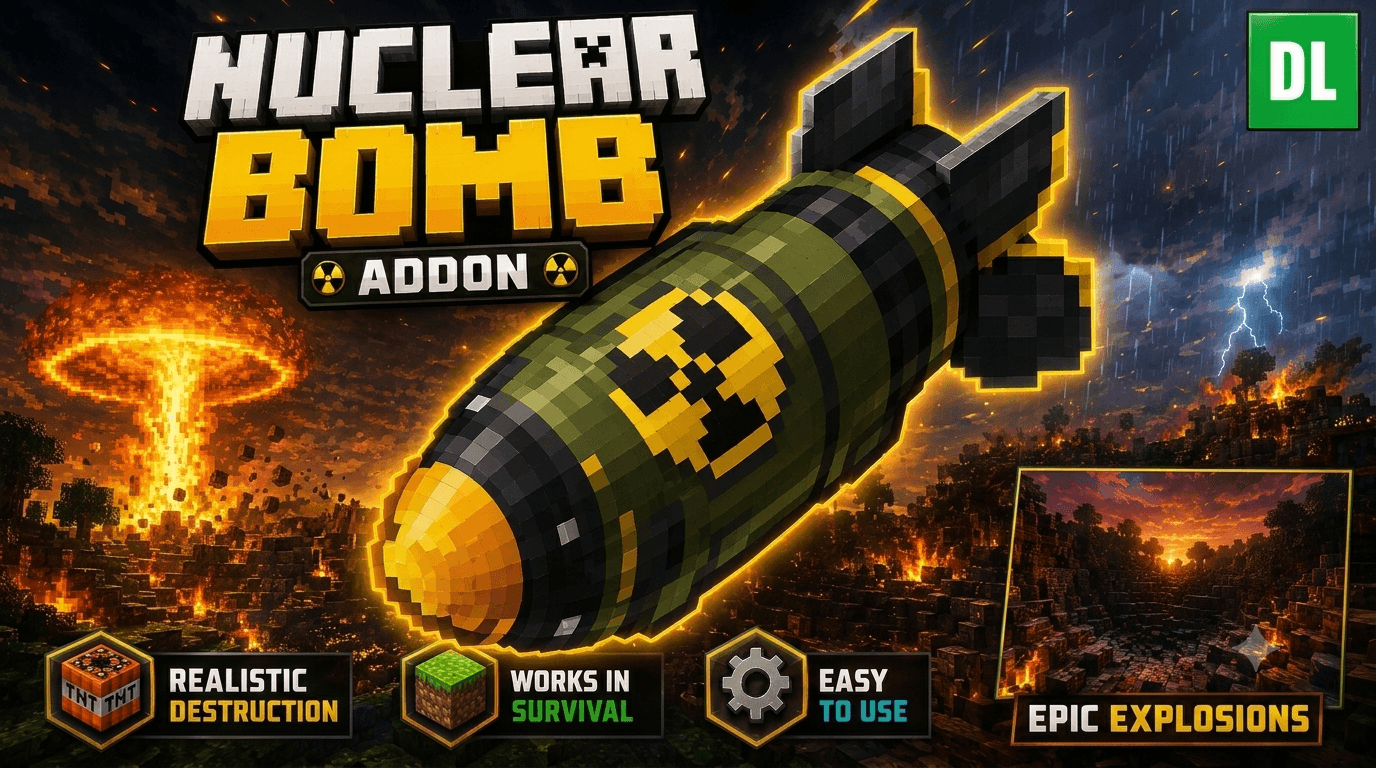
💥 Nuke Add-on — Ultra Explosion & Realistic Mushroom Cloud Effects
Updated version: Bigger explosion radius, stronger damage, multi-layered mushroom cloud effect, camera shake, and a bright flash on detonation.
🧨 Overview
This add-on brings a Nuke block to Minecraft Bedrock. Activate it with a Flint and Steel, and after a countdown, it triggers a massive nuclear-style explosion complete with a rising mushroom cloud, screen shake, and wide-area damage.
⚙️ Key Features
Massive explosion radius: destroys terrain up to a 130-block radius
Wide-area damage: deals up to 1000 damage within a 200-block radius, scaling down with distance
Chained secondary blasts: follow-up bursts after the main explosion for a rolling shockwave feel
Camera shake: nearby players feel real screen shake from the blast
Bright flash effect: simulates a blinding nuclear flash at the moment of detonation
Multi-layered mushroom cloud: the stem rises up to 55 blocks, and the cap expands in 4 successive layers for a realistic mushroom cloud shape
Shockwave rings & debris: ground-level shockwave rings and flying debris/sparks around the blast center
Custom activation countdown sound before detonation
🎮 How to Use
Place the Nuke block wherever you want.
Use Flint and Steel on the block to start the countdown.
Get away fast — when the countdown ends, it detonates!
⚠️ Notes
This add-on causes extremely high destruction — test it in a separate world or Creative mode before using it on your main world.
Requires Beta APIs enabled in Experimental Features, since it uses the Scripting API.
Compatible with Minecraft Bedrock 1.21+.
📦 Package Contents
Behavior Pack + Resource Pack (pre-packed as .mcaddon, just tap to import)
Custom particles: mushroom cloud, shockwave rings, debris, flash
Custom activation sound
- Edition: Minecraft Bedrock
- File type: .mcpack or .mcaddon
- Minecraft versions listed: 26.30, 26.0, 26.3
- How to install: Download the .mcpack or .mcaddon file. → Open it — Minecraft imports it. → In your world: Behavior Packs → Available → Activate, then the same under Resource Packs.
- Where to get it: Opens on CurseForge — not every file is mirrored on our own servers.
Install steps are the general flow for this file type — How to install Minecraft Bedrock addons & mods walks through it step by step.
- Pack type: .mcaddon — behaviour and resource pack in one file
- Manifest requires Minecraft 1.21.0 or newer
- Complete pack — everything it depends on is inside the file
- Download size: 2.3 MB
- Download link checked 16 Oct 2026 — working
These come from our own check of the pack file, not from the source page.