ResourcepacksJava
Vampiric GUI Resource Pack (1.21.1, 1.20.1) – Adds Vampire Style To Menus
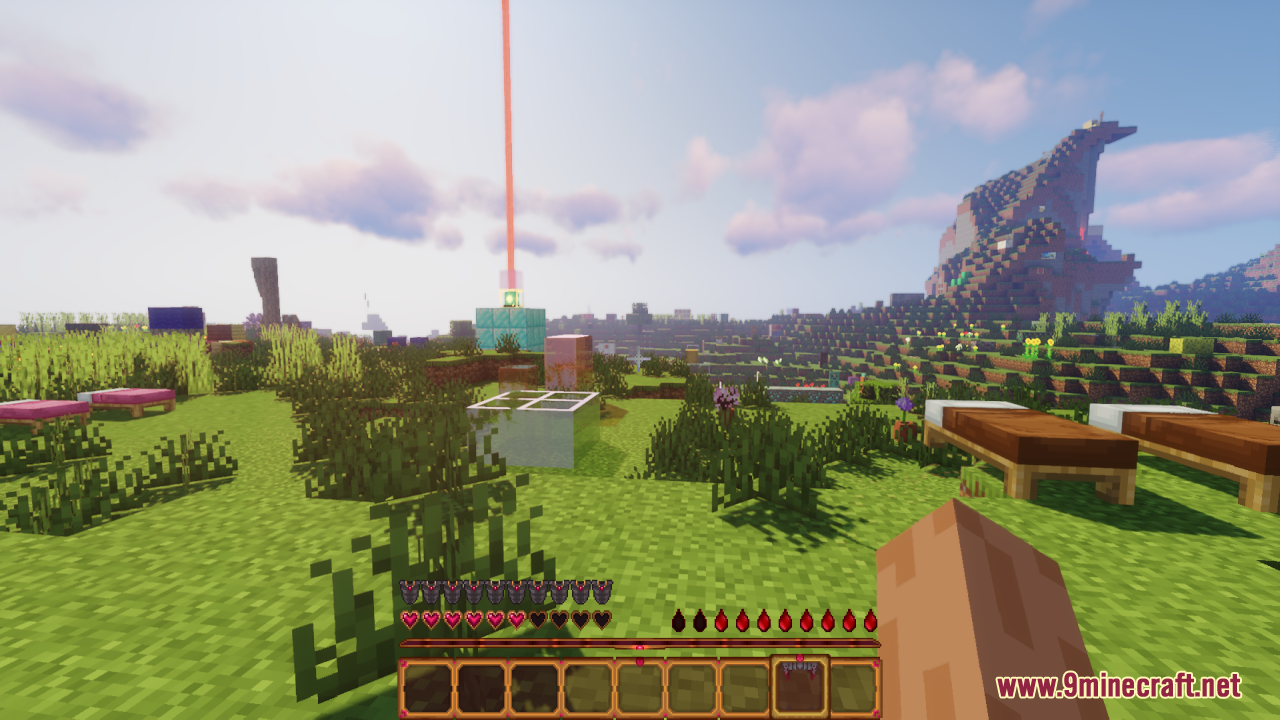
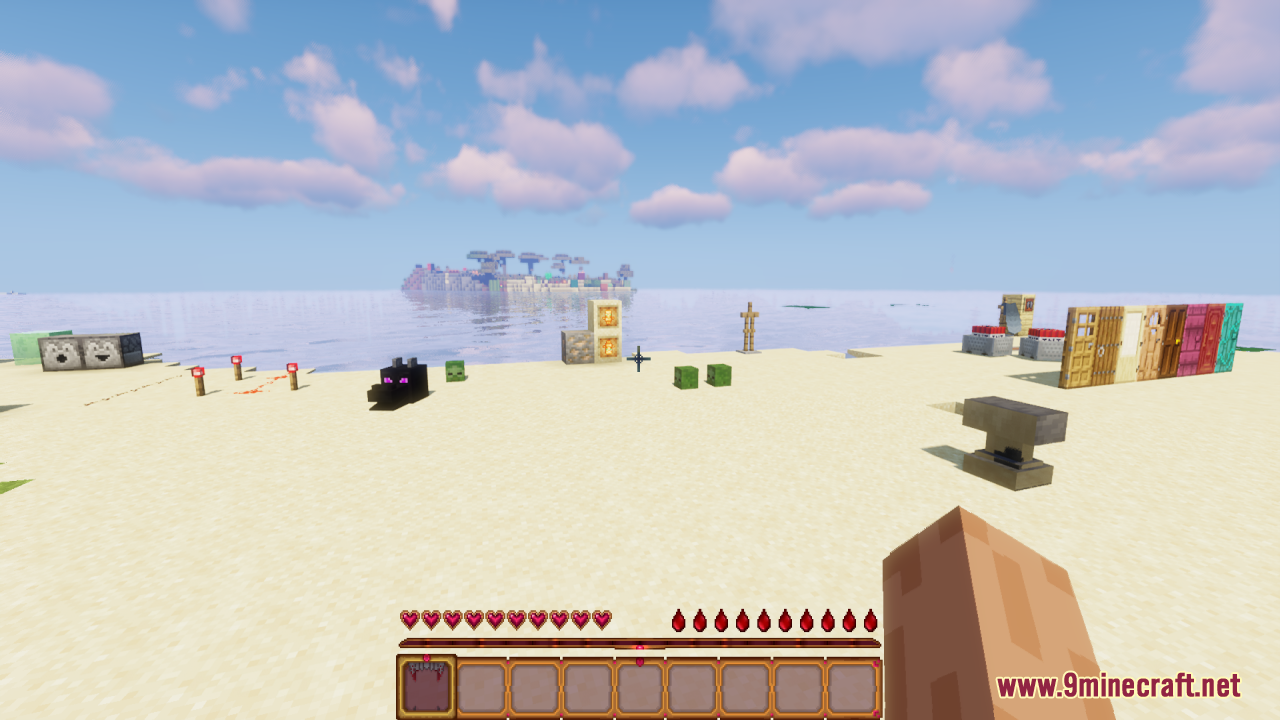
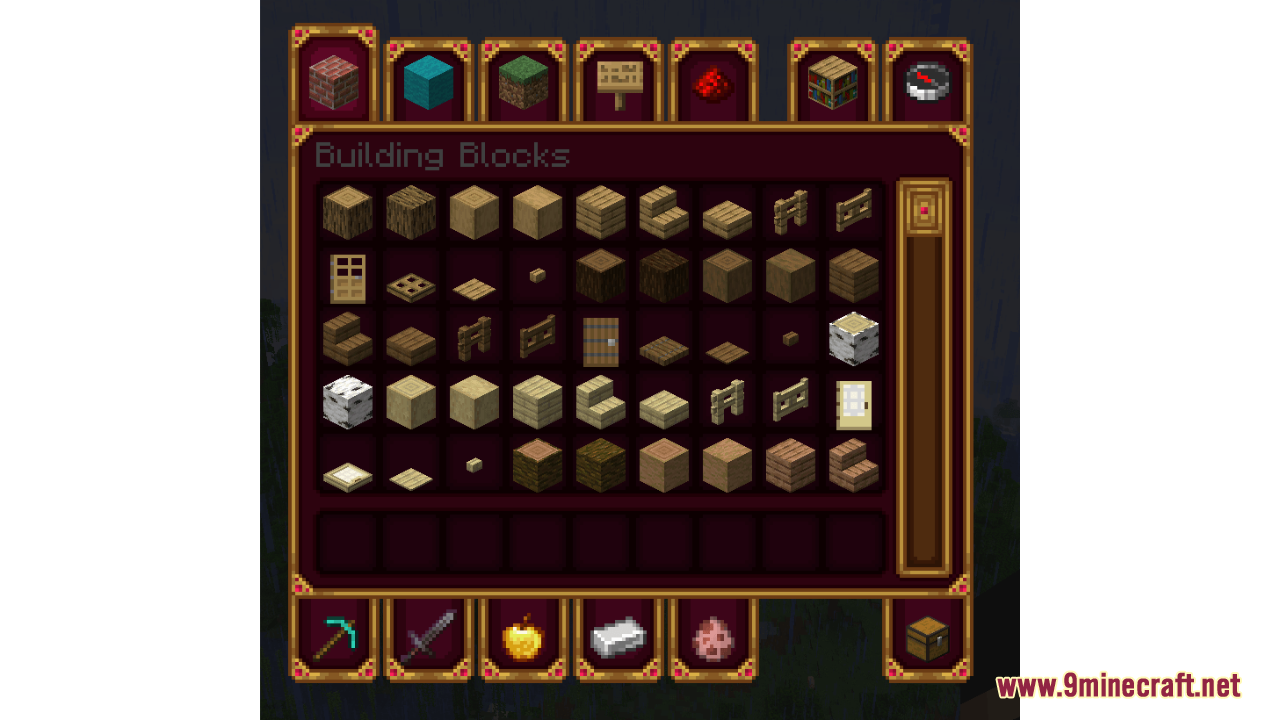
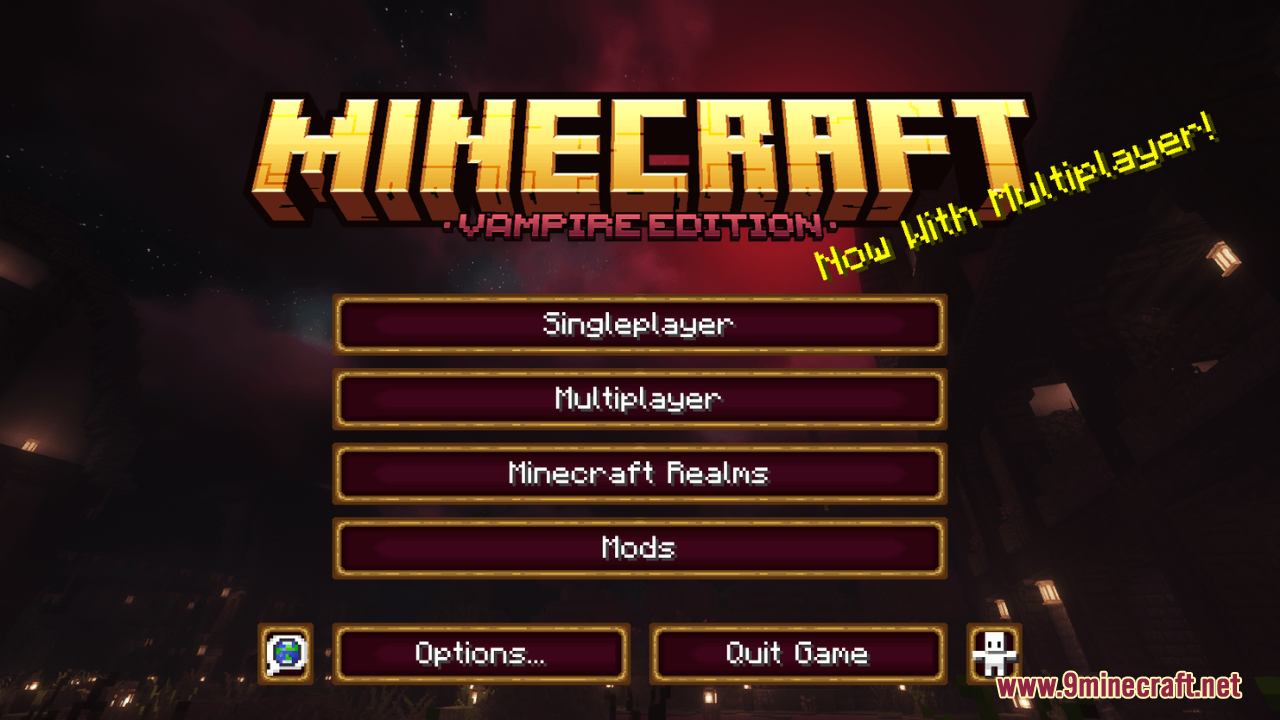
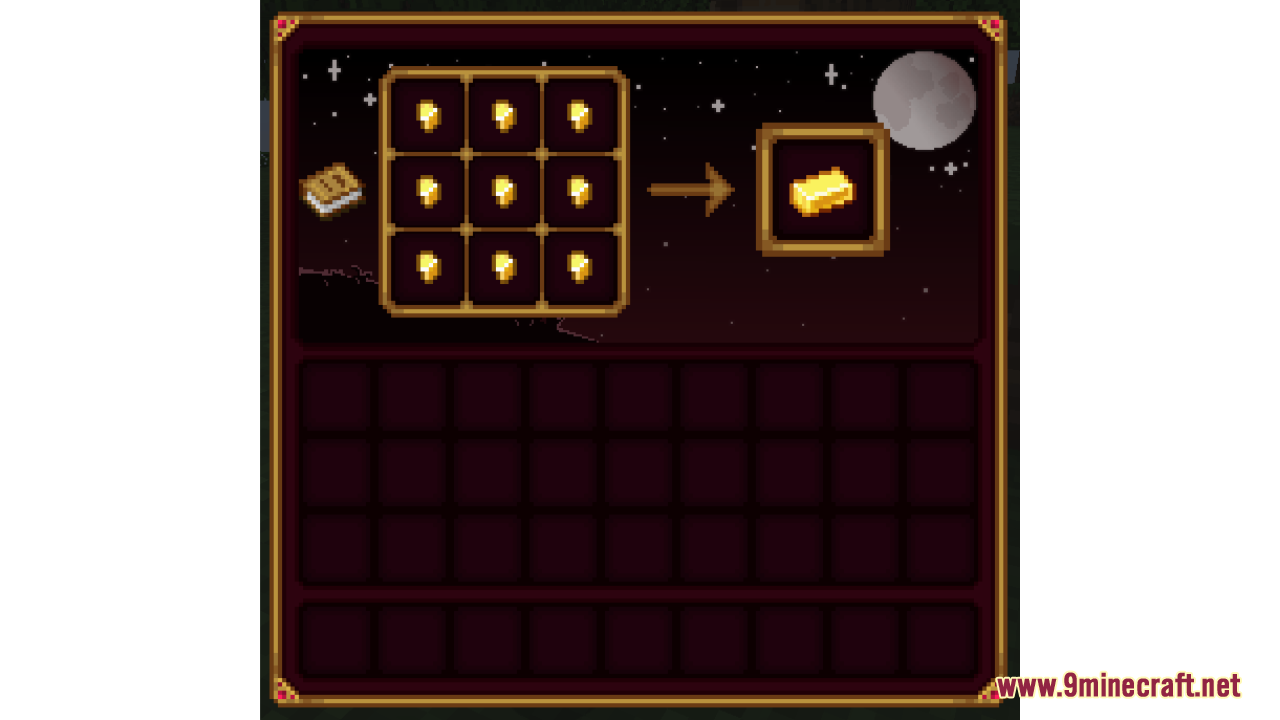
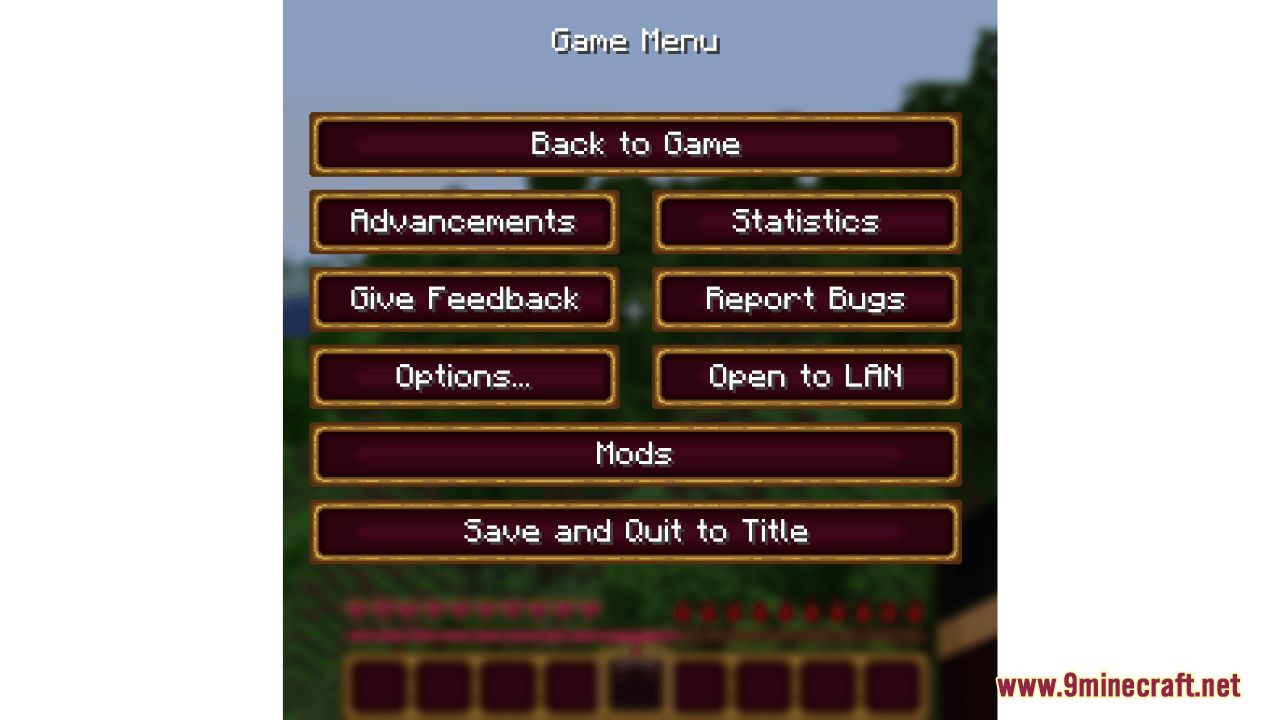
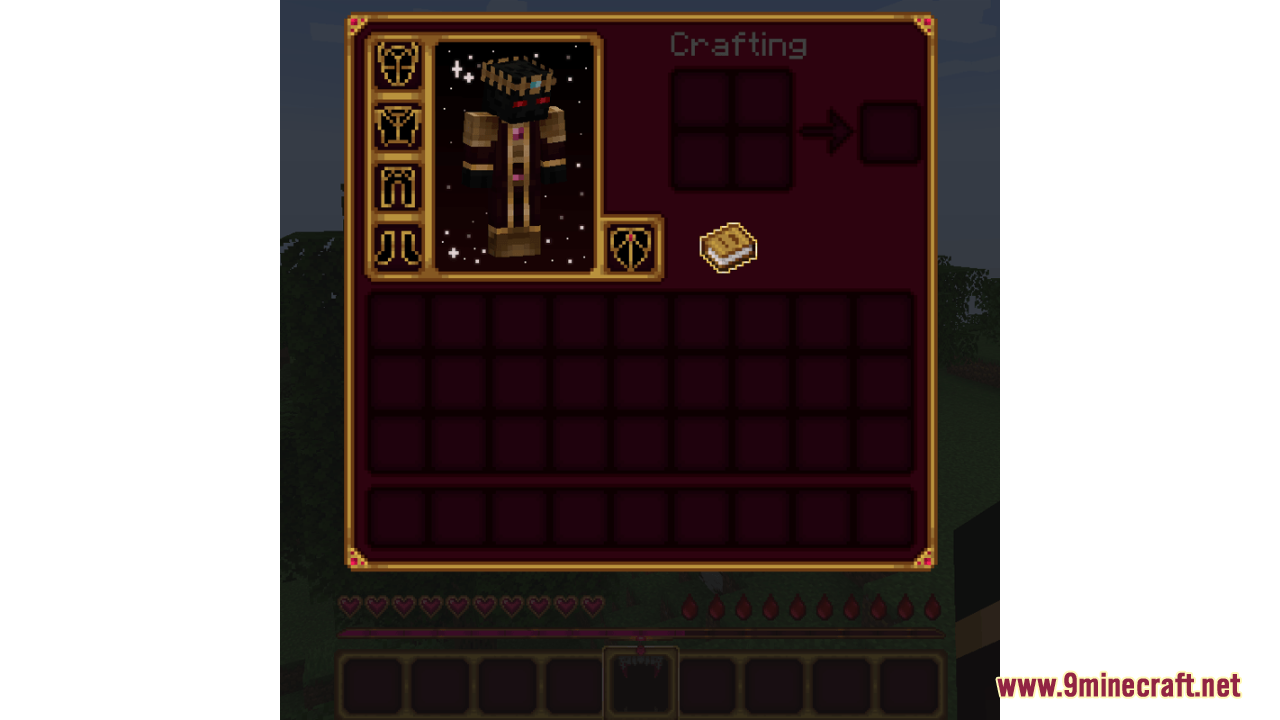
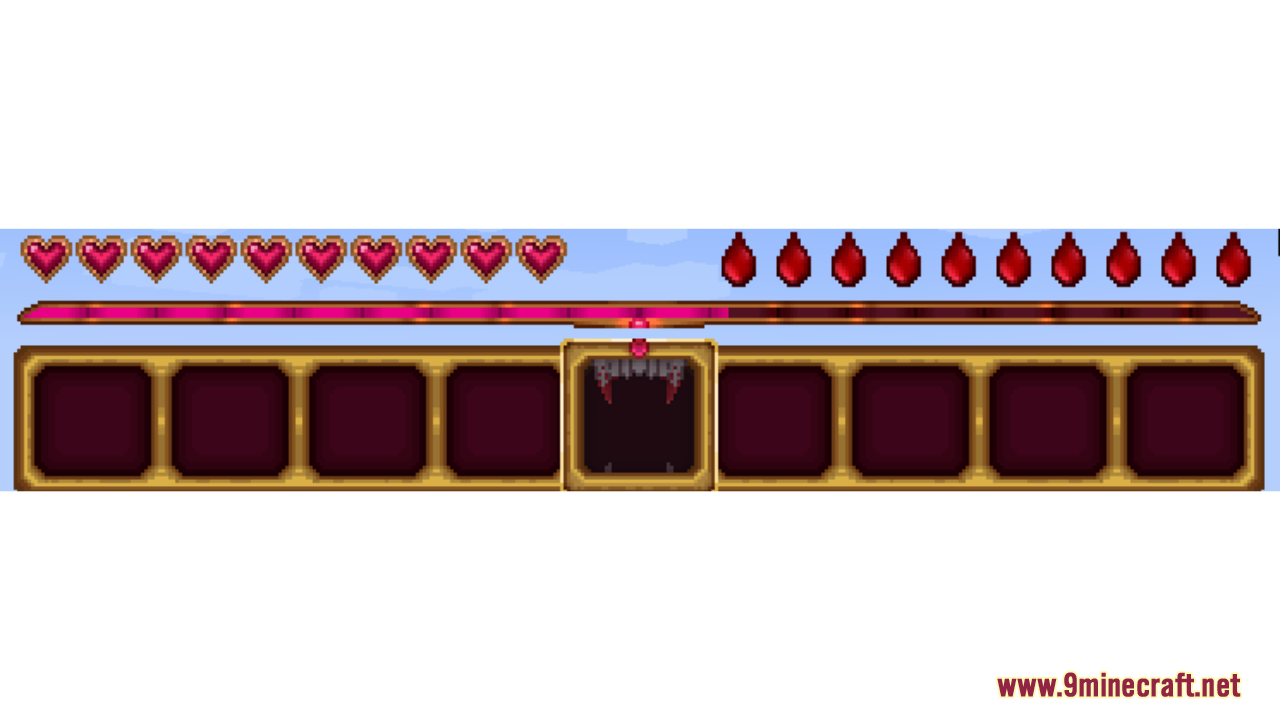
Vampiric GUI Resource Pack changes your game screens to look like they belong to a vampire. It brings dark red and purple colors with gold details to your health bar, items bar, and menus. This pack gives your game a dark and royal feeling, which is great for players who love vampires.
Features:
- Vampire Style HUD: Changes your health, hunger, and hotbar to use red, purple, and gold colors.
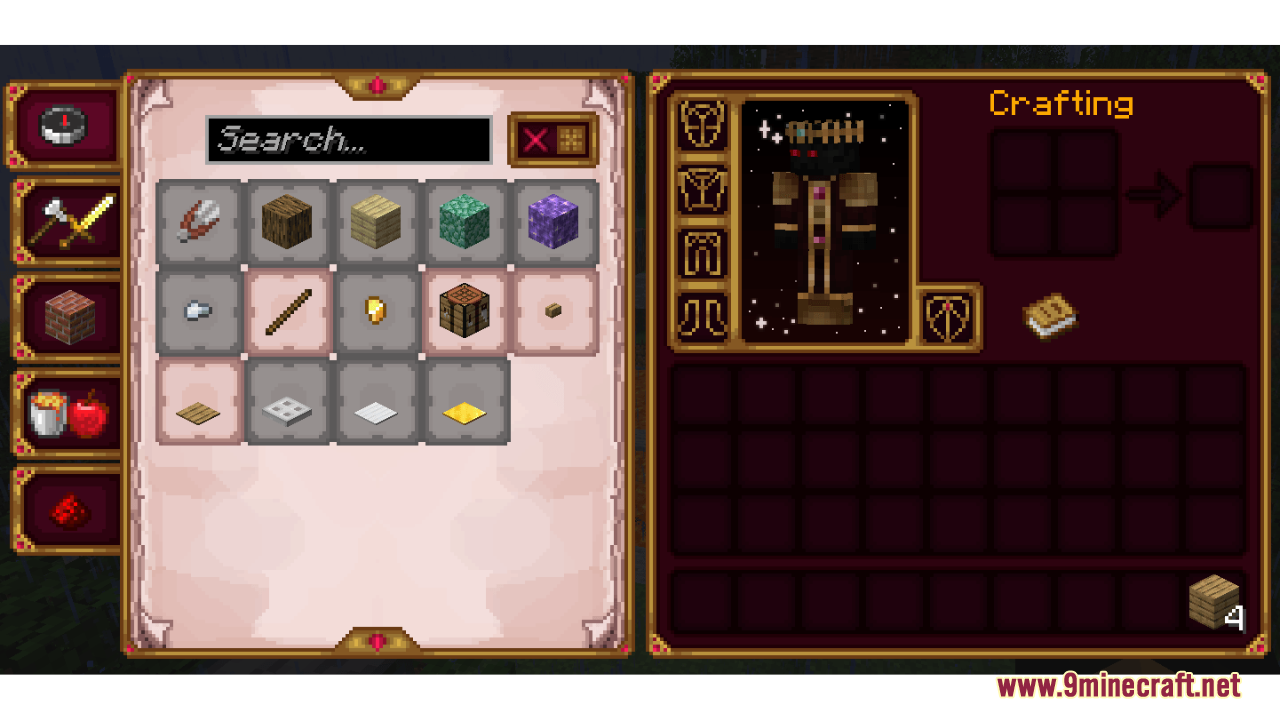
- Custom Menus: Gives a new look to the main menu, game pause menu, and your survival or creative inventory.
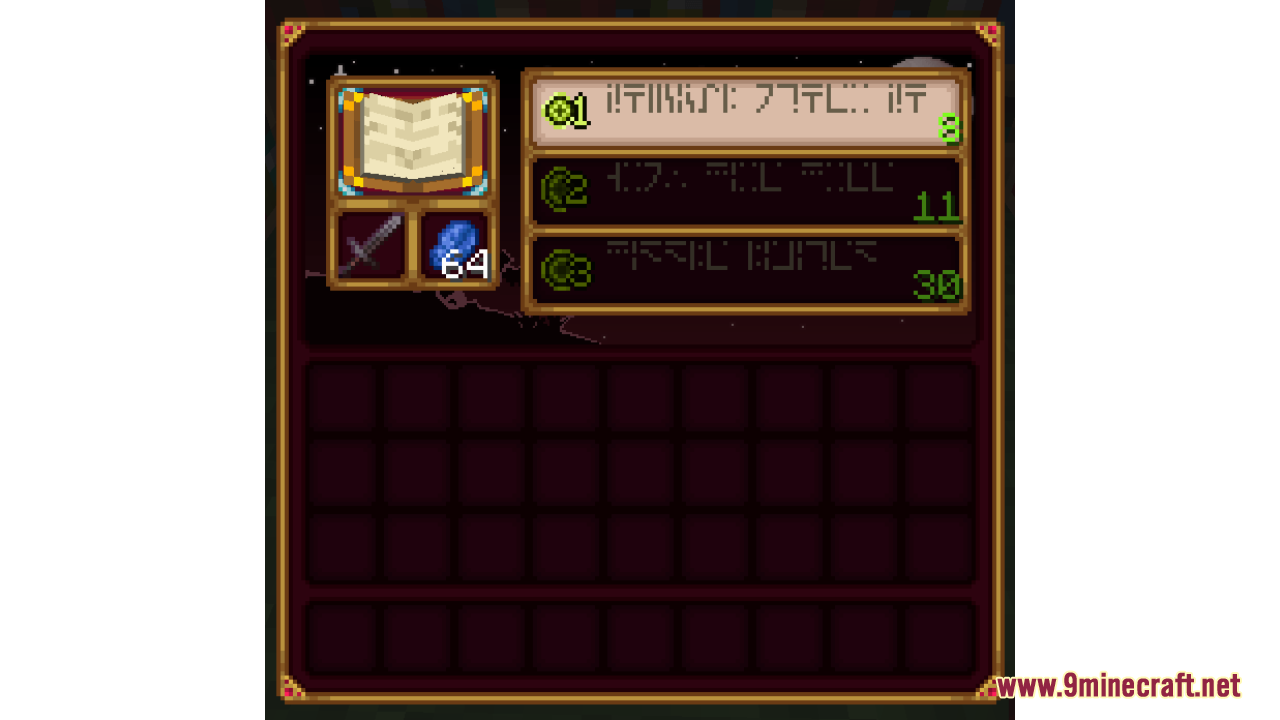
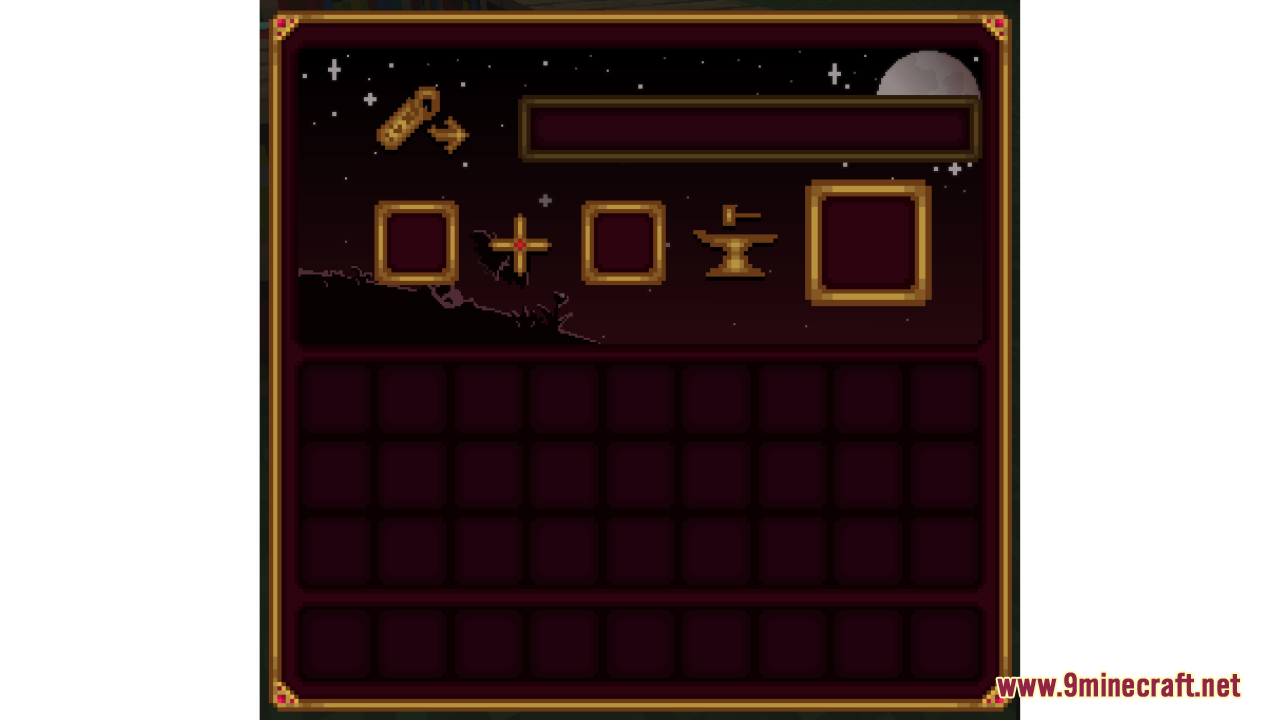
- Crafting Screens: Updates the look of the crafting table, anvil, and enchanting table with a simple pixel art background.
- Works with Vampirism Mod: Changes the blood bar to match this pack and adds a fang icon when you look at something you can bite.
- Works with Appleskin Mod: Adds a yellow outline to the hunger bar.
- Works with Overflowing Bars Mod: Gives new looks to extra health points, armor points, and armor toughness.
Screenshots:
Vampiric GUI Resource Pack Download Links
Quick facts
- Edition: Minecraft Java
- File type: .zip (resource pack)
- Minecraft versions listed: 1.21.1, 1.20.1
- How to install: Download the .zip resource pack — do not unzip it. → Put it in .minecraft/resourcepacks. → Enable it in Options → Resource Packs.
- Where to get it: In MC Java Mods, or directly above on this page.
Install steps are the general flow for this file type — How to install Minecraft Java resource packs walks through it step by step.
Verified by MCModsHub
- Downloads as 3856.mcpack
- Download size: 3.2 MB
- Download link checked 29 Jul 2026 — working
- Mirrored on our own servers — the download does not depend on the original host
These come from our own check of the pack file, not from the source page.