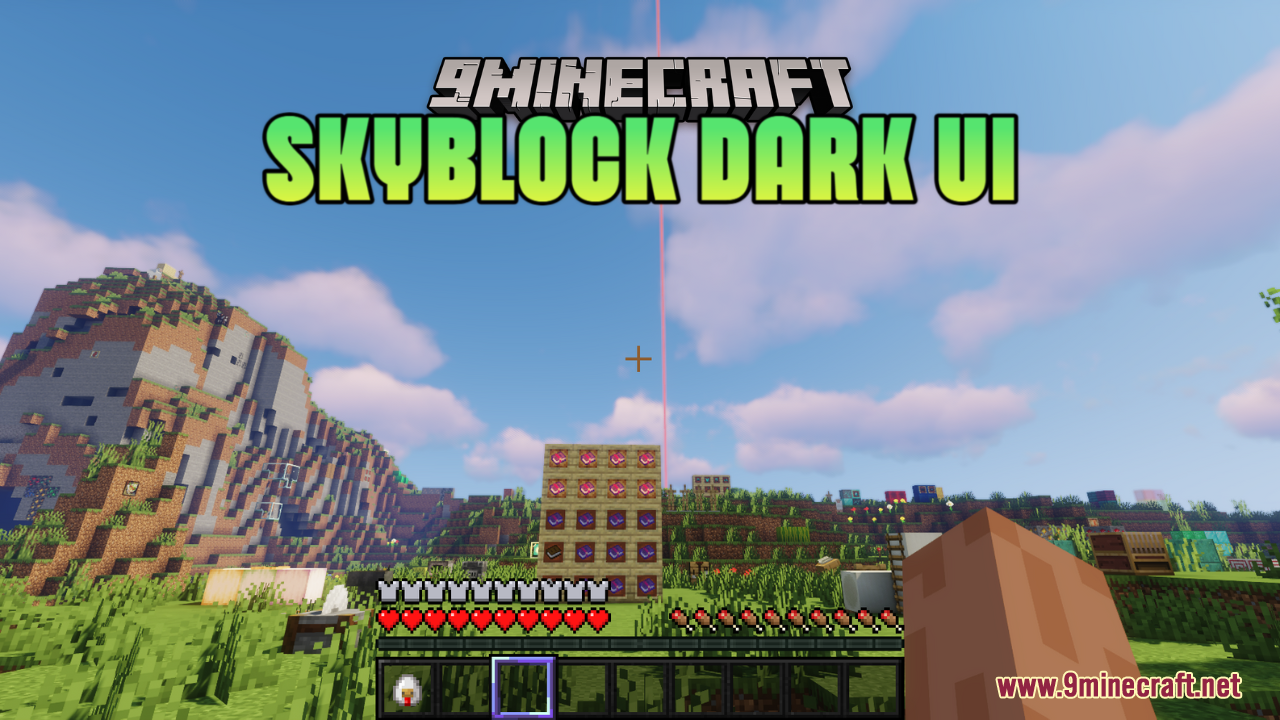
Skyblock Dark UI Resource Pack (26.2, 1.21.11) – Texture Pack
Java resource pack listed for Minecraft 1.21. Downloads from the MC Java Mods app on Android.
⬇ Download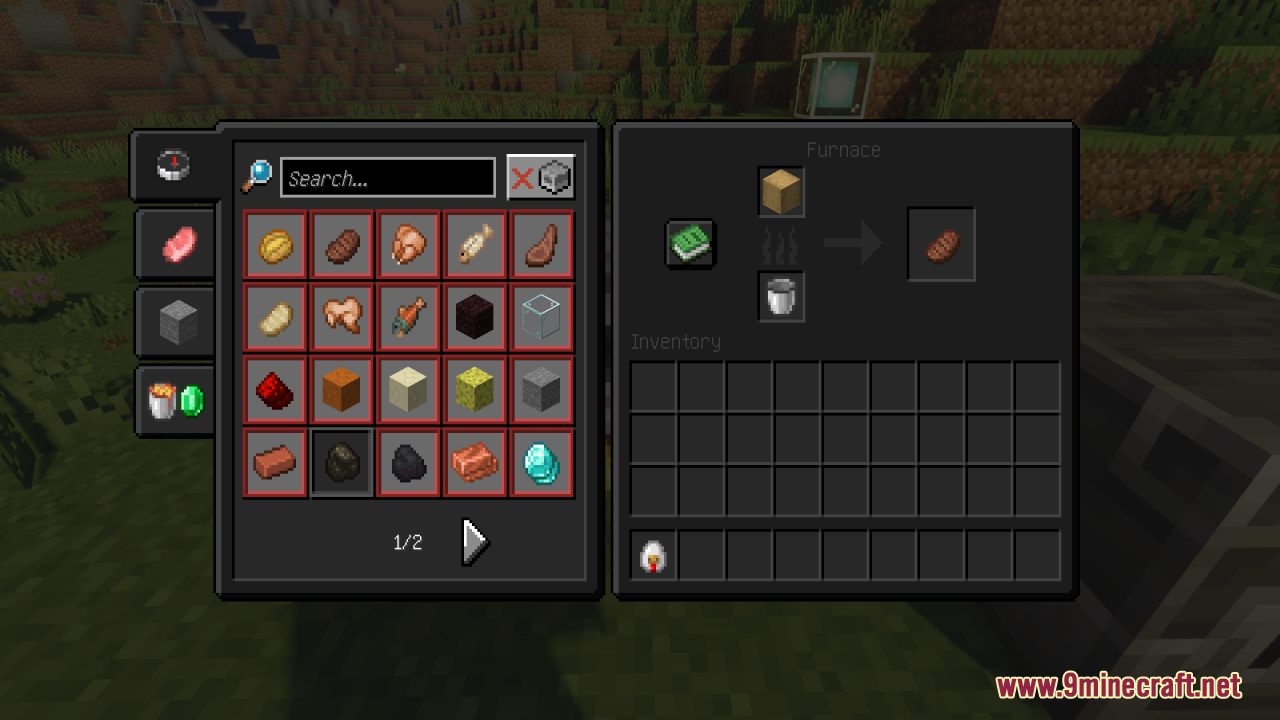
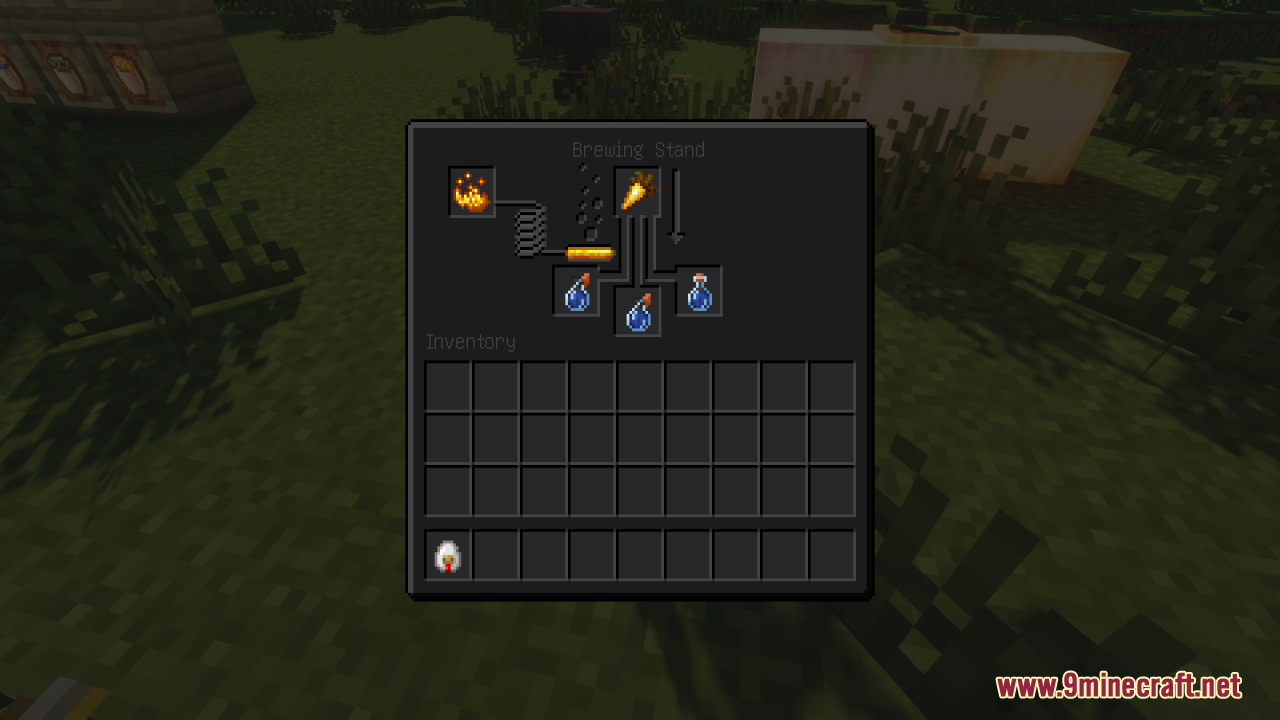
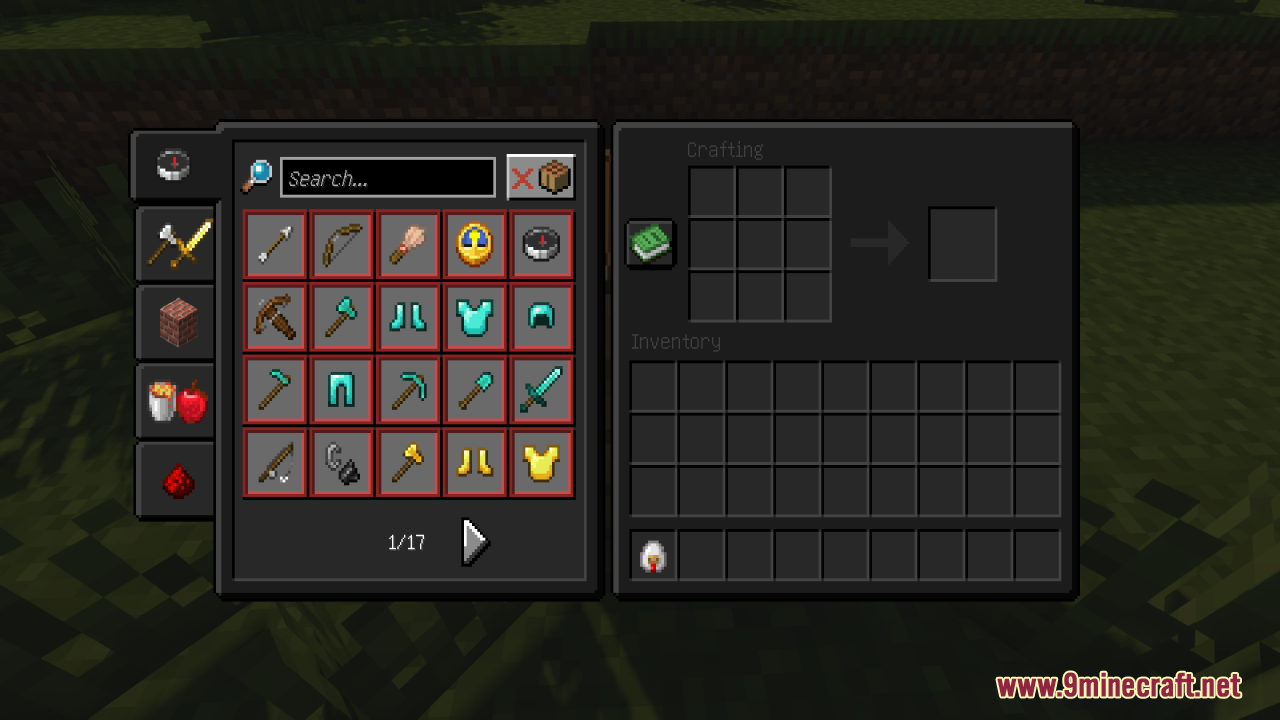
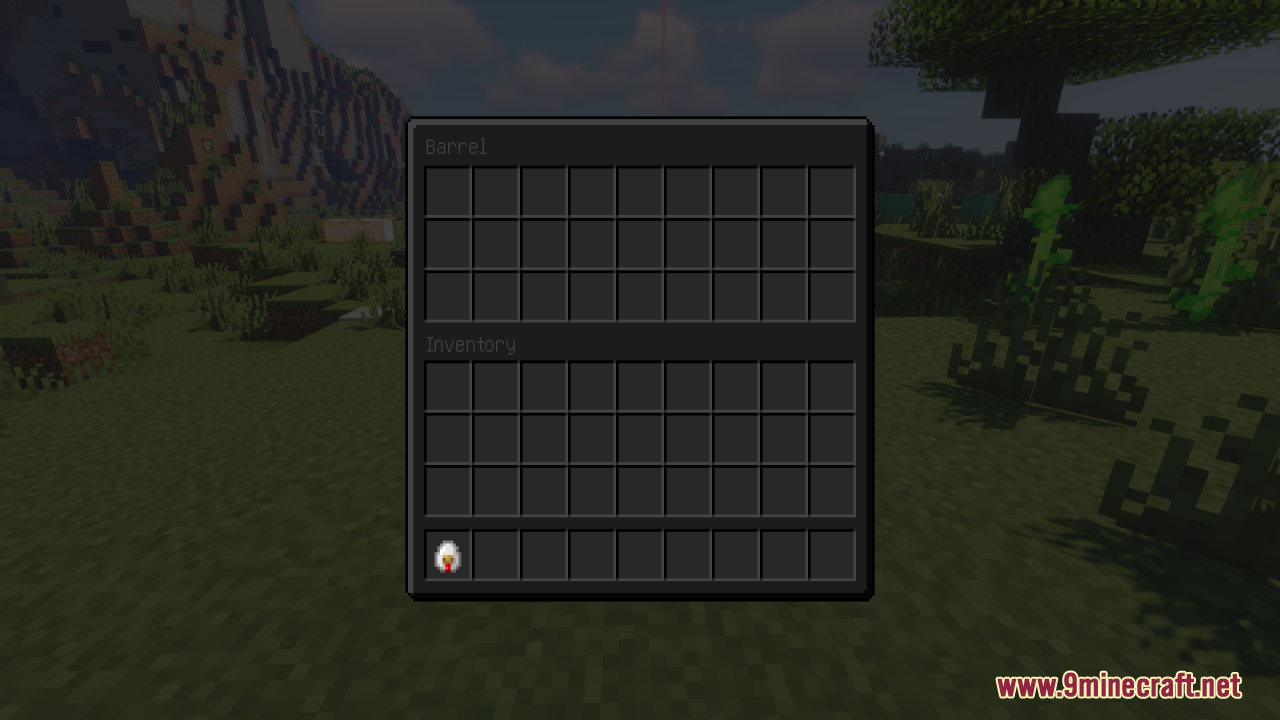
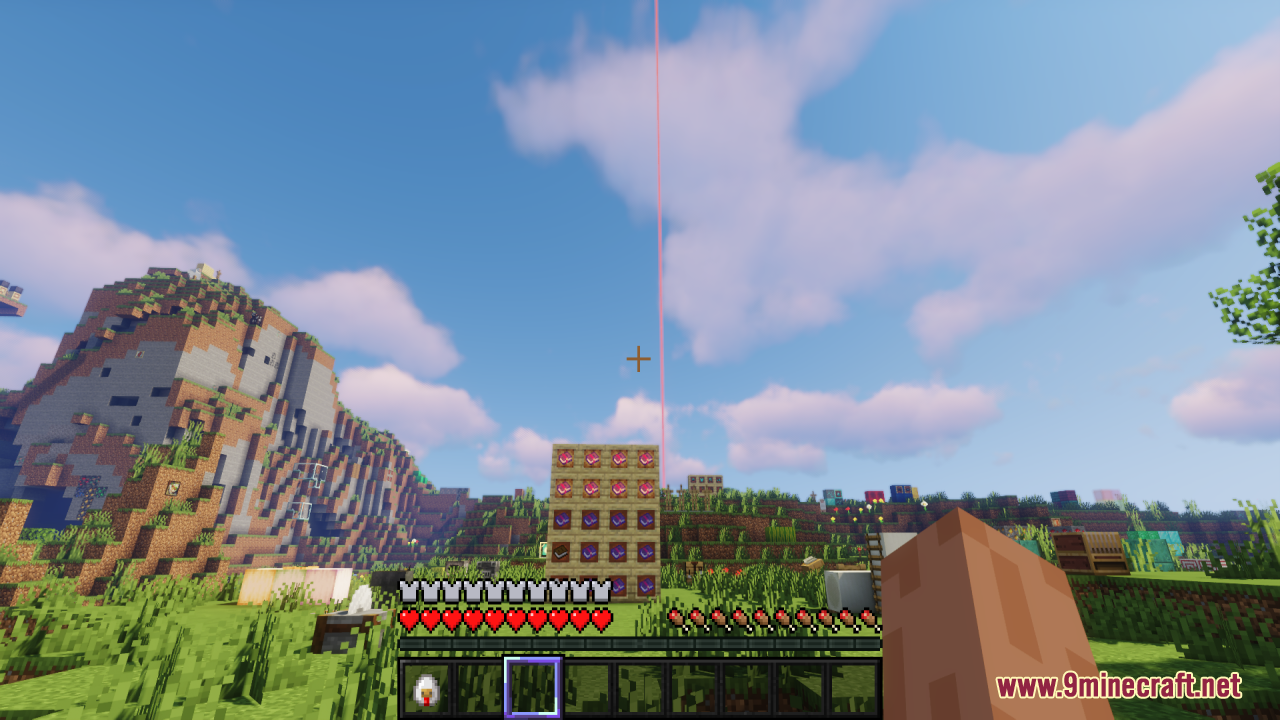
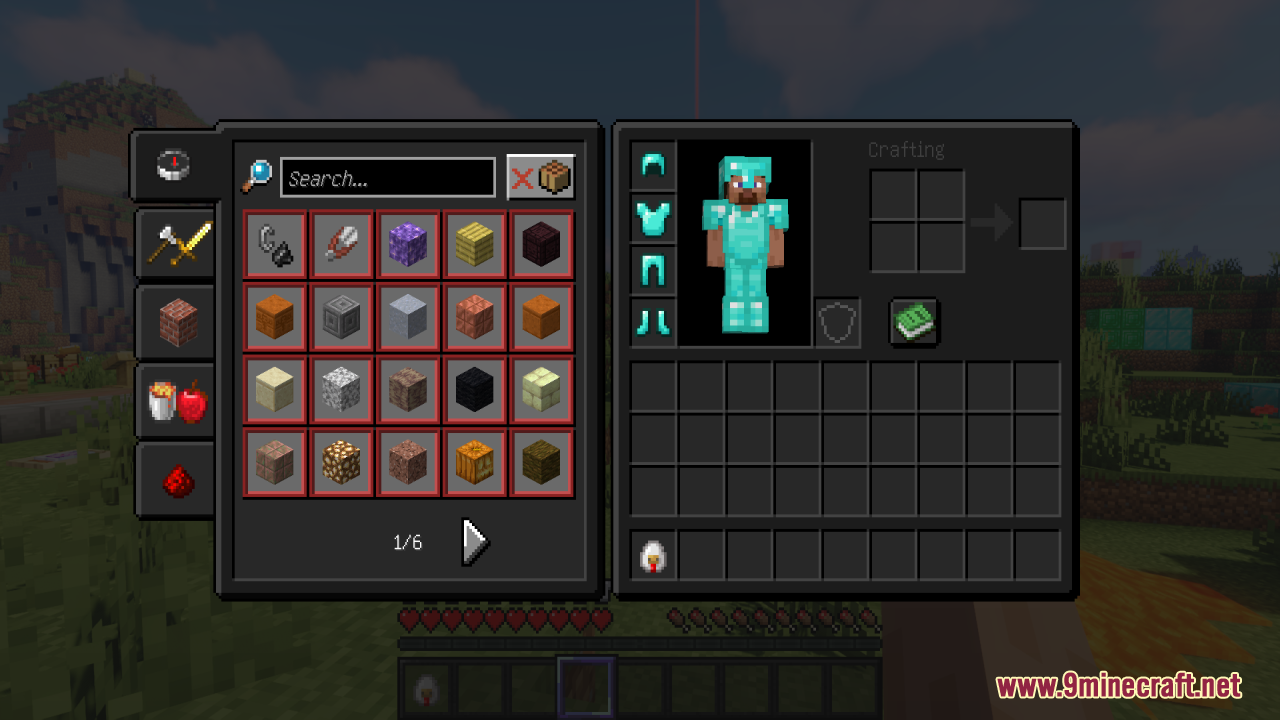
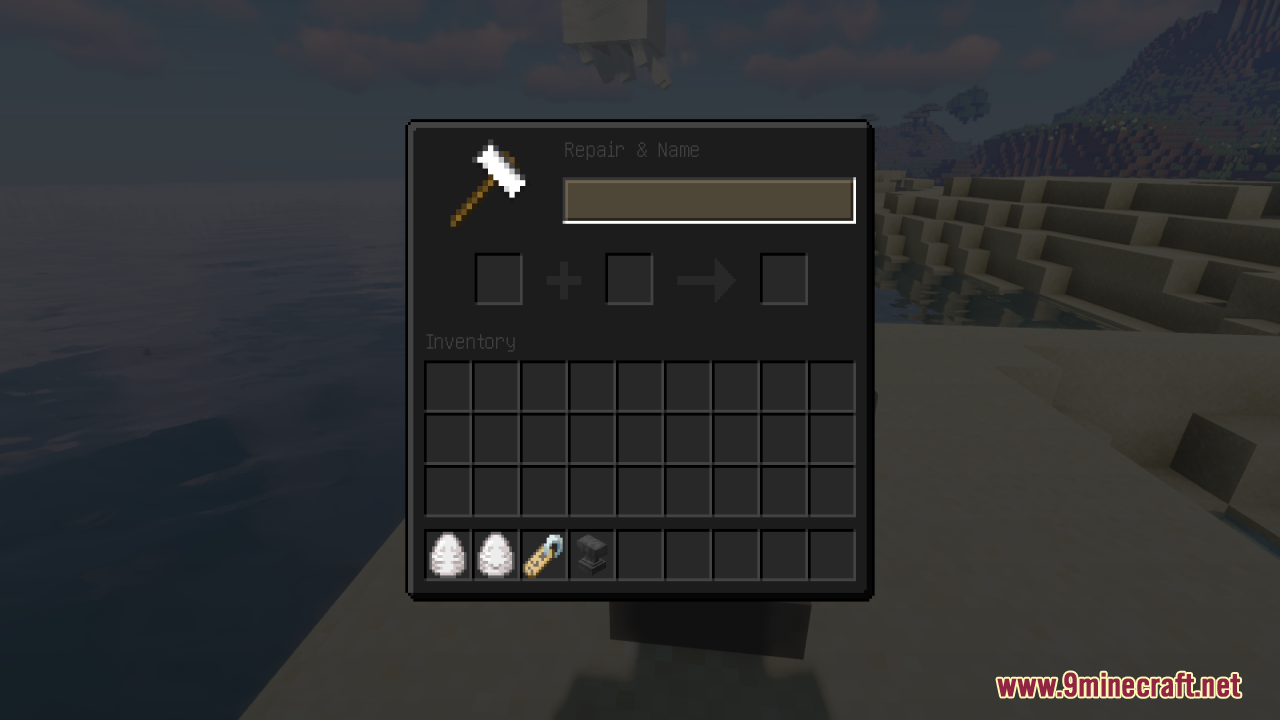
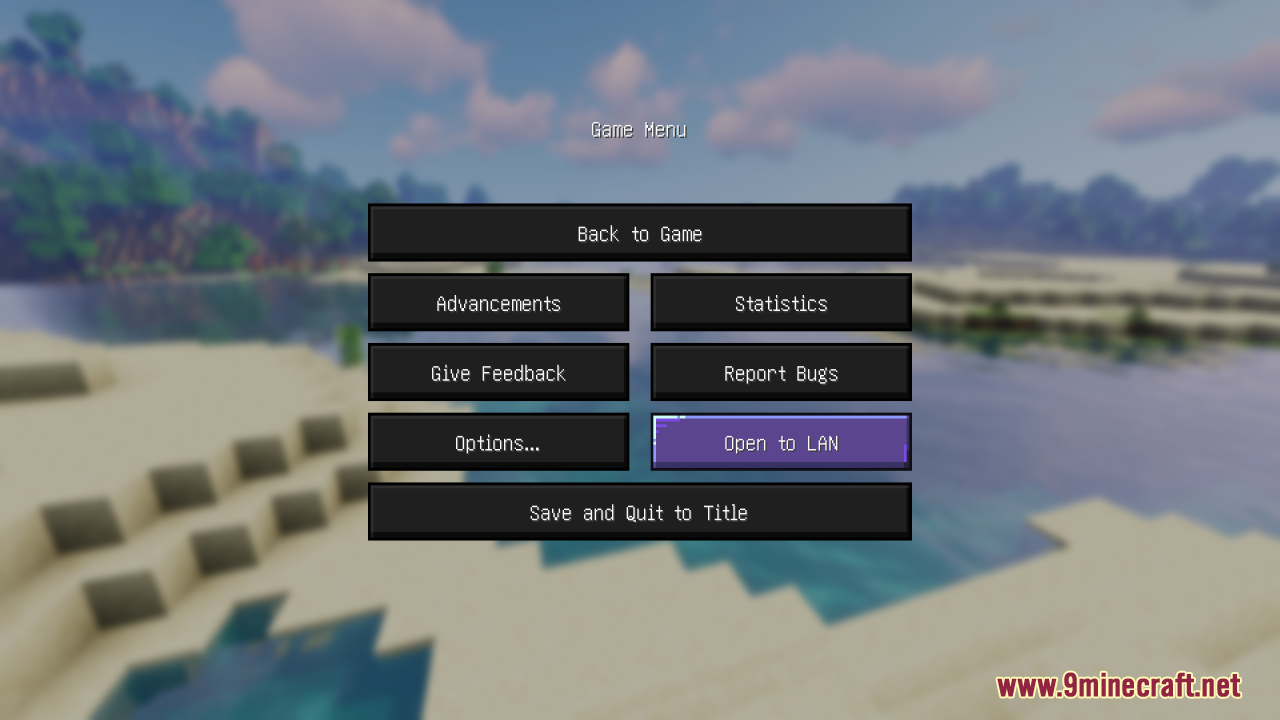
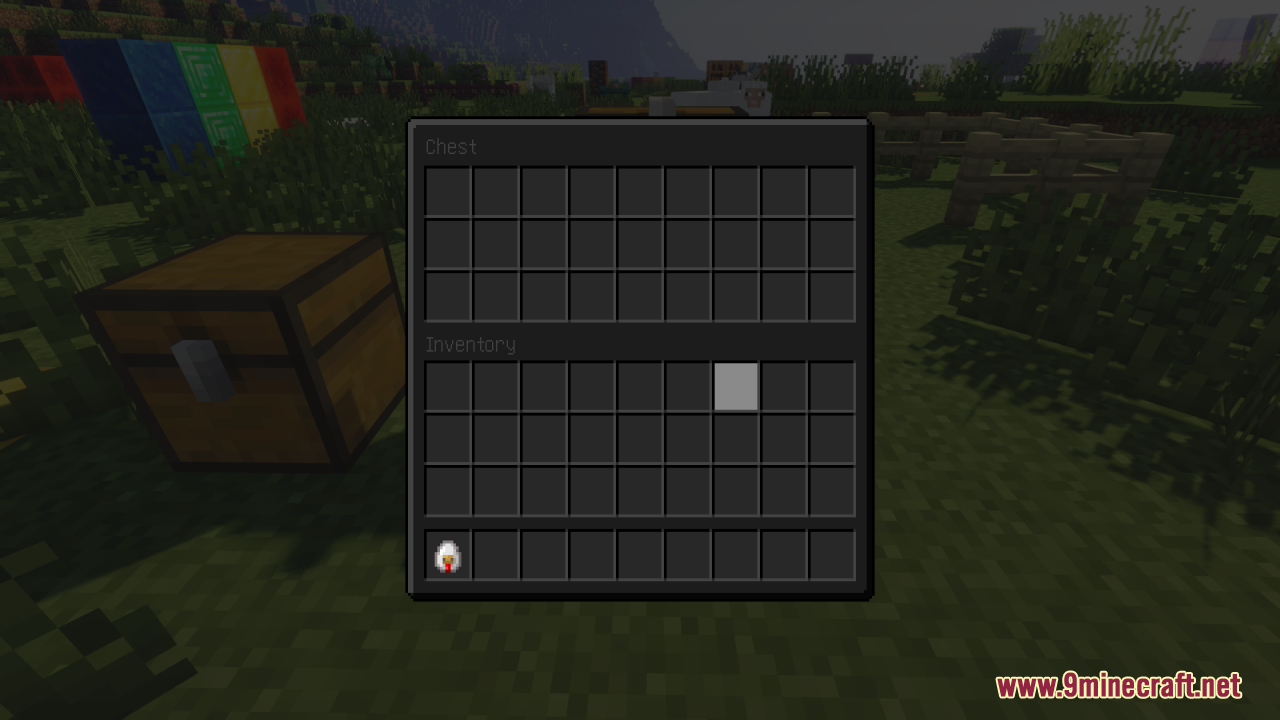
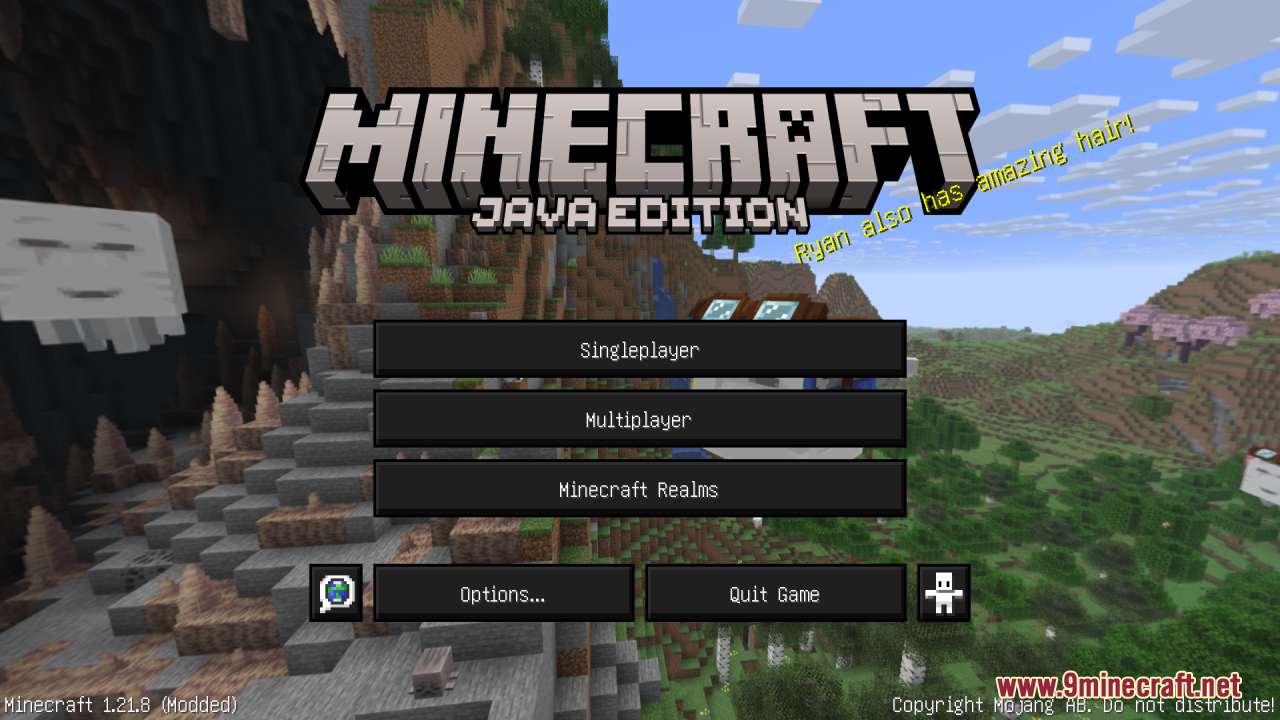
Skyblock Dark UI Resource Pack is a sleek Minecraft resource pack that gives the game’s graphical user interface a consistent dark theme, transforming menus, inventories, buttons, hotbar, health and hunger bars, XP bar, and other HUD elements with darker tones and modern, high-contrast visuals. It keeps the classic layout and resolution while making the UI easier on the eyes – especially during long play sessions or in low-light environments – and remains lightweight so it won’t impact performance. Ideal for Skyblock servers, themed worlds, or players who simply prefer a clean, dark interface, Skyblock Dark UI enhances usability and aesthetics without changing gameplay mechanics and works smoothly with most other texture packs.
Screenshots:
Skyblock Dark UI Resource Pack Download Links
- Edition: Minecraft Java
- File type: .zip (resource pack)
- Minecraft version listed: 1.21.11
- How to install: Download the .zip resource pack — do not unzip it. → Put it in .minecraft/resourcepacks. → Enable it in Options → Resource Packs.
- Where to get it: In MC Java Mods, or directly above on this page.
Install steps are the general flow for this file type — How to install Minecraft Java resource packs walks through it step by step.
- Downloads as 3861.mcpack
- Download size: 350 KB
- Download link checked 27 Jul 2026 — working
- Mirrored on our own servers — the download does not depend on the original host
These come from our own check of the pack file, not from the source page.