
ModsJava
Create Style Scaffolding
Java mod listed for Minecraft 26.x. Downloads from the MC Java Mods app on Android.
⬇ Download on Modrinth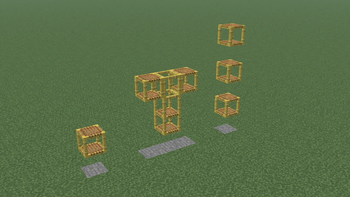
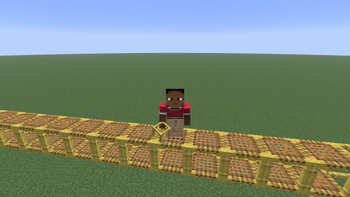
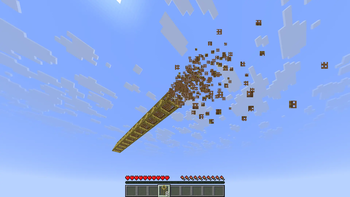
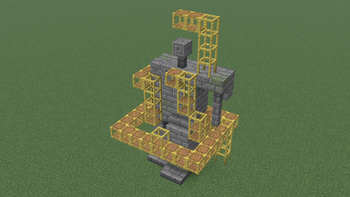
This mod changes vanilla scaffolding to act like the metal scaffolding from Create.
Features
 |
 |
|---|---|
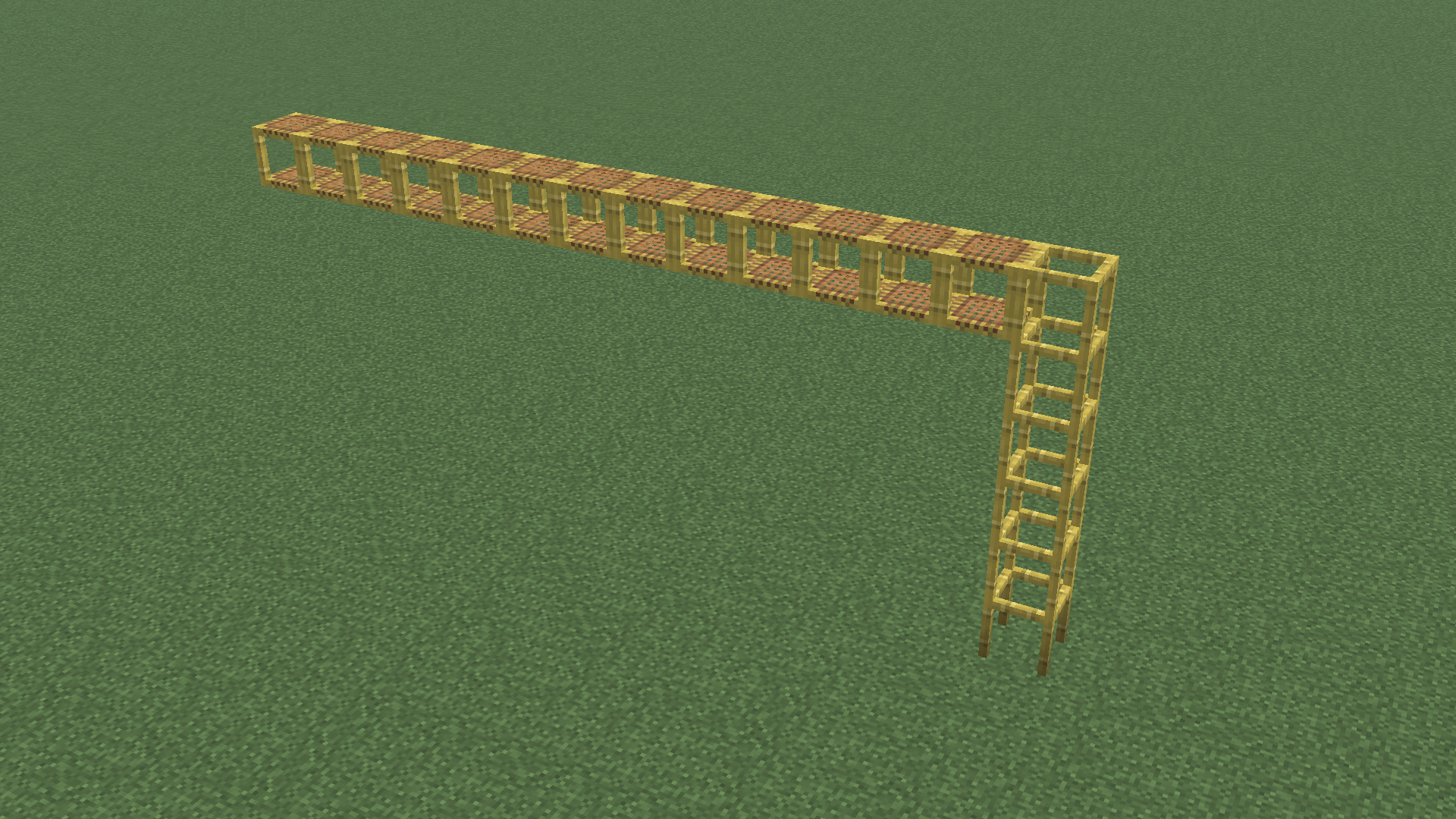
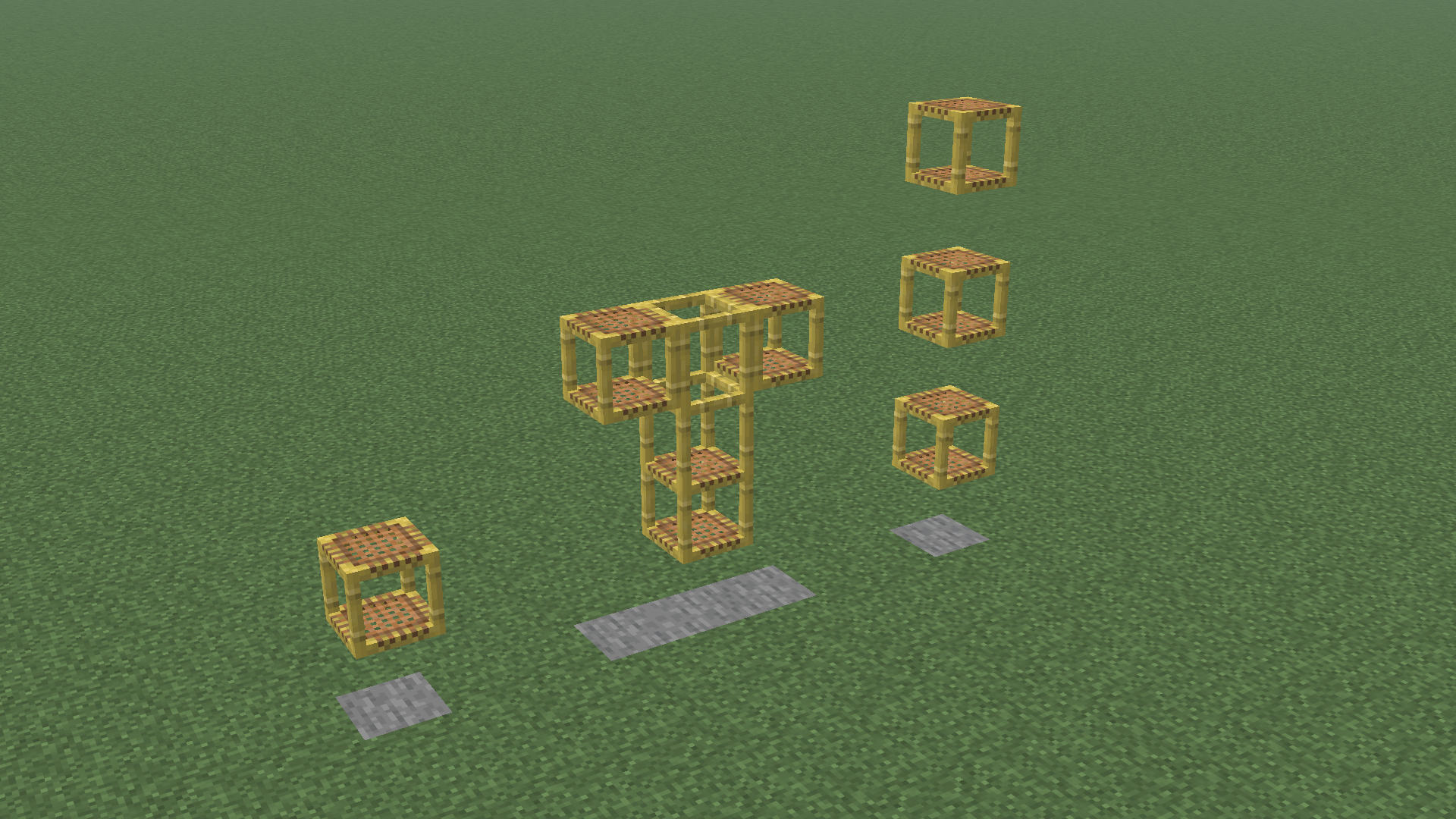
| Scaffolding no longer falls after 7 blocks | Scaffolding no longer breaks when unsupported |
 |
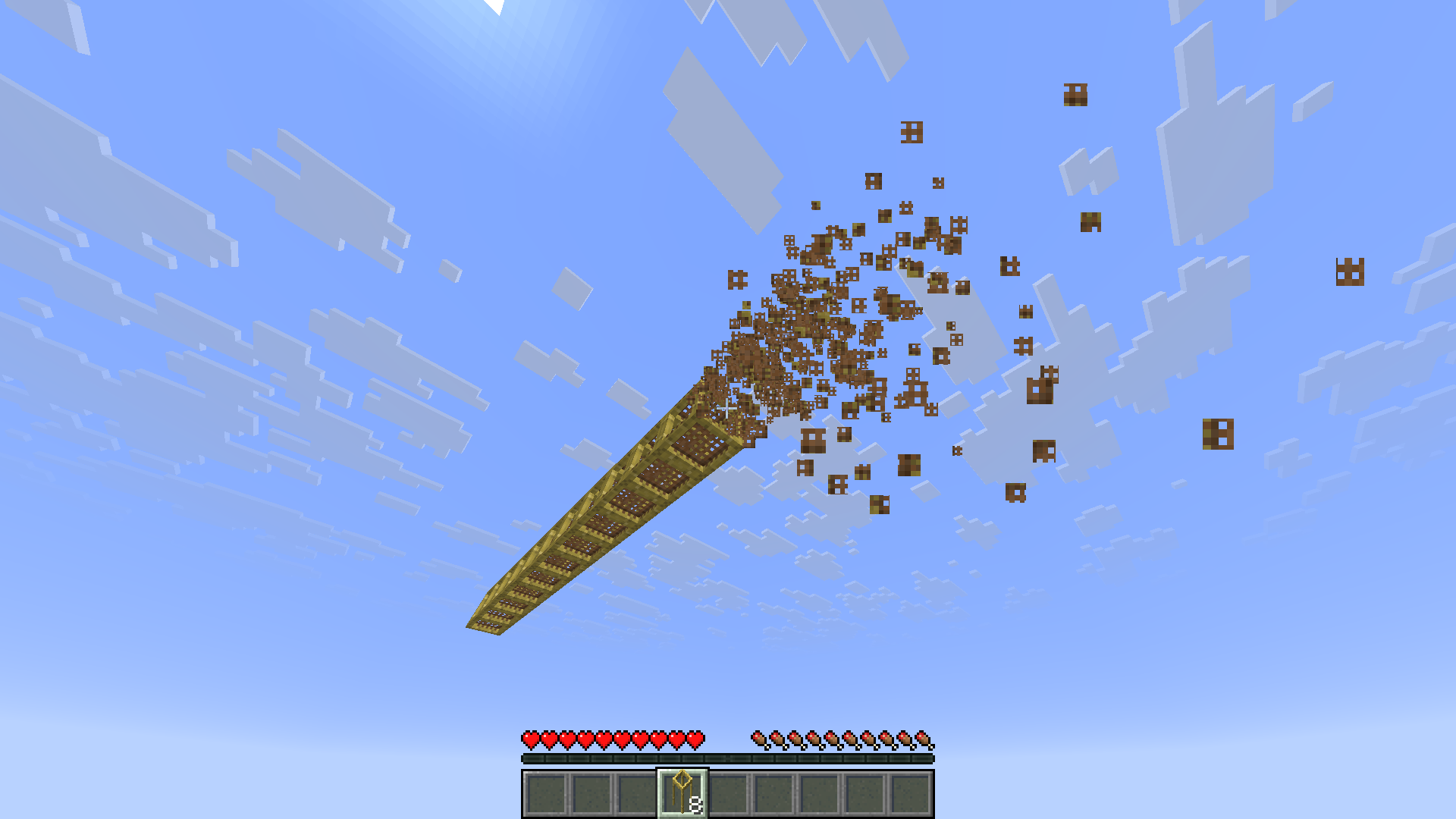 |
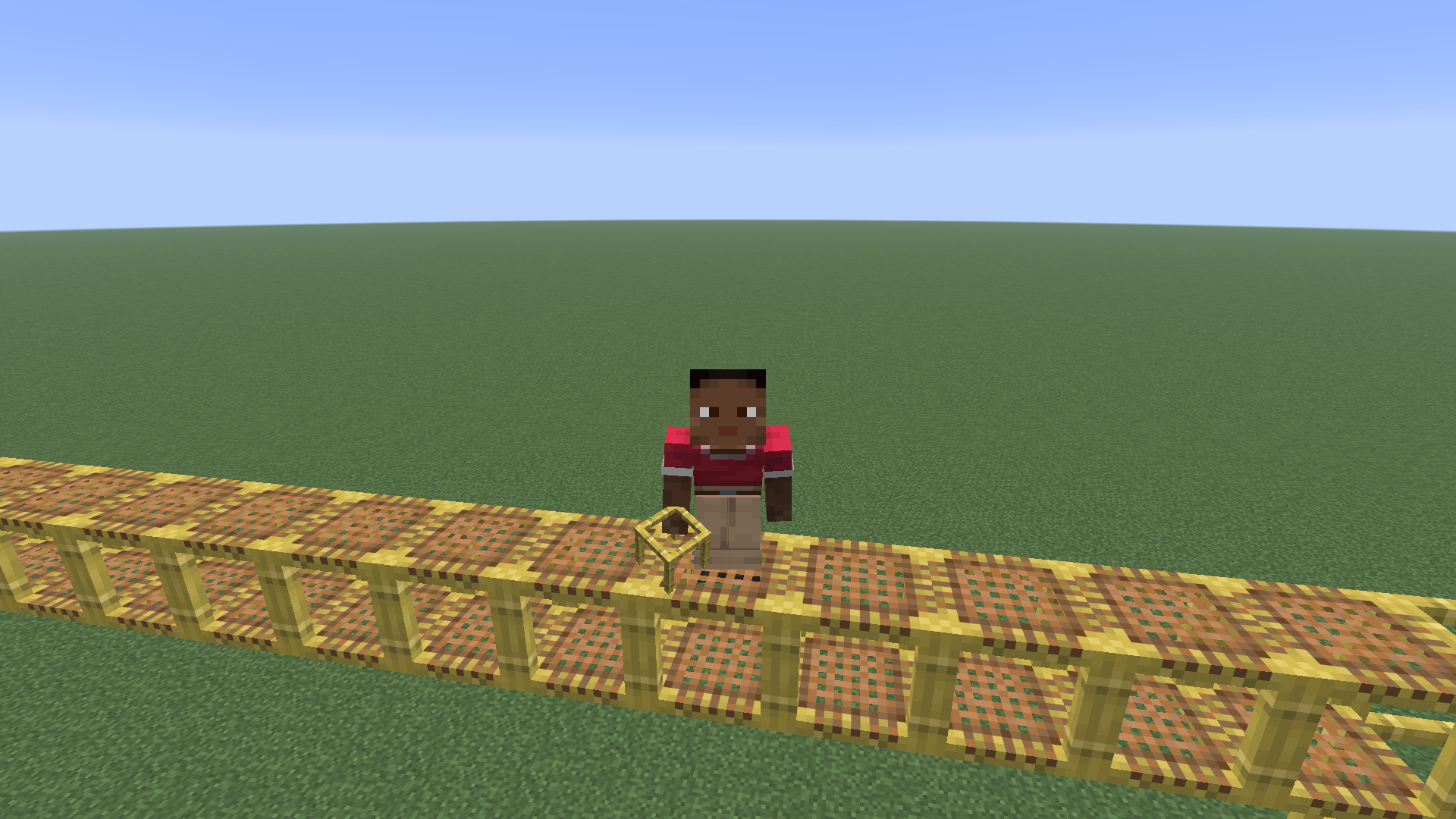
| You can crouch on horizontal scaffolding without falling to the lower level | Scaffolding goes straight into your inventory when broken (like using a Create wrench to pick up blocks) |
The netting texture on vertical scaffolding is removed (can be reverted by disabling the builtin resourcepack)
The mod does not require Create to be installed.
Credits
Thank you to the creators of Create for designing the metal scaffolding.
Icon based on the Create icon template by @voxel_dani from the Create mod discord server
Quick facts
- Edition: Minecraft Java
- File type: .jar
- Minecraft versions listed: 26.1, 26.1.1, 26.1.2
- How to install: Install the matching mod loader (Forge, Fabric or NeoForge) for your Minecraft version. → Download the .jar. → Put it in the .minecraft/mods folder and launch that loader profile.
- Where to get it: Opens on Modrinth — not every file is mirrored on our own servers.
Install steps are the general flow for this file type — How to install Minecraft Java mods & modpacks walks through it step by step.
File checked by MCModsHub
- Ships as createscaffolding-1.0.0.jar — drop this file into the mods folder
- Download size: 409 KB
- Download link checked 16 Oct 2026 — working
These come from our own check of the pack file, not from the source page.