
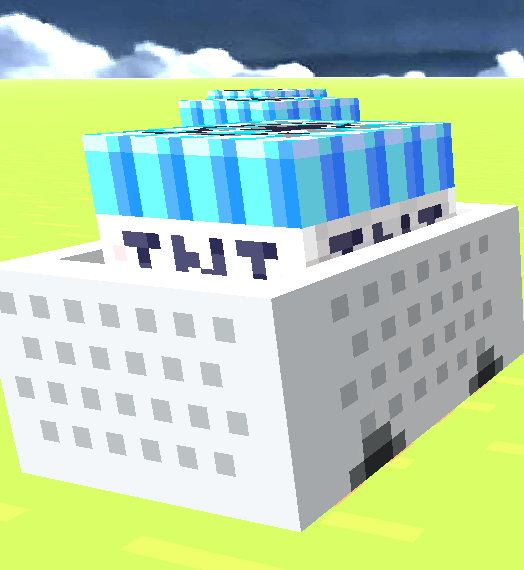
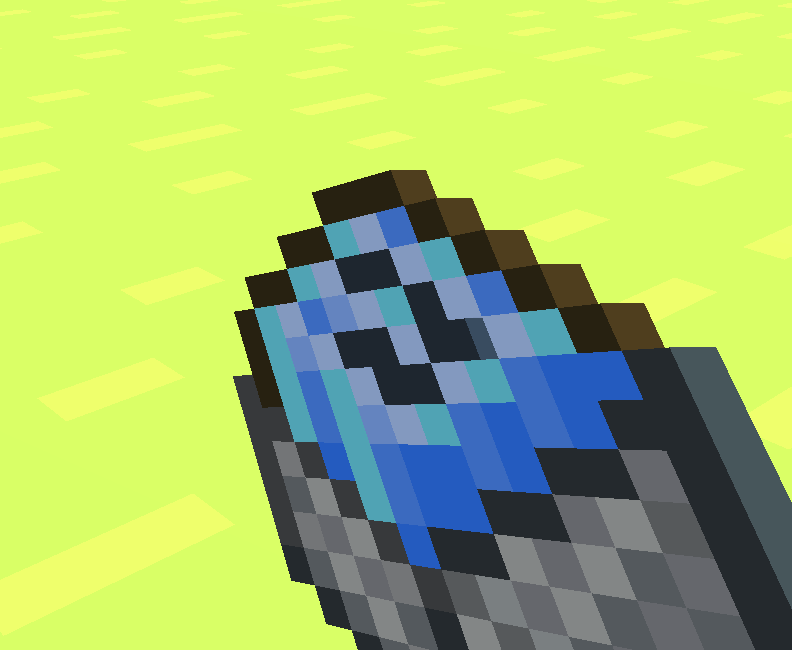
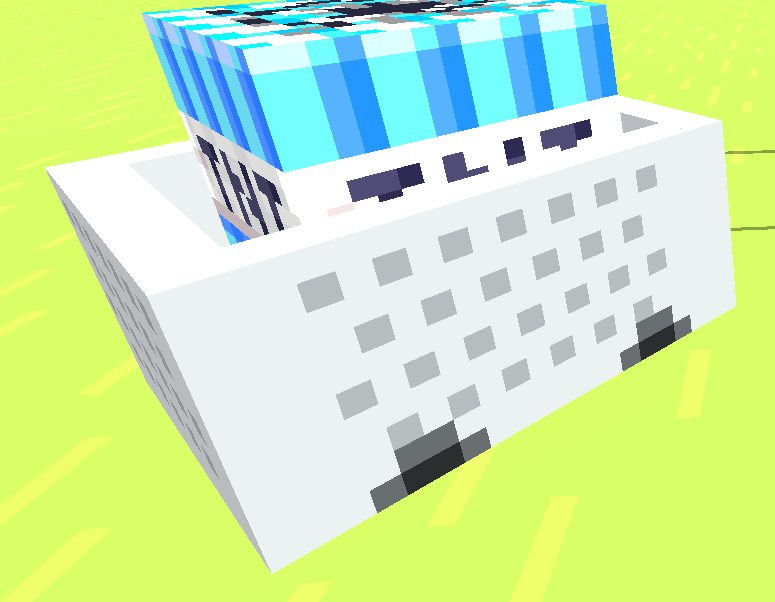
Bring a fresh new look to your Minecraft world with this simple yet eye-catching texture pack! This pack transforms the standard TNT Minecart into a sleek blue version, giving it a unique appearance while keeping the classic Minecraft style intact. Whether you're building custom maps, creating redstone contraptions, or just want a different aesthetic, this texture pack adds a subtle but noticeable upgrade to your game.
Designed to blend seamlessly with the vanilla experience, the blue TNT Minecart stands out without feeling out of place. It's perfect for players who enjoy customizing their worlds with small visual improvements that make gameplay feel more personal and unique.
Installation is quick and easy—just add the resource pack to your game, enable it, and enjoy the new look instantly. The texture is optimized to maintain Minecraft's original feel while adding a splash of color that makes TNT Minecarts easier to identify and more fun to use.
If you're a fan of minimalist texture packs or are looking to build a collection of custom item textures, this pack is a great addition. Download it today and give your TNT Minecarts a cool blue makeover without changing the core Minecraft experience!
- Edition: Minecraft Java
- File type: .zip (resource pack)
- Minecraft version listed: 1.21.11
- How to install: Download the .zip resource pack — do not unzip it. → Put it in .minecraft/resourcepacks. → Enable it in Options → Resource Packs.
- Where to get it: Opens on Modrinth — not every file is mirrored on our own servers.
Install steps are the general flow for this file type — How to install Minecraft Java resource packs walks through it step by step.
- Downloads as bluetntcart.zip
- Download size: 38 KB
- Download link checked 6 Sept 2026 — working
These come from our own check of the pack file, not from the source page.