Verity zzzzkkjo
The author built this one for Minecraft 26.30. On other versions it may install and then do nothing.
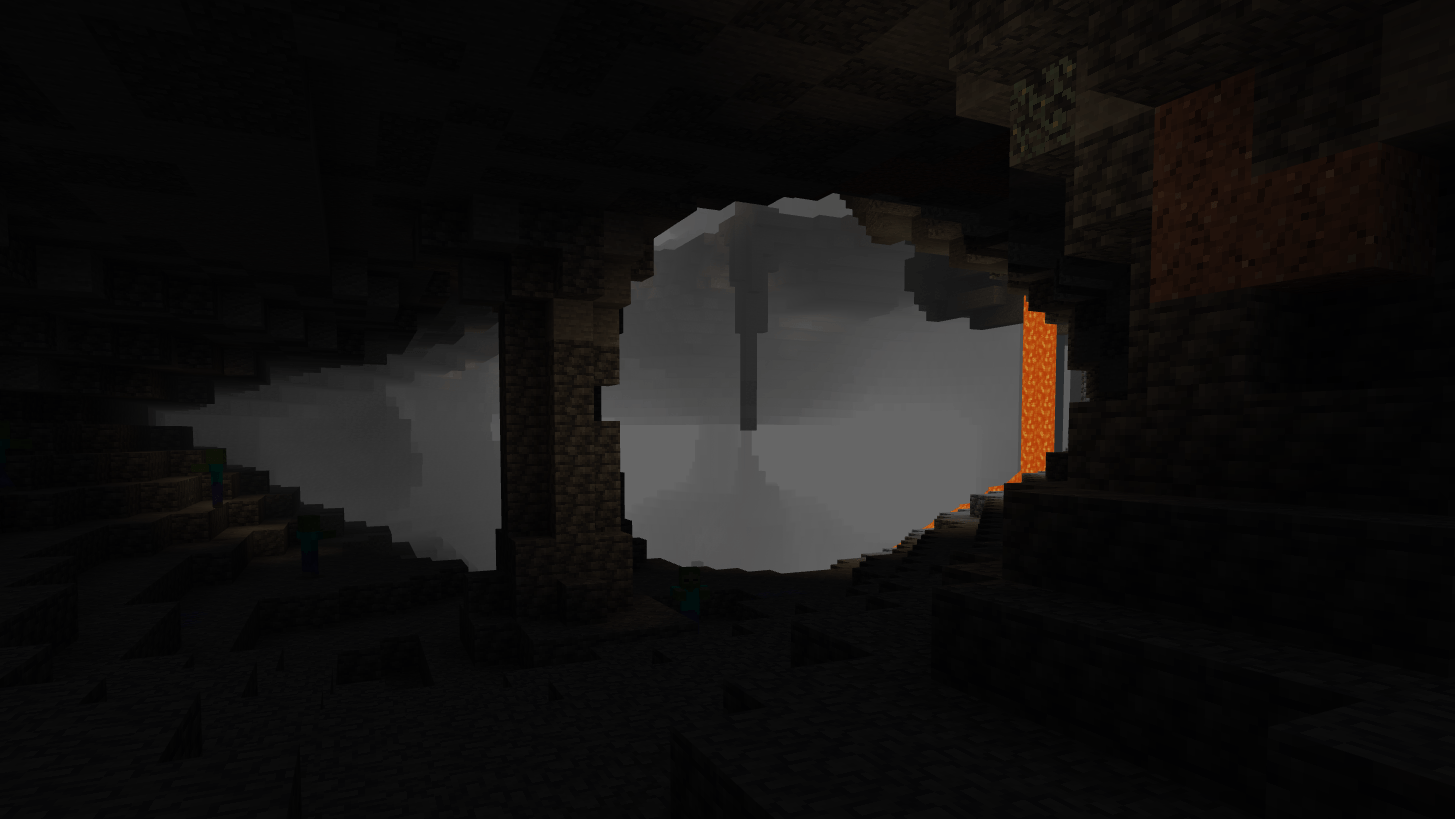
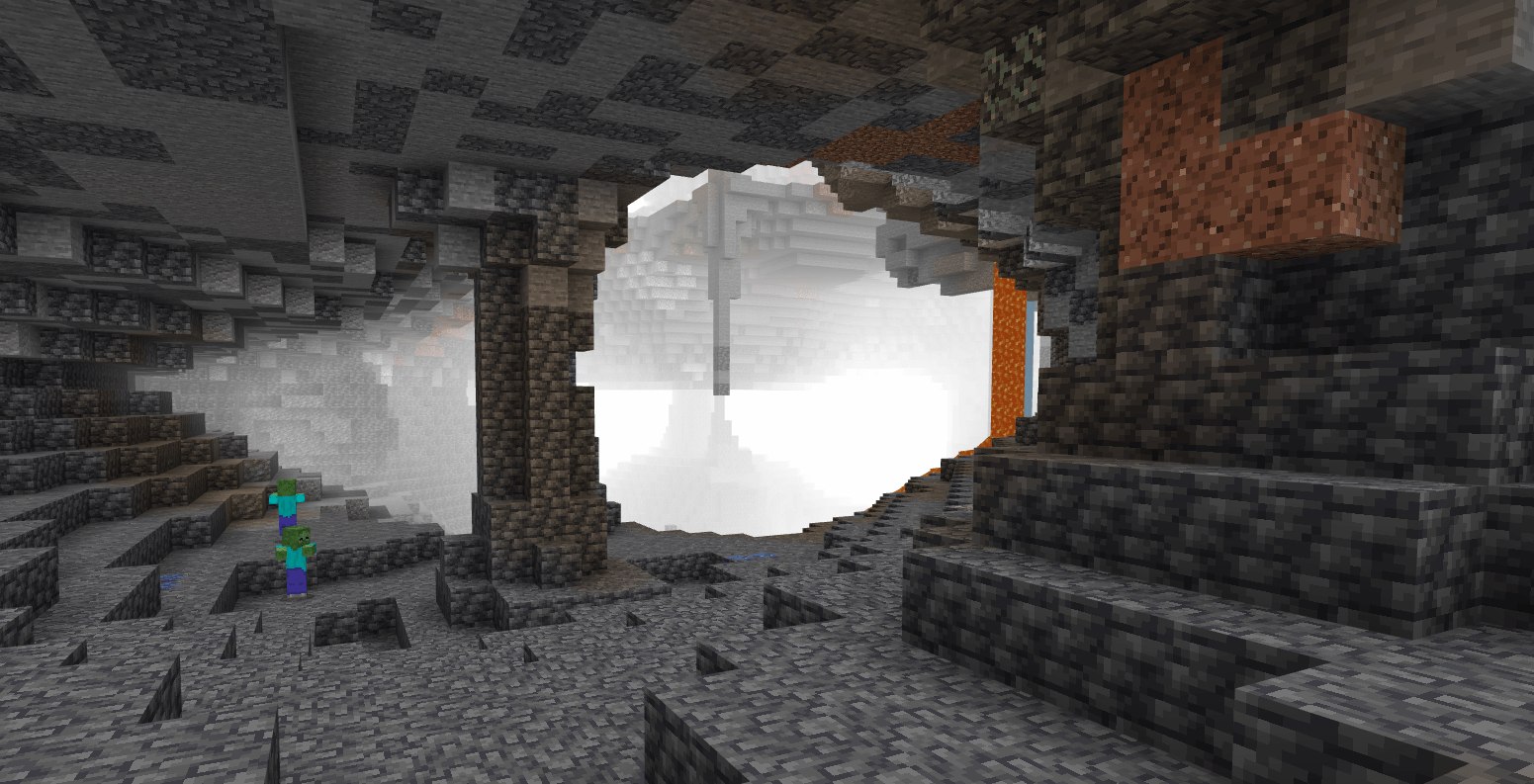
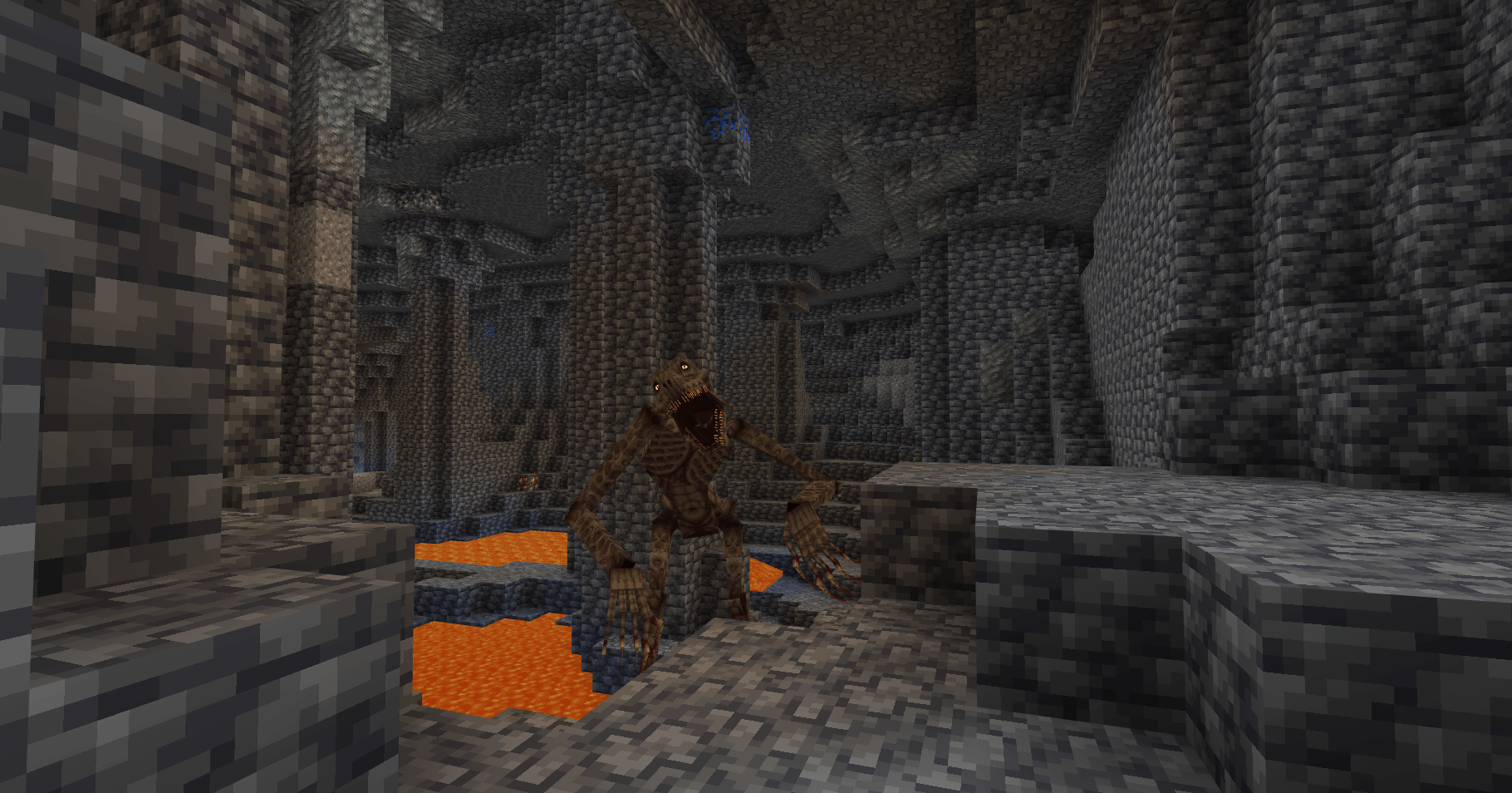
# Welcome to My Project!
Thank you for checking out this project! This add-on brings new features, improvements, and gameplay enhancements to your Minecraft experience.
## 🌟 Key Features
- **New Gameplay Elements:** Adds exciting mechanics and content to your world.
- **Enhanced Visuals & Performance:** Designed to run smoothly while improving overall aesthetics.
- **Easy Installation:** Fully compatible with standard Minecraft Bedrock setups.
## ⚙️ How to Install
1. Download the `.mcaddon` or `.mcpack` file from the **Files** tab.
2. Open/click the file to import it directly into Minecraft.
3. Activate the Behavior Pack and/or Resource Pack in your world settings.
4. Make sure to enable **Experimental Gameplay features** if required!
## 📌 Notes & Feedback
If you encounter any bugs or have suggestions for future updates, please feel free to leave a comment or report an issue. Enjoy playing!
- Edition: Minecraft Bedrock
- File type: .mcpack or .mcaddon
- Minecraft version listed: 26.30
- How to install: Download the .mcpack or .mcaddon file. → Open it — Minecraft imports it. → In your world: Behavior Packs → Available → Activate, then the same under Resource Packs.
- Where to get it: Opens on CurseForge — not every file is mirrored on our own servers.
Install steps are the general flow for this file type — How to install Minecraft Bedrock addons & mods walks through it step by step.
- Pack type: .mcaddon — behaviour and resource pack in one file
- Manifest requires Minecraft 1.17.0 or newer
- Complete pack — everything it depends on is inside the file
- Download size: 47 KB
- Download link checked 26 Sept 2026 — working
These come from our own check of the pack file, not from the source page.