


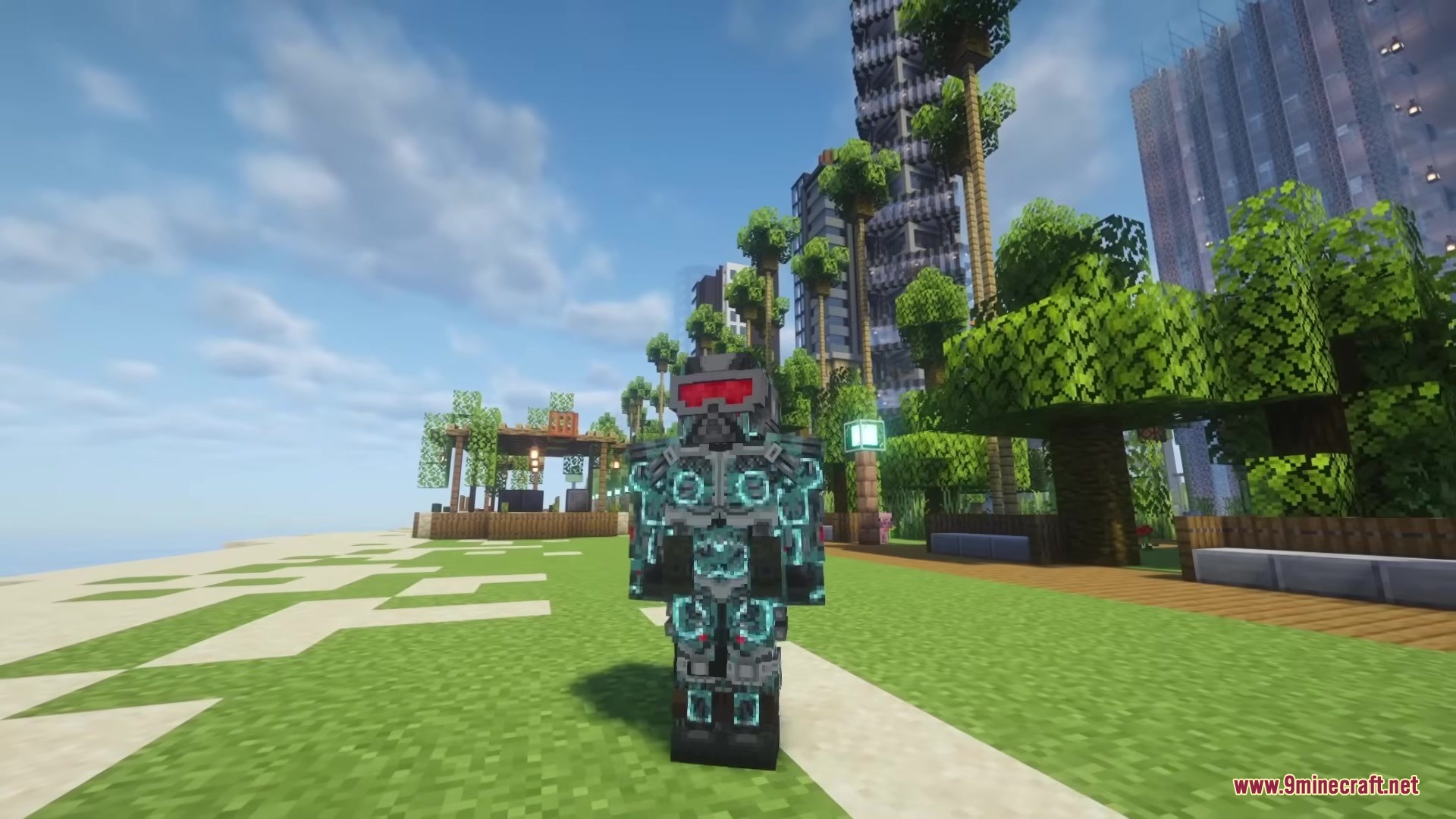
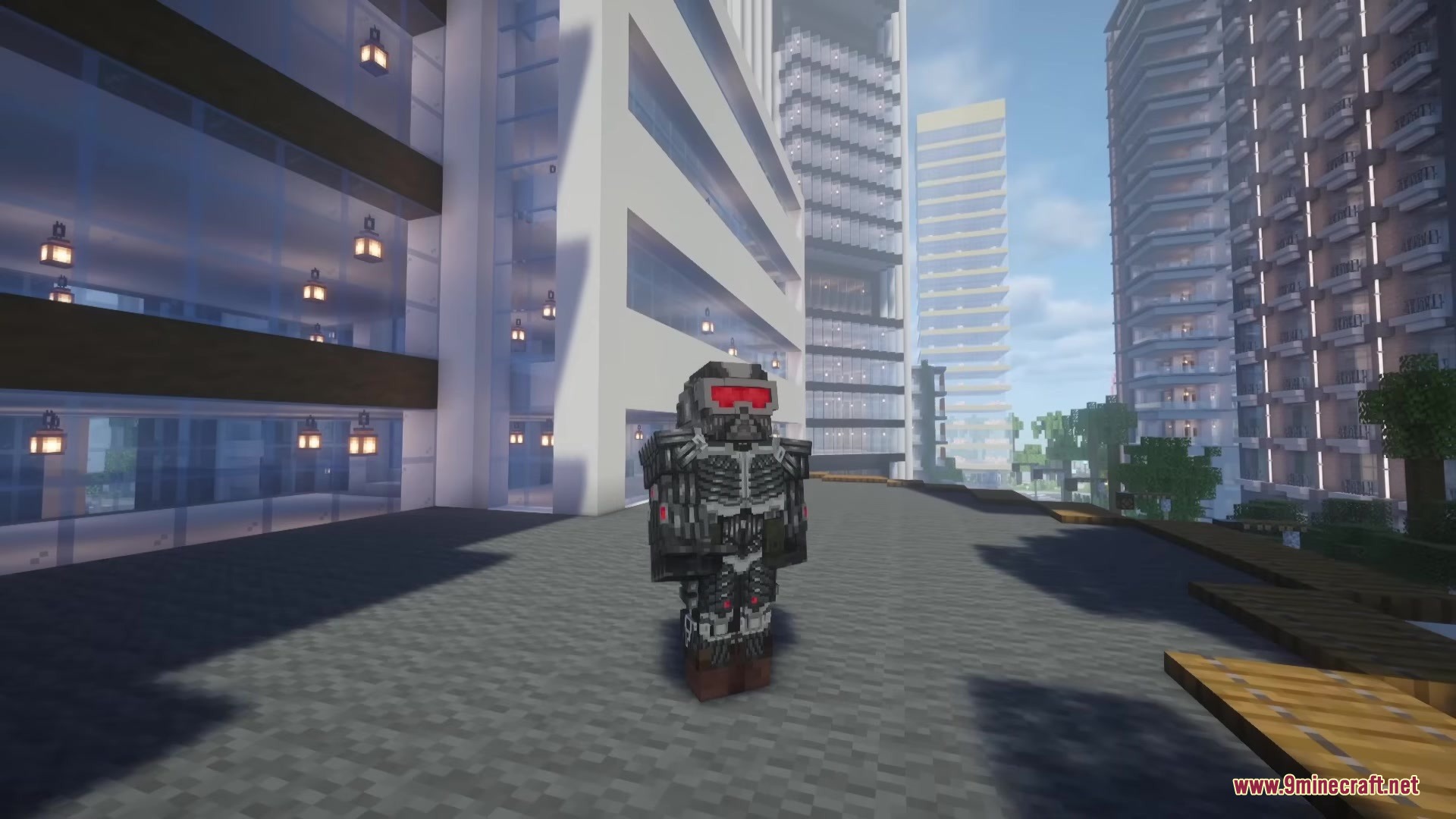
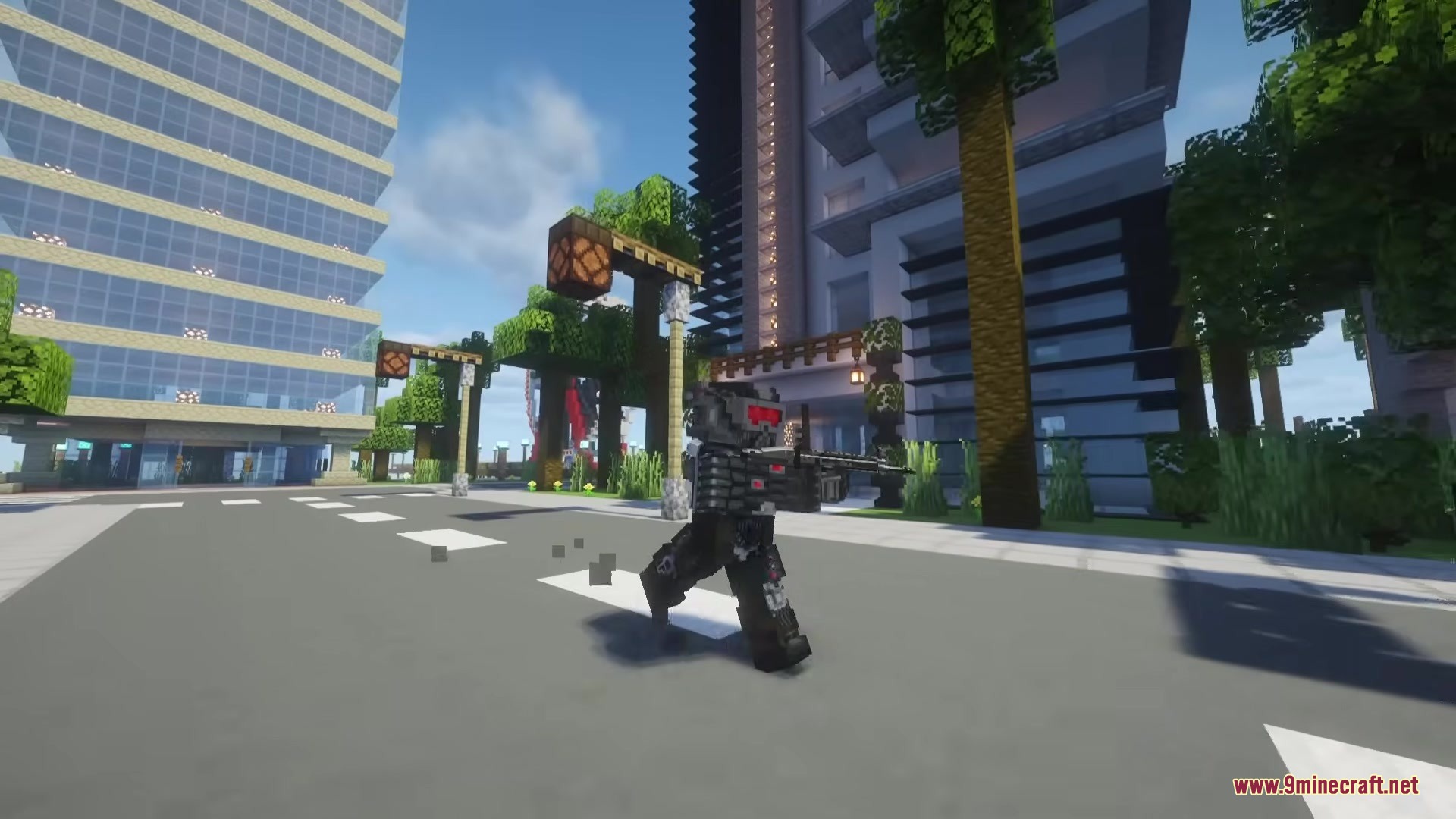
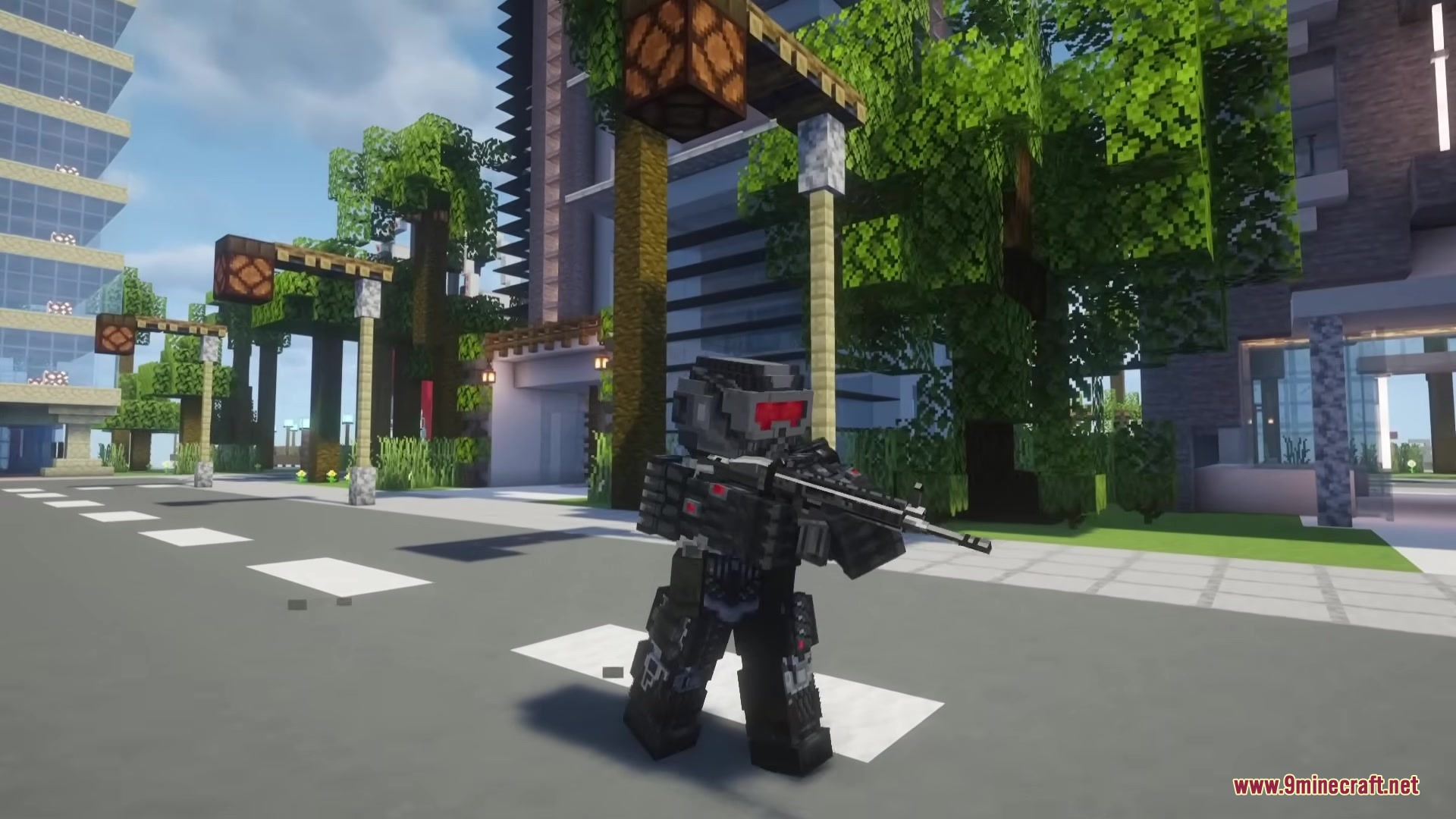

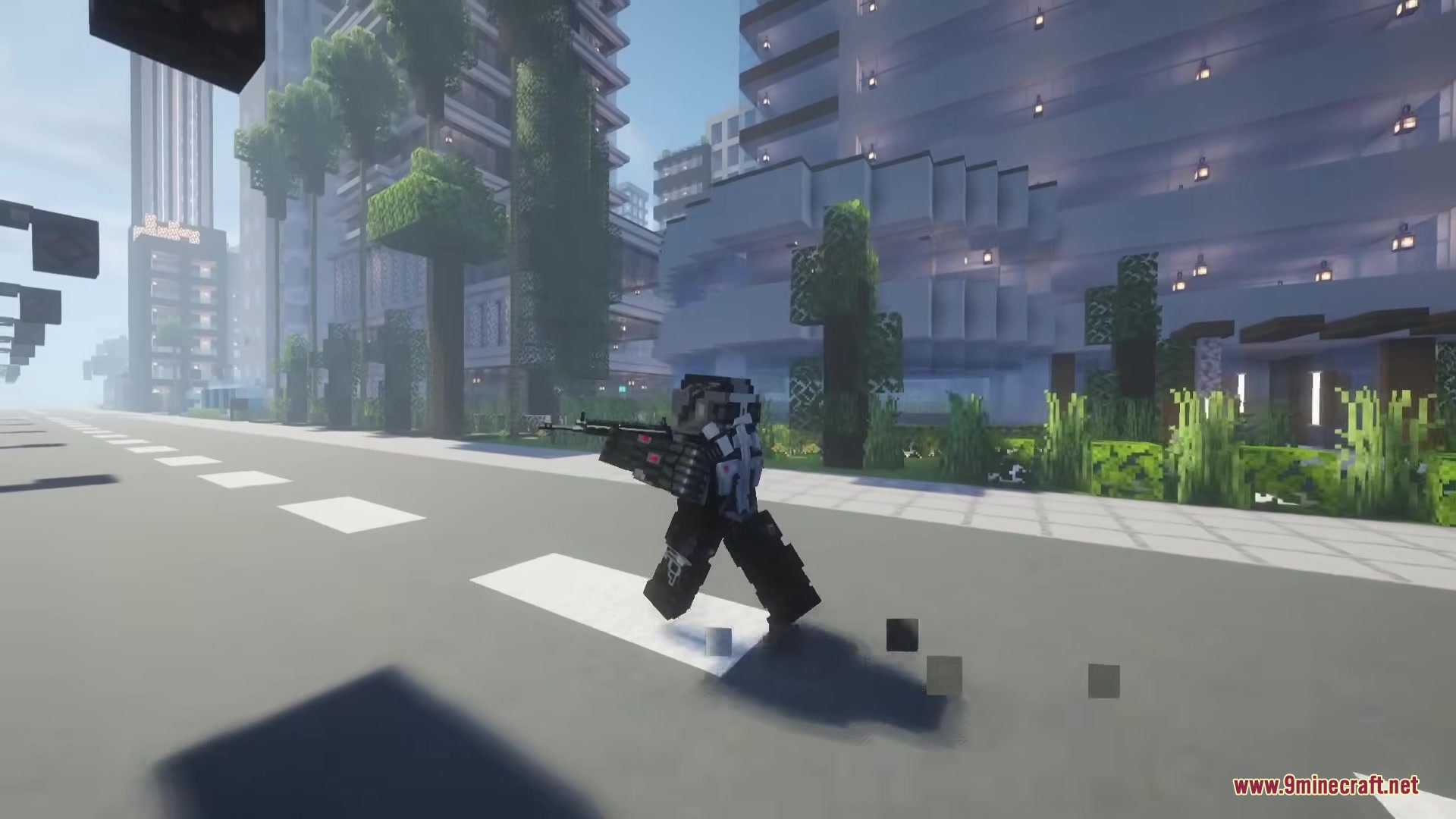
Crysis Legacy Mod brings the famous Nanosuit into your Minecraft world. It equips you with advanced armor that runs on an energy system. You can switch between different modes to survive tough battles or sneak past mobs. The mod completely changes your screen with a futuristic display and a high-tech visor. It gives you the tools to fight like a super soldier.
Features:
- Nanosuit Armor: Adds a full set of high-tech armor that uses energy to power special abilities.
- Tactical Modes: Lets you activate Armor Mode for extra protection or Cloak Mode to turn invisible.
- NanoVisor: Equips you with a smart helmet that can zoom in and mark targets from far away.
- Highlights enemies with bright colors so they cannot hide in dark caves or forests.
- Connects with your minimap to show exactly where your marked targets are walking.
- Changes your normal health and hunger bars into a futuristic heads-up display.
- Improves your movement speed and helps you sprint faster while wearing the suit.
- Reads weapon information from the Timeless and Classics Zero (TaCZ) mod and puts the ammo count right onto your high-tech screen.
- Allows you to change the visual settings of the screen display to fit your liking.
How to Use:
- Put on the full Nanosuit armor set to turn on the energy system.
- Switch between Armor Mode and Cloak Mode depending on if you want to fight or hide.
- Look through the NanoVisor to zoom in on distant mobs and mark them as targets.
- Check your new futuristic screen display to watch your suit energy levels.
- Look at your minimap to track the exact locations of the enemies you just marked.
Screenshots:
Crysis Legacy Mod Download Links
Quick facts
- Edition: Minecraft Java
- File type: .jar
- Minecraft version listed: 1.20.1
- How to install: Install the matching mod loader (Forge, Fabric or NeoForge) for your Minecraft version. → Download the .jar. → Put it in the .minecraft/mods folder and launch that loader profile.
- Where to get it: In MC Java Mods, or directly above on this page.
Install steps are the general flow for this file type — How to install Minecraft Java mods & modpacks walks through it step by step.
Verified by MCModsHub
- Downloads as 387315.mcaddon
- Download size: 3.4 MB
- Download link checked 25 Sept 2026 — working
- Mirrored on our own servers — the download does not depend on the original host
These come from our own check of the pack file, not from the source page.