
Quick Redstone
This mod allows you to speed up redstone with a single command. Its like tick rate but it only affects redstone.
⬇ Download on Modrinth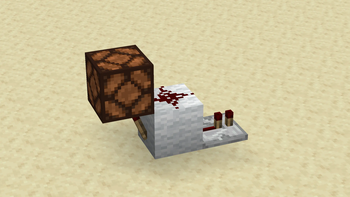
Quick Redstone
Speeds up redstone components without changing how they behave, only how fast they react. Works in singleplayer and on dedicated multiplayer servers.
How to use
Type /quickredstone in chat to check that it's working. If nothing happens, you're either on the wrong Minecraft version or you don't have operator (OP) permissions.
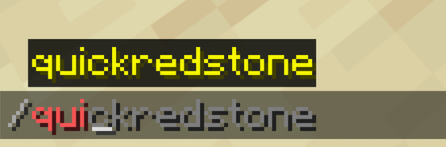
If you have OP and see this, you're good to go. To speed up redstone globally, type /quickredstone speed <multiplier>. For example, to double the speed:
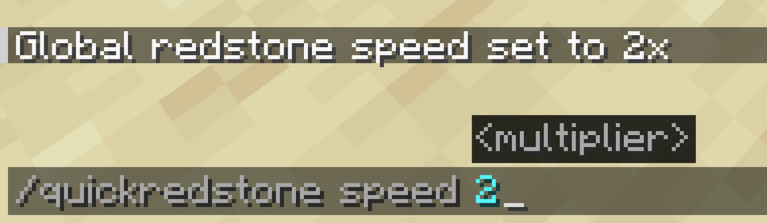
This sets redstone to run 2x faster than normal. You can use any multiplier you want, 10, 100, whatever you're after.
Other commands
Speed up a specific block only:
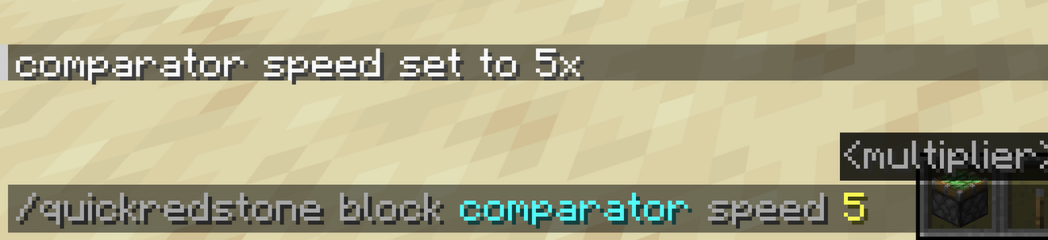
/quickredstone block <block_id> speed <multiplier>

For example, to make comparators run 5x faster than default:
Reset a specific block back to the global speed:
/quickredstone block <block_id> reset
Reset everything back to default (1x):
/quickredstone reset
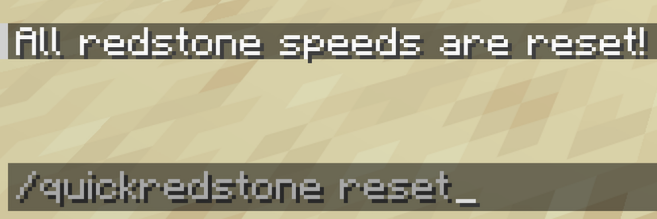
Check current settings and how many redstone updates are pending:
/quickredstone debug

Supported blocks
- Repeater
- Comparator
- Redstone Lamp
- Observer
- Redstone Torch
- Dispenser
- Dropper
- Piston
- Sticky Piston
- Hopper
Notes
This mod only changes timing, not behavior. Builds that work without the mod will work exactly the same with it installed, just faster.
- Edition: Minecraft Java
- File type: .jar
- Minecraft version listed: 1.21.1
- How to install: Install the matching mod loader (Forge, Fabric or NeoForge) for your Minecraft version. → Download the .jar. → Put it in the .minecraft/mods folder and launch that loader profile.
- Where to get it: Opens on Modrinth — not every file is mirrored on our own servers.
Install steps are the general flow for this file type — How to install Minecraft Java mods & modpacks walks through it step by step.
- Ships as QuickRedstone-1.21.1.jar — drop this file into the mods folder
- Download size: 27 KB
- Download link checked 7 Sept 2026 — working
These come from our own check of the pack file, not from the source page.