I created this mod because walking long distances in Minecraft can get tedious, and building large structures without creative flight is incredibly time-consuming. Flying Abilities allows you to fly whenever you want, while still keeping the survival experience intact.
The mod is straightforward and adds one specific item along with a simple command:
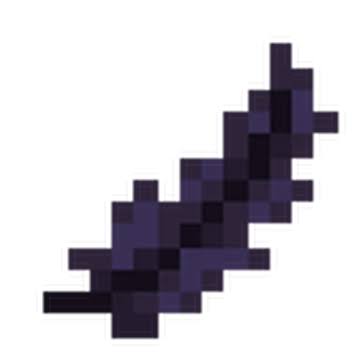
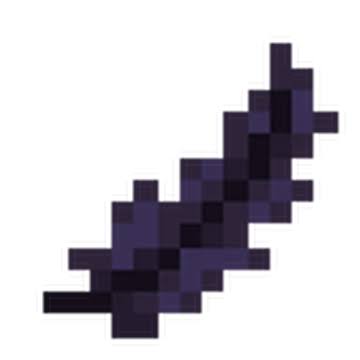
The Flying Feather This is the custom item included in the mod so you can fly in standard survival mode without enabling cheats. All you have to do is hold the Flying Feather in either your main hand or your off-hand to start flying. As soon as you switch to a different inventory slot, you will return to the ground. It is incredibly useful for building, scouting terrain, or avoiding fall damage.
The /fly Command If you prefer not to use an inventory slot on an item, you can use the chat console instead.
Type /fly to turn flight on and off for yourself instantly.
If you are a server administrator or have operator status, you can use /fly [playername] to grant or remove flight for other players.
Additional Details: The Flying Feather item is fully accessible to everyone in normal survival mode.
The /fly command requires cheats to be enabled or operator status to function.
- Edition: Minecraft Java
- File type: .jar
- Minecraft version listed: 1.19.2
- How to install: Install the matching mod loader (Forge, Fabric or NeoForge) for your Minecraft version. → Download the .jar. → Put it in the .minecraft/mods folder and launch that loader profile.
- Where to get it: Opens on Modrinth — not every file is mirrored on our own servers.
Install steps are the general flow for this file type — How to install Minecraft Java mods & modpacks walks through it step by step.
- Ships as flight_feather1.20.1_forge.jar — drop this file into the mods folder
- Download size: 17 KB
- Download link checked 7 Sept 2026 — working
These come from our own check of the pack file, not from the source page.