
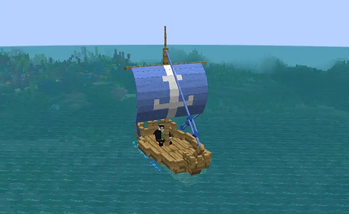
Small Ships Heraldry
Small Ships Heraldry adds an in-game 3D sail editor for Small Ships.
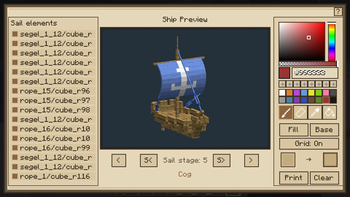
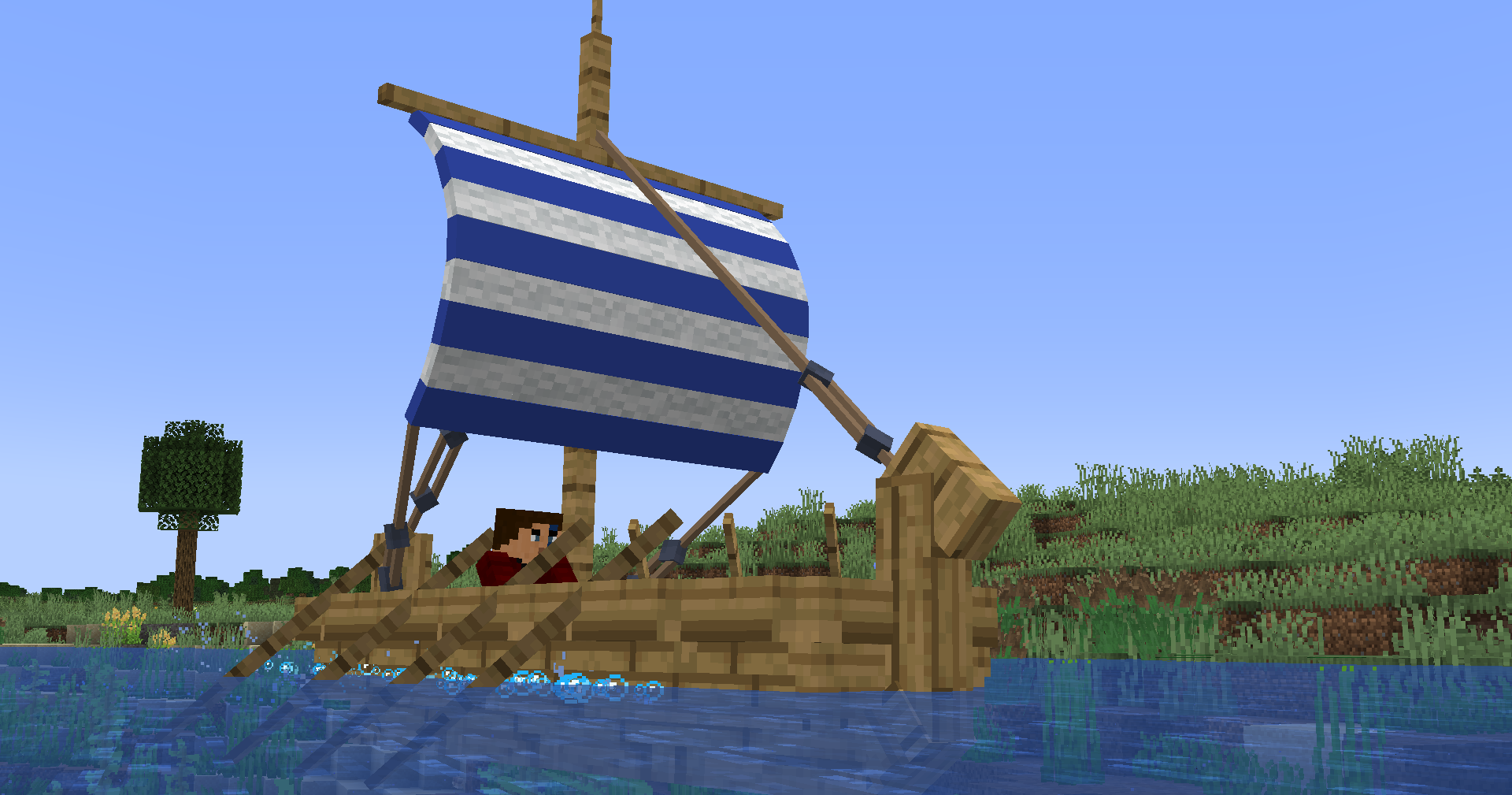 Patterns are painted directly on the ship model, so you can see how every pixel follows the sail geometry before using any paper. The editor supports the Cog, Brigg, Galley, and Drakkar, with separate drafts for each ship type and all five sail stages.
Designing a pattern
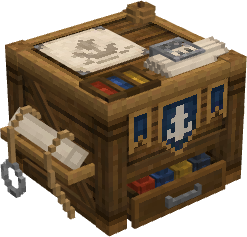
Craft and place a Heraldry Table to begin. Paint on the sails with freehand strokes, straight lines, fills, symmetry, and precise colour controls.
Individual sail parts can be selected, hidden, or isolated when working on larger ships. Pixel-aligned selections can be copied, cut, moved, and pasted between sail stages, while the preview can be rotated, panned, and zoomed at any time.
Saving and sharing
Drafts can be stored in the local pattern library and reused in any world or server. Patterns are saved as .sshpattern files and can be shared or imported by dragging them into the editor.
Printing and applying
Place paper in the Heraldry Table to print the finished design. Sneak-use the resulting pattern on a matching ship to install or replace its heraldry.
Replacing heraldry returns the previous pattern. Sneak-use shears to remove a pattern without recovering it.
To duplicate a printed pattern, place it in the centre of a crafting table and surround it with eight sheets of paper.
- Edition: Minecraft Java
- File type: .jar
- Minecraft version listed: 1.21.1
- How to install: Install the matching mod loader (Forge, Fabric or NeoForge) for your Minecraft version. → Download the .jar. → Put it in the .minecraft/mods folder and launch that loader profile.
- Where to get it: Opens on Modrinth — not every file is mirrored on our own servers.
Install steps are the general flow for this file type — How to install Minecraft Java mods & modpacks walks through it step by step.
- Ships as smallshipsheraldry-0.3.0+mc.1.21.1-fabric.jar — drop this file into the mods folder
- Download size: 322 KB
- Download link checked 7 Sept 2026 — working
These come from our own check of the pack file, not from the source page.