
ResourcepacksJava
wippy pack
Java resource pack listed for Minecraft 1.18. File opened and checked on 23 Oct 2026; downloads from the MC Java Mods app on Android.
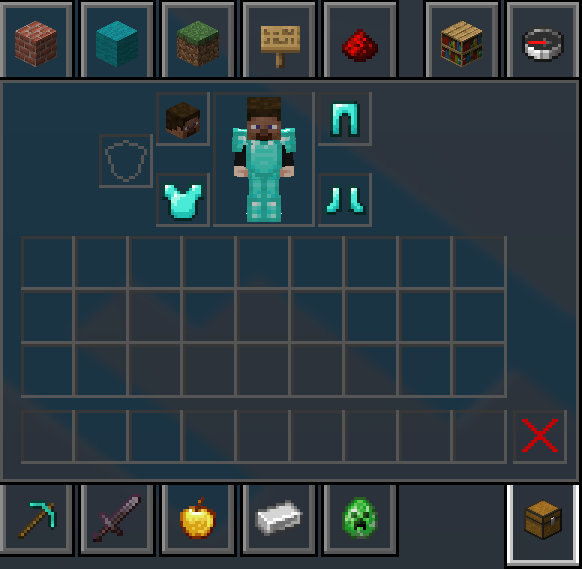
A custom PvP resource pack designed to optimize your gameplay visuals. It features a clean, textured red-and-black theme for a sleek look in your menus.
⬇ Download on Modrinth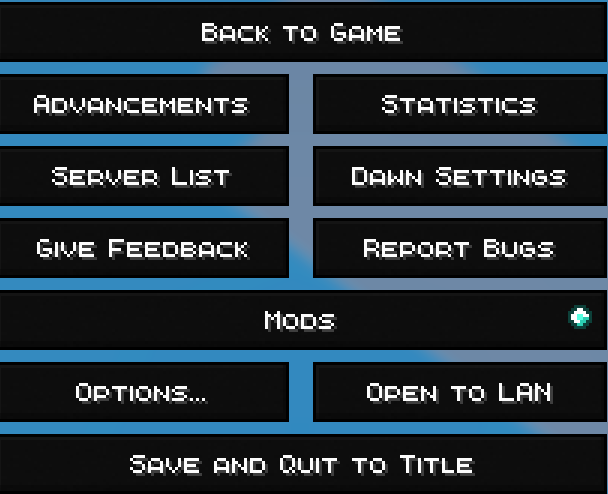

About the Pack
A custom PvP resource pack designed to optimize your gameplay visuals. It now features a clean, textured red-and-black theme for a sleek look in your menus.
Features
- PvP Numbers: Replaces traditional Roman numerals with clean, standard numbers (e.g., Sharpness 5 instead of Sharpness V, Protection 4 instead of Protection IV) for instant readability during combat.
- Custom Hit Sounds: Crisp, alternative audio effects for satisfying combat feedback.
- Clean UI: Includes a custom red-to-black gradient menu icon.
Installation
- Download the
.zipfile from Modrinth. - Launch Minecraft, navigate to Options > Resource Packs, and click Open Pack Folder.
- Drag and drop the downloaded
.zipfile directly into the folder. - Move the pack over to the "Selected" side in-game and you are ready to queue up!
Quick facts
- Edition: Minecraft Java
- File type: .zip (resource pack)
- Minecraft versions listed: 1.18, 1.18.1, 1.18.2
- How to install: Download the .zip resource pack — do not unzip it. → Put it in .minecraft/resourcepacks. → Enable it in Options → Resource Packs.
- Where to get it: Opens on Modrinth — not every file is mirrored on our own servers.
Install steps are the general flow for this file type — How to install Minecraft Java resource packs walks through it step by step.
File checked by MCModsHub
- Downloads as wippy pack (2).zip
- Download size: 1.8 MB
- Download link checked 8 Nov 2026 — working
These come from our own check of the pack file, not from the source page.