
VillagerGuardian
VillagerGuardian is a lightweight admin plugin that gives server owners full control over villager trading through a simple in game GUI. No need to memorize commands or edit config files.
It works great for economy servers, trading hubs, or content creators who want villagers to always look “fresh” on camera.
Features
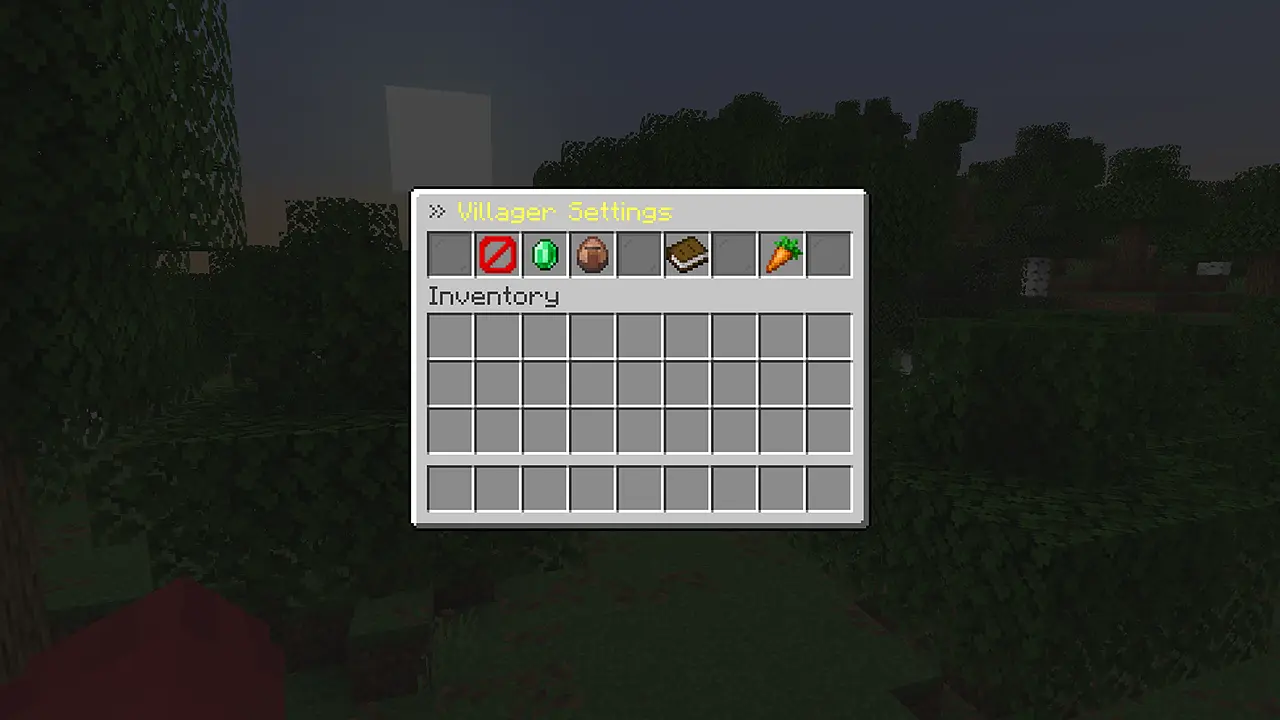
- Villager Immunity — toggle whether villagers can take damage, protecting them from griefing or accidental hits
- Trade Lock — quickly enable or disable trading with villagers, useful during setup or maintenance
- Instant Trade Reset — reset all villager trade uses with one click, so players immediately get fresh offers
- Auto Refresh — automatically refresh villager trades at a set interval (from a few seconds up to 30 minutes), so trades never run out — especially useful for recording sessions
- Breeding Lock — prevent villagers from breeding when you want to control population
- Persistent Settings — all settings are saved automatically and persist after server restarts
How to Use
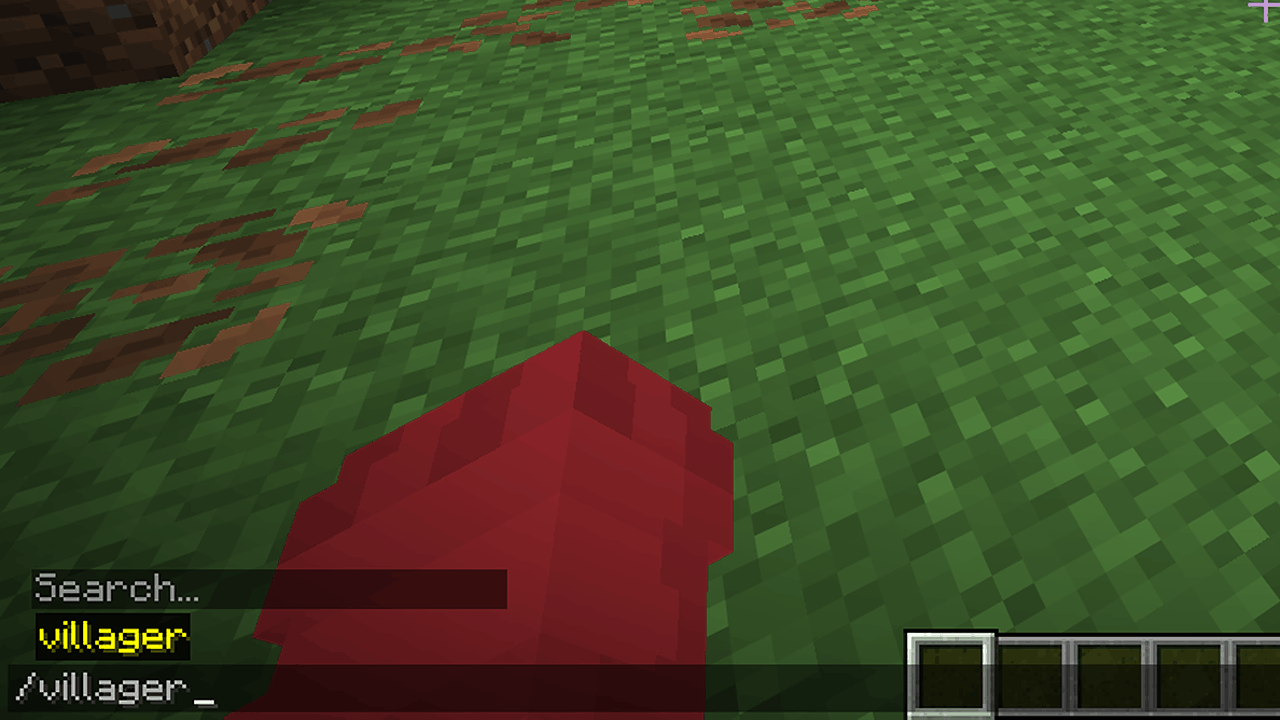
Run /villager (requires the villager.admin permission) to open the control panel and manage everything through the GUI.
Permissions
villager.admin— allows access to the/villagercommand and control panel (default: Operator)
Quick facts
- Edition: Minecraft Java
- File type: .jar
- Minecraft versions listed: 1.21.11, 26.1, 26.1.1
- How to install: Install the matching mod loader (Forge, Fabric or NeoForge) for your Minecraft version. → Download the .jar. → Put it in the .minecraft/mods folder and launch that loader profile.
- Where to get it: Opens on Modrinth — not every file is mirrored on our own servers.
Install steps are the general flow for this file type — How to install Minecraft Java mods & modpacks walks through it step by step.
Verified by MCModsHub
- Ships as VillagerGuardian.jar — drop this file into the mods folder
- Download size: 12 KB
- Download link checked 7 Sept 2026 — working
These come from our own check of the pack file, not from the source page.