
GUI PurpleOLED Resource Pack (26.2, 1.21.1) – Texture Pack
Java resource pack listed for Minecraft 1.21. Downloads from the MC Java Mods app on Android.
⬇ Download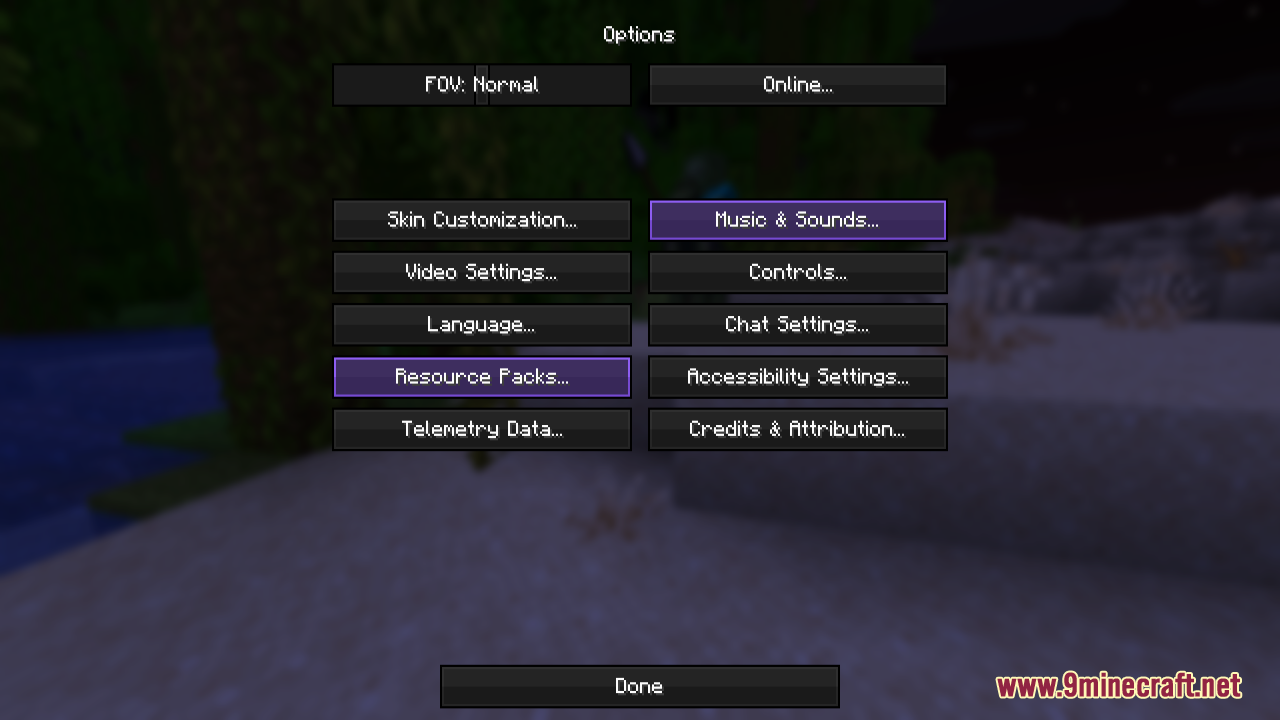
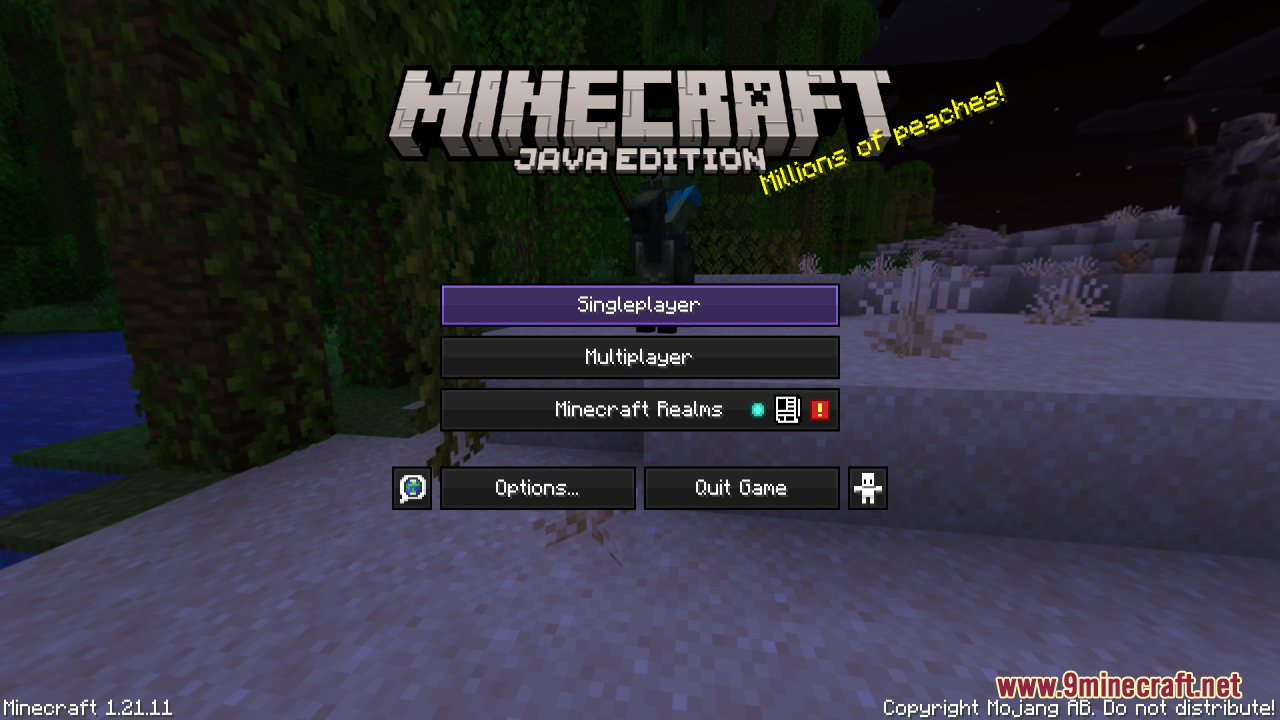
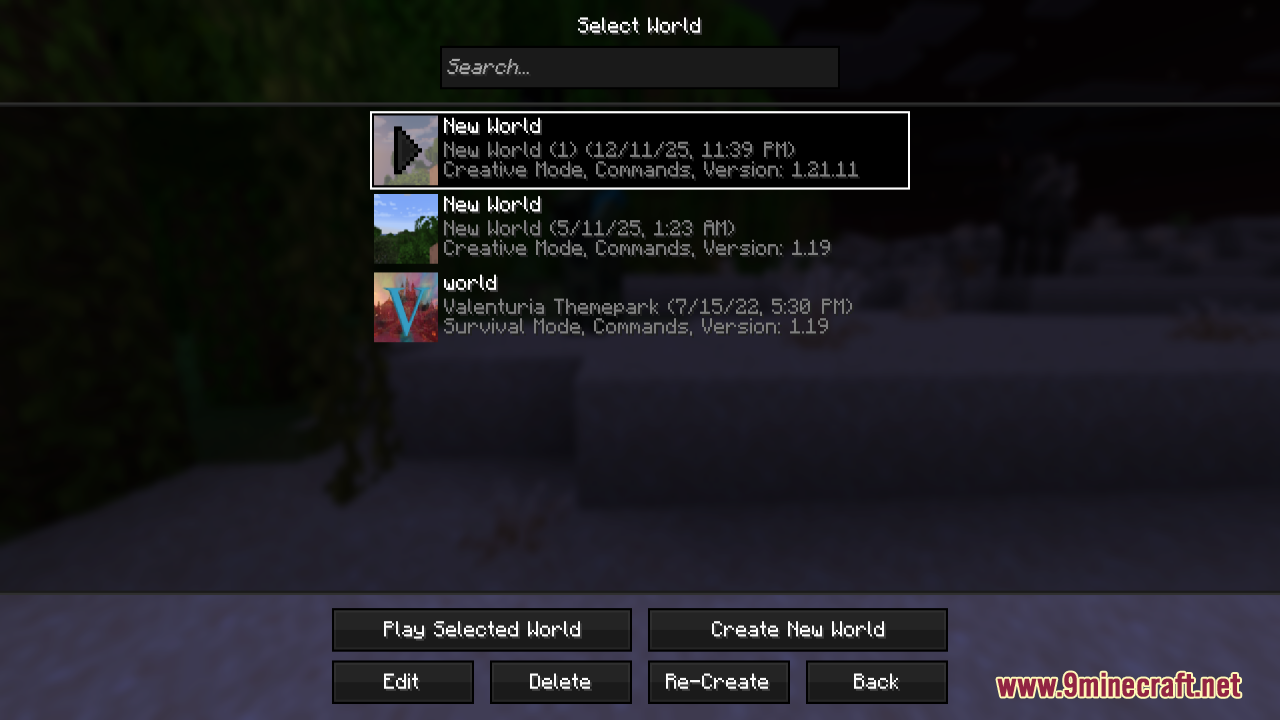
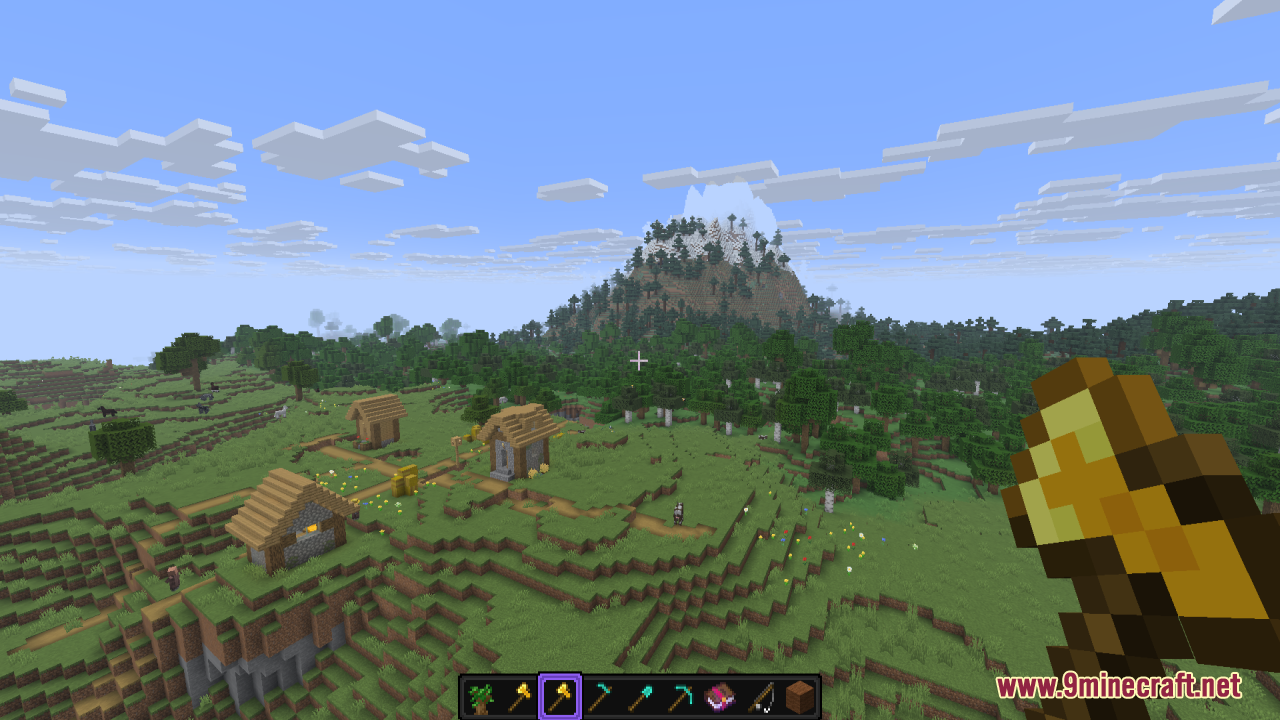
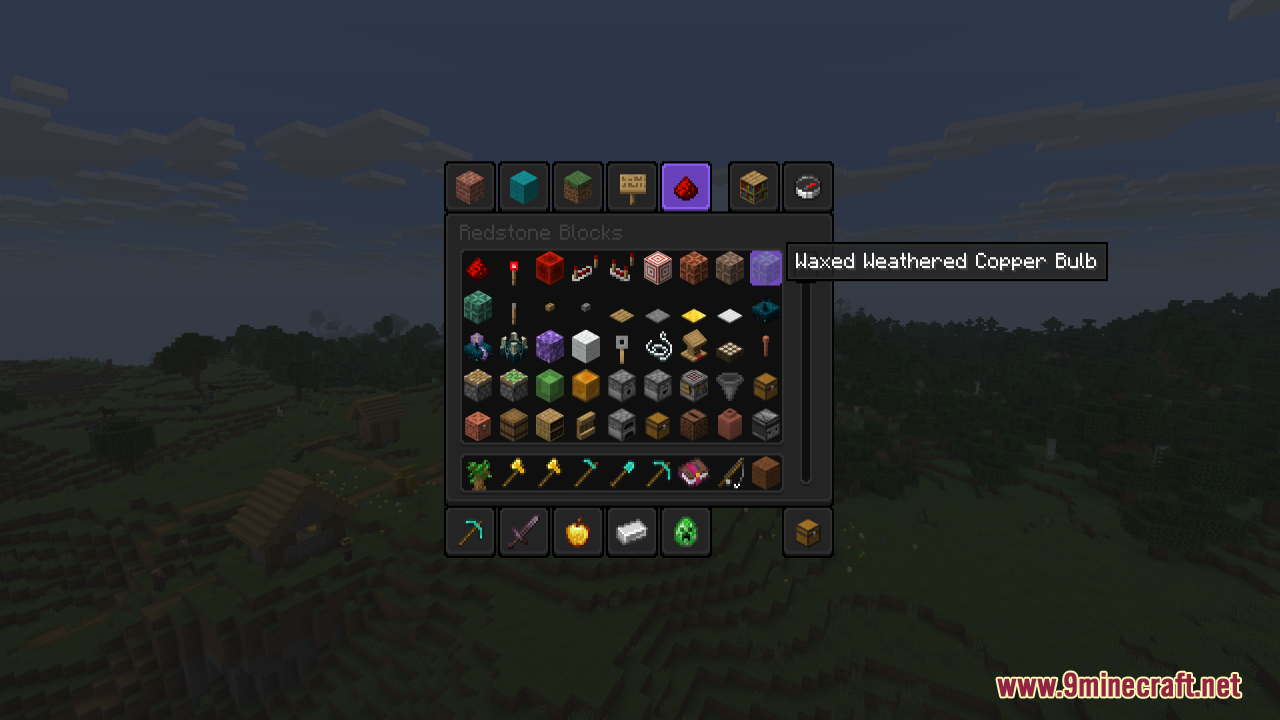
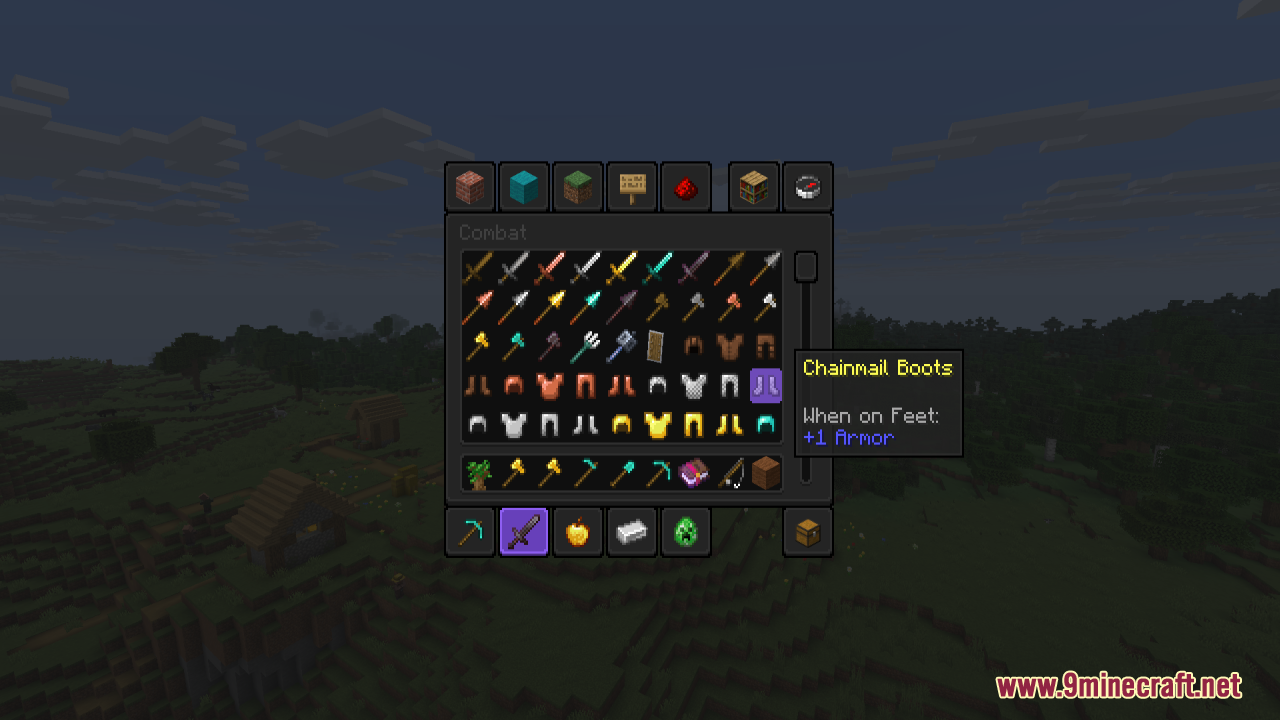
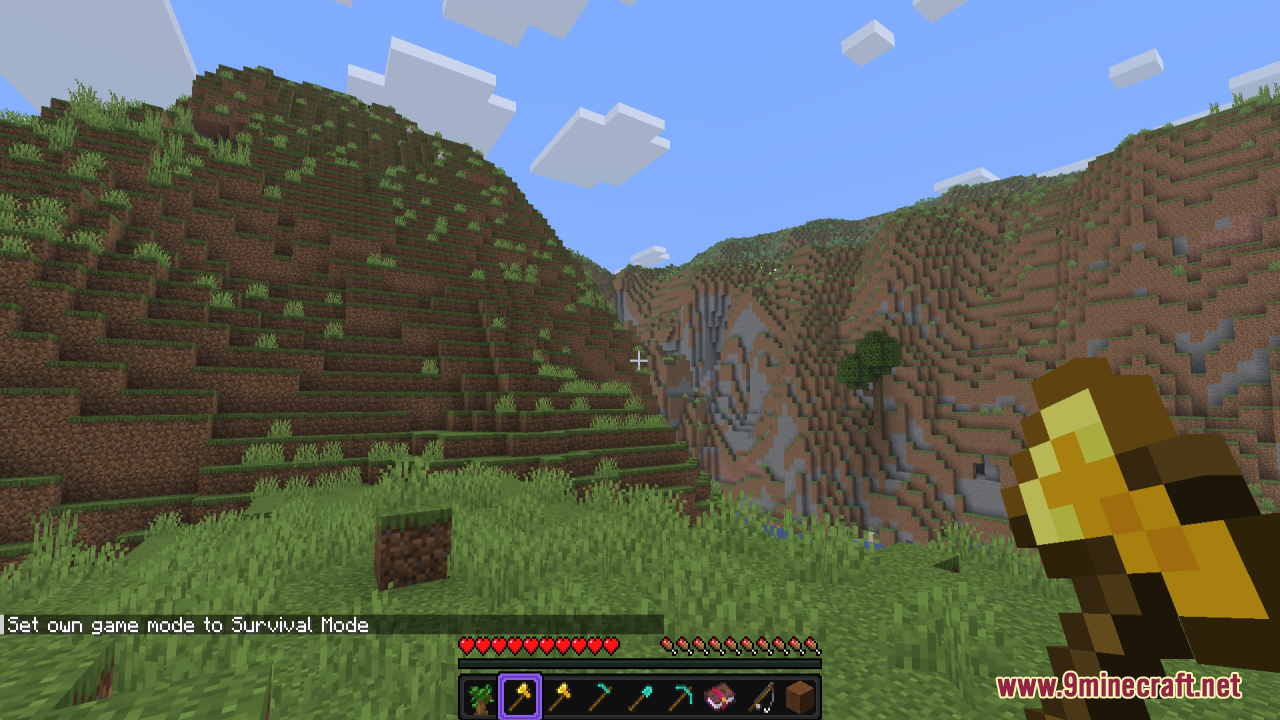
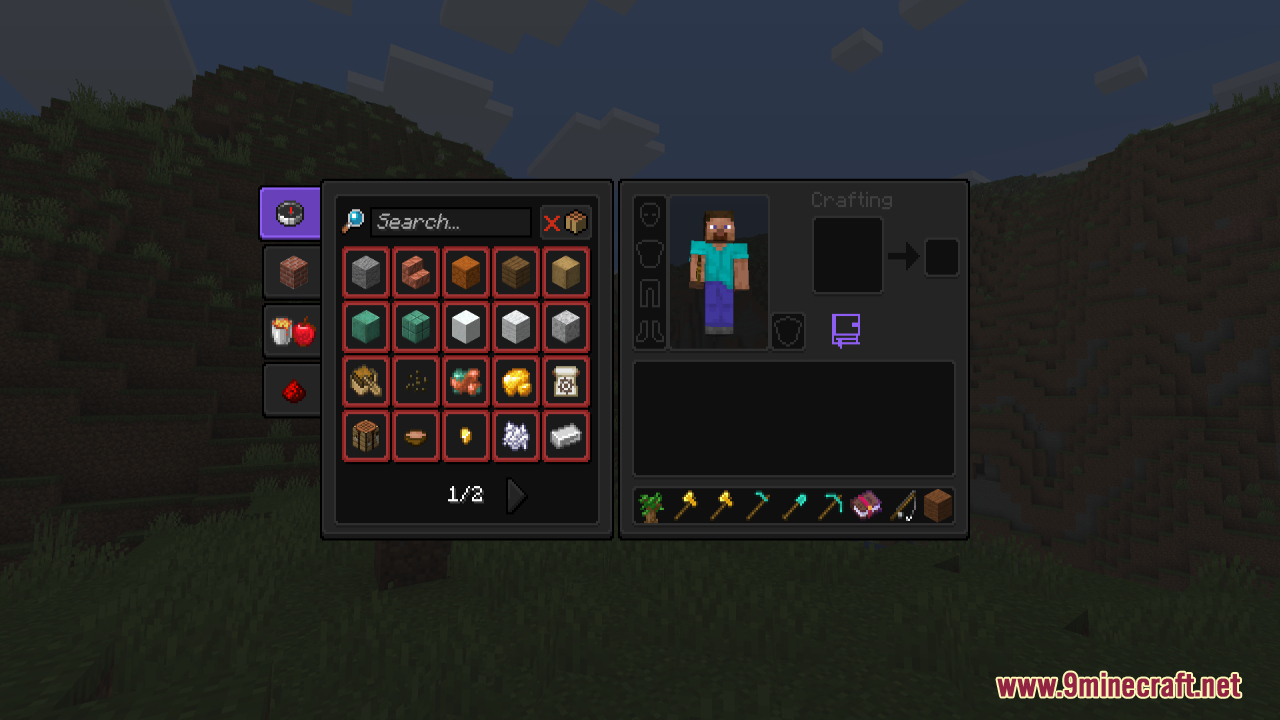
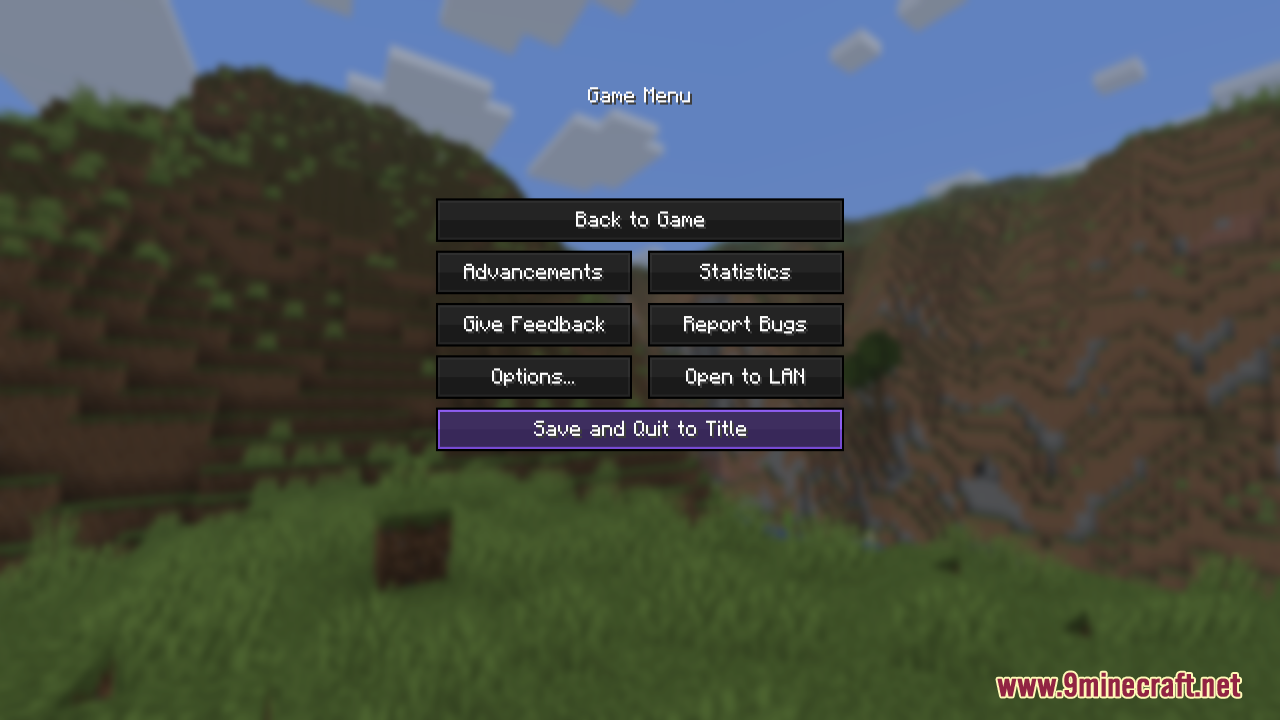
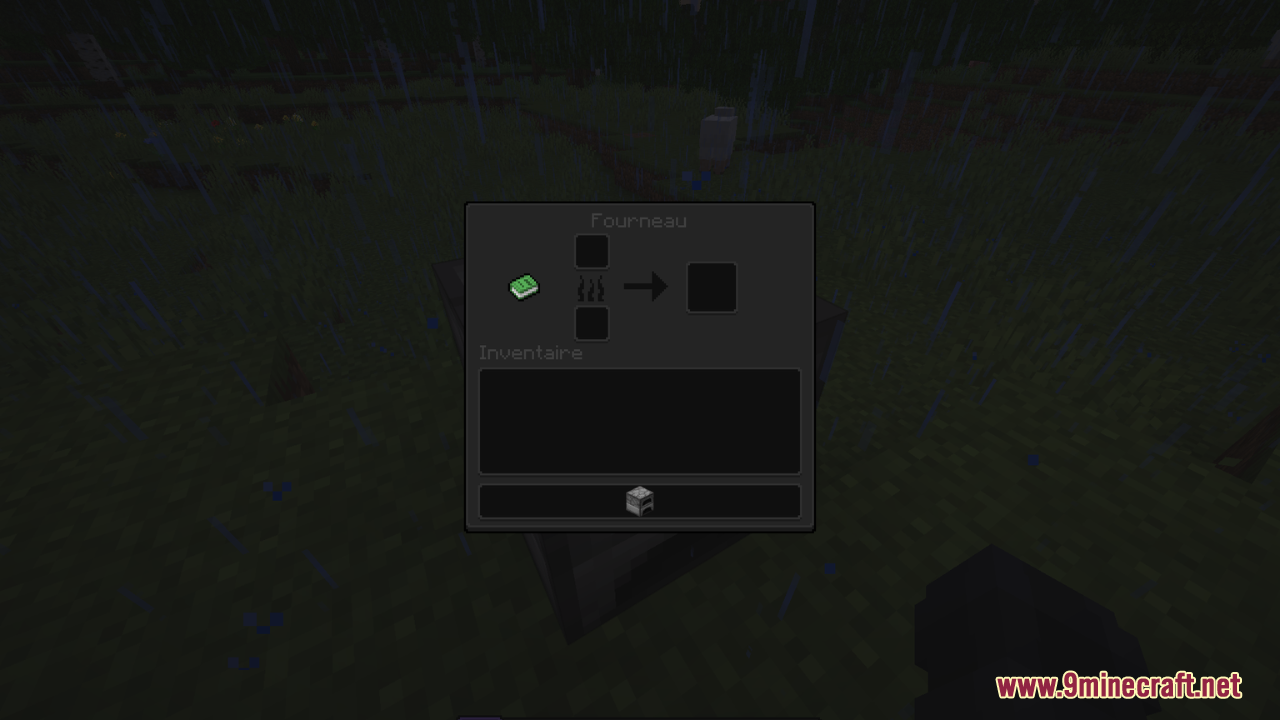
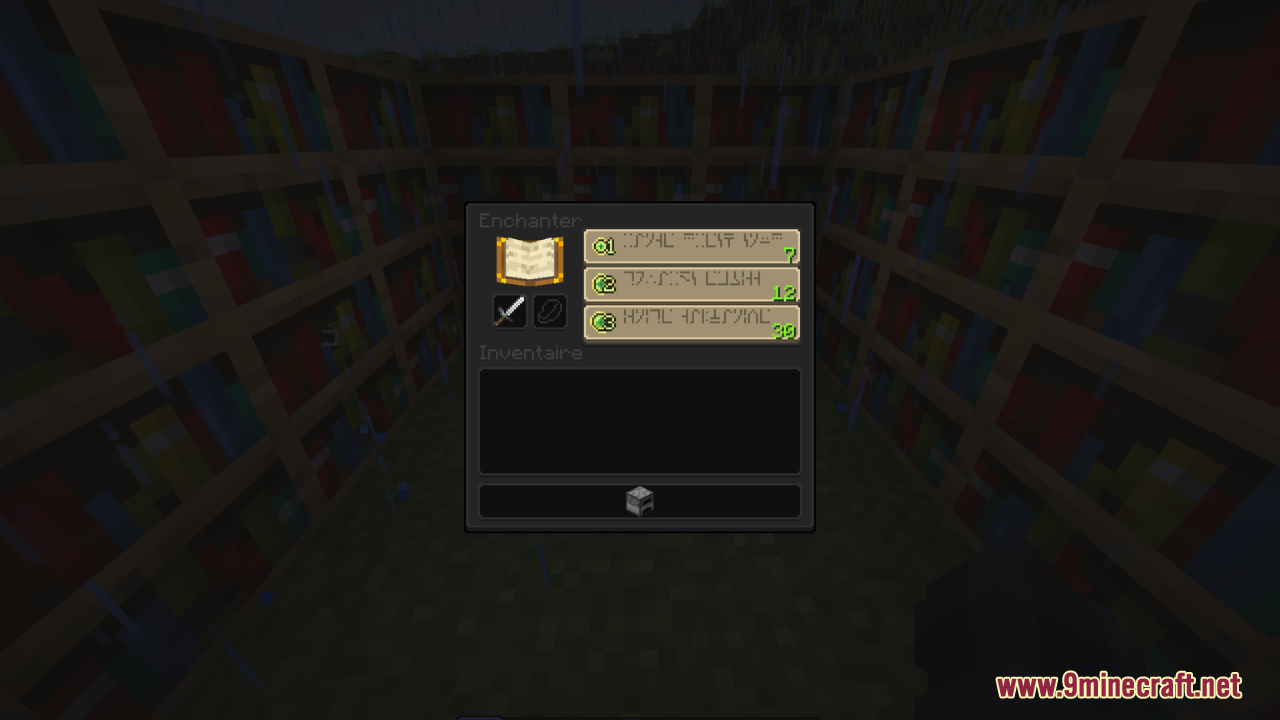
GUI PurpleOLED Resource Pack is a sleek Minecraft resource pack that gives the entire user interface a deep purple OLED-style theme, using dark backgrounds and vibrant purple accents to create a modern, high-contrast look that’s easy on the eyes – especially during long play sessions or night gaming. It retextures menus, inventories, buttons, and HUD elements while keeping the layout familiar, so gameplay remains intuitive and unchanged. Lightweight and compatible with recent Java versions, GUI PurpleOLED is ideal for players who enjoy dark-mode aesthetics, want a stylish and futuristic UI, or simply want their Minecraft menus to feel more polished and unique without affecting performance or mechanics.
Screenshots:
GUI PurpleOLED Resource Pack Download Links
- Edition: Minecraft Java
- File type: .zip (resource pack)
- Minecraft version listed: 1.21.1
- How to install: Download the .zip resource pack — do not unzip it. → Put it in .minecraft/resourcepacks. → Enable it in Options → Resource Packs.
- Where to get it: In MC Java Mods, or directly above on this page.
Install steps are the general flow for this file type — How to install Minecraft Java resource packs walks through it step by step.
- Downloads as 3879.mcpack
- Download size: 317 KB
- Download link checked 29 Jul 2026 — working
- Mirrored on our own servers — the download does not depend on the original host
These come from our own check of the pack file, not from the source page.