Home›Java›Modpacks›Cave Horror Project 1 Modpack (26.2, 1.20.1) – Survive The Terrifying Dark Depths
ModpacksJava
Cave Horror Project 1 Modpack (26.2, 1.20.1) – Survive The Terrifying Dark Depths
Cave Horror Project 1 Modpack turns your underground world into a terrifying nightmare filled with creepy monsters and dark secrets. You will explore deep…
⬇ DownloadOpen in MCModsHubGet it on Google Play →Cave Horror Project 1 Modpack turns your underground world into a terrifying nightmare filled with creepy monsters and dark secrets. You will explore deep caves where scary creatures watch your every move from the shadows. With a massive quest book to guide you, you must find a way to survive the horrors waiting in the dark.
Features:
- Deep Story Quests: Over 240 quests split into six chapters guide you through a scary adventure with clear goals
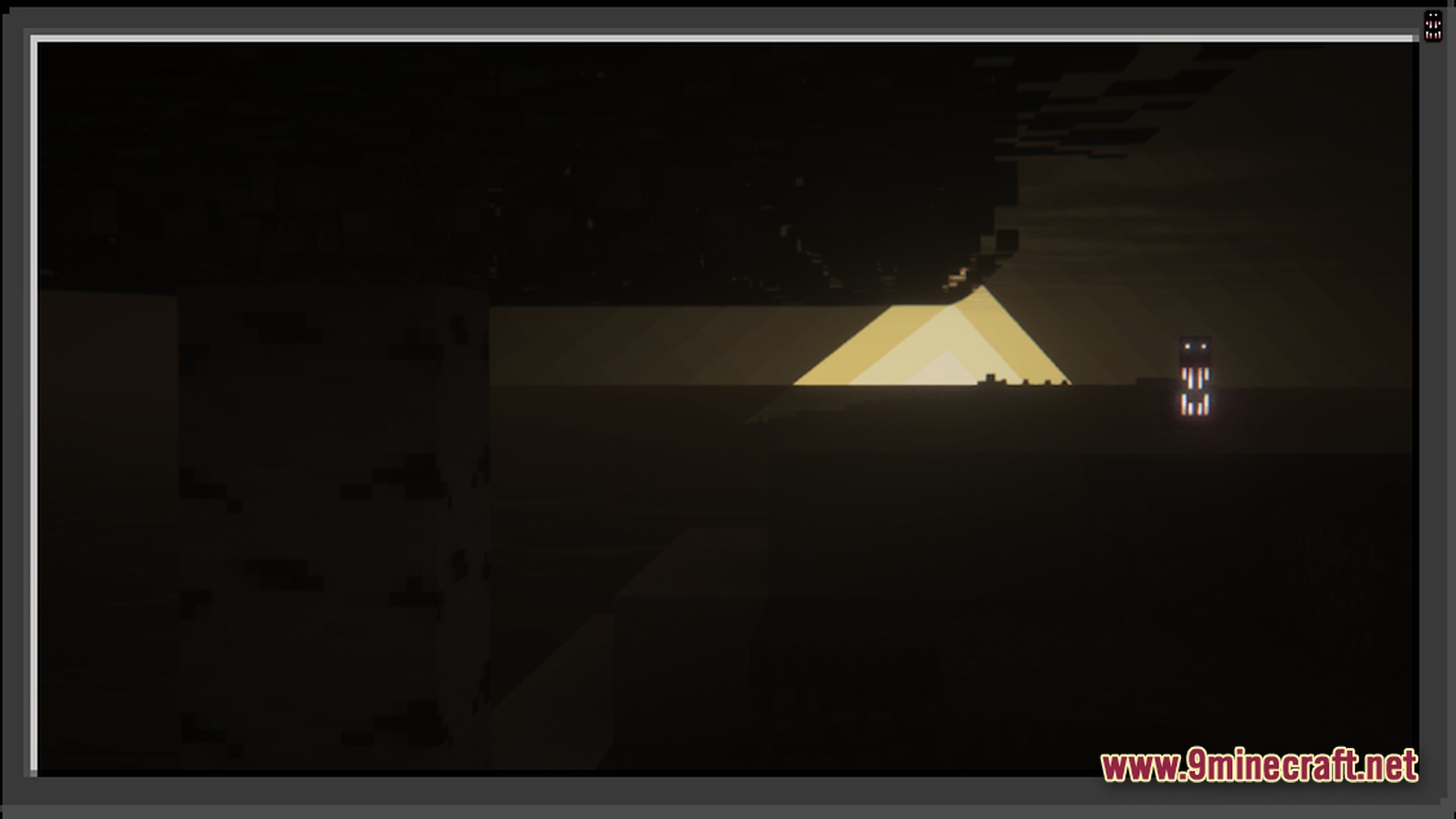
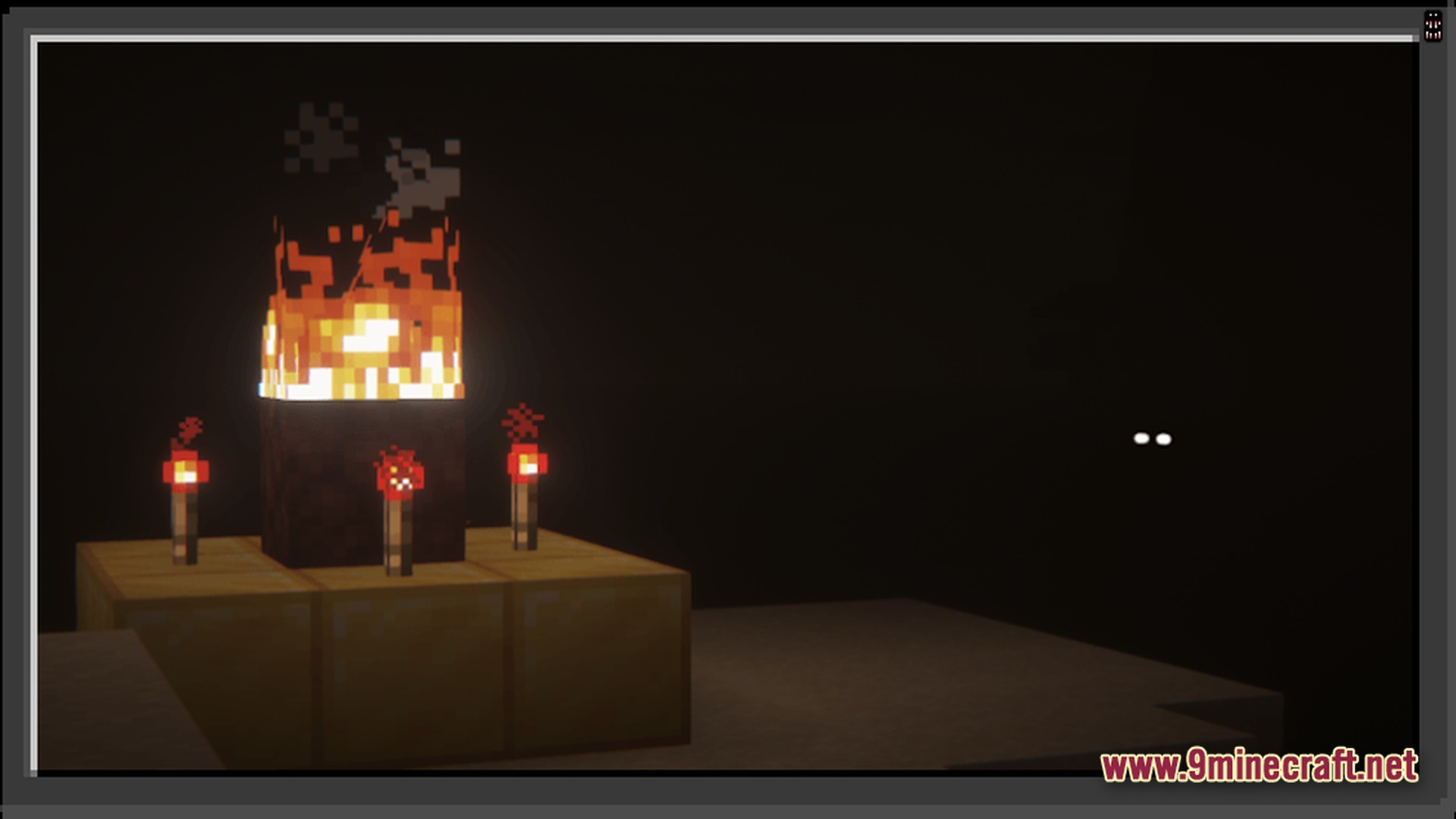
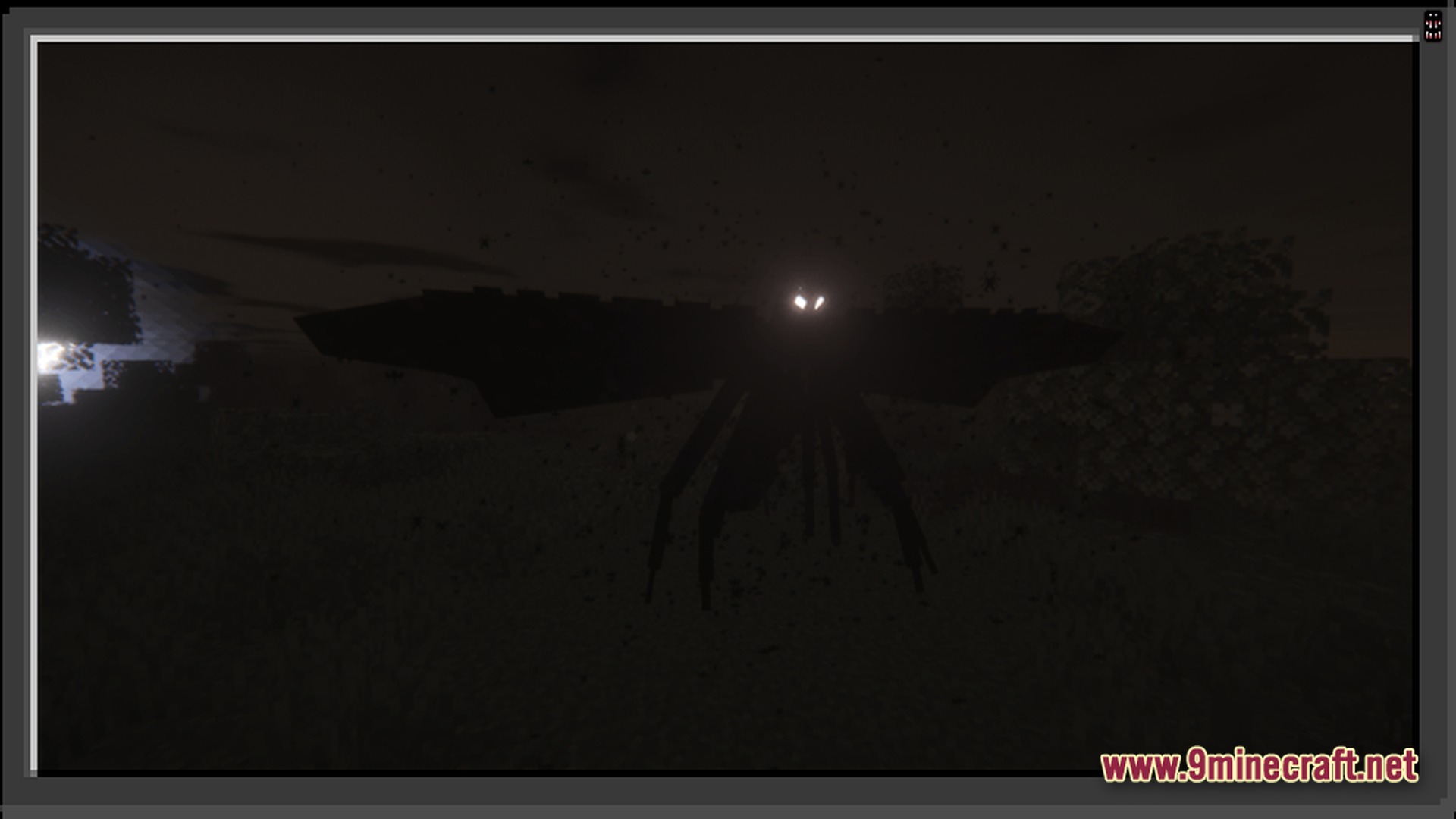
- Terrifying Cave Monsters: The Cave Dweller waits in the dark to chase you, while the Knocker stalks your base and camps your spawn point
- Possessed Animal Threats: Normal animals like sheep and raccoons can spawn with glowing white eyes to attack you or multiply
- Teleporting Silverfish: Watch out for special silverfish that teleport you to random, dangerous spots when they bite you
- Herobrine Stalking: A creepy figure watches you from a distance and can suddenly teleport to hit you before disappearing
- Smelly Status Effects: Eating rotten flesh makes you stinky, which causes annoying flies to buzz all around your character
- New Craftable Weapons: Fight back against the monsters using new gear like a powerful iron katana
- Wild Animals: Hunt new wildlife like big buffalo for great food, but watch out for sneaky raccoons
How to Play:
- Follow the quest book to learn the story and earn helpful survival rewards.
- Build a secure shelter to keep out stalkers like the Knocker that want to camp your spawn.
- Craft a backpack to carry extra supplies and an iron katana to defend yourself in the dark.
- Explore deep caves carefully while listening for the creepy sounds of hidden monsters.
Screenshots:
Cave Horror Project 1 Modpack Download Links
Cave Horror Project 1 Modpack (26.2, 1.20.1) – Survive The Terrifying Dark Depths is a free Minecraft Java modpack. Compatible with Minecraft 1.20.1. Download it and open it directly in the game.
Explore more