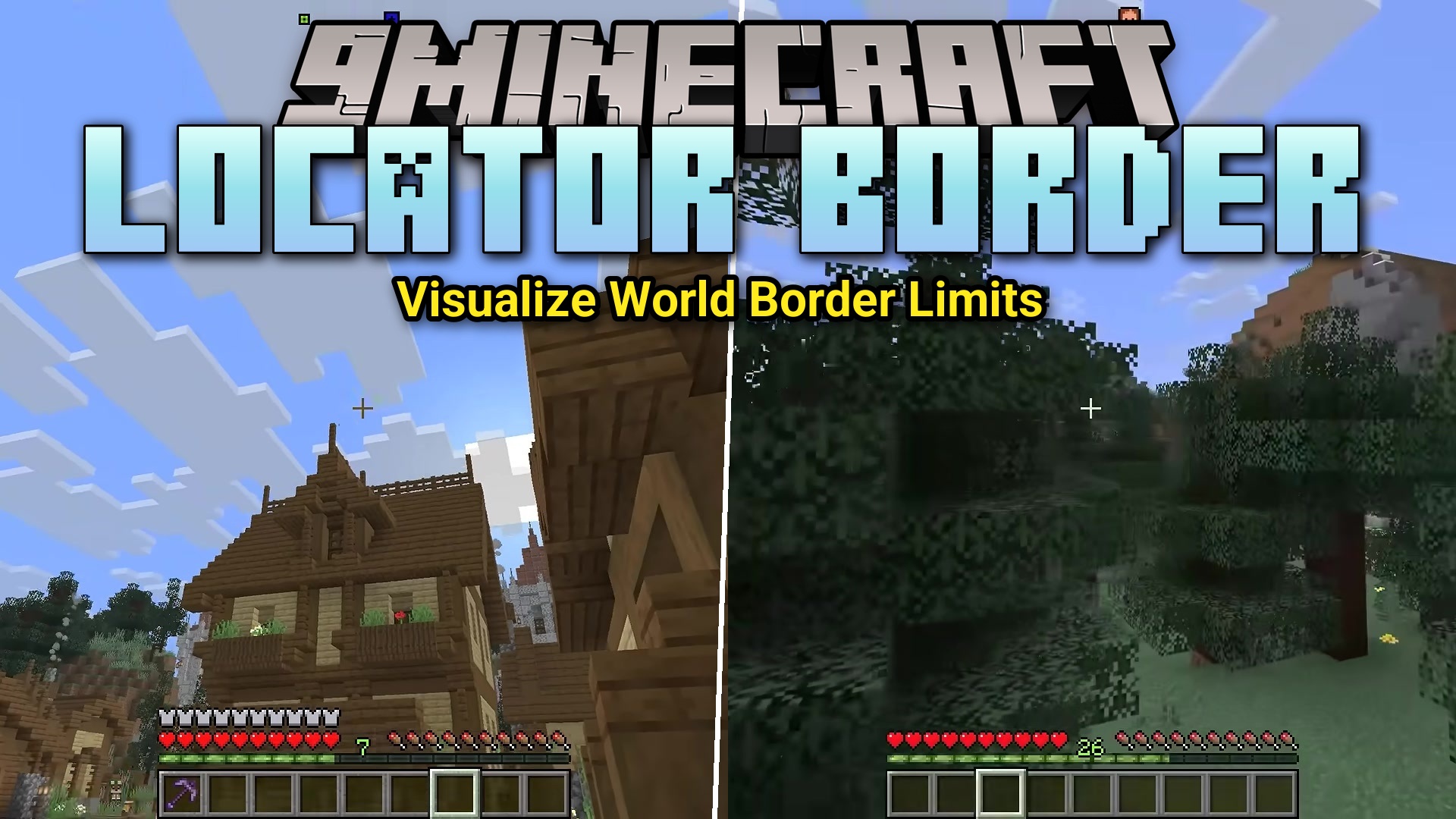
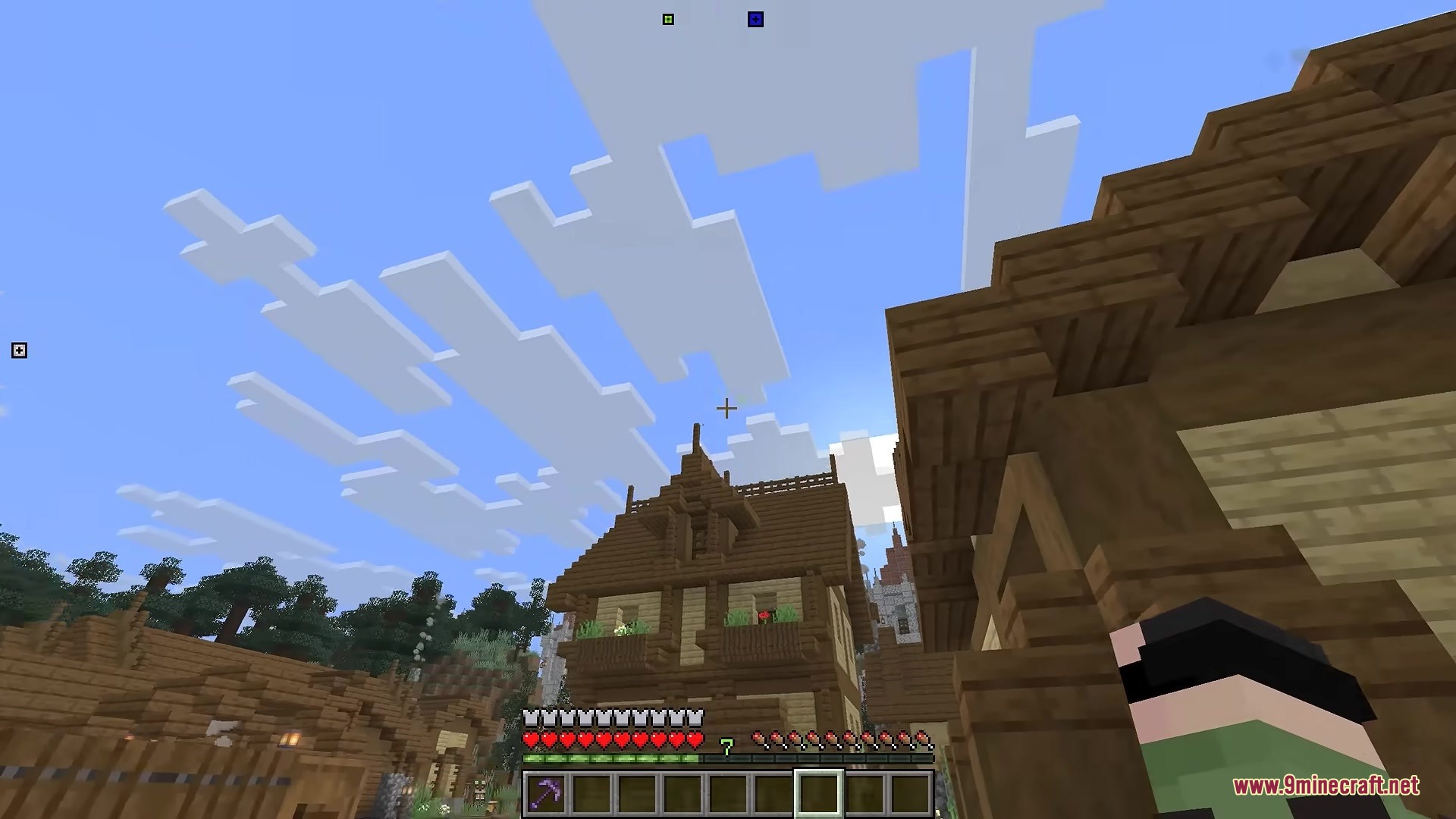
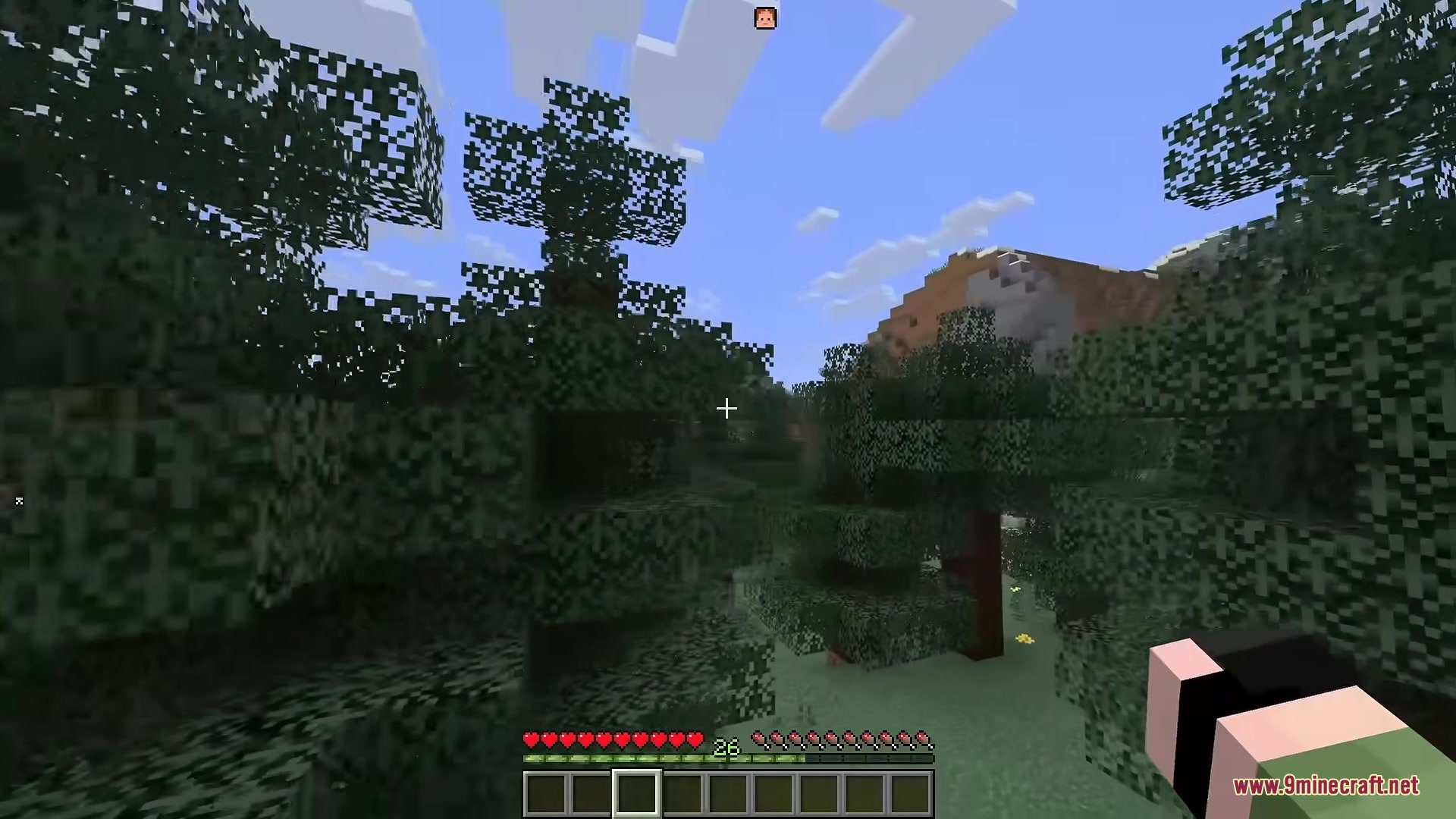
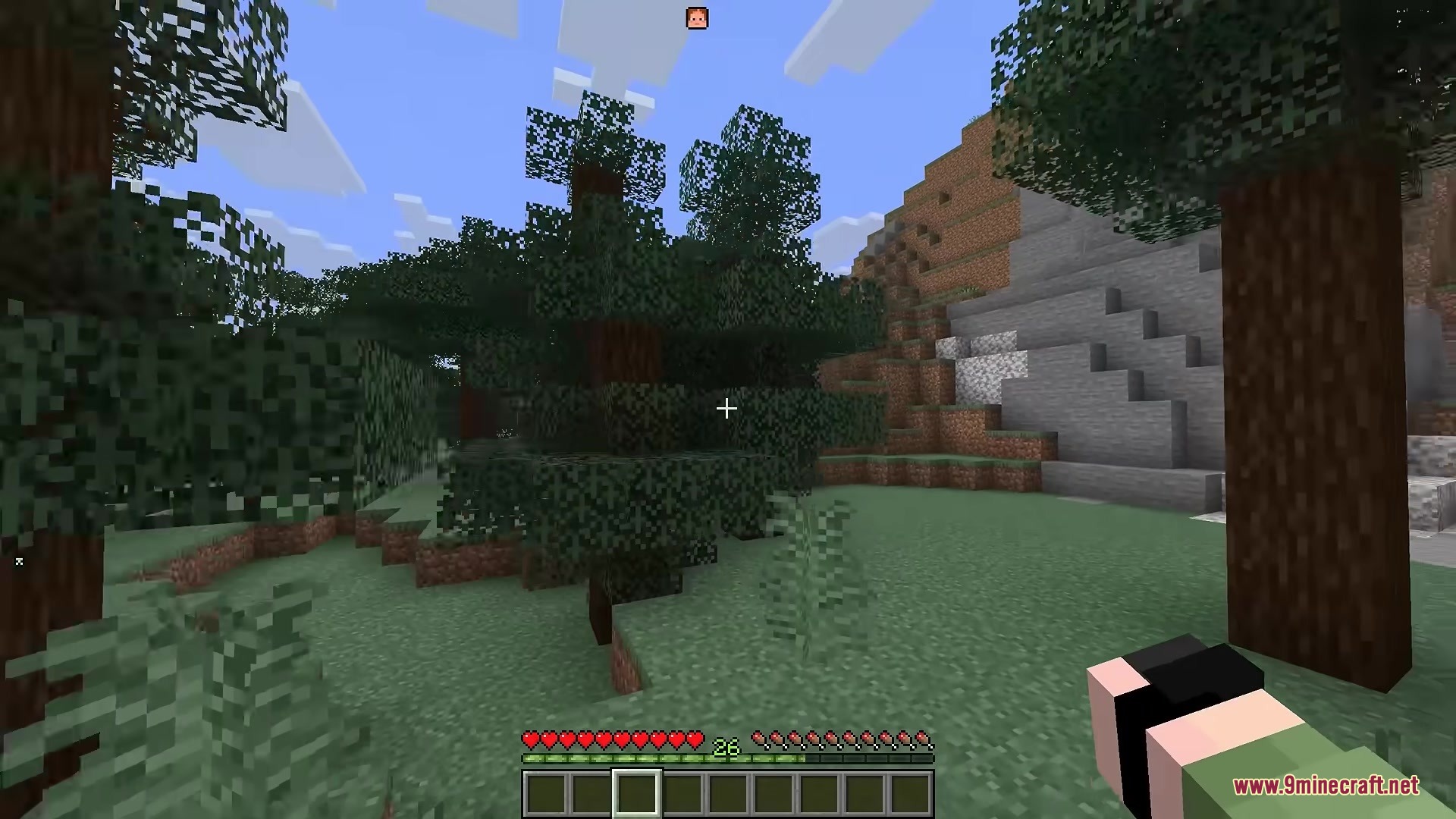
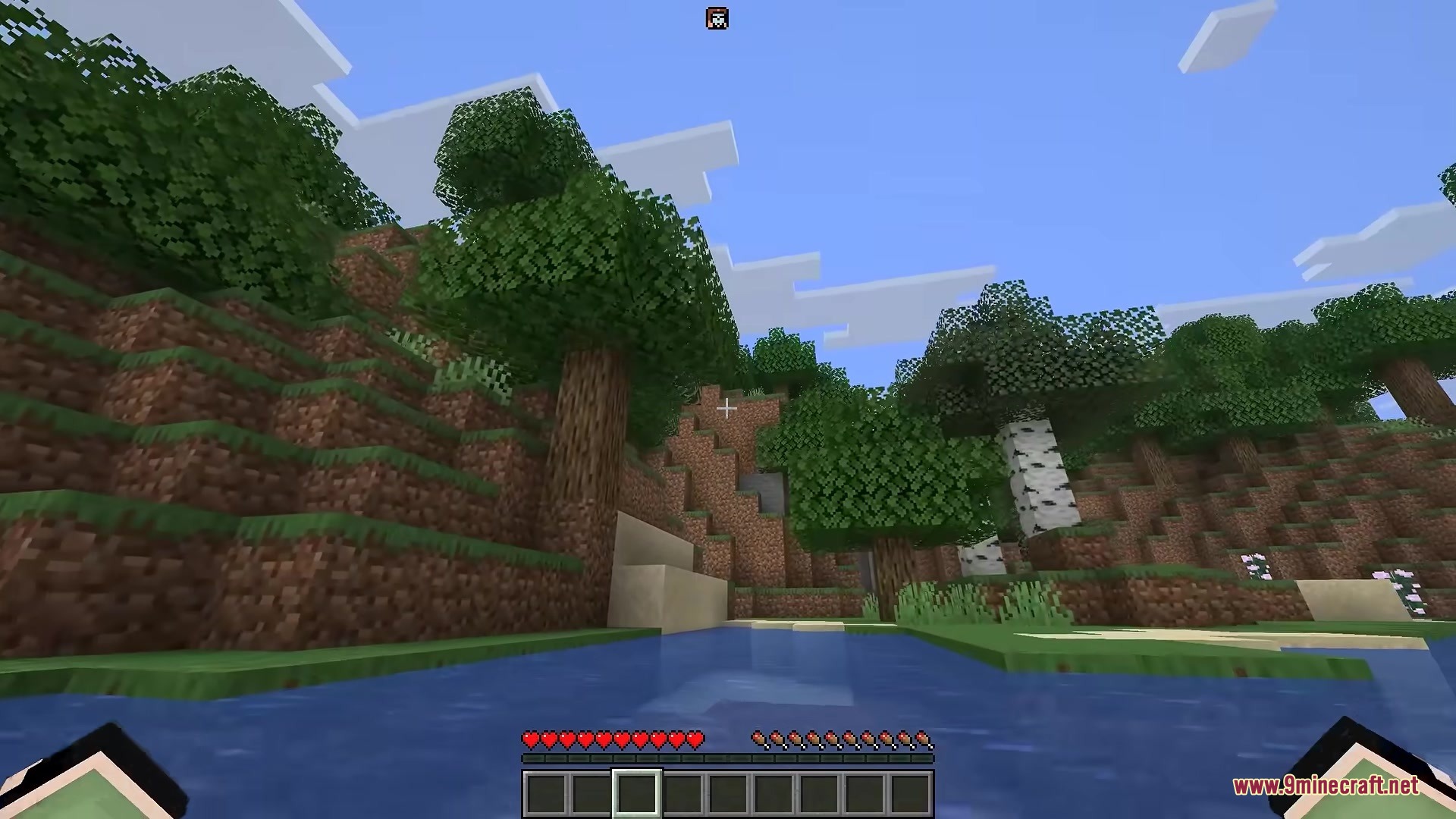
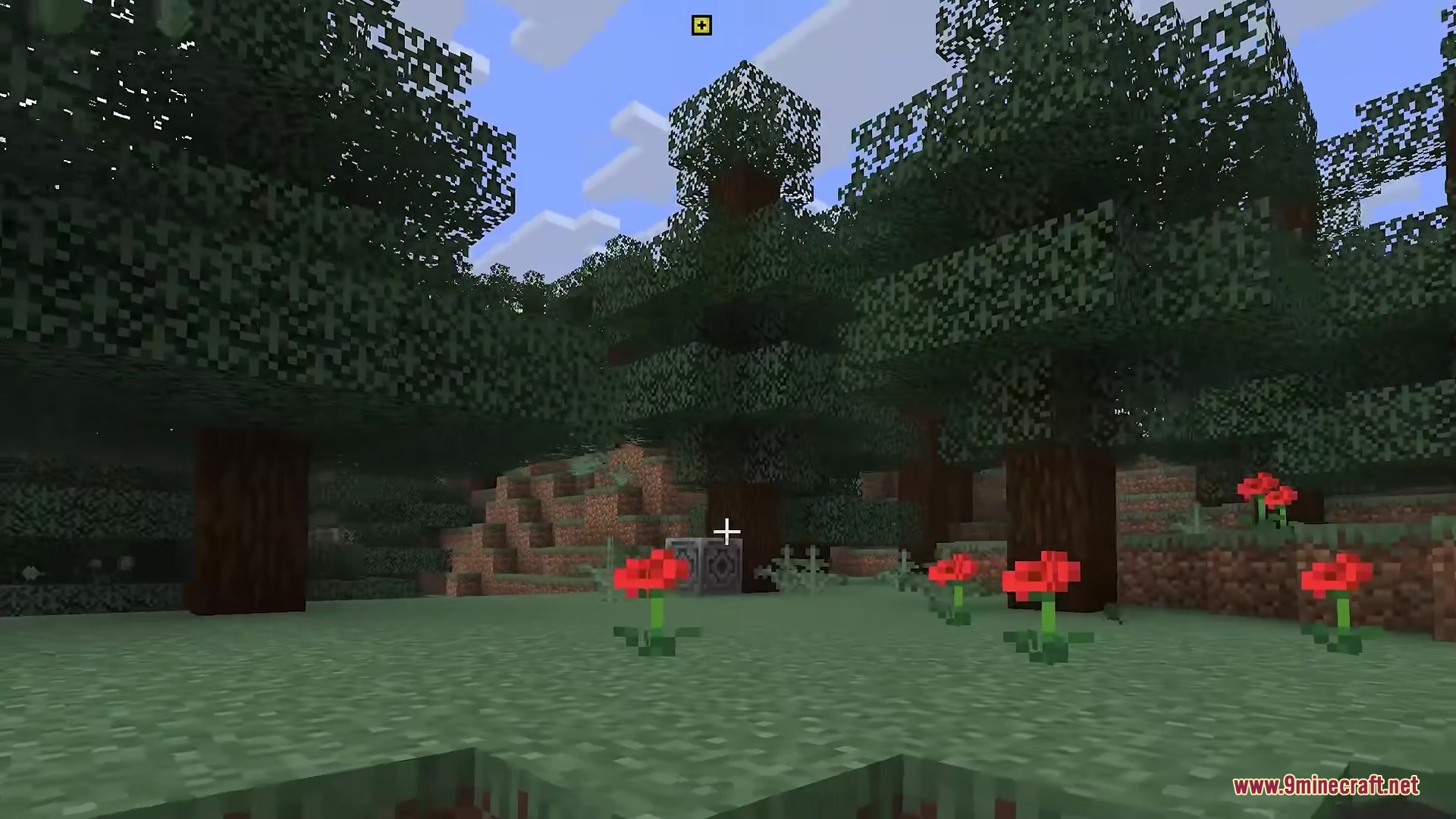
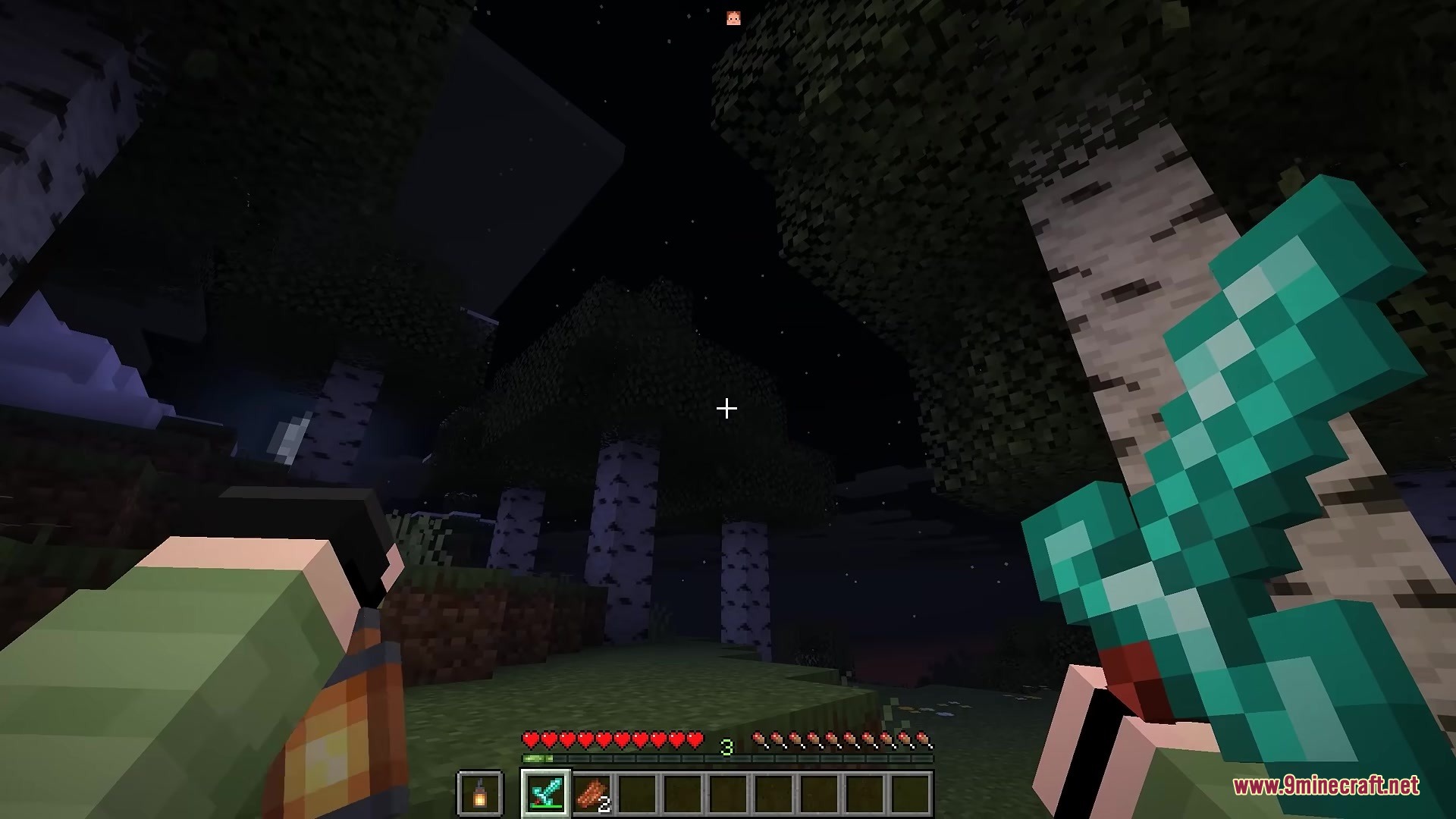
Locator Border Mod moves player waypoints off the center bar and places them along the edges of your screen. This keeps your main view clear while still letting you see exactly where other people are in the world.
Features:
- Pushes all player tracking markers to the outer borders of your display so they do not block your hotbar.
- Pulls targeted waypoints slightly inward and makes them bigger when you look directly toward them.
- Lets you swap basic colored dots for actual player faces so you can easily spot specific friends.
- Adds optional drop shadows and custom borders to make the markers stand out against the sky or blocks.
- Matches waypoint colors to your server scoreboard teams automatically.
- Allows you to pick custom permanent colors for specific players, or just lets the mod pick random colors for everyone.
- Shows clean text overlays with the player’s name and exactly how many blocks away they are.
- Places cardinal direction letters like North, South, East, and West along the edges that move as you turn your camera.
Screenshots:
Locator Border Mod Download Links
Quick facts
- Edition: Minecraft Java
- File type: .jar
- Minecraft version listed: 1.21.11
- How to install: Install the matching mod loader (Forge, Fabric or NeoForge) for your Minecraft version. → Download the .jar. → Put it in the .minecraft/mods folder and launch that loader profile.
- Where to get it: In MC Java Mods, or directly above on this page.
Install steps are the general flow for this file type — How to install Minecraft Java mods & modpacks walks through it step by step.
Verified by MCModsHub
- Downloads as 387975.mcaddon
- Download size: 43 KB
- Download link checked 23 Sept 2026 — working
- Mirrored on our own servers — the download does not depend on the original host
These come from our own check of the pack file, not from the source page.