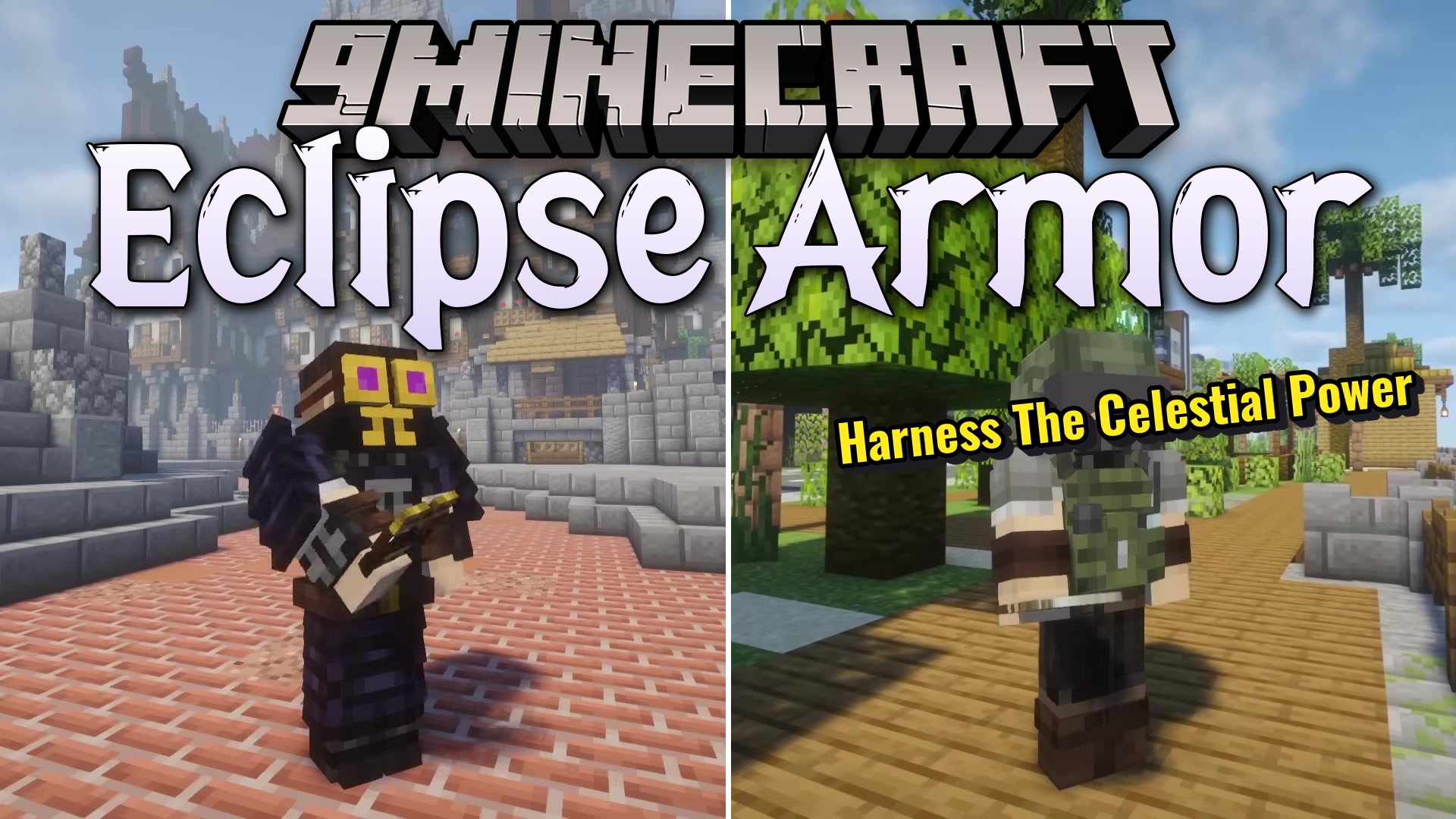
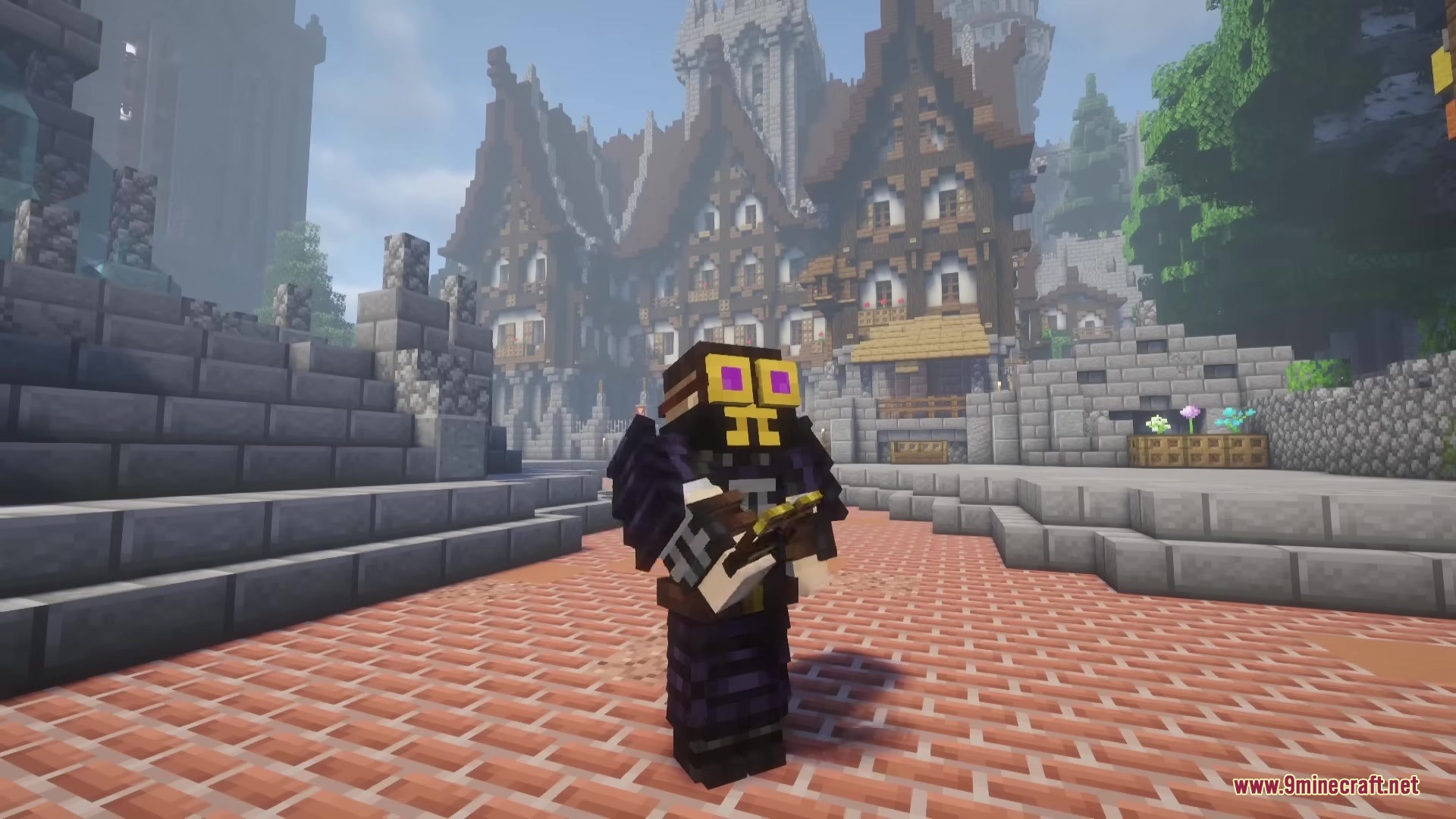
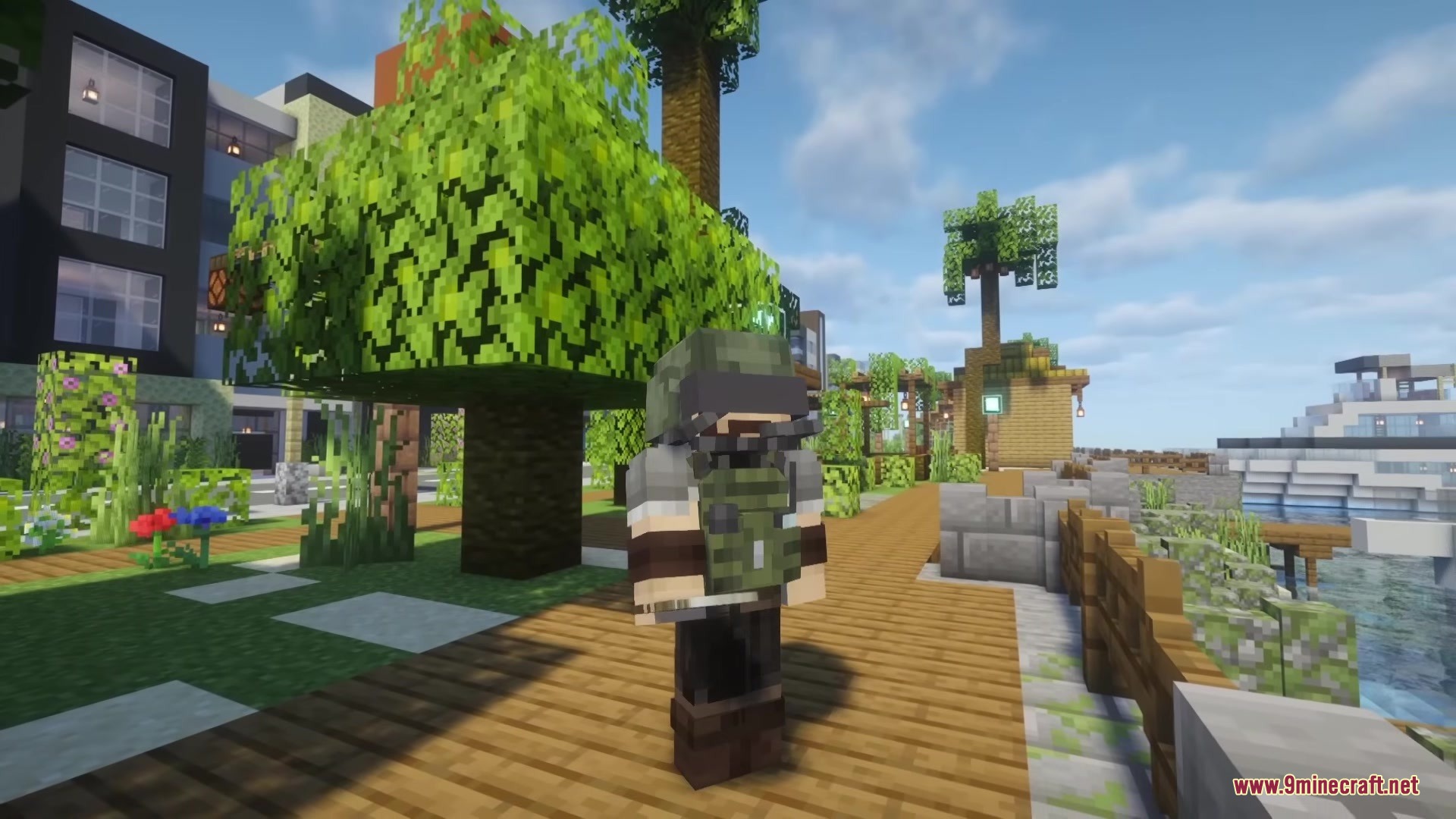
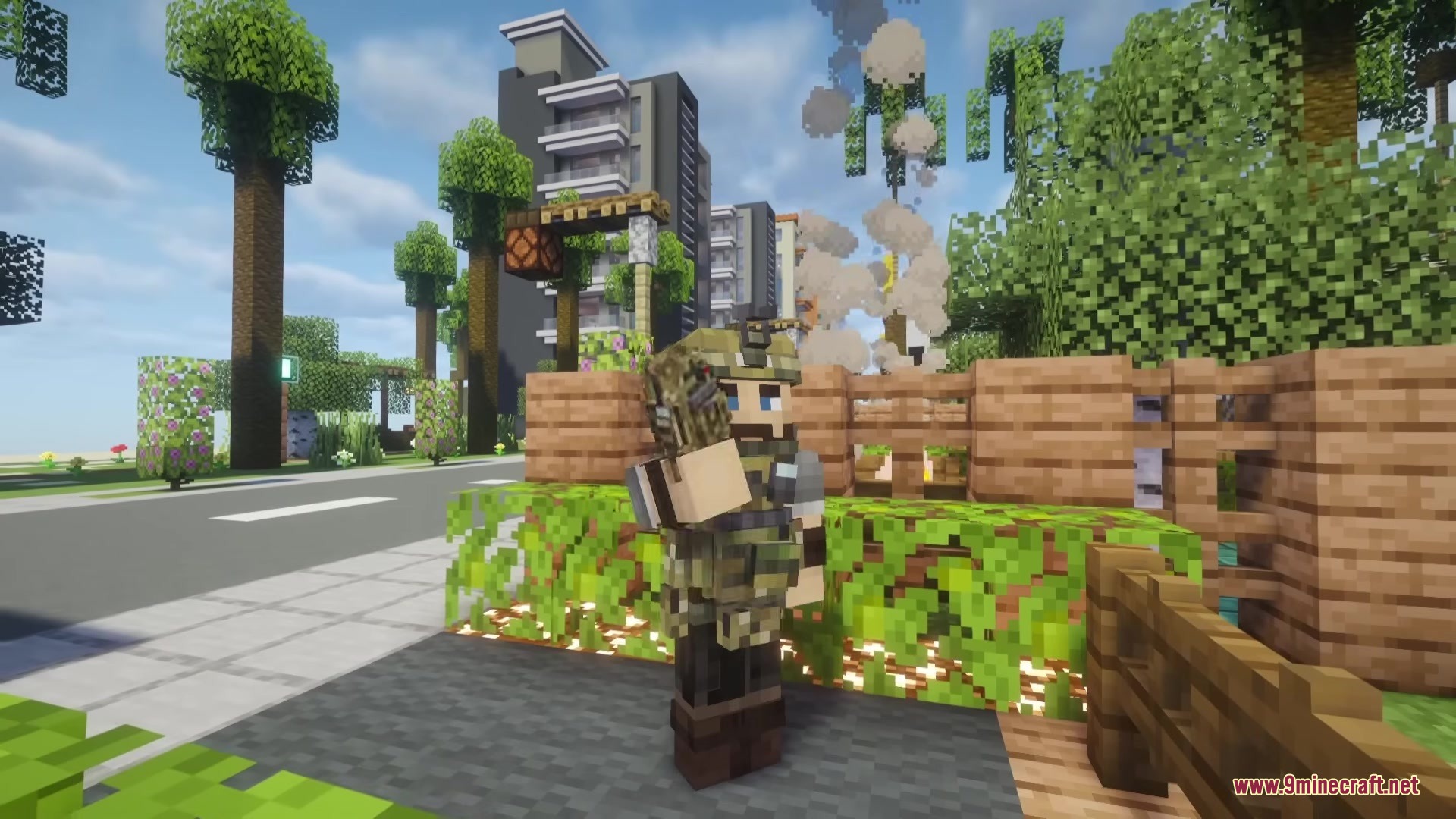
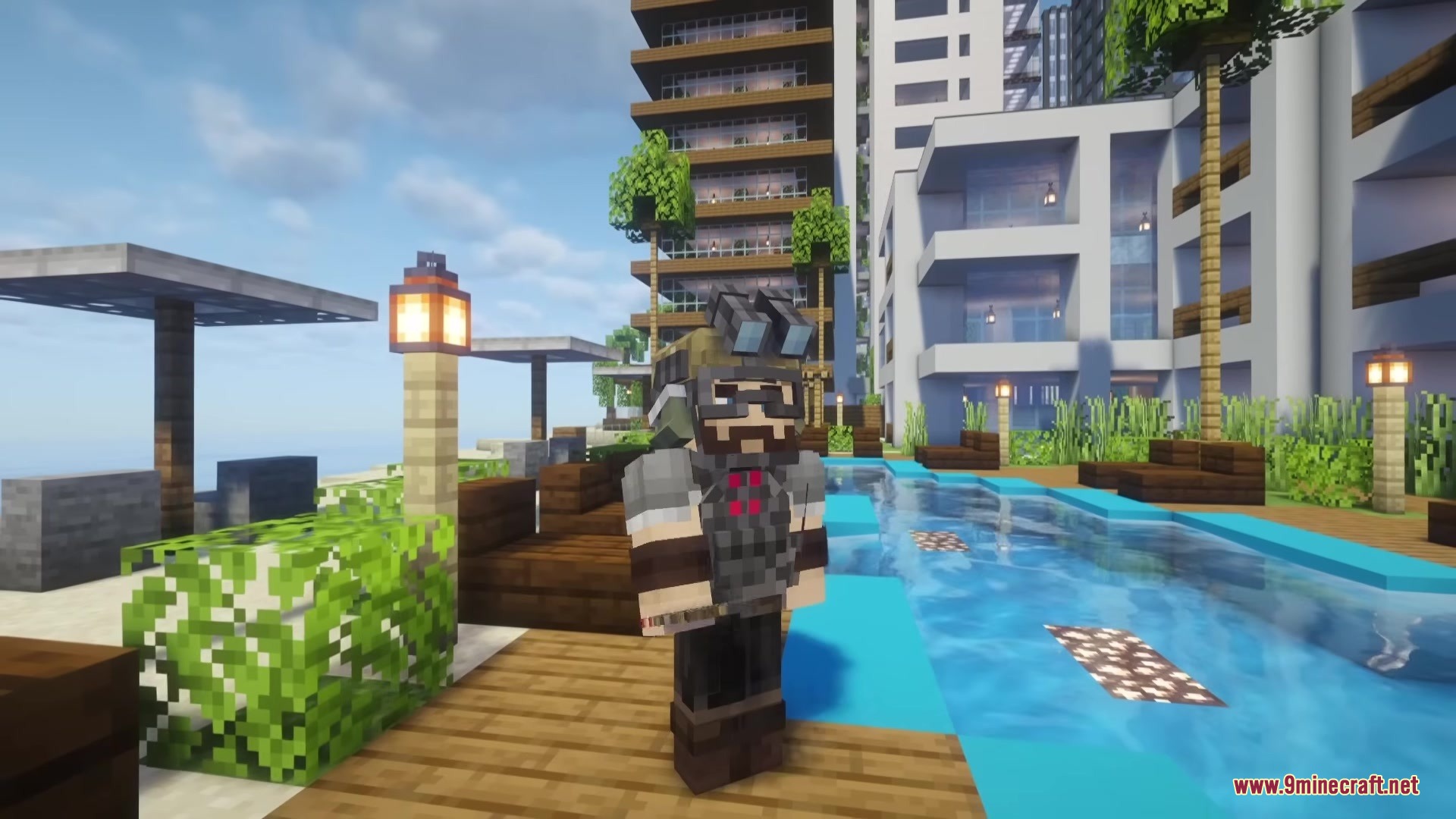
Eclipse Armor Mod adds modern military gear to your Minecraft world. It brings realistic tactical equipment, helmets, and heavy body armor for tough fights. This mod gives you new ways to protect yourself when battling enemies. You can gear up like a real soldier and survive heavy damage during combat.
Features:
- Adds modern military-grade body armor to protect you from heavy attacks.
- Brings tactical helmets to keep your head safe during close fights.
- Gives you realistic combat equipment for different battle situations.
- Changes how you prepare for fights with modern tactical gear.
- Requires Embeddium instead of Optifine to load the models properly.
Screenshots:
Eclipse Armor Mod Download Links
Quick facts
- Edition: Minecraft Java
- File type: .jar
- Minecraft version listed: 1.20.1
- How to install: Install the matching mod loader (Forge, Fabric or NeoForge) for your Minecraft version. → Download the .jar. → Put it in the .minecraft/mods folder and launch that loader profile.
- Where to get it: In MC Java Mods, or directly above on this page.
Install steps are the general flow for this file type — How to install Minecraft Java mods & modpacks walks through it step by step.
Verified by MCModsHub
- Downloads as 387986.mcaddon
- Download size: 718 KB
- Download link checked 25 Sept 2026 — working
- Mirrored on our own servers — the download does not depend on the original host
These come from our own check of the pack file, not from the source page.