
🎨 Forbidden Forge – Official Resource Pack
This is the official resource pack for Forbidden Forge, bringing all of the mod's custom items to life. Without this pack, your custom weapons, god-tier tools, mythical armor, and other unique items will appear as their vanilla Minecraft counterparts.
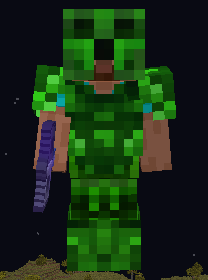
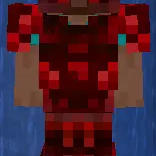
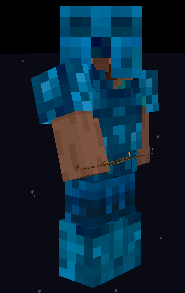
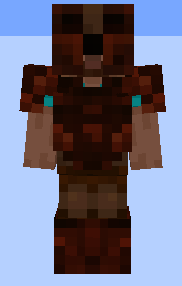
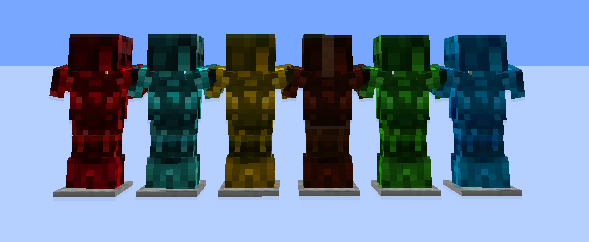
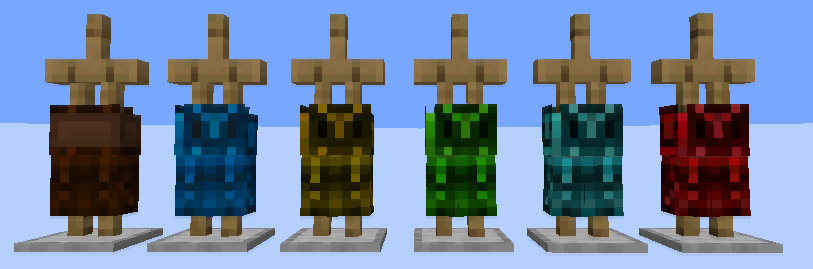
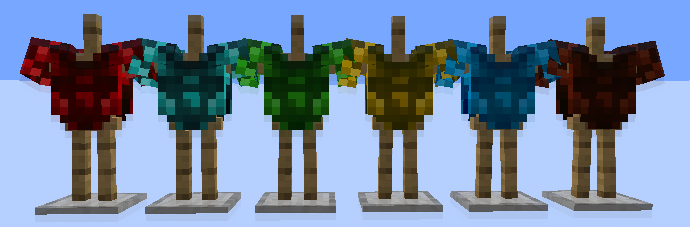
🌟 What This Pack Adds 3D Models – Every custom armor texture features its own 3D model for a more immersive experience. Mythical Armor – Adds custom textures for all six upgraded armor tiers. Each armor set shares the same design, with a different color theme for each material:
Leather
Gold
Chainmail
Iron
Diamond
Netherite
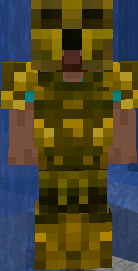
Custom Icons & UI – Displays the correct textures for stackable potions, survival utilities, and other custom items. Preview Included – A preview image of the Diamond armor is included so you can see the design before installing.
⚙️ Installation Download the .zip file from this page. Open Minecraft 1.21.x. Go to Options → Resource Packs → Open Pack Folder. Drag the downloaded .zip into the folder. Enable the pack and place it at the top of your active resource packs list. The pack works on older versions i tried it personaly, it will just be in red color, it works!
📺 Showcase
Interested in seeing everything in action? Check out the showcase video below!
- Edition: Minecraft Java
- File type: .zip (resource pack)
- Minecraft versions listed: 1.21.1, 1.21.2, 1.21.3
- How to install: Download the .zip resource pack — do not unzip it. → Put it in .minecraft/resourcepacks. → Enable it in Options → Resource Packs.
- Where to get it: Opens on Modrinth — not every file is mirrored on our own servers.
Install steps are the general flow for this file type — How to install Minecraft Java resource packs walks through it step by step.
- Downloads as Esthetic Armor.zip
- Download size: 6.1 MB
- Download link checked 9 Sept 2026 — working
These come from our own check of the pack file, not from the source page.