🧩 VectorLock: Core — one menu, one engine, every add-on in its place
Running more than one Vector Lock add-on? Core is the hub that ties them together. Every Vector Lock add-on already works on its own — but the moment you run two or more, Core gives them a single shared menu, a single tick engine, one set of global preferences, and a master API switch that turns every feature on or off instantly.
Core is a lightweight, script-only Behavior Pack built on the Stable Script API — no Experiments required, and Achievements stay enabled on your world. Install it next to any Vector Lock feature add-on, or keep it ready for when you add your second one.
Original work — p7x939 (VectorLock Studio)
✅ Requirements & Compatibility
- Minecraft Bedrock Edition 1.21.70 or newer
- Behavior Pack only — no Resource Pack, no texture changes
- No Experiments — uses the Stable Script API only
- Works in Singleplayer, Multiplayer and Realms (settings are per player)
- Achievement-safe — flagged
product_type: addon, so activating it does not disable achievements - Does not modify any vanilla block, item, entity or recipe — plays nicely with other add-ons
🧩 What It Does
Core is the control center for the Vector Lock suite. It does not add a gameplay power of its own — it makes every Vector Lock power you install behave like one polished, unified mod:
- Install a Vector Lock feature add-on → its button appears in the Core menu automatically.
- Remove that add-on → the button disappears just as cleanly. No config files, no setup.
- Every installed add-on runs inside Core's single tick loop instead of each one spinning up its own — smoother performance the more add-ons you stack.
If Core is not installed, each add-on quietly falls back to solo mode and opens its own settings screen. Install Core later and every setting you already saved carries straight over.
✨ Features
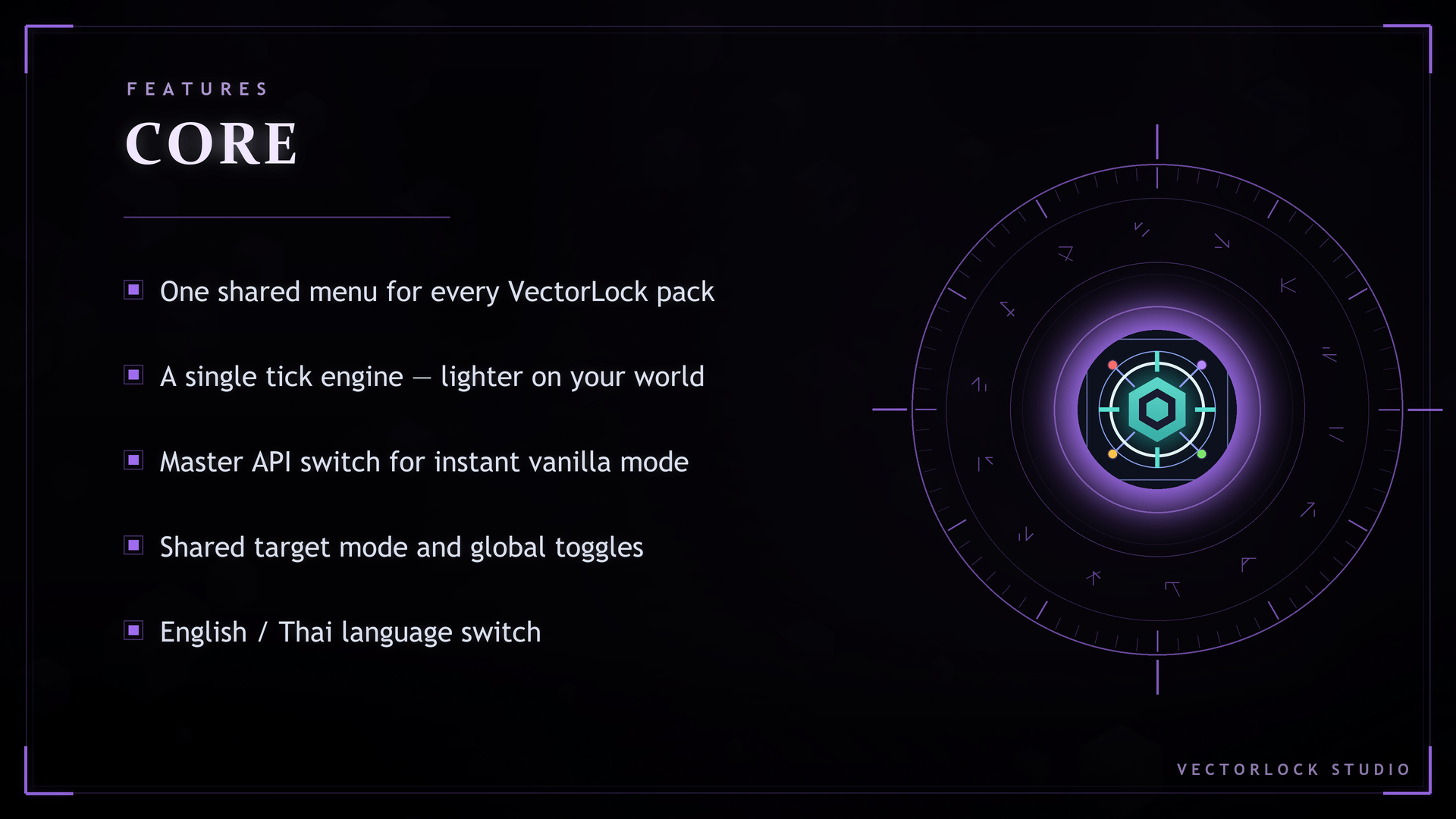
- 🧭 One unified menu — Sneak + use a Compass. Every installed Vector Lock add-on is a button here, added and removed automatically.
- ◆ API master switch — one tap flips the whole suite to pure vanilla mode: every feature of every pack pauses instantly, and all your settings are kept. Tap again to bring everything back.
- 🕊️ Graceful shutdown — turning the API off never leaves you stuck: if you were flying you land safely, and a swapped-in totem returns your original offhand item.
- 🏆 Achievements screen — check your world's achievement-safety status in game, plus a clear list of what permanently disables achievements (Cheats, Experiments, Creative mode) — none of which this add-on needs.
- 📊 Status screen — every installed add-on reports its active systems in one place.
- 🎯 Shared Target Mode — All mobs / Hostile only / Passive only / Players only. Set it once and both Bow Aiming and Sword Aiming follow it.
- 🎛️ Global preferences — master switches for particle effects and sound effects across the whole suite.
- 🌐 Language toggle — English / ไทย for the in-game interface.
- 💾 Settings saved to the world — per player, and they survive removing and reinstalling the pack.
- ⚙️ One tick engine — shared scheduling for every pack, instead of one loop per add-on.
🎮 How to Use
- Enter your world — a short welcome message confirms Core is running.
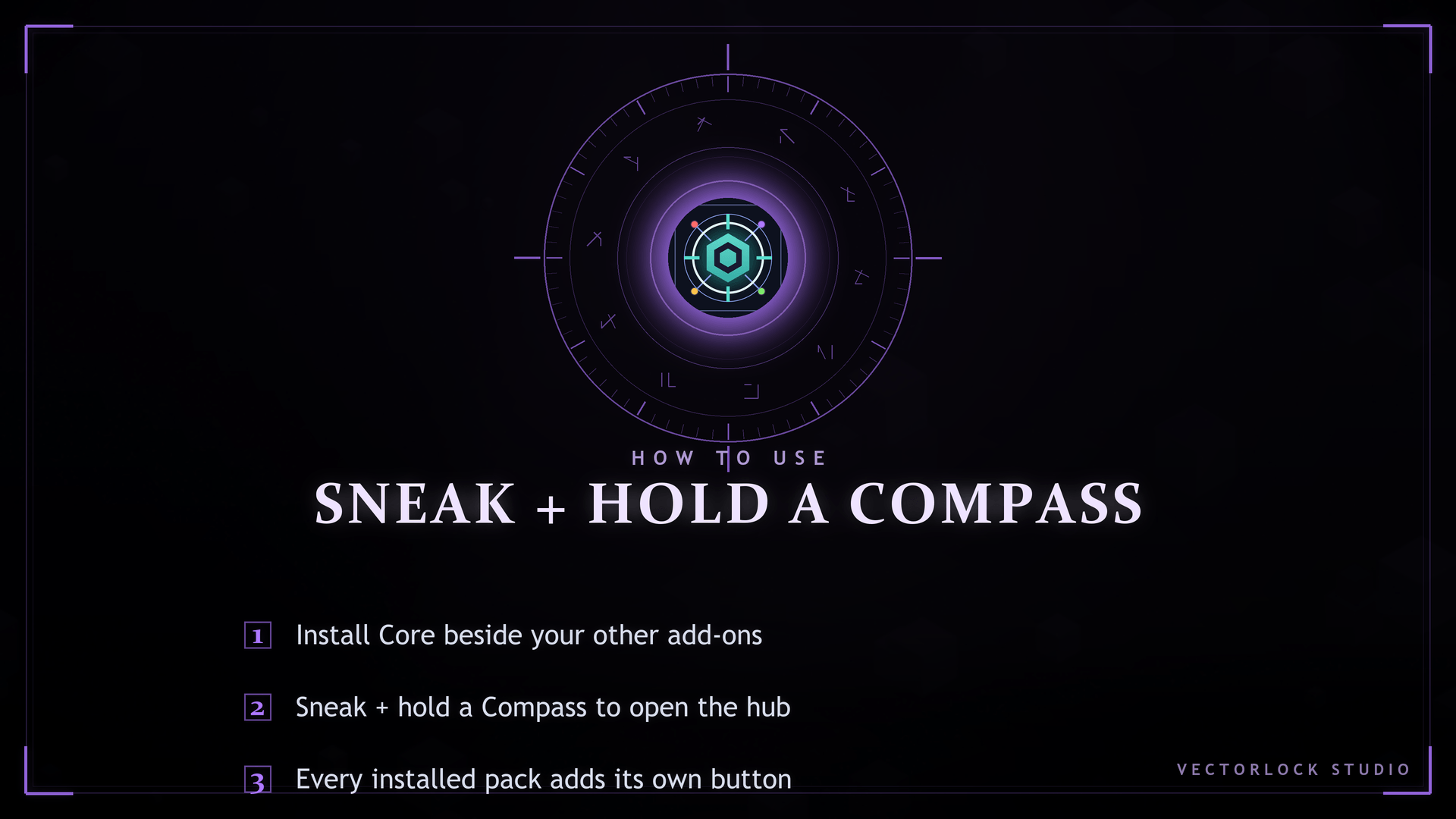
- Sneak and use a Compass to open the Vector Lock menu.
- Pick any installed add-on's button to configure it, or use Core's own screens: API, Achievements, Status, Preferences, Language, Help.
That's the whole control scheme — one item, one menu, no commands and no cheats needed.
📥 Installation
- Download
VectorLock-Core.mcaddon. - Double-click the file (or open it with Minecraft) — it imports automatically.
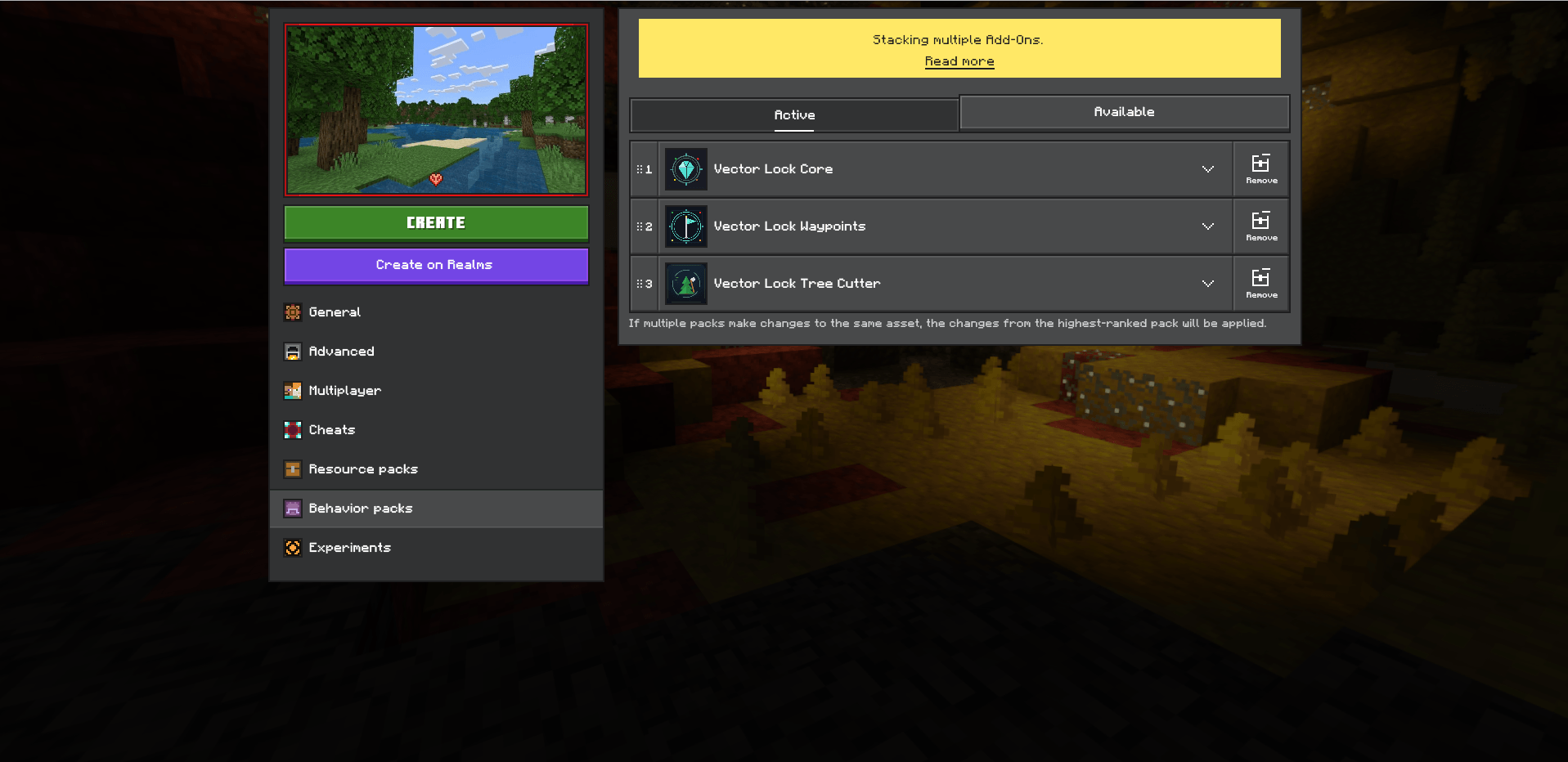
- In your world settings, open Behavior packs and activate Vector Lock Core.
- Activate any Vector Lock feature add-ons you want alongside it. No particular pack order is required — they detect each other when the world loads.
- Enter the world and Sneak + use a Compass.
❓ FAQ
Do I need Core to use a Vector Lock add-on?
No. Every Vector Lock add-on works completely on its own. Core is recommended once you run two or more of them together.
Does Core add any gameplay feature by itself?
No — it is the hub: the menu, the settings, the shared engine. Install it with the feature add-ons you want.
Does it require Experiments?
No. Core uses the Stable Script API only, so no Experiments toggles are needed.
Will I still earn achievements?
Yes. Core is flagged product_type: addon per Minecraft's official spec, so your world stays Achievements Enabled. Note that enabling Cheats or Experiments, or switching to Creative, disables a world's achievements permanently — Core needs none of those.
I installed Core after already using an add-on. Do I lose my settings?
No. Settings are stored in the world per player, so everything you configured in solo mode appears in the Core menu right away.
Does it work in Realms and on servers?
Yes. Settings are per player, so everyone configures their own.
Do I have to order the packs a certain way?
No. The add-ons detect each other at world load and arrange themselves.
🔒 More From VectorLock
| Add-on | What it does |
|---|---|
| Vector Lock: Vein Miner | Mine a whole connected ore vein in one break |
| Vector Lock: Tree Cutter | Fell an entire tree with a single cut |
| Vector Lock: Item Magnet | Pull nearby dropped items and XP orbs straight to you |
| Vector Lock: Fly | Double-tap jump to fly in Survival, with safe landings |
| Vector Lock: Waypoints | Pins, warping, a HUD compass and an auto-saved death location |
⚠️ License
Copyright © 2026 p7x939. All Rights Reserved.
Original work — designed and developed by p7x939. Copying, redistributing, re-uploading, modifying, or claiming this work as your own — in part or in whole — is prohibited without the author's prior written permission.
- Edition: Minecraft Bedrock
- File type: .mcpack or .mcaddon
- Minecraft versions listed: 1.21.81, 1.21.93, 1.21.73
- How to install: Download the .mcpack or .mcaddon file. → Open it — Minecraft imports it. → In your world: Behavior Packs → Available → Activate, then the same under Resource Packs.
- Where to get it: Opens on CurseForge — not every file is mirrored on our own servers.
Install steps are the general flow for this file type — How to install Minecraft Bedrock addons & mods walks through it step by step.
🧩 VectorLock: Core is a free Minecraft Bedrock addon. Compatible with Minecraft 1.21.81, 1.21.93, 1.21.73, 1.21.90 and newer. Downloaded 96 times (via CurseForge). Download it and open it directly in the game.