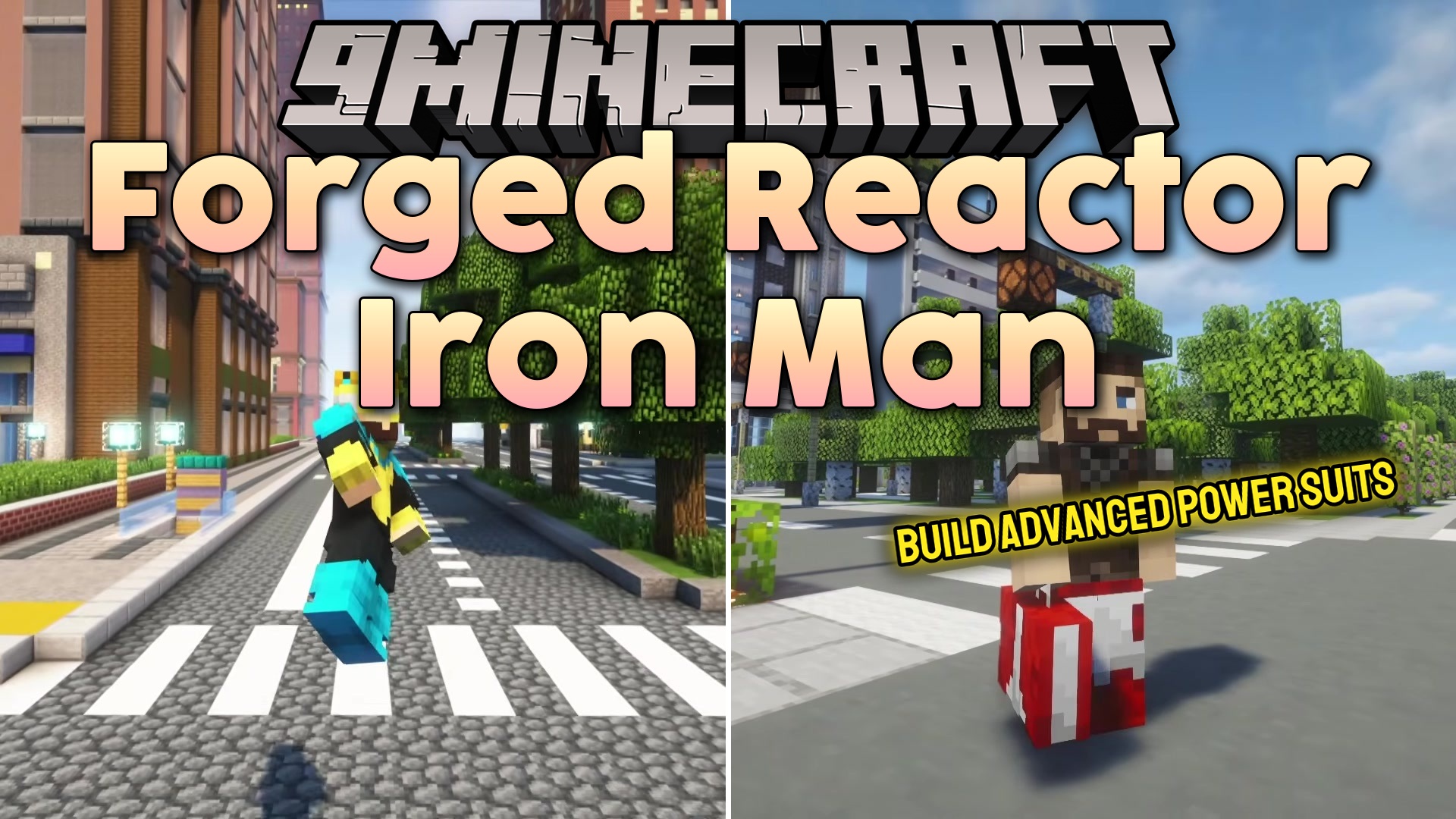
Forged Reactor Iron Man Mod (1.20.1) – Craft and Fly in Upgradable Iron Man
Forged Reactor Iron Man Mod adds Tony Stark's famous superhero suits into your world. This mod lets you craft and wear different versions of the armor…
⬇ Download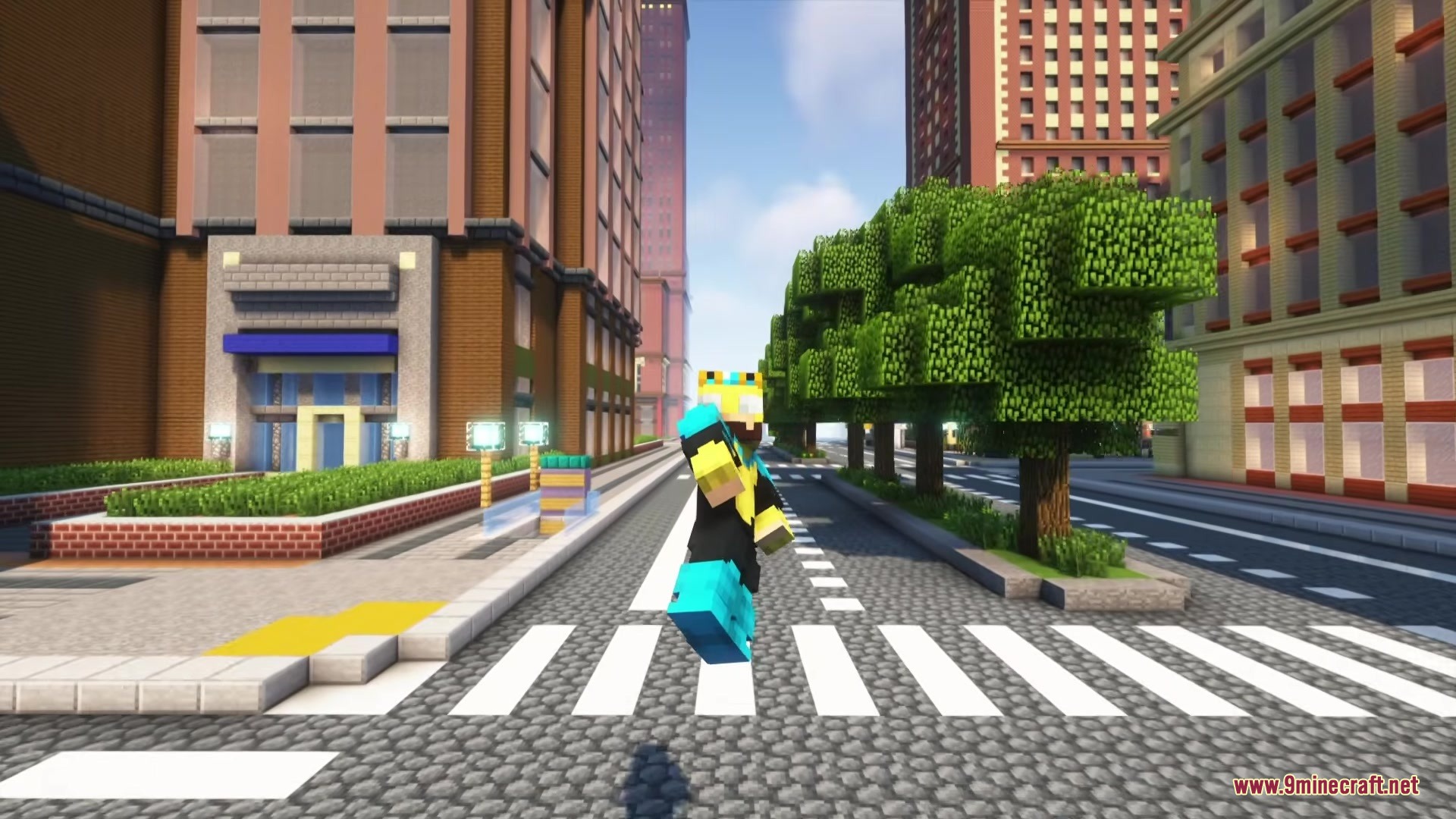


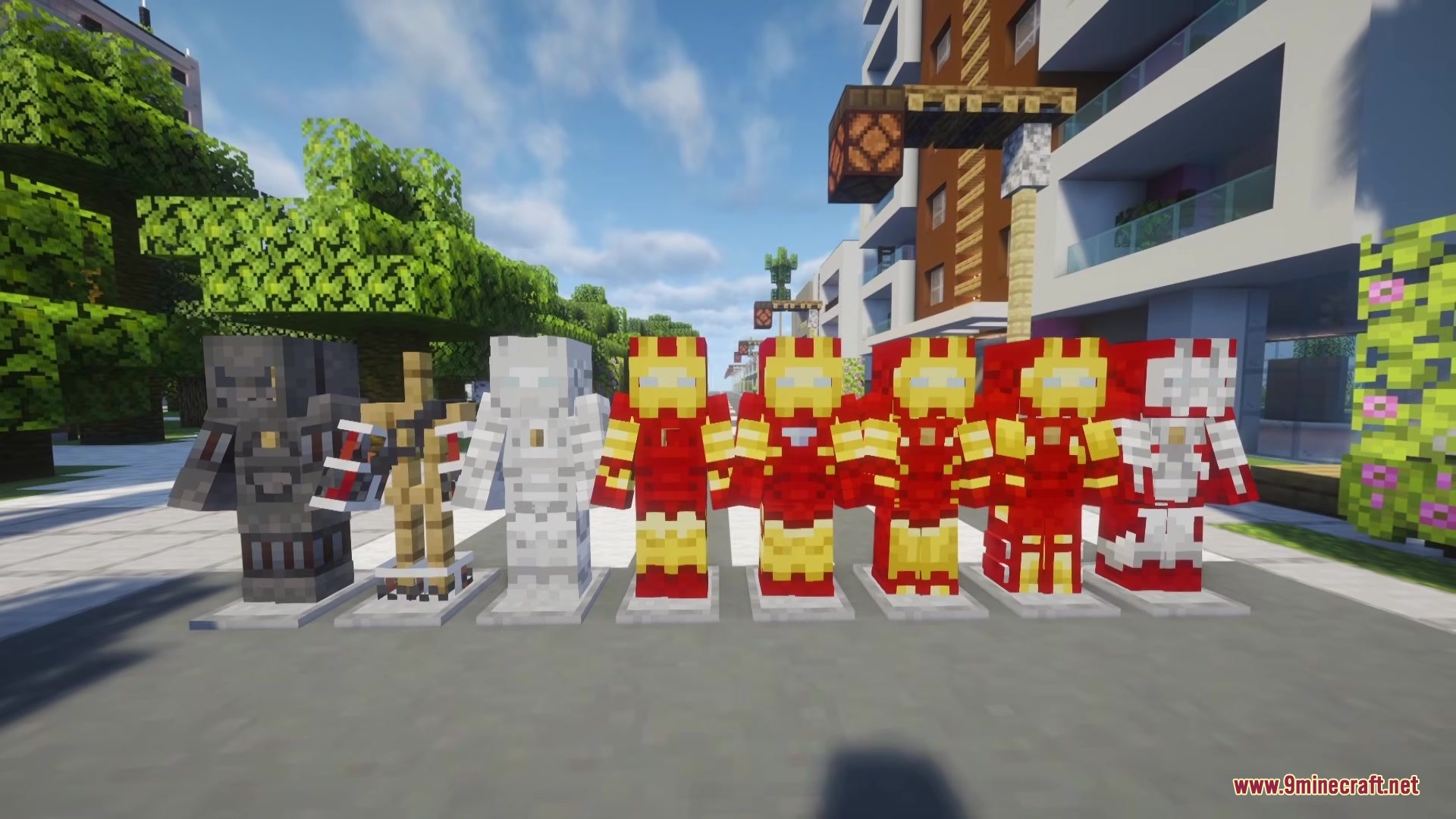
Forged Reactor Iron Man Mod adds Tony Stark’s famous superhero suits into your world. This mod lets you craft and wear different versions of the armor, from the basic Mark 1 to the advanced Mark 9. You can build a special workshop to upgrade your gear and shoot energy blasts at enemies. It also gives you a high-tech display on your screen to track your speed and height while flying around the map.
Features:
- Suit Upgrades: Use the Armor Modification Configurator block to improve your armor from Mark 1 all the way to Mark 9.
- High-Tech HUD: The helmet adds a special screen display that shows your current Y-level, flight speed, and details about mobs in front of you.
- Arc Reactor Mechanics: Wear the Arc Reactor to power your suits, but be careful because it can cause poison effects over time.
- Shoot powerful energy blasts from your suit to defeat enemies from a distance.
- Store your superhero outfit inside a handy suitcase item so you can carry it anywhere.
- Power up your gear using custom battery items.
- Players can add their own custom armor designs into the game using data packs.
How to Use:
- Install a recipe viewing mod like Just Enough Items (JEI) to see how to craft the new blocks and items.
- Craft and place the Armor Modification Configurator block to start working on your suits.
- Use Upgrade Templates inside the configurator to change your armor from Mark 1 up to Mark 9.
- Put on the Iron Armor Helmet to activate the special on-screen flight and targeting display.
Screenshots:
Forged Reactor Iron Man Mod Download Links
- Edition: Minecraft Java
- File type: .jar
- Minecraft version listed: 1.20.1
- How to install: Install the matching mod loader (Forge, Fabric or NeoForge) for your Minecraft version. → Download the .jar. → Put it in the .minecraft/mods folder and launch that loader profile.
- Where to get it: In MC Java Mods, or directly above on this page.
Install steps are the general flow for this file type — How to install Minecraft Java mods & modpacks walks through it step by step.
- Downloads as 388482.mcaddon
- Download size: 824 KB
- Download link checked 26 Sept 2026 — working
- Mirrored on our own servers — the download does not depend on the original host
These come from our own check of the pack file, not from the source page.