
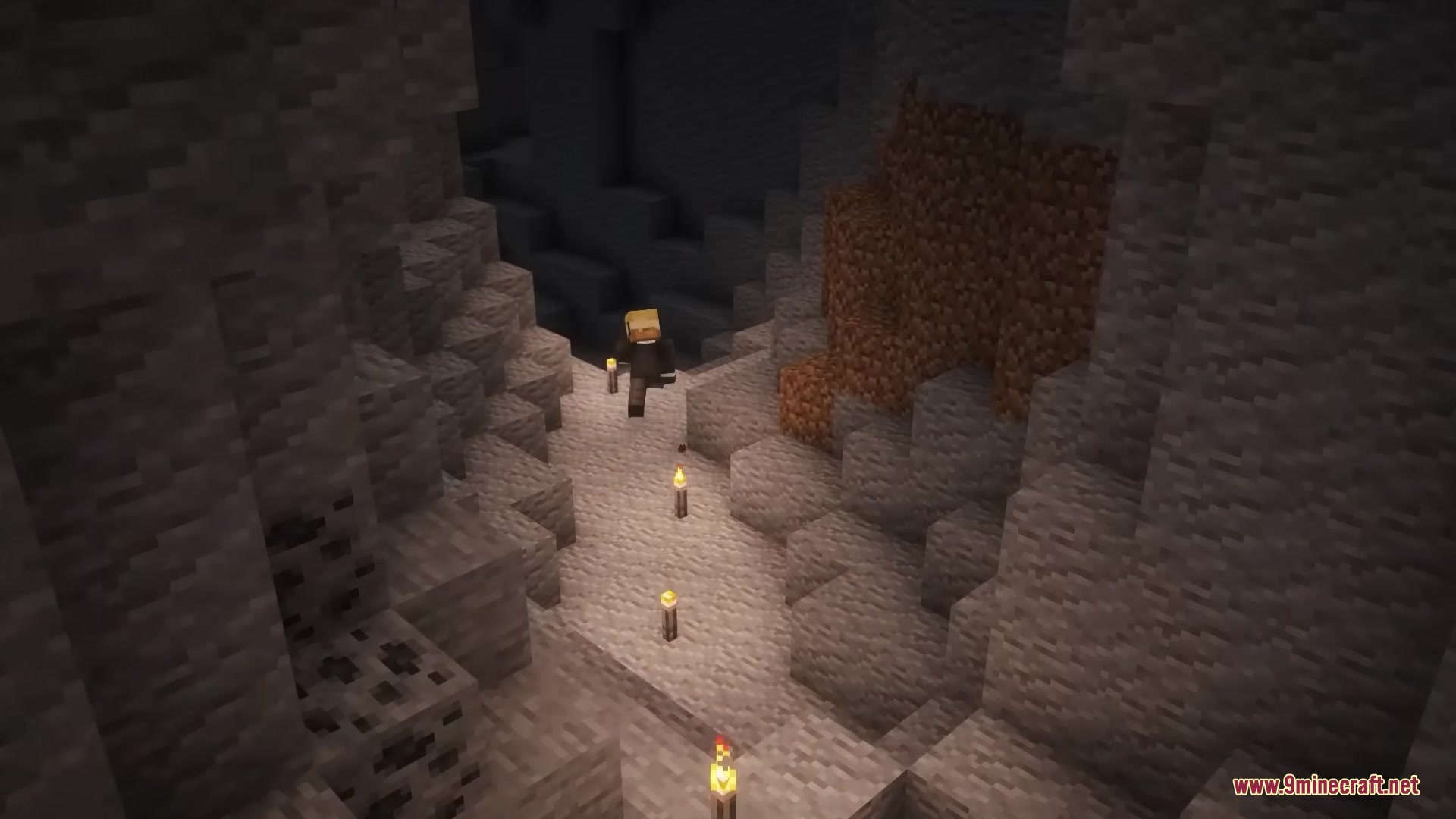
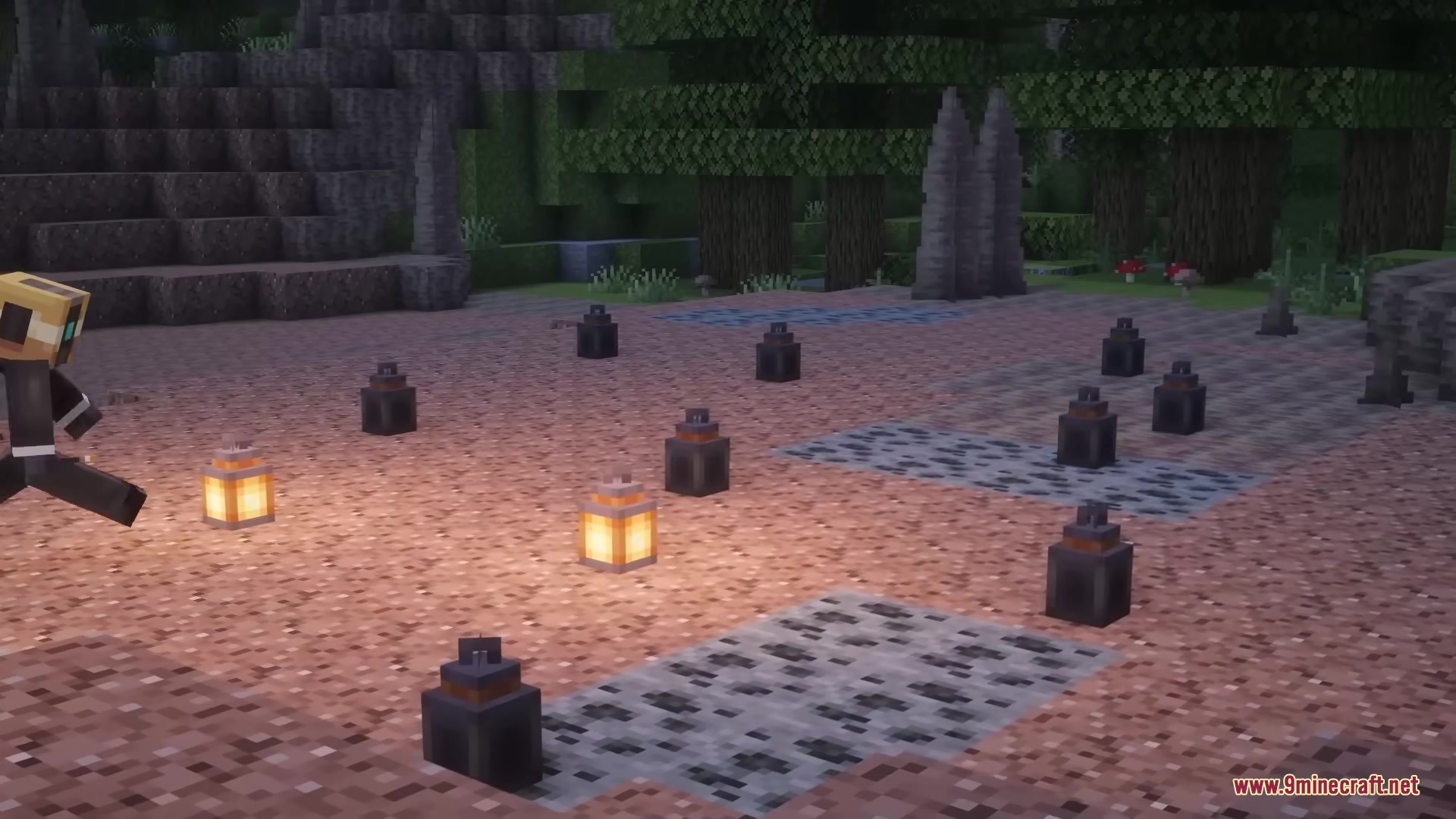
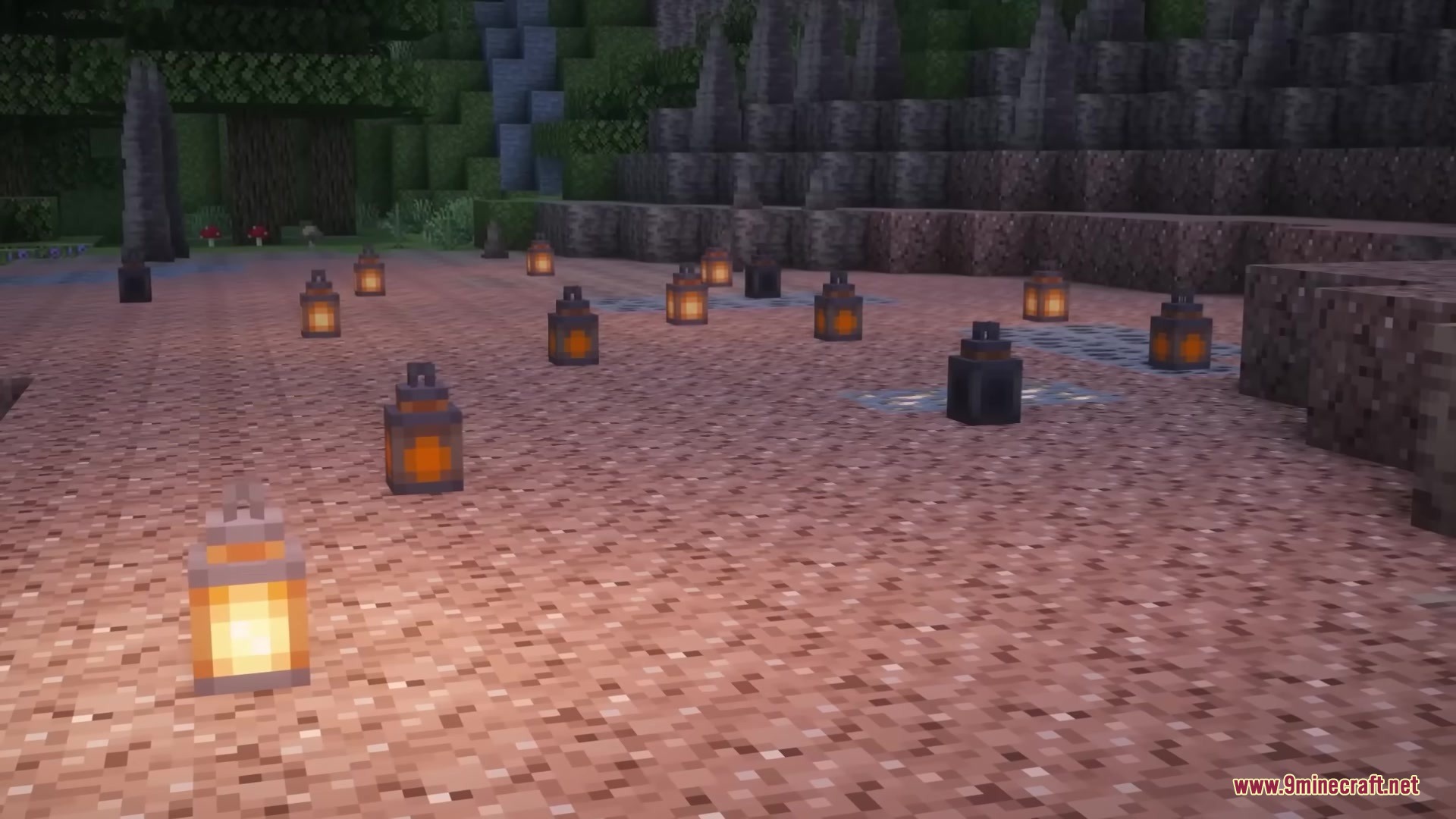
Flimsy Torches Mod changes how light works in your world by making torches burn out over time. Instead of lasting forever, every torch slowly fades through four different stages until it completely dies. This mod makes exploring caves and lighting up your base more challenging because you must keep track of your light sources. It also gives you new ways to save your light, like putting torches inside empty lanterns to make them burn longer. You can even recycle the broken scraps to get some of your materials back.
Features:
- Fading Light: Torches slowly burn through four visible states before they go completely dark.
- When you explore new areas, almost all normal torches automatically turn into flimsy ones.
- You have a very small chance to find a lucky torch that stays permanent when a new area loads.
- Lets you craft empty lanterns using eight iron nuggets.
- Placing a torch inside a lantern makes it last longer before it burns out.
- You can pick up completely burnt-out torches and craft the scraps together to get a piece of coal back.
- Villagers walk around and automatically replace dead or dying torches in their villages.
- Allows you to craft permanent torches by combining a flimsy torch with magma cream.
- Lets you make permanent soul torches using soul sand or soul soil with a regular permanent torch.
- Includes settings to change how long torches burn and how often villagers fix them.
- The settings file also lets you make torches from other mods burn out just like flimsy torches.
How to Use:
- Place a flimsy torch on a wall or the floor and watch it slowly burn down over time.
- Craft an empty lantern with eight iron nuggets on a crafting table.
- Right-click the empty lantern with a flimsy torch in your hand to light it up.
- Pick up burnt-out torches from the walls and combine the scraps in your crafting grid to recover coal.
- Craft a flimsy torch with magma cream to get a normal torch that never goes out.
Screenshots:
Flimsy Torches Mod Download Links
Quick facts
- Edition: Minecraft Java
- File type: .jar
- Minecraft versions listed: 1.21.1, 1.20.1
- How to install: Install the matching mod loader (Forge, Fabric or NeoForge) for your Minecraft version. → Download the .jar. → Put it in the .minecraft/mods folder and launch that loader profile.
- Where to get it: In MC Java Mods, or directly above on this page.
Install steps are the general flow for this file type — How to install Minecraft Java mods & modpacks walks through it step by step.
Verified by MCModsHub
- Downloads as 388487.mcaddon
- Download size: 124 KB
- Download link checked 22 Sept 2026 — working
- Mirrored on our own servers — the download does not depend on the original host
These come from our own check of the pack file, not from the source page.