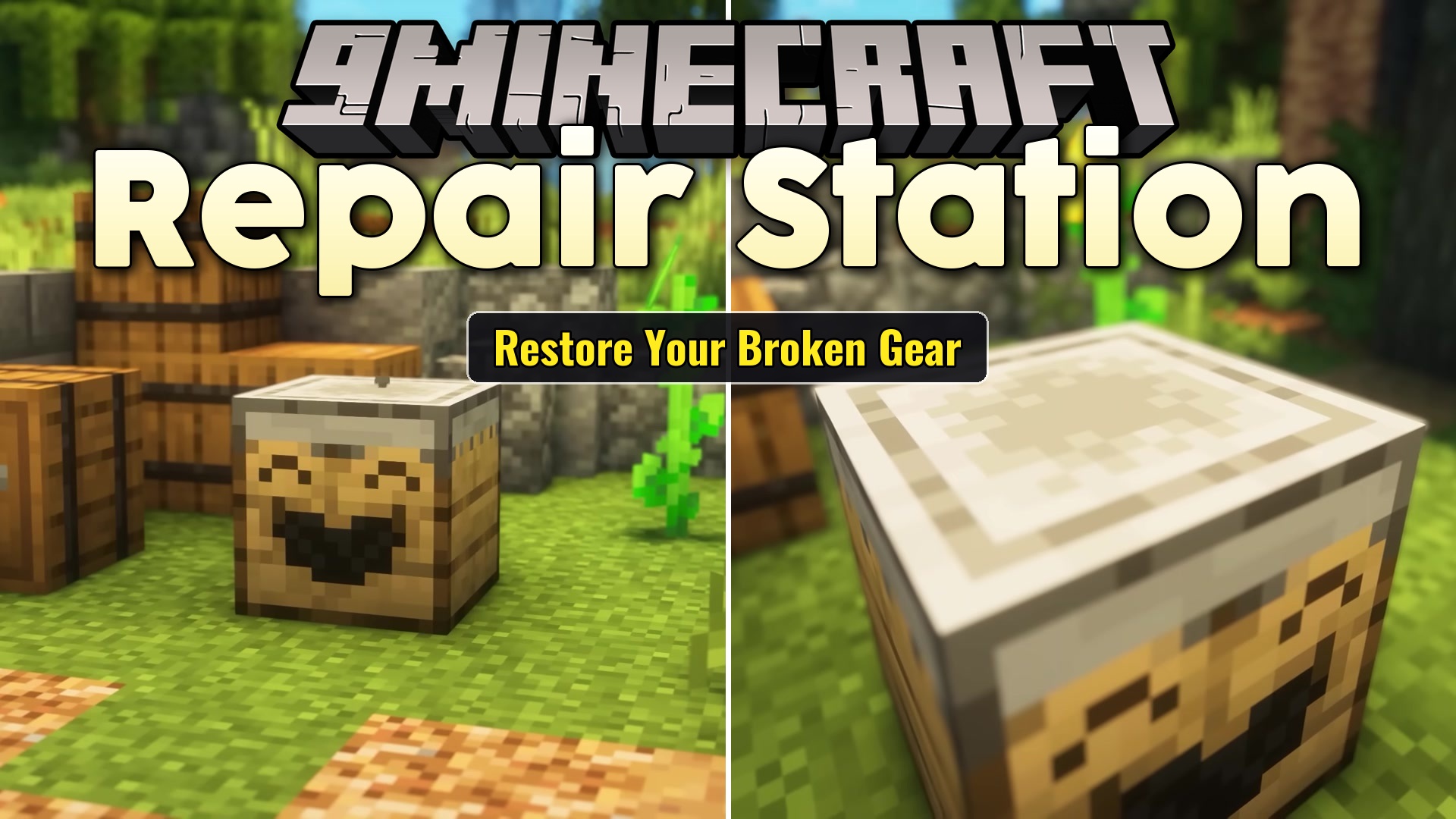

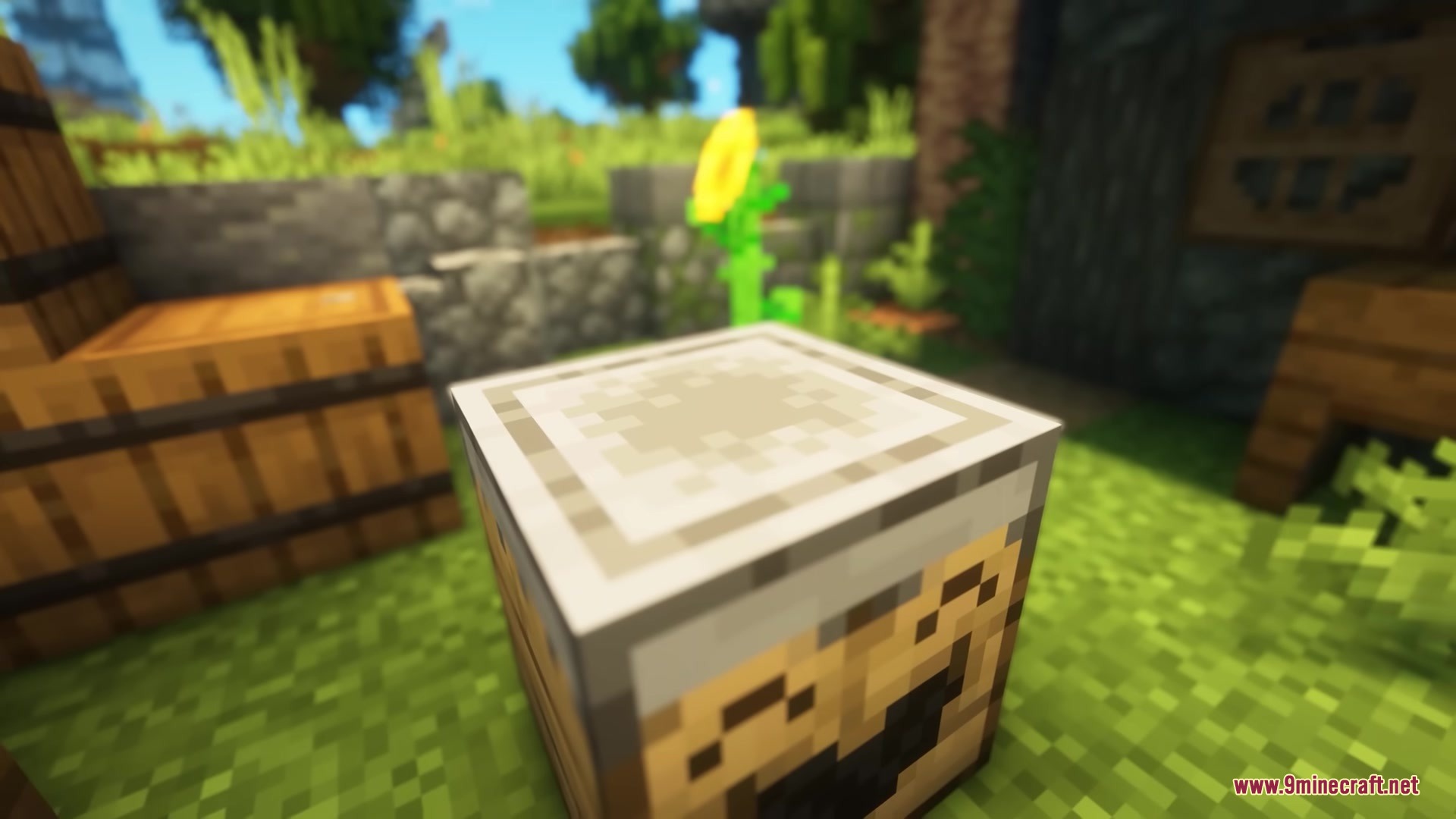


Repair Station Mod adds a new block that fixes your broken gear. This mod uses plain flint to slowly repair your tools and armor over time. It gives you an easy way to keep your favorite items intact without needing the rare Mending enchantment.
Features:
- Automatic Fixing: The block fixes one piece of armor or tool at a time.
- Flint Power: Consumes regular flint to run the repair process.
- Restores 80 durability points over 80 seconds for every single piece of flint you put inside.
- Moves items to a finished slot on the right side once they reach full health.
- Works with hoppers so you can drop in multiple broken tools at once and collect them later.
- Lets you change the fuel type and time rules in the settings menu.
- Plays well with Sinytra Connector if you mix different mod types.
How to Use:
- Place the station block on the ground.
- Put a broken tool or armor piece into the left slot.
- Add flint into the fuel slot.
- Wait as the block restores 5 durability points every 5 seconds.
- Take your fully fixed item from the right slot, or let a hopper pull it out automatically.
Screenshots:
Repair Station Mod Download Links
Quick facts
- Edition: Minecraft Java
- File type: .jar
- Minecraft versions listed: 1.21.1, 1.20.1
- How to install: Install the matching mod loader (Forge, Fabric or NeoForge) for your Minecraft version. → Download the .jar. → Put it in the .minecraft/mods folder and launch that loader profile.
- Where to get it: In MC Java Mods, or directly above on this page.
Install steps are the general flow for this file type — How to install Minecraft Java mods & modpacks walks through it step by step.
Verified by MCModsHub
- Downloads as 388492.mcaddon
- Download size: 48 KB
- Download link checked 25 Sept 2026 — working
- Mirrored on our own servers — the download does not depend on the original host
These come from our own check of the pack file, not from the source page.