
CraftRecall
Java mod listed for Minecraft 1.21. Downloads from the MC Java Mods app on Android.
⬇ Download on Modrinth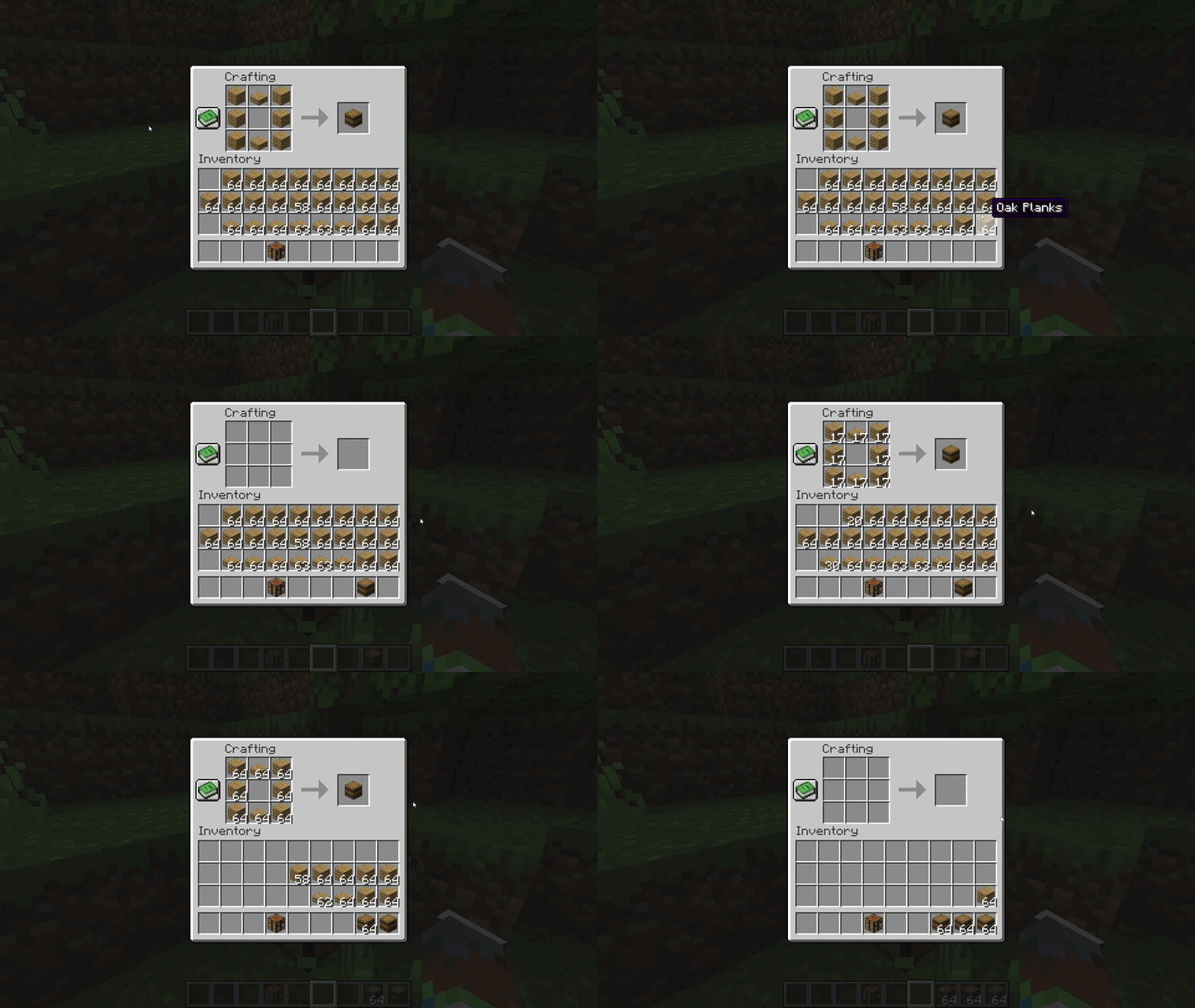
CraftRecall
Craft once. Recall it whenever you need it.
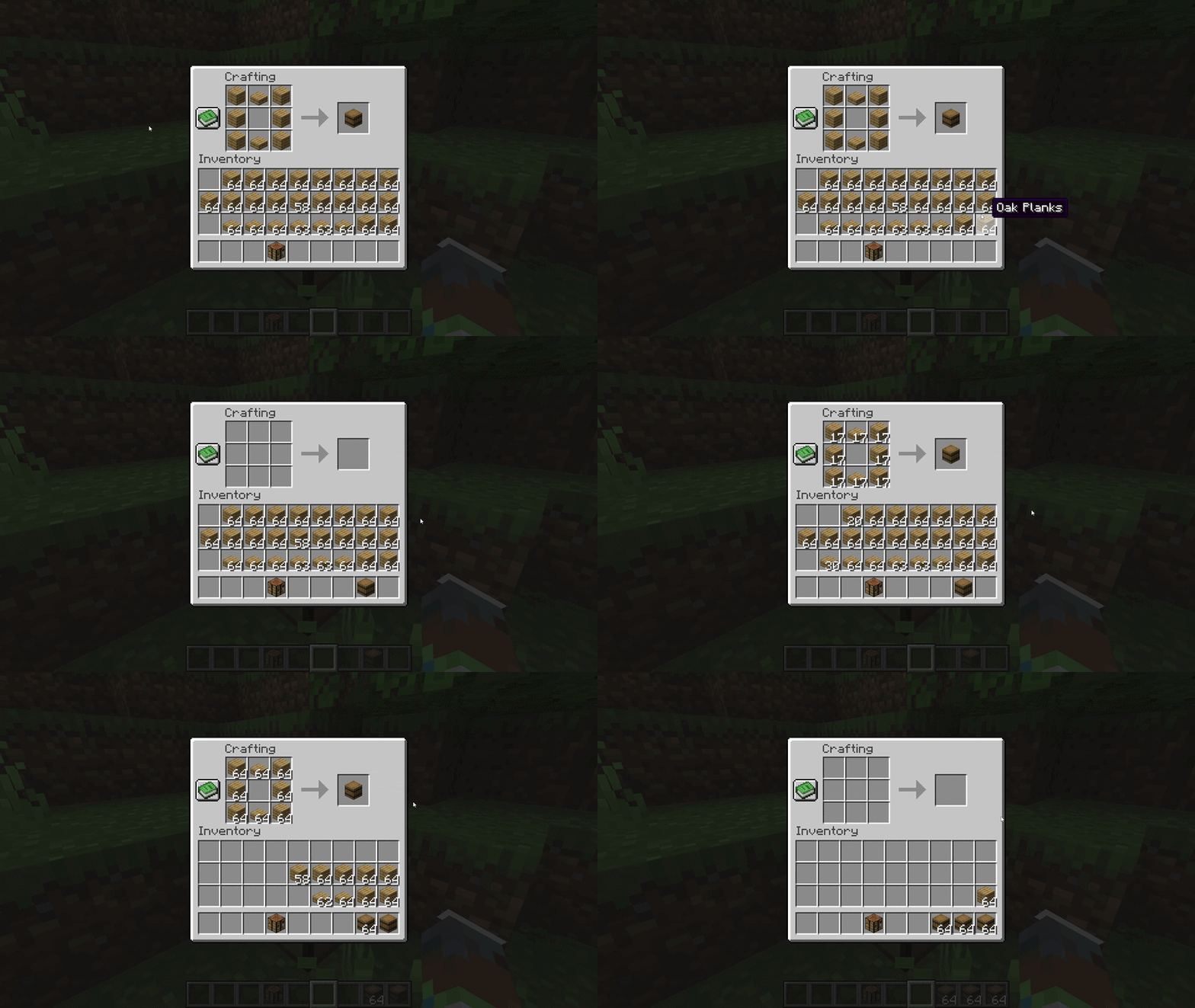


CraftRecall is a lightweight client-side quality-of-life mod for vanilla crafting. It remembers the last recipe you actually crafted and lets you place it again with one key.
After placing the remembered recipe, use the mouse wheel to change the amount directly in the crafting grid. Your chosen amount is retained after crafting, so the next placement is ready immediately.
Features
- Press Space to place the last recipe you actually crafted.
- Scroll up or down to add or remove one craft at a time.
- Press the mouse wheel to fill the recipe to the maximum possible amount.
- Keep the selected amount for the next craft.
- No recipe is remembered until its output is actually taken.
- No distracting action-bar messages or insufficient-resource ghost recipe.
- Supports the vanilla player inventory 2×2 grid and crafting table 3×3 grid.
- English and Russian translations.
Client-side only
CraftRecall does not need to be installed on the server. It uses normal vanilla recipe-placement and inventory packets and works with vanilla or NeoForge servers, subject to their own anti-cheat and inventory restrictions.
How to use
- Craft any supported recipe normally and take the result.
- Open your inventory or a crafting table and press Space.
- Scroll to adjust the amount, or press the mouse wheel for the maximum.
- Craft the items. The amount stays saved for the next use.
The placement key is configurable under Options → Controls → Key Binds → CraftRecall.
Current limitations
- Modded crafting grids are not supported.
- The remembered recipe is cleared when leaving a world or server.
- The amount is kept only until the Minecraft client closes.
- CraftRecall places ingredients but does not automatically take the result.
- Edition: Minecraft Java
- File type: .jar
- Minecraft version listed: 1.21.1
- How to install: Install the matching mod loader (Forge, Fabric or NeoForge) for your Minecraft version. → Download the .jar. → Put it in the .minecraft/mods folder and launch that loader profile.
- Where to get it: Opens on Modrinth — not every file is mirrored on our own servers.
Install steps are the general flow for this file type — How to install Minecraft Java mods & modpacks walks through it step by step.
- Ships as craftrecall-1.0.0.jar — drop this file into the mods folder
- Download size: 13 KB
- Download link checked 21 Oct 2026 — working
These come from our own check of the pack file, not from the source page.