
AddonsBedrock
Enchant Your Book!
Bedrock add-on listed for Minecraft 1.21–26.x (behavior pack only). File opened and checked on 27 Sep 2026; installs from the MC Bedrock Mods app on Android.
Say goodbye to random enchantment RNG! Enchant Your Book! allows you to instantly create custom enchanted books of your choice using standard vanilla…
⬇ Download on CurseForgeThe author built this one for Minecraft 26.30. On other versions it may install and then do nothing.
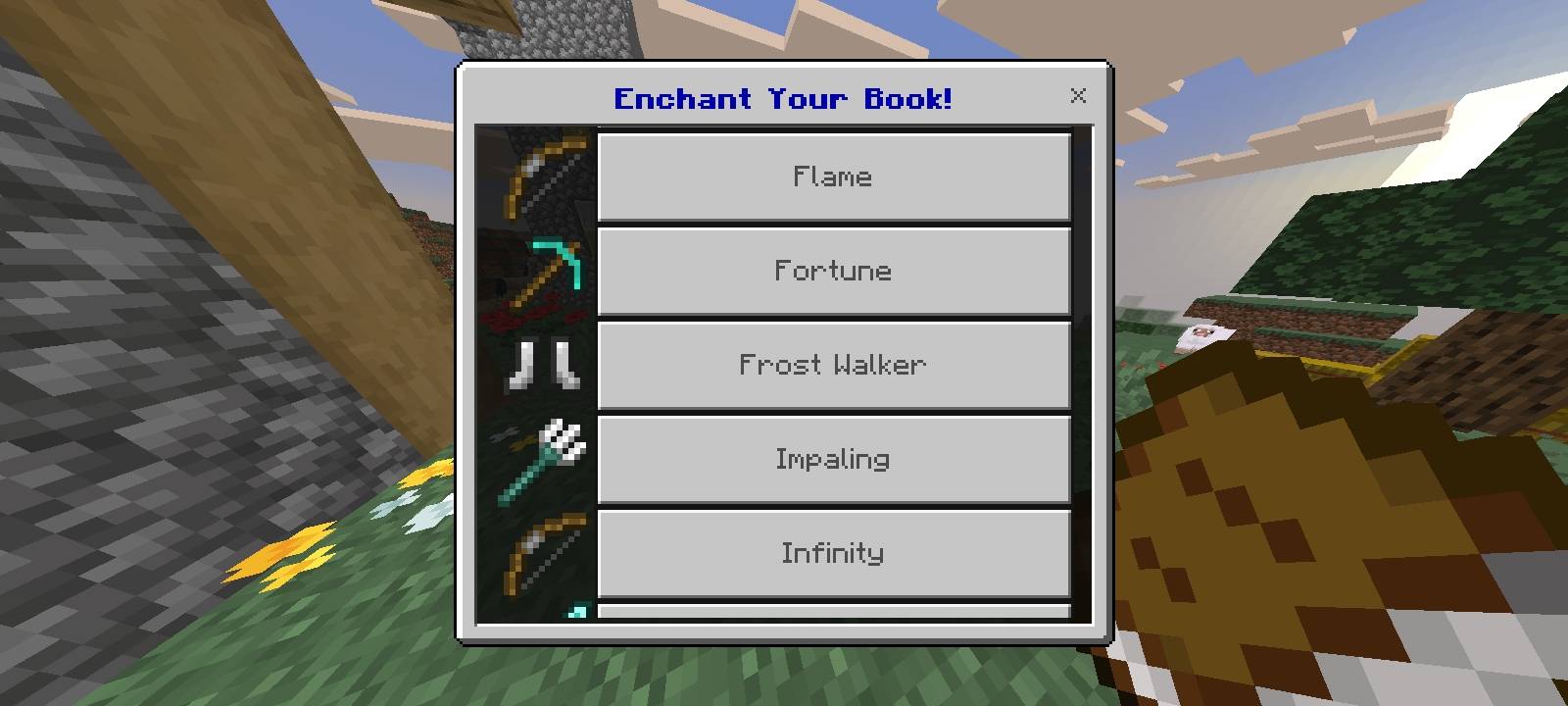
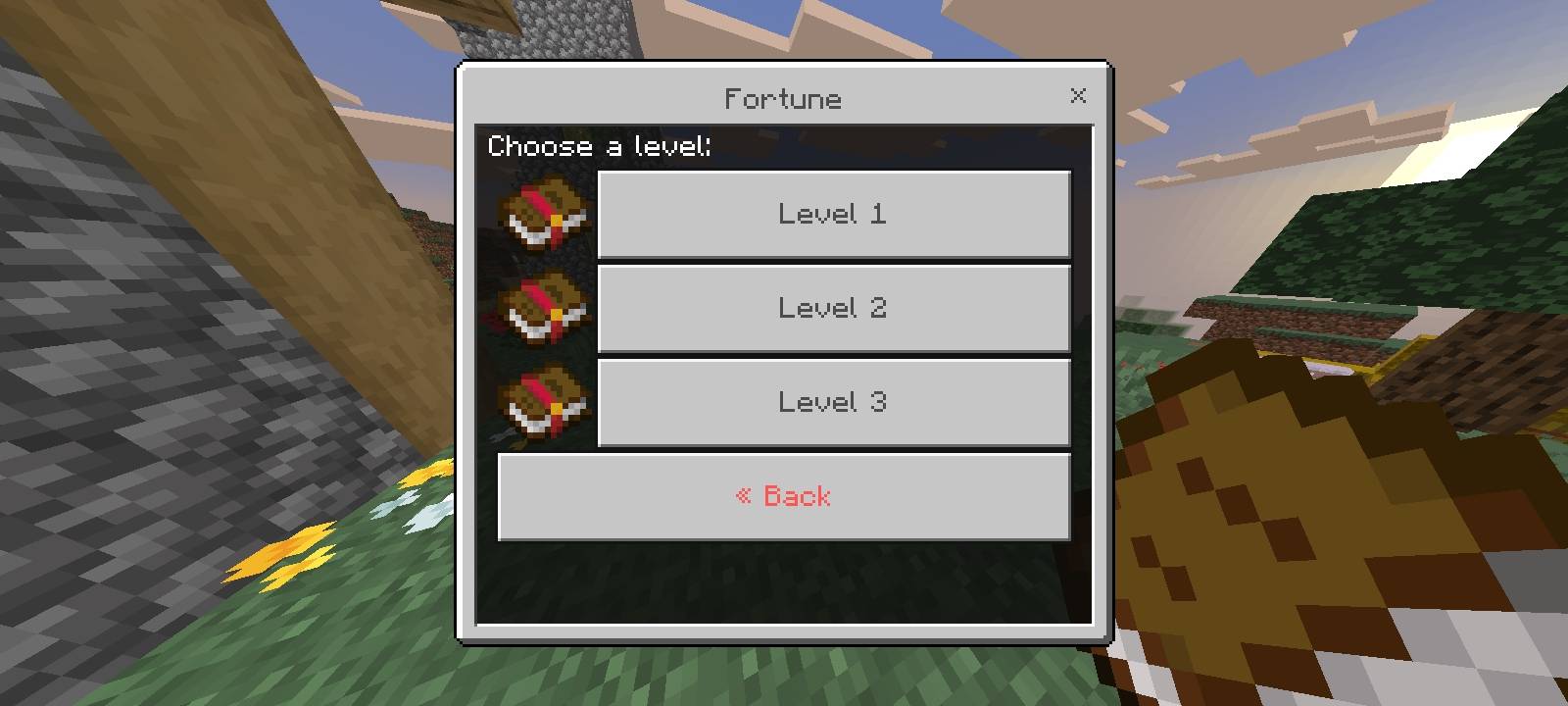
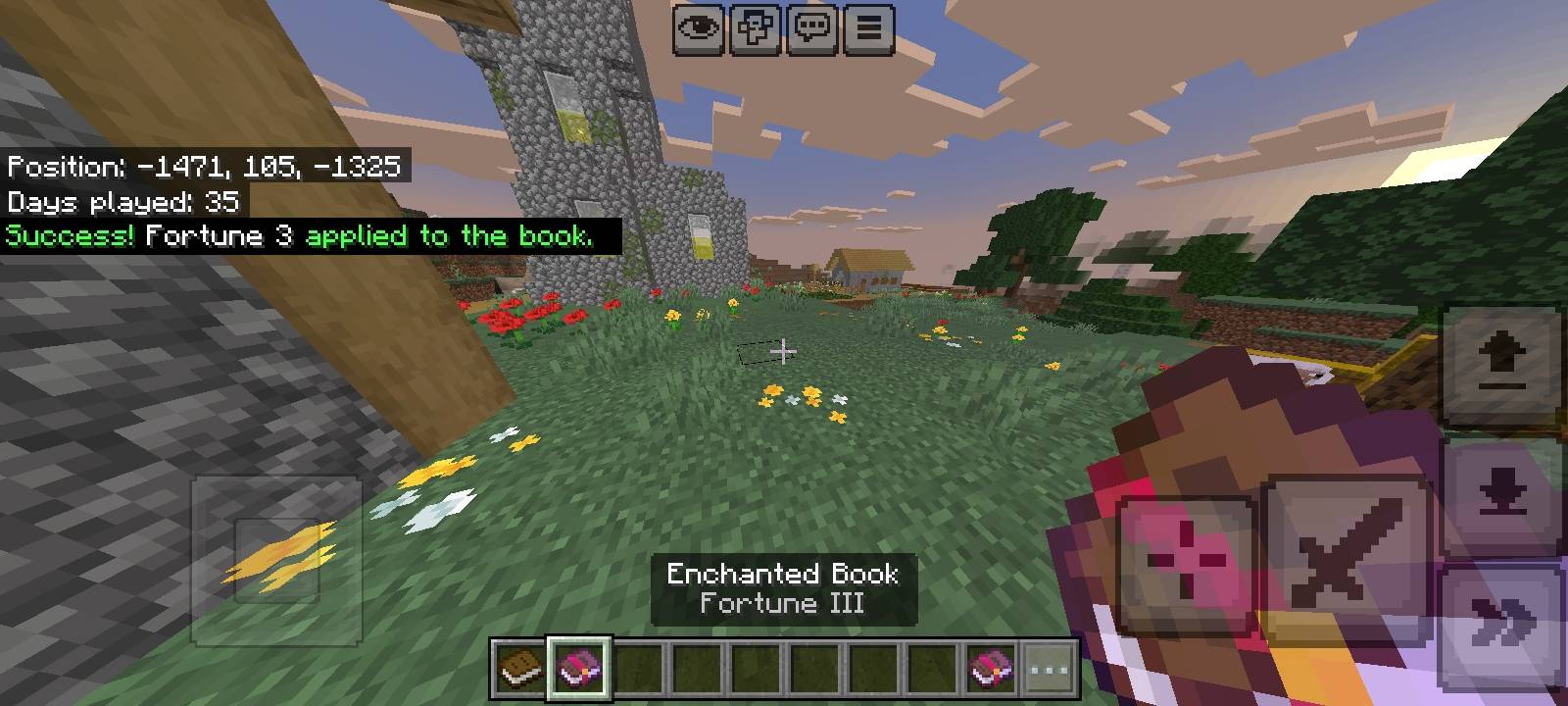
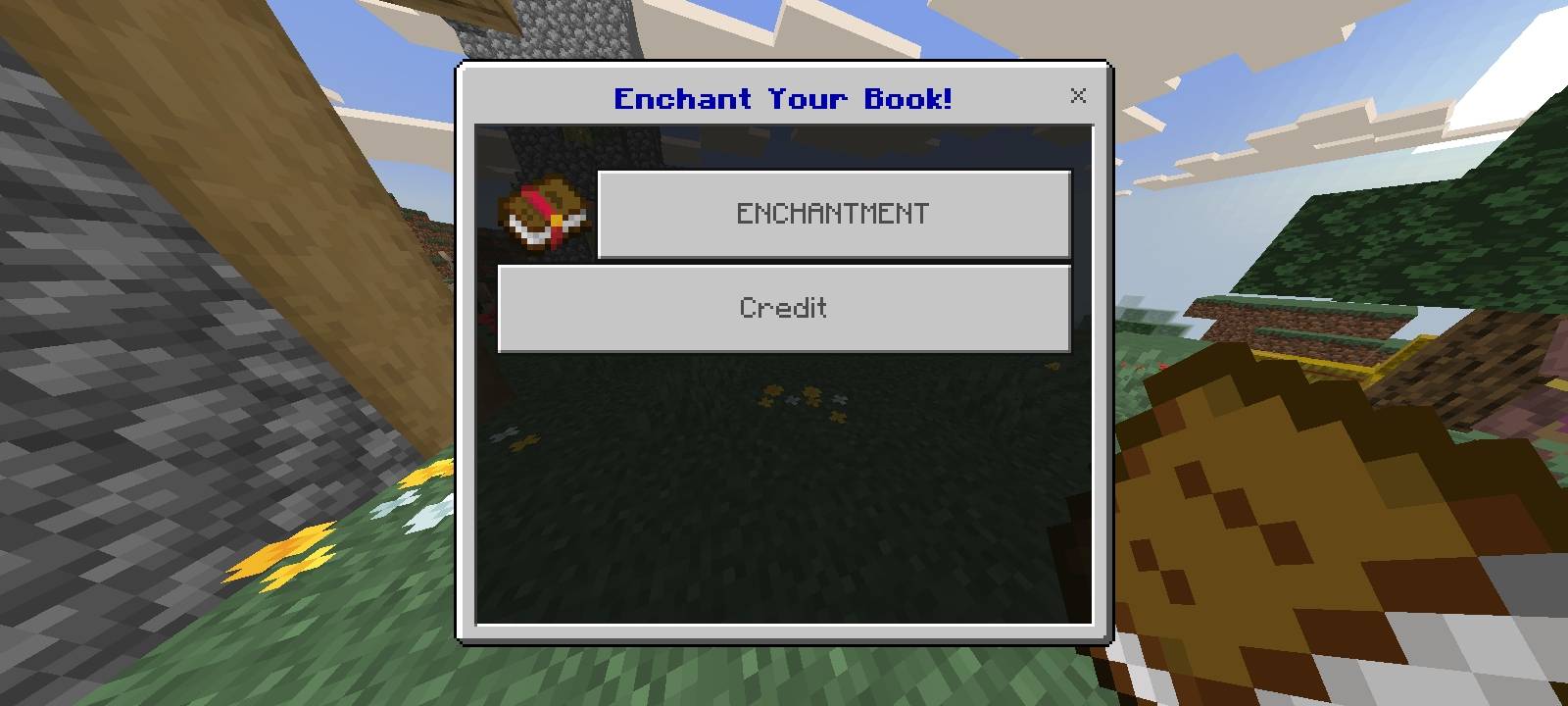
📚 Enchant Your Book! Add-On
✨ Key Features
- 📖 Instant UI Access: Simply interact while holding a regular vanilla Book to bring up the Enchantment menu.
- 🎯 Choose Enchantment & Level: Easily pick your desired enchantment type and exact level (e.g., Fortune III, Flame, Frost Walker).
- 🆓 No Cost Creation: Applying enchantments via the UI menu is 100% Free—no XP levels or Lapis Lazuli required!
- ⚖️ Single Use Per Book: Each vanilla book can only be enchanted once through the menu.
- 🔨 Balanced Gameplay: Applying the final Enchanted Book to your tools/weapons on an Anvil still requires standard Vanilla XP costs.
Quick facts
- Edition: Minecraft Bedrock
- File type: .mcpack or .mcaddon
- Minecraft version listed: 26.30
- How to install: Download the .mcpack or .mcaddon file. → Open it — Minecraft imports it. → In your world: Behavior Packs → Available → Activate, then the same under Resource Packs.
- Where to get it: Opens on CurseForge — not every file is mirrored on our own servers.
Install steps are the general flow for this file type — How to install Minecraft Bedrock addons & mods walks through it step by step.
File checked by MCModsHub
- Pack type: .mcaddon — behaviour and resource pack in one file
- Manifest requires Minecraft 1.21.90 or newer
- Complete pack — everything it depends on is inside the file
- Download size: 30 KB
- Download link checked 30 Sept 2026 — working
These come from our own check of the pack file, not from the source page.