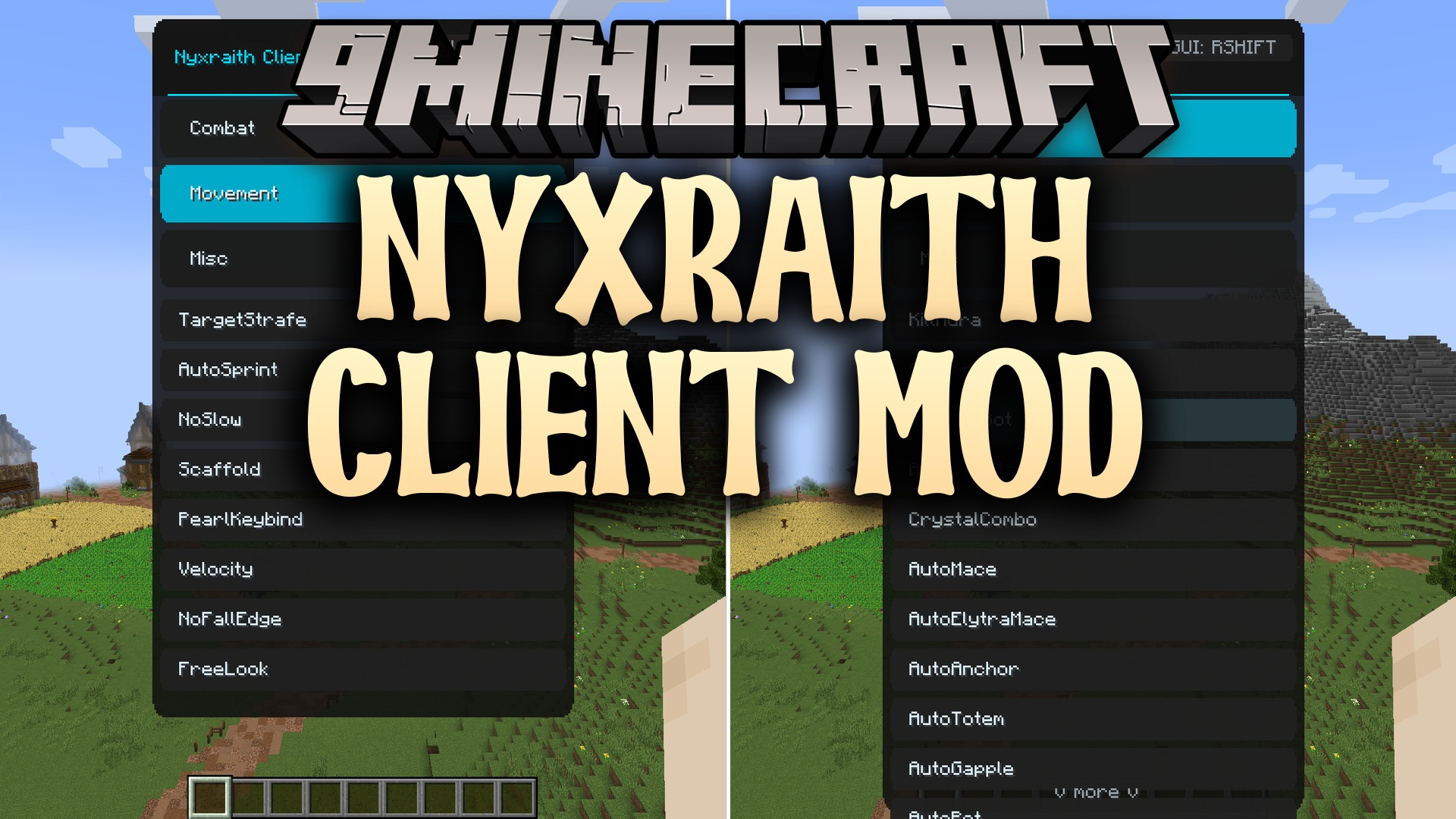
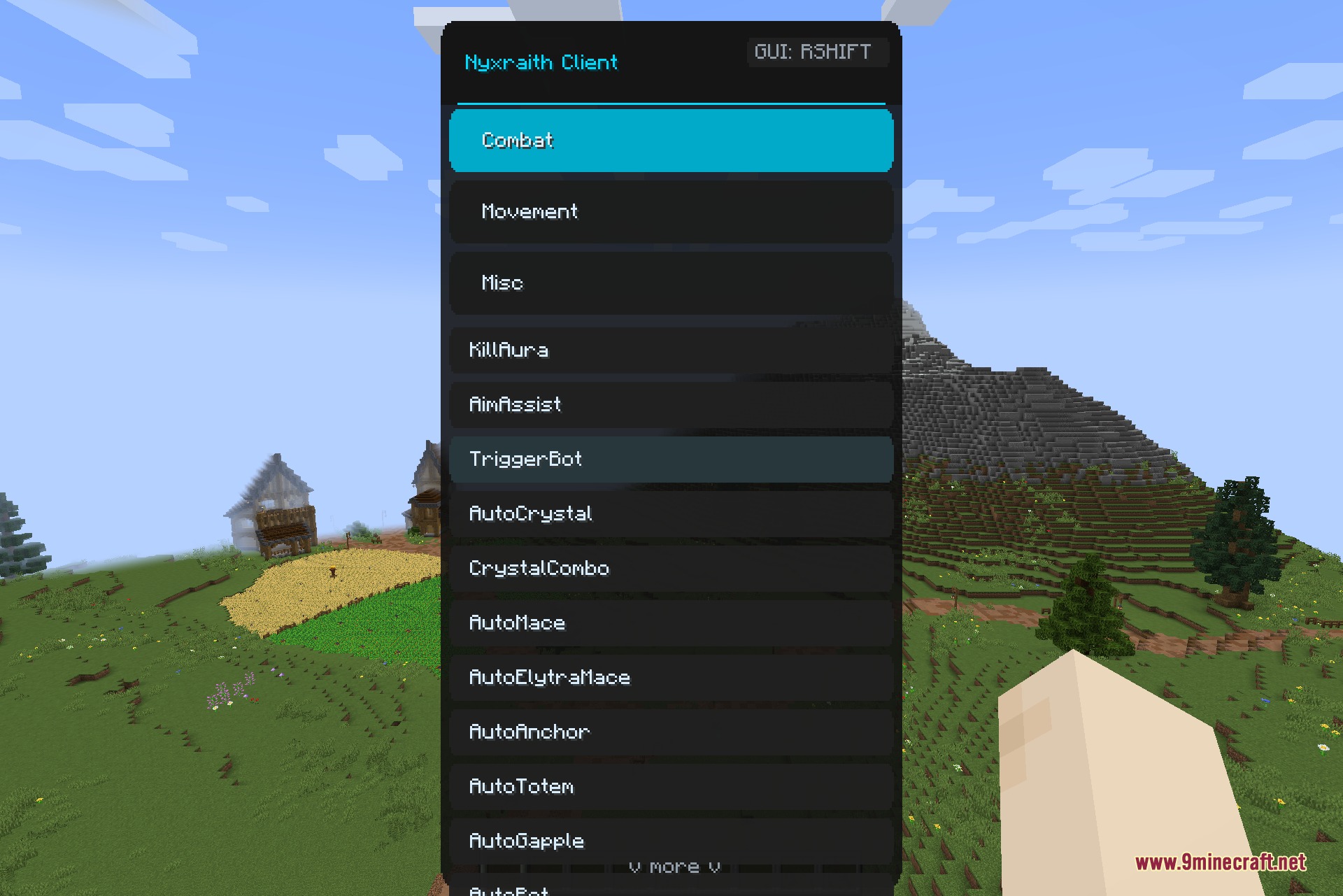
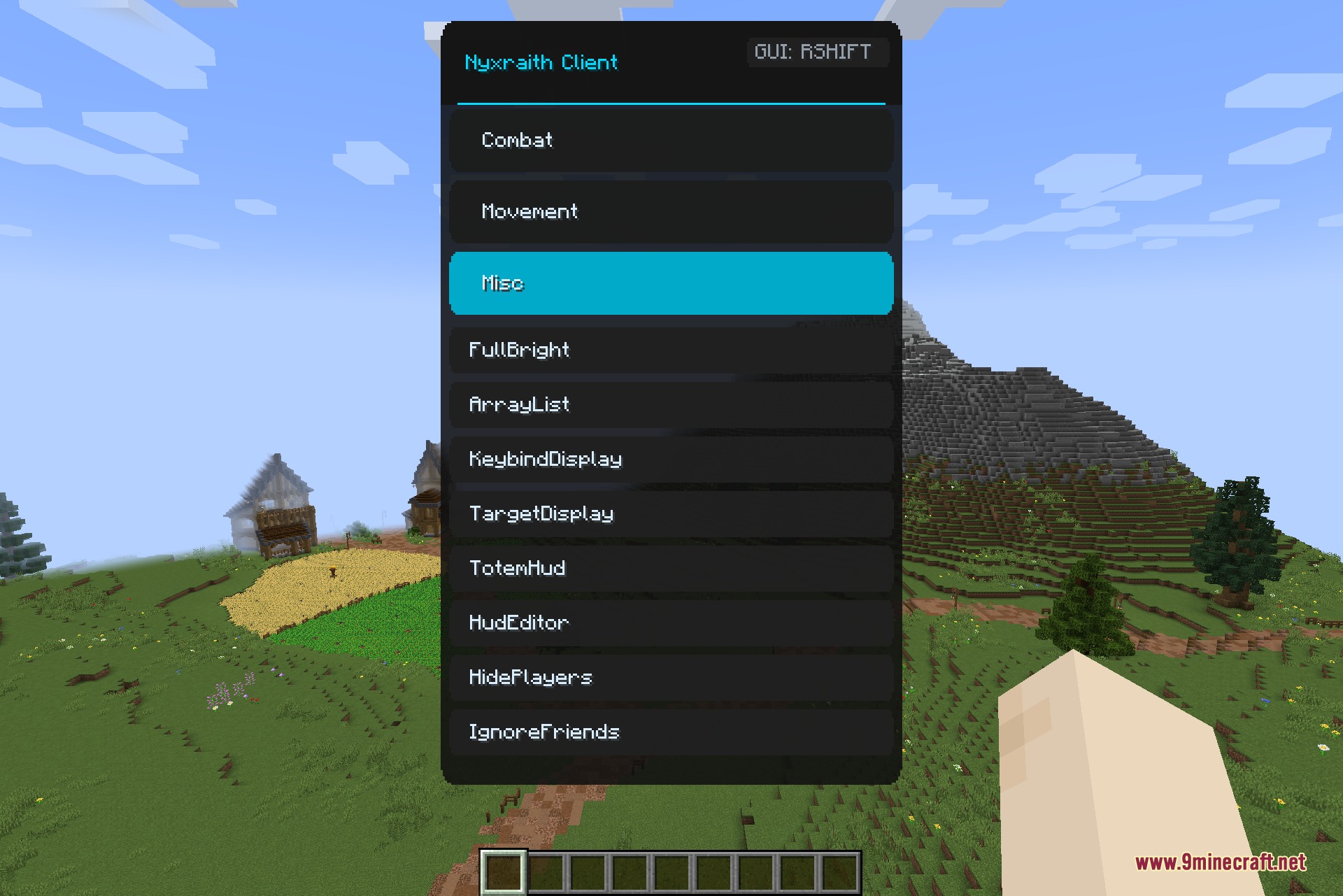
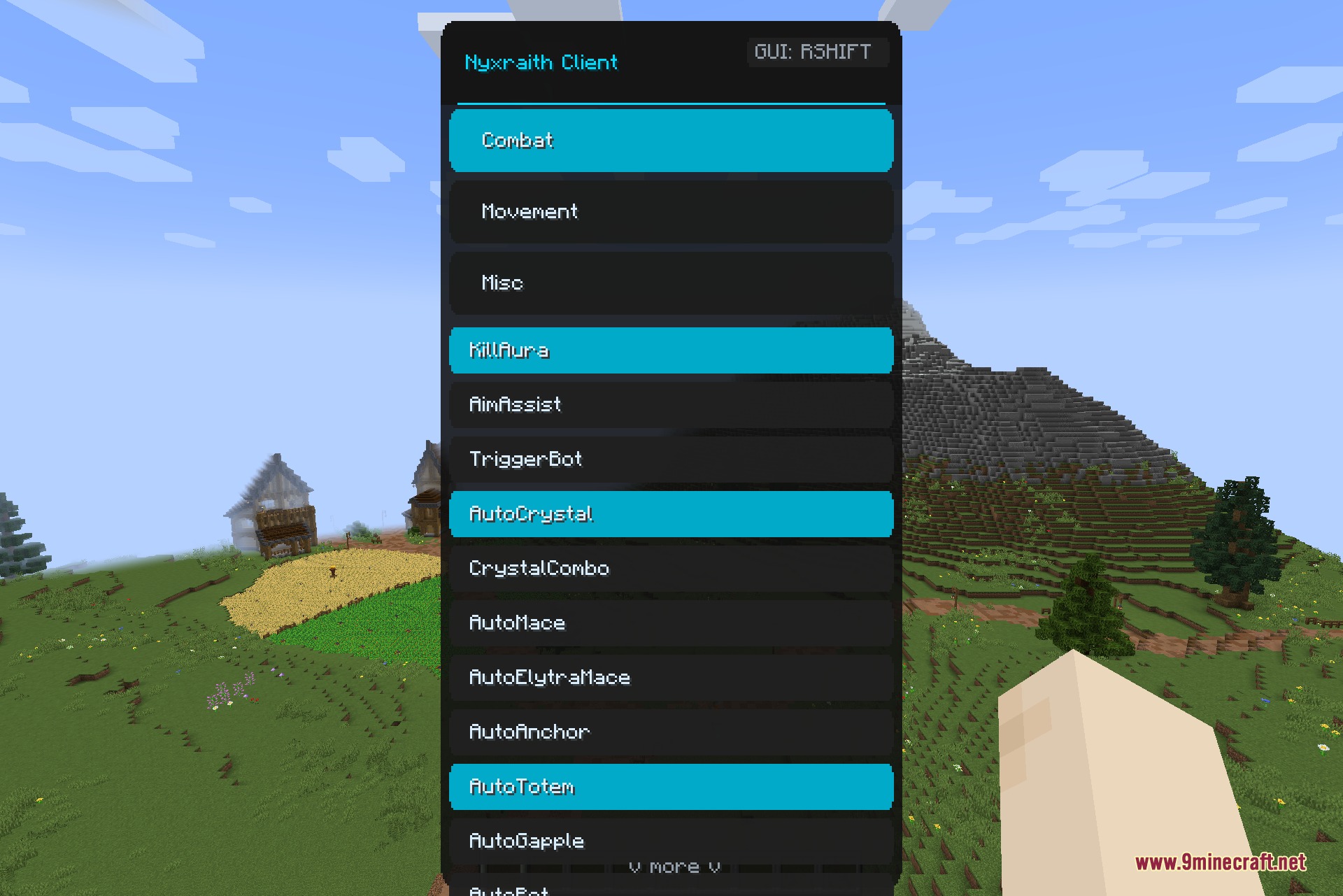
Nyxraith Client Mod gives you a powerful menu packed with tools to help you win fights. It brings a special screen that you can open right in the middle of the game to turn on different helpful settings. You get access to many options that make fighting, moving around, and seeing the world easier. This mod focuses on modern combat styles like using crystals and maces against other players. It groups everything into a simple dark menu, so you can quickly find exactly what you need before a big battle.
Features:
Combat Tools:
- Auto Combat: Fights for you using crystals, maces, and anchors so you always hit your target.
- Keeps you alive by eating golden apples and holding totems for you automatically.
- Aims your bow perfectly at other players and helps you block attacks with your shield.
Movement Helpers:
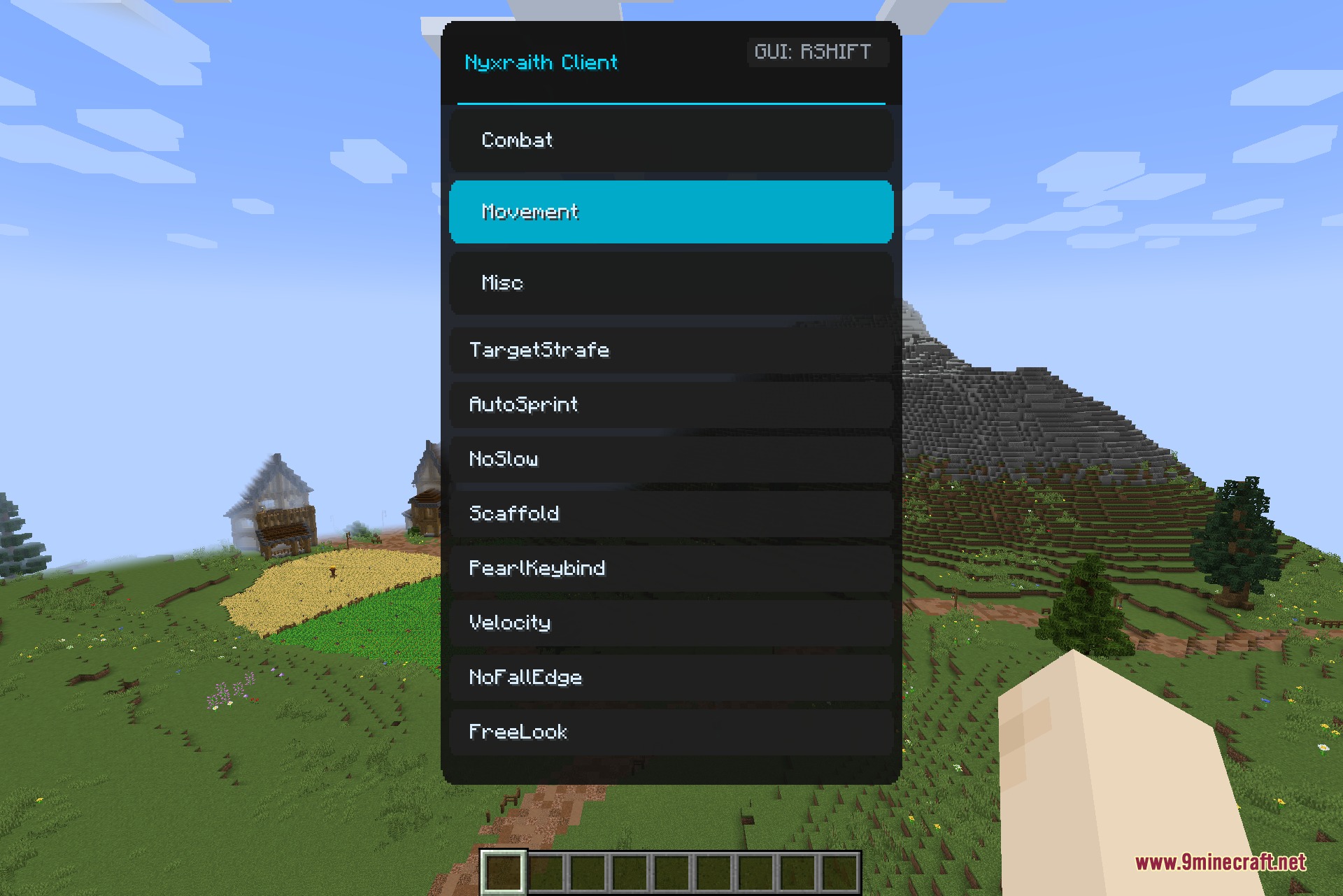
- Makes you run automatically and stops you from slowing down when you use items.
- Helps you build bridges quickly and stops you from falling off the edge of tall blocks.
- Lets you look around freely and throw ender pearls with a single button press.
Screen and Visuals:
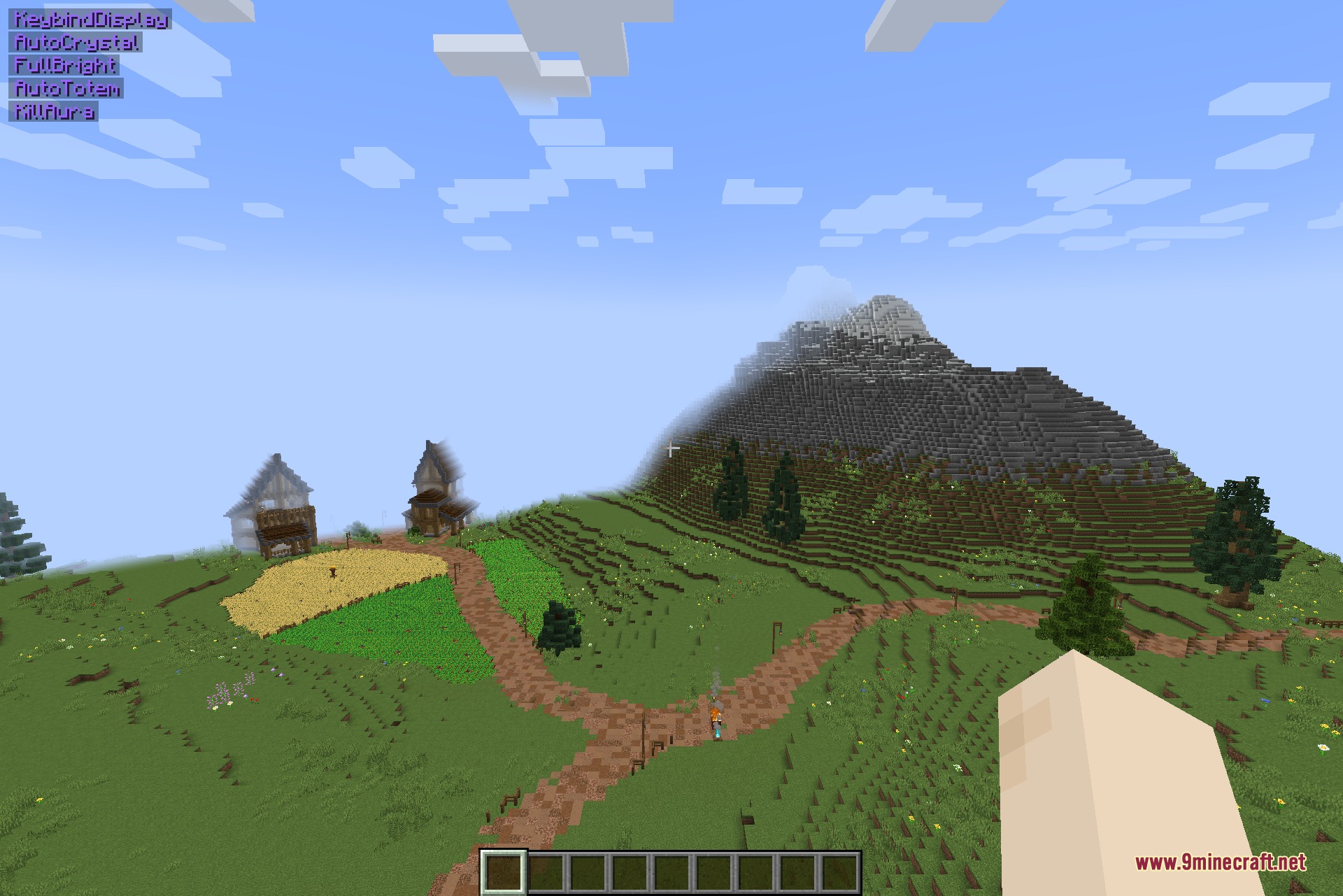
- Shows a list of all your active tools right on your screen so you know what is running.
- Lets you move your health, armor, and other screen items around with a custom layout editor.
- Makes dark caves completely bright and lets you hide other players if the screen gets too crowded.
How to Use:
- Join a world or a multiplayer server.
- Press the Right Shift key on your keyboard to open the main menu.
- Click on the categories on the left side to look through the different options.
- Toggle the tools you want to use on or off from the scrollable list.
Screenshots:
Nyxraith Client Mod Download Links
Quick facts
- Edition: Minecraft Java
- File type: .jar
- Minecraft version listed: 1.21.4
- How to install: Install the matching mod loader (Forge, Fabric or NeoForge) for your Minecraft version. → Download the .jar. → Put it in the .minecraft/mods folder and launch that loader profile.
- Where to get it: In MC Java Mods, or directly above on this page.
Install steps are the general flow for this file type — How to install Minecraft Java mods & modpacks walks through it step by step.
Verified by MCModsHub
- Downloads as 388971.mcaddon
- Download size: 224 KB
- Download link checked 22 Sept 2026 — working
- Mirrored on our own servers — the download does not depend on the original host
These come from our own check of the pack file, not from the source page.