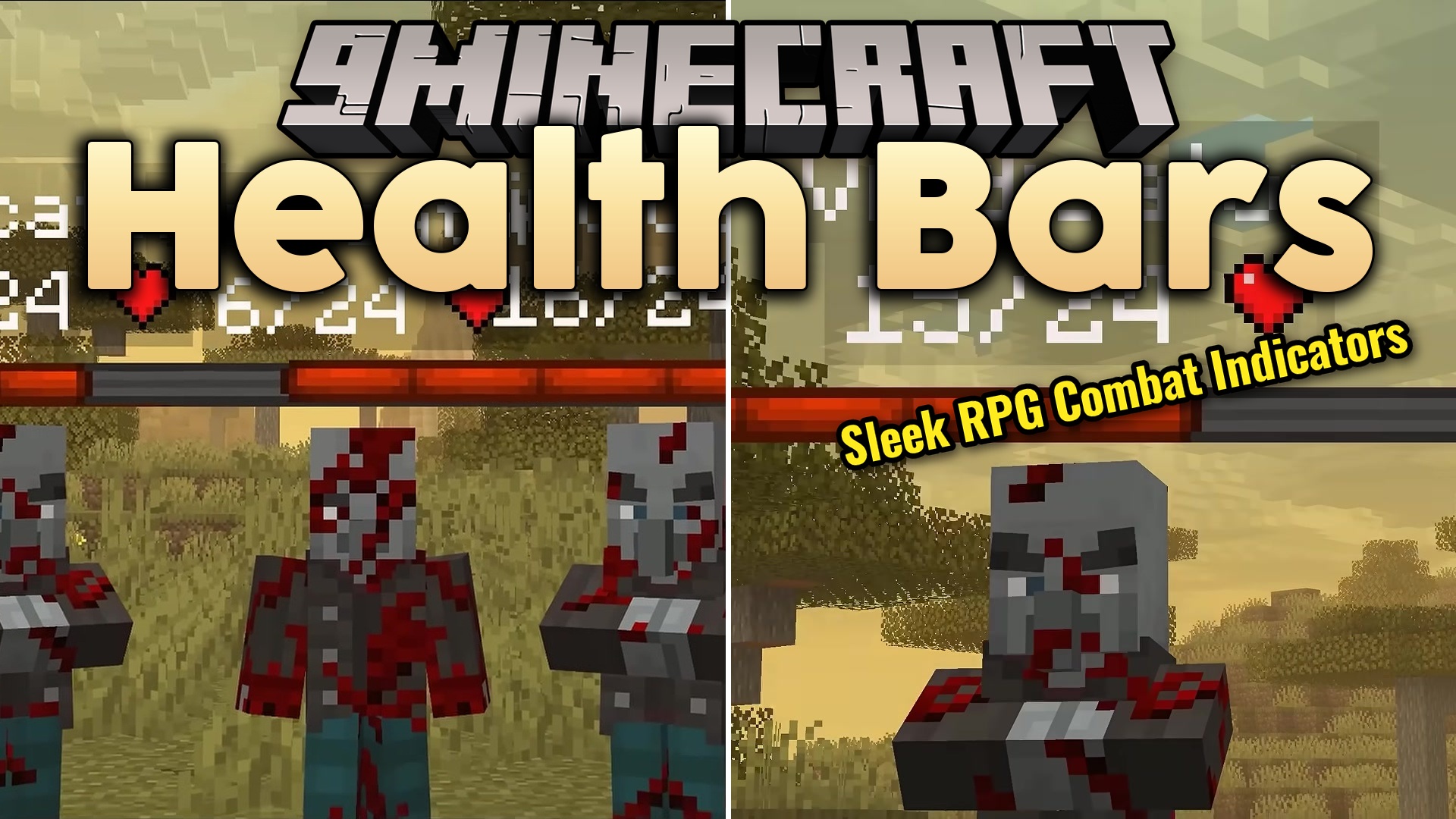
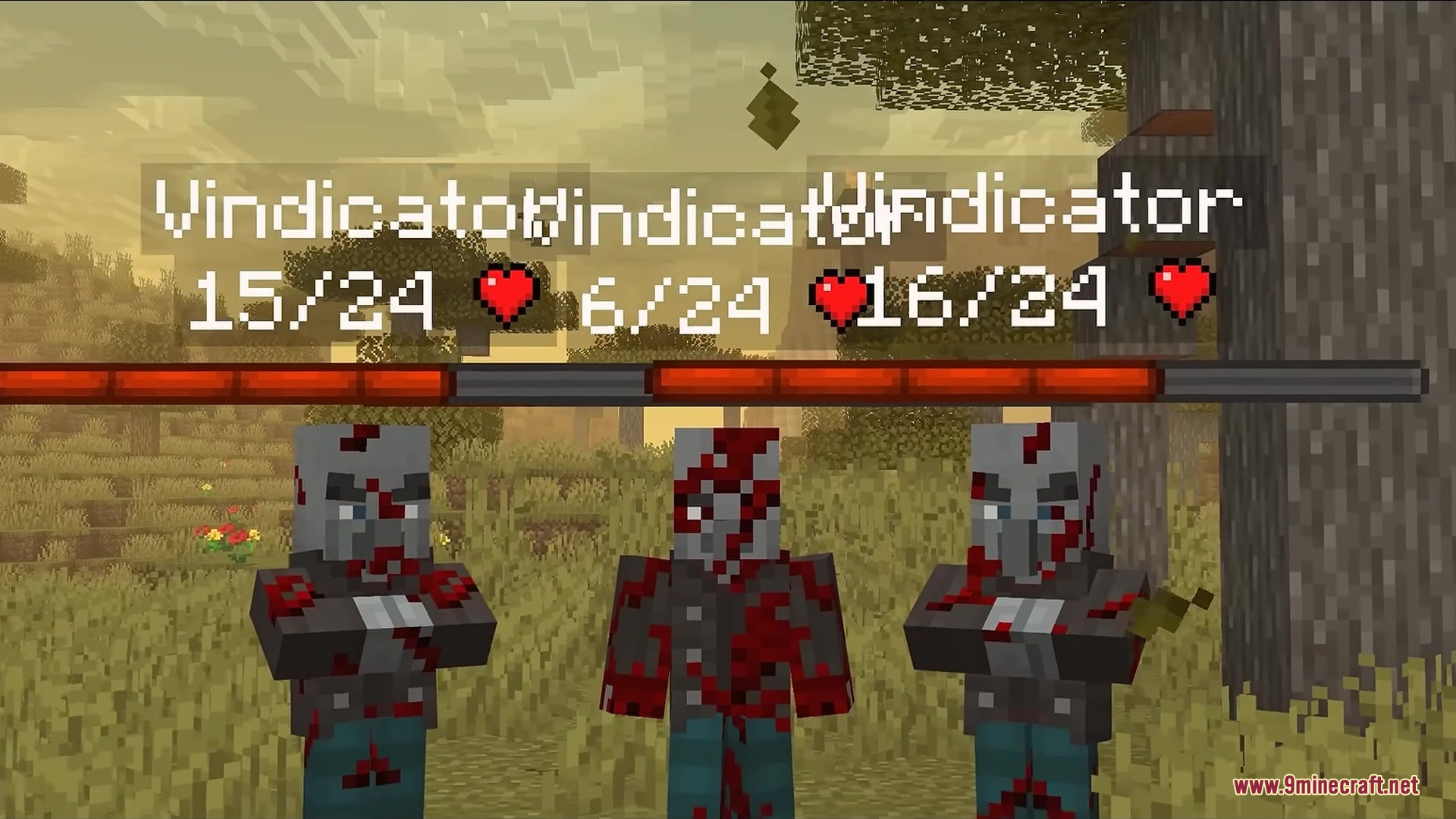
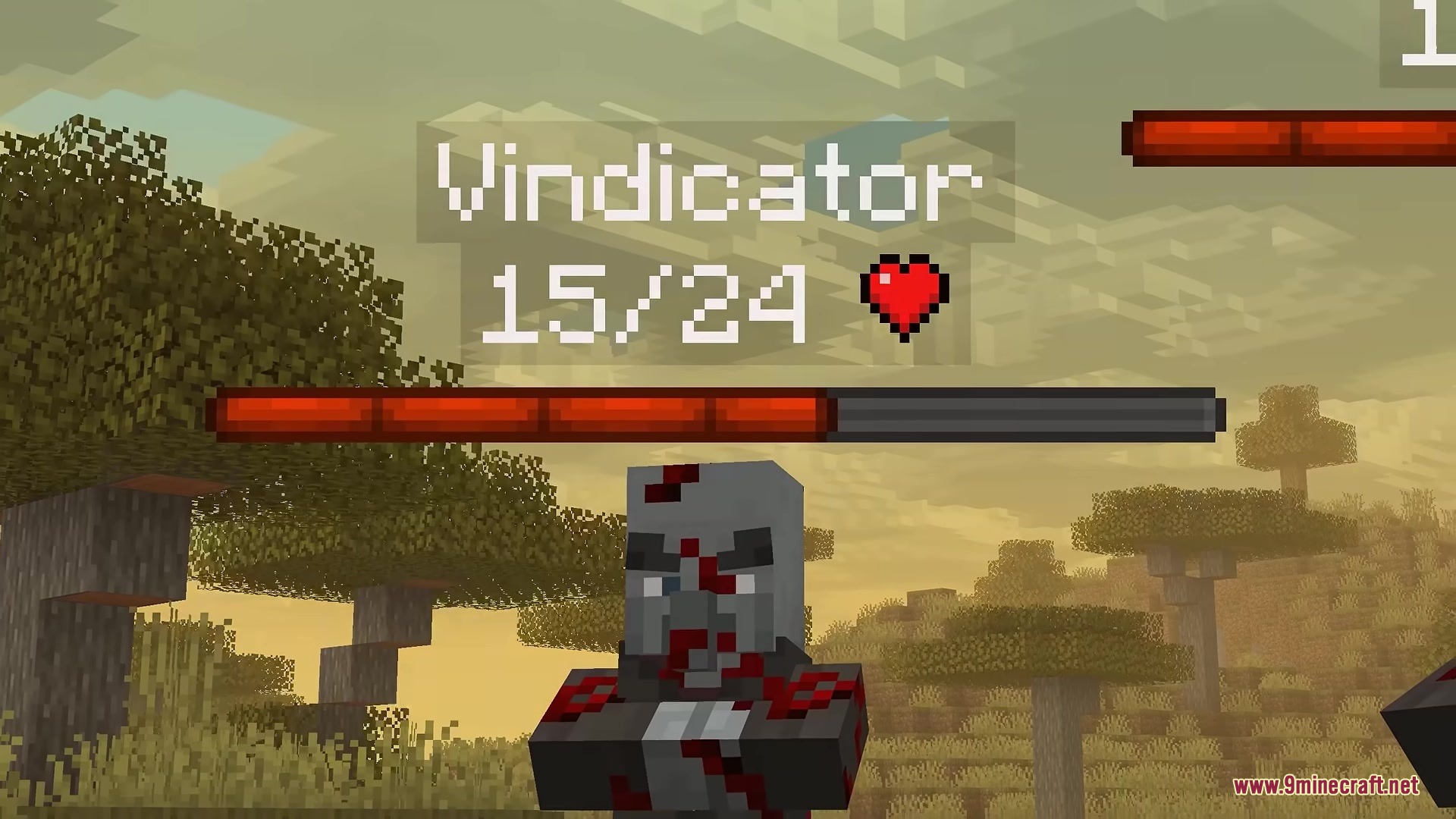
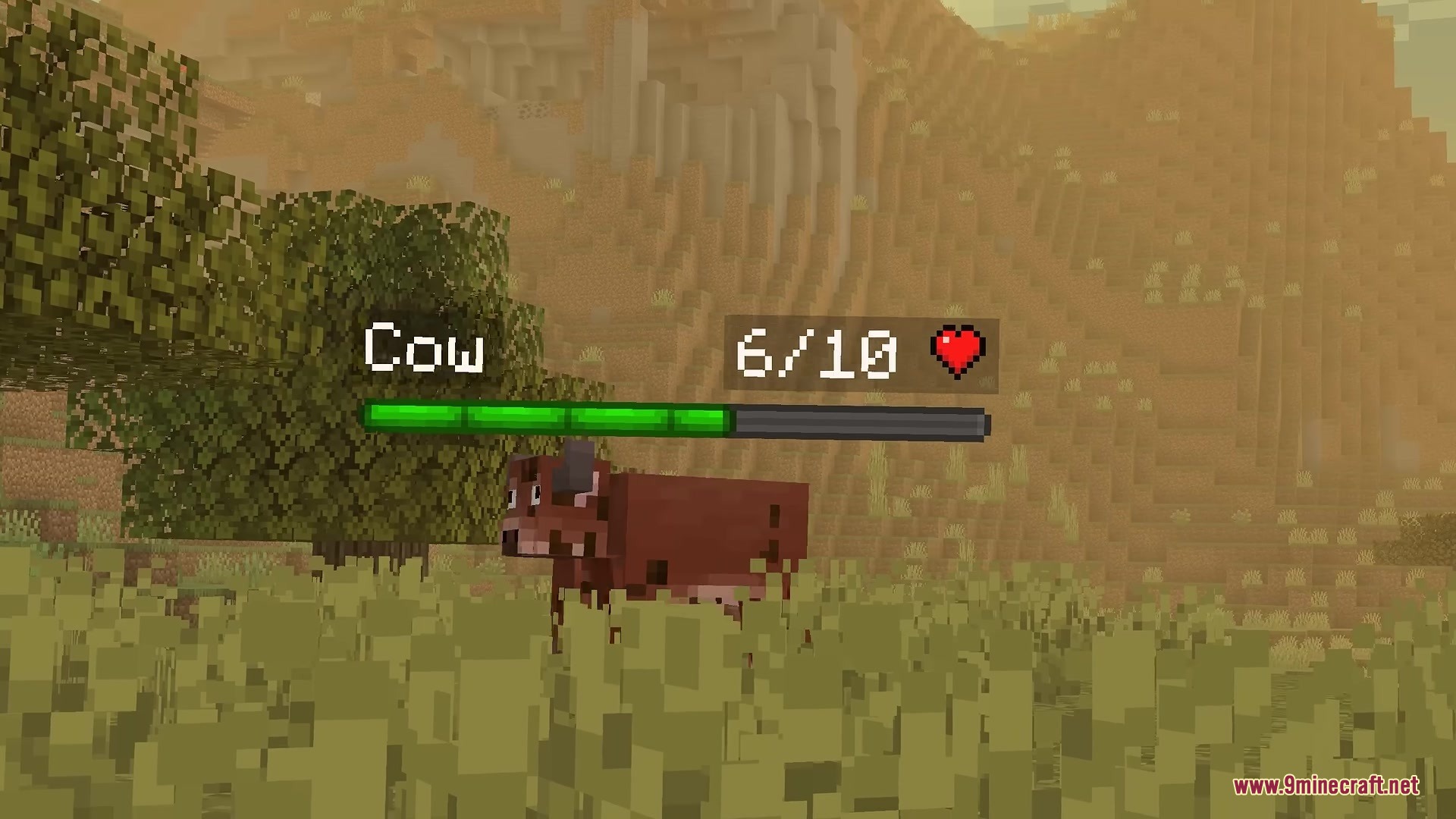
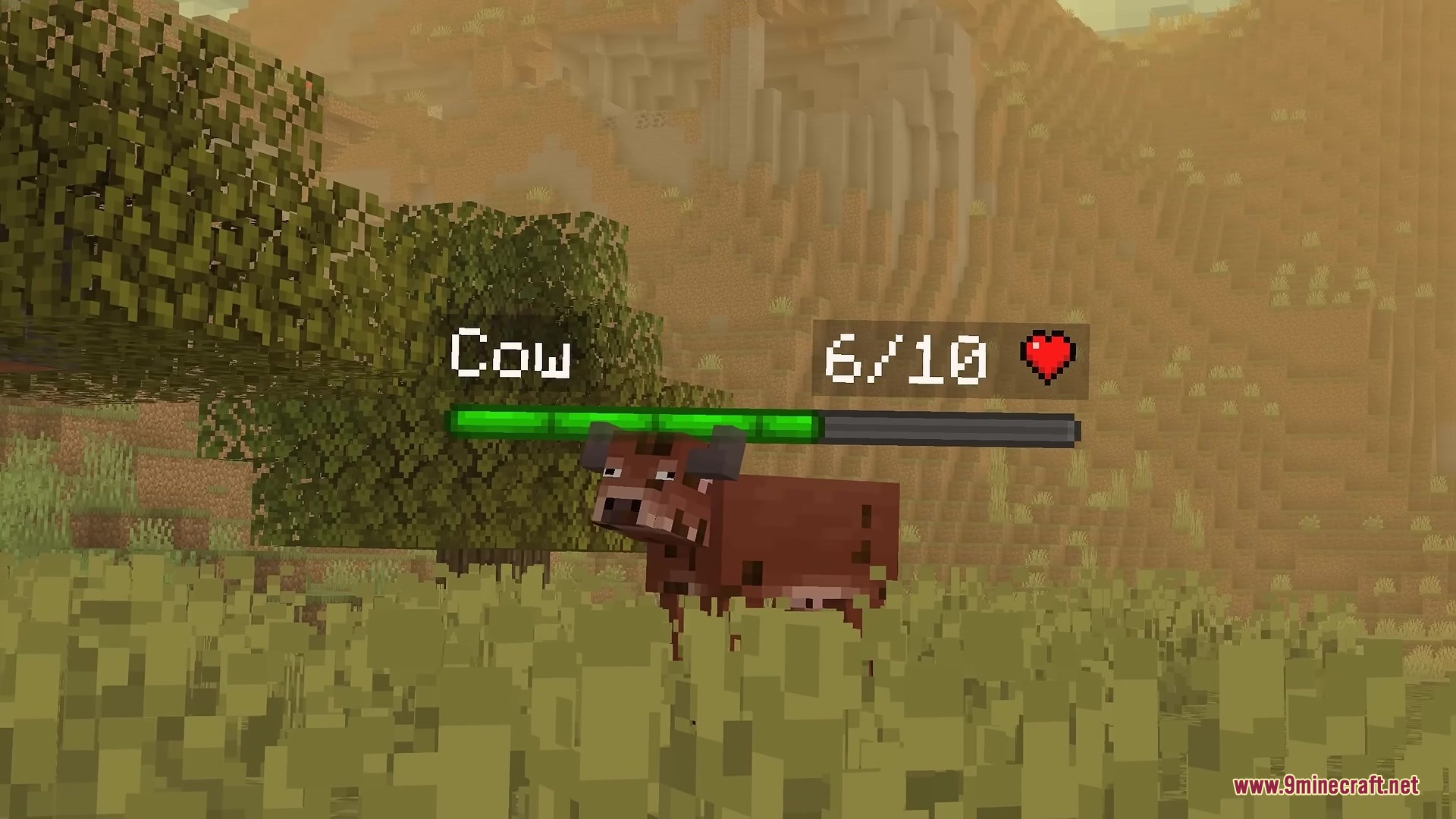
Health Bars by Fuzs Mod adds clear and colorful displays that show exactly how much health every mob has left. It puts a smooth bar on your screen with the mob’s name, current health, armor level, and recent damage taken. The mod also places floating health bars right above animals and monsters in the world while you explore. This helps you track fights easily because you always know when an enemy is close to defeat. You get full control over the colors and sizes to match your preferred screen layout.
Features:
- HUD Display: Shows the mob name, health points, armor, and damage values in a neat box on your screen.
- Floating Bars: Places health bars directly above entities in the world so you spot their condition from a distance.
- Damage Numbers: Makes damage and healing numbers pop up in real time when a mob gets hit or heals.
- Lets you choose exactly which types of mobs get a health bar and which ones stay hidden.
- Assigns unique colors to different types of mobs, like monsters, bosses, or aquatic creatures.
- Changes the size of the health bars depending on how close you stand to the mob.
- Includes a quick button press to turn all health displays on or off whenever you want.
How to Use:
- Press the toggle keybind to quickly turn all health displays on or off during gameplay.
- Open the mod menu in the game options to change colors, sizes, and which mobs show health bars.
Screenshots:
Health Bars by Fuzs Mod Download Links
Quick facts
- Edition: Minecraft Java
- File type: .jar
- Minecraft version listed: 1.21.1
- How to install: Install the matching mod loader (Forge, Fabric or NeoForge) for your Minecraft version. → Download the .jar. → Put it in the .minecraft/mods folder and launch that loader profile.
- Where to get it: In MC Java Mods, or directly above on this page.
Install steps are the general flow for this file type — How to install Minecraft Java mods & modpacks walks through it step by step.
Verified by MCModsHub
- Downloads as 388972.mcaddon
- Download size: 110 KB
- Download link checked 23 Sept 2026 — working
- Mirrored on our own servers — the download does not depend on the original host
These come from our own check of the pack file, not from the source page.