ModsJava
GUI Scaler Mod (26.2, 1.20.1) – Never Adjust Your Menu Size Between Screens
Java mod listed for Minecraft 1.20. Downloads from the MC Java Mods app on Android.
⬇ Download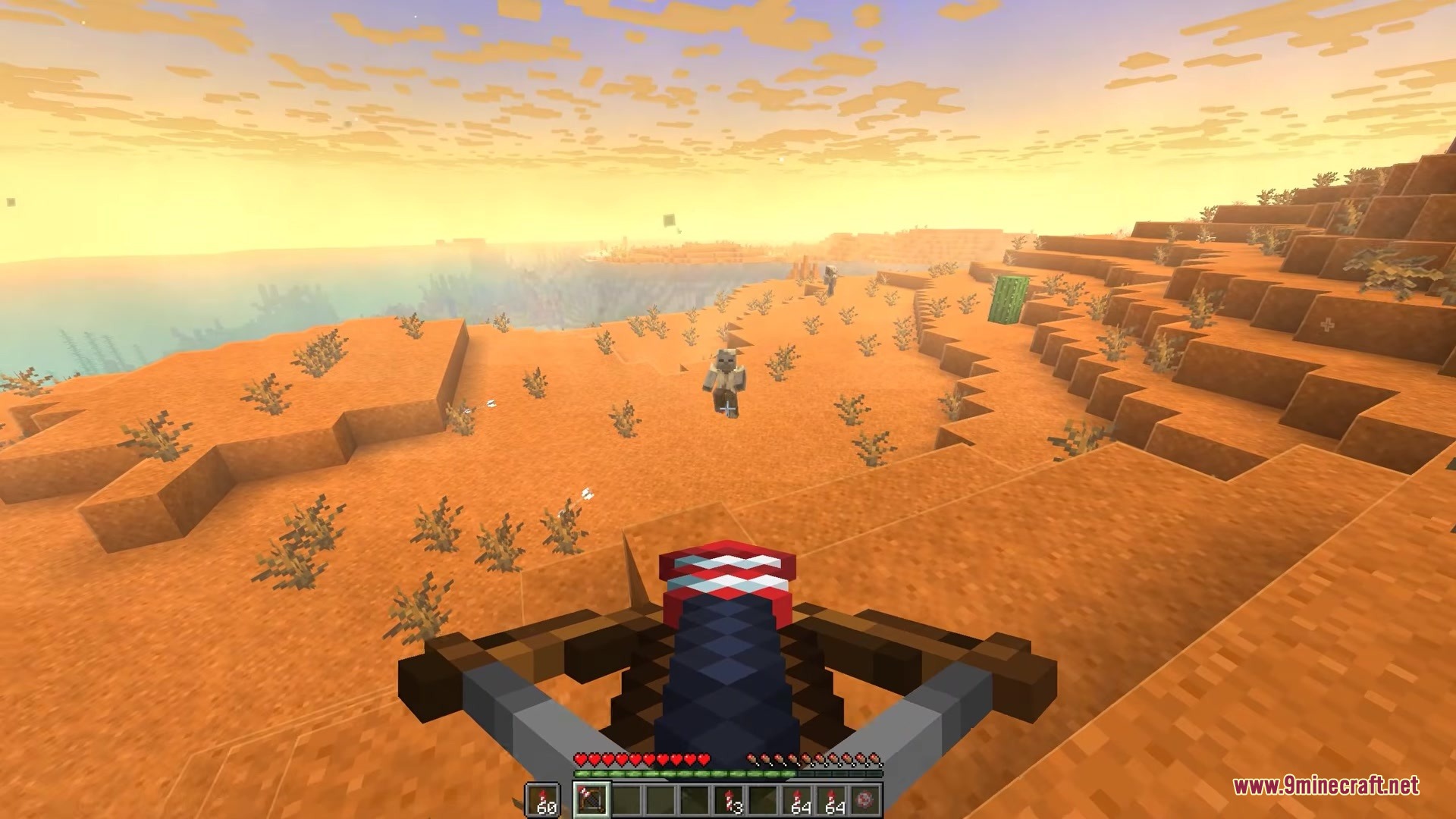
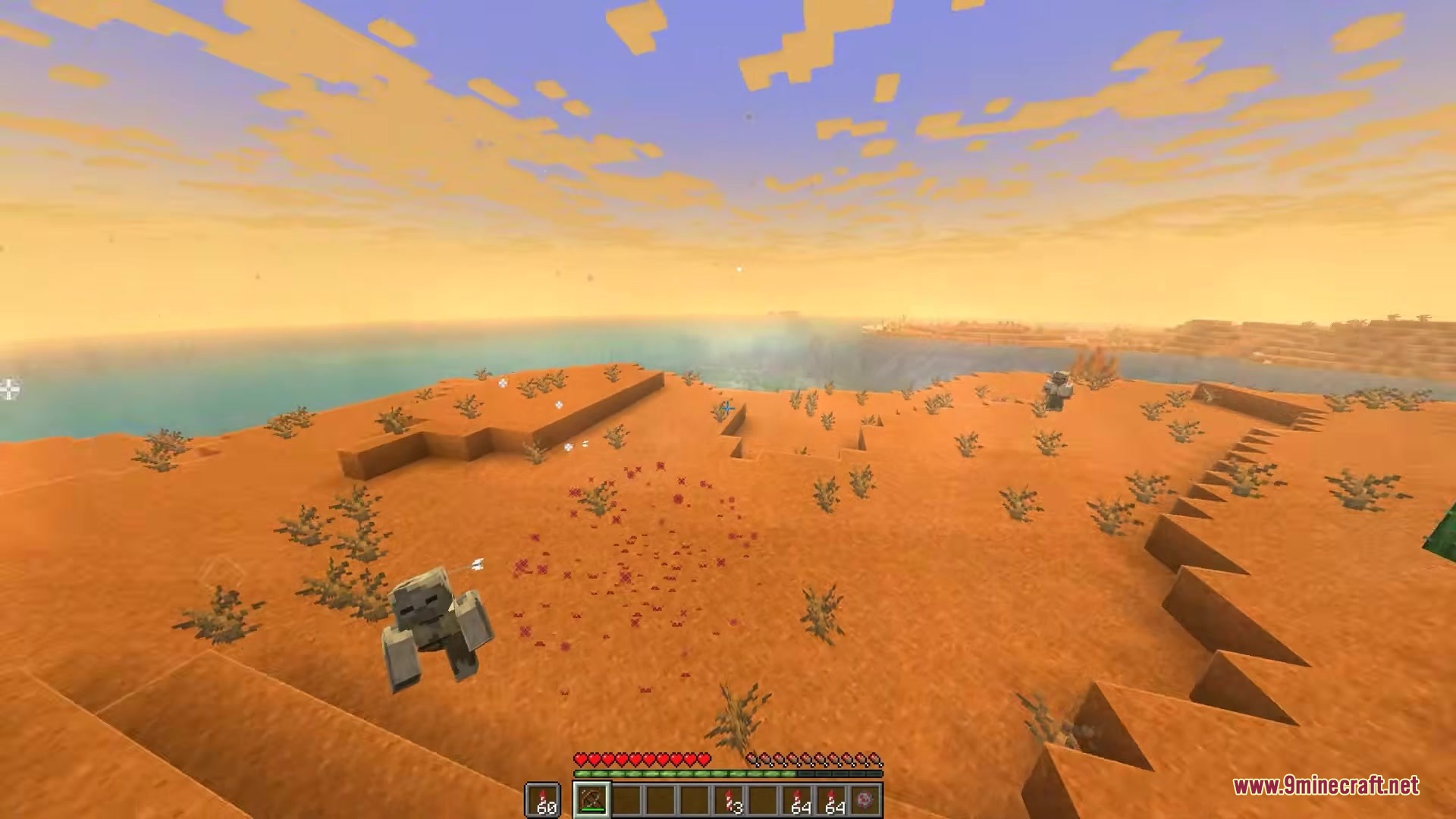
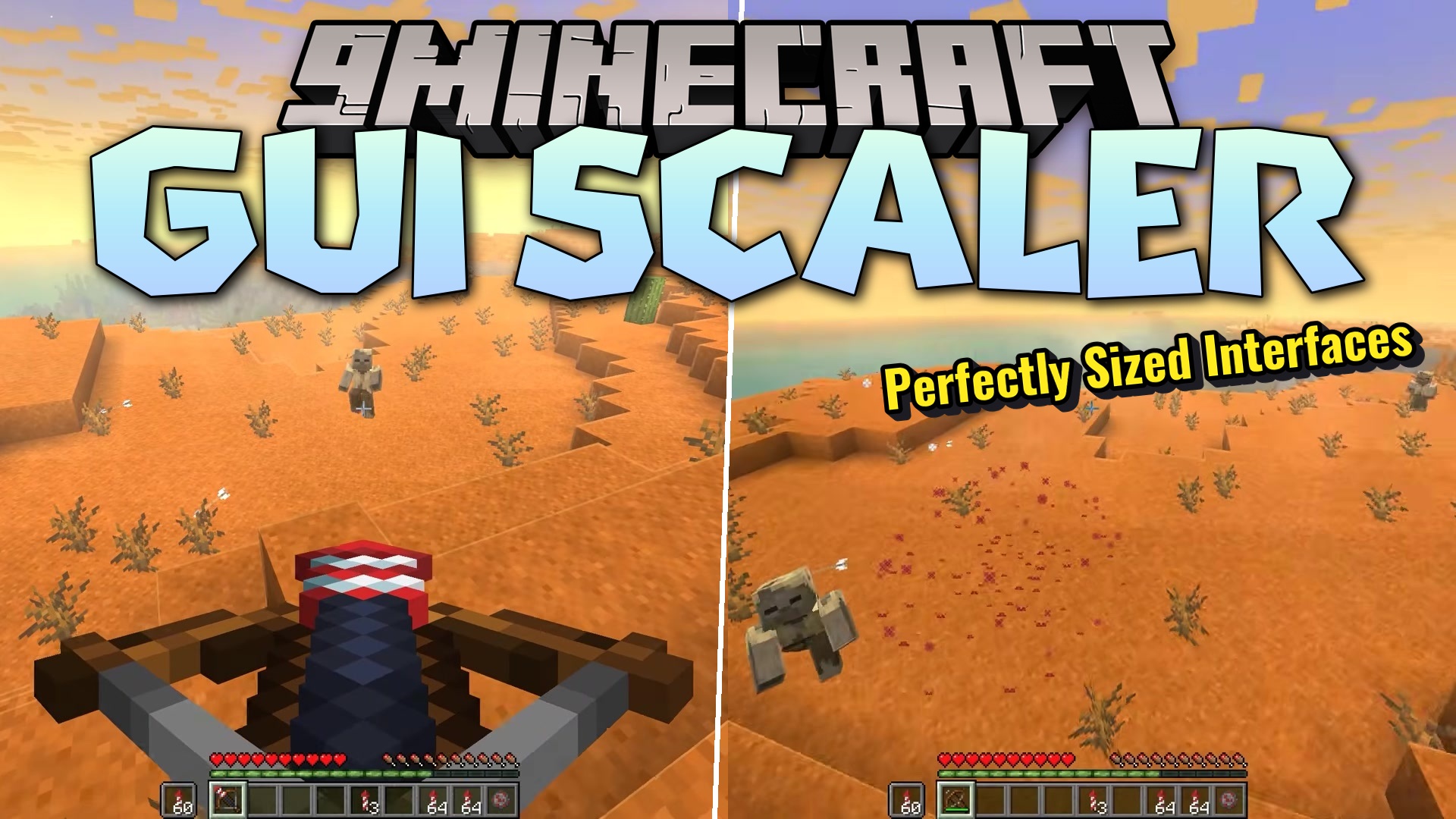
GUI Scaler Mod automatically changes your menu sizes to fit your screen perfectly. It watches how big your game window is and makes the buttons, inventory, and text larger or smaller so you can always read them clearly. This saves you from constantly opening the settings menu to fix the size yourself when you play on different monitors or switch in and out of fullscreen mode.
Features:
- Automatic Resizing: Changes your menu scale instantly when you make your game window bigger or smaller.
- Smart Screen Detection: Checks your monitor resolution to pick the best size for your eyes.
- Updates right away when you press the fullscreen button or open a new menu.
- Includes an AUTO mode that sets the perfect scale for normal, HD, and very high-resolution screens.
- Lets you create your own CUSTOM mode rules if you want specific sizes for specific window widths.
- Works directly with the ModMenu screen if you play on the Fabric version.
Configuration:
enableAutoScale: Turns the automatic changing on or off.mode: Lets you pick between the smart AUTO setting or your own CUSTOM rules.customRules: Sets the exact screen widths and menu sizes you want when using the custom mode.
How to Use:
- Start the game and change your window size by dragging the corners.
- Watch the menus and buttons grow or shrink to fit the new space.
- Press F11 to jump into fullscreen and see the size update instantly.
- Open the config file or ModMenu to change from AUTO to CUSTOM if you want to set your own rules.
Screenshots:
GUI Scaler Mod Download Links
Quick facts
- Edition: Minecraft Java
- File type: .jar
- Minecraft version listed: 1.20.1
- How to install: Install the matching mod loader (Forge, Fabric or NeoForge) for your Minecraft version. → Download the .jar. → Put it in the .minecraft/mods folder and launch that loader profile.
- Where to get it: In MC Java Mods, or directly above on this page.
Install steps are the general flow for this file type — How to install Minecraft Java mods & modpacks walks through it step by step.
File checked by MCModsHub
- Downloads as 388976.mcaddon
- Download size: 425 KB
- Download link checked 26 Sept 2026 — working
- Mirrored on our own servers — the download does not depend on the original host
These come from our own check of the pack file, not from the source page.